Cheap Money Transfer Malaysia: Remitly Setup Guide
Sending money home shouldn’t require a spreadsheet of hidden charges. If you searched for “cheap money transfer Malaysia,” Remitly gives you a live quote for supported routes before you pay. For senders in the United State...
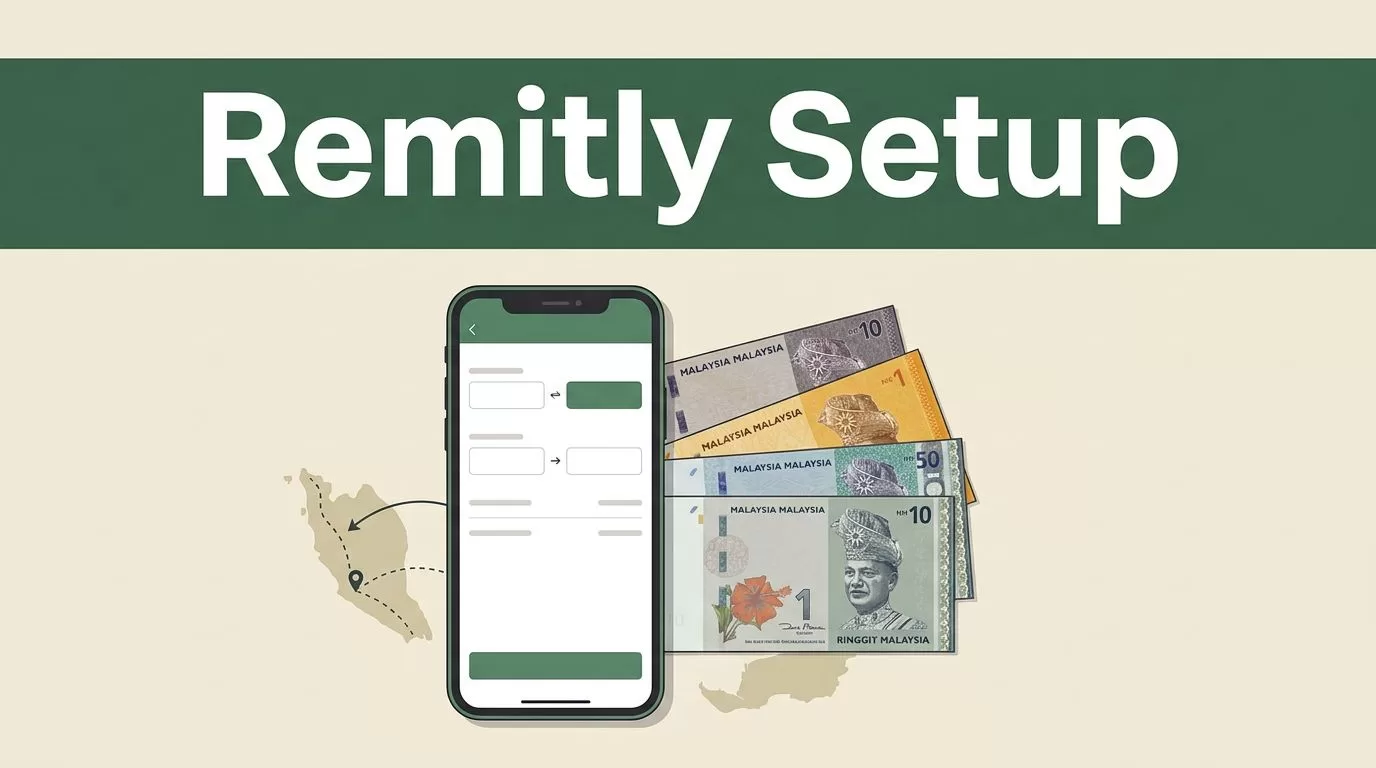
Sending money home shouldn’t require a spreadsheet of hidden charges. If you searched for “cheap money transfer Malaysia,” Remitly gives you a live quote for supported routes before you pay.
For senders in the United States, Remitly supports Malaysian bank deposits, cash pickup, and mobile wallet delivery where available. The final cost depends on the amount, payment method, exchange rate, and delivery option. Start with the MYR amount the recipient receives, not the advertised transfer fee.
What Makes a Remitly Transfer Cheap?
A low-cost transfer has three parts: the fee, the exchange rate, and the delivery method. A transfer with no visible fee can still cost more if the exchange rate gives the recipient fewer ringgit.
Check each part of the quote before you confirm.
| Quote detail | What to check |
|---|---|
| Transfer fee | The amount Remitly charges for the transaction |
| Exchange rate | How many Malaysian ringgit the recipient receives per unit of your currency |
| Payment method | Whether a bank account, debit card, or credit card changes the price |
| Delivery option | Whether bank deposit, cash pickup, or mobile wallet delivery has a different cost |
The recipient amount in MYR is your main comparison figure. Keep the sending amount and payment method unchanged when comparing two quotes. Otherwise, you’re comparing different transactions.
Payment speed can also affect pricing. Bank-funded transfers often cost less than card-funded Express transfers. Some card payments may include an additional processing cost. Review the complete quote instead of assuming the cheapest fee produces the cheapest result.
For an independent explanation of how Remitly fees vary by route and speed, see this Remitly fees guide. The same rule applies here: compare the total amount paid with the final amount received.
A search for “cheap money transfer Malaysia” should end with a clear MYR payout, a delivery time that fits your needs, and no surprise charge at checkout.
How to Evaluate “cheap money transfer Malaysia” Offers With Remitly
Treat the setup like an operational workflow. Use the recipient’s official details, select the right delivery channel, and review the quote before authorizing payment.
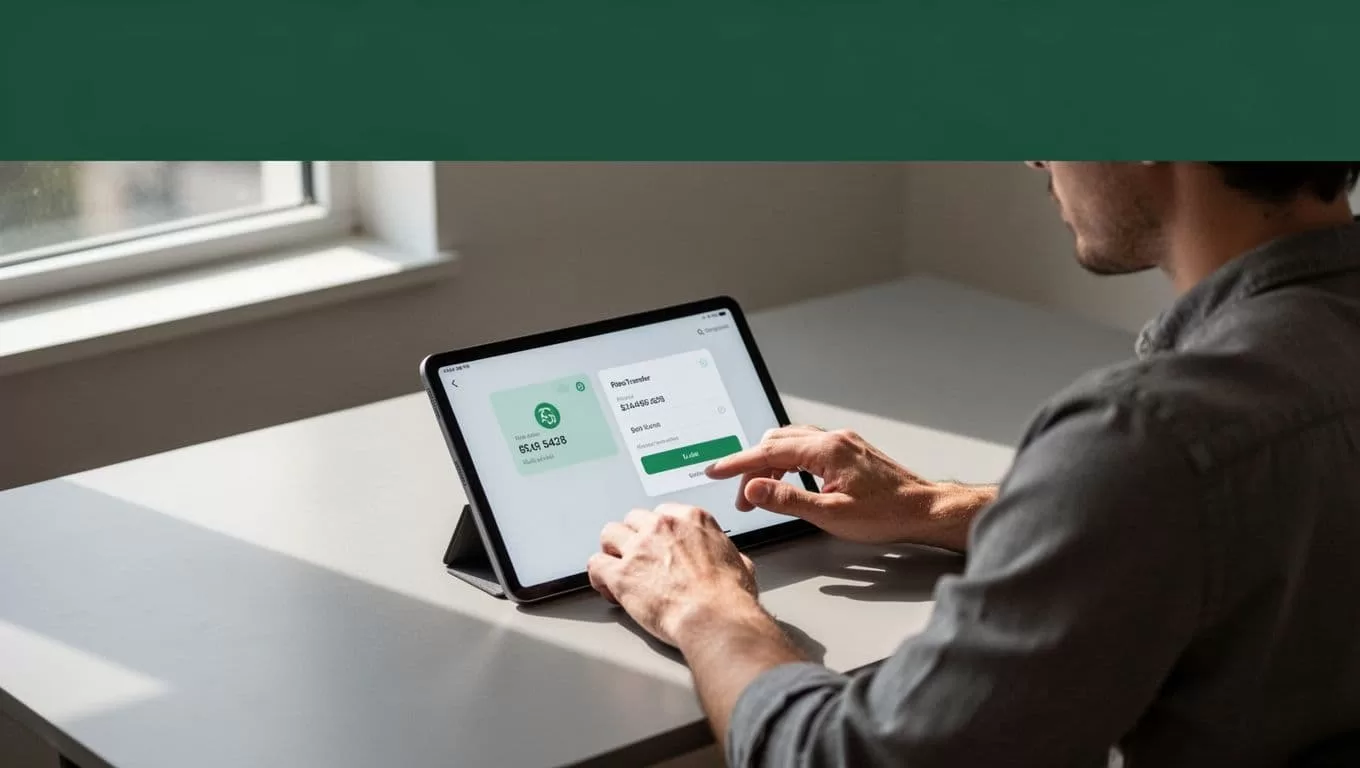
- Check the sending country first. Remitly availability depends on where the sender lives. The US-to-Malaysia route is active, but other countries can have different payment methods, fees, limits, and delivery choices.
- Open the Remitly app or website. Create an account with your email address and complete the required identity checks. Remitly may request a government-issued identity document before allowing the transfer.
- Select Malaysia and enter the amount. You can usually enter the amount you want to send or the amount the recipient should receive. The quote should show the exchange rate, fee, delivery speed, and expected payout.
- Choose the delivery method. Select bank deposit, cash pickup, or mobile wallet if the option appears for your route and recipient. The recipient’s information requirements depend on this choice.
- Add the recipient and pay. For a bank deposit, enter the recipient’s legal name, bank name, account type, and account number. For cash pickup, use the exact name shown on the recipient’s identification document. Then select an available payment method and save the tracking details.
The Remitly website lets you begin the process from a browser. The mobile app can be more useful when you need transfer updates, identity prompts, or payment notifications.
Don’t use a nickname for a cash pickup recipient. Don’t copy bank details from an old message without checking them. A single incorrect digit can delay the payout or send the transaction into a manual review.
Ask the recipient to confirm the following before you submit:
- Their full legal name as shown on their Malaysian identification.
- Their current bank account number and bank name, if using a deposit.
- Their active mobile wallet details, if that option is supported.
- Their preferred pickup location, if collecting cash.
Choose the Right Speed and Delivery Method
Speed and cost are connected. Remitly commonly presents two service levels, Economy and Express, but the available choices depend on the sending country, funding method, amount, and destination partner.

| Transfer option | Typical use | Common timing |
|---|---|---|
| Economy | Planned family support or routine payments | Often 3 to 5 business days for some bank-funded US transfers |
| Express | Urgent transfers where speed matters | Often minutes when card-funded and supported on the route |
These timeframes are general descriptions, not delivery guarantees. The live quote in your Remitly account controls. Verification checks, weekends, public holidays, bank processing, payment authorization, and partner availability can all change the estimated arrival time.
Bank deposit is usually the practical choice for recurring support. The recipient doesn’t need to travel to a pickup location, and the funds go directly to the selected Malaysian bank account. Verify the bank details before each new recipient is added.
Cash pickup works when the recipient doesn’t have reliable bank access. The recipient normally needs valid identification and the transaction information provided by Remitly. The name on the transfer must match the name on the identification.
Mobile wallet delivery can be convenient when the recipient already uses a supported wallet. Availability is not universal. Check the recipient’s wallet eligibility and account details inside the quote flow.
Choose Economy when the recipient can wait and the price difference matters. Choose Express when the transfer supports an urgent expense and the additional cost is acceptable. Don’t pay for speed when the funds aren’t needed immediately.
Remitly’s app listing says recipients don’t pay a Remitly fee. A Malaysian bank or local payout partner could still apply its own charge. Ask the recipient to check their account terms if the final amount is important.
Check the Rate, Fees, and Transfer Limits
The exchange rate shown in a search result is not the rate that controls your transaction. Remitly calculates the final quote based on the sending country, transfer amount, payment method, delivery option, and current market conditions.
Exchange rates and fees can change. Review the final quote in the Remitly app or website before confirming the transfer.
For US senders, Remitly’s current US-to-Malaysia transfer page advertises a special rate and no fee on the first transfer. The page states that the promotional exchange rate applies to the first $750 sent. For amounts above $750, the non-promotional rate shown can apply when paying through a bank account or Remitly Wallet.
Promotions are route-specific and can change. A sender in the United Kingdom, Singapore, Canada, or another eligible country may see a different offer or no offer. Don’t apply a US promotion to another sending route.
Transfer limits also vary. Remitly doesn’t use one universal Malaysia limit for every sender. The maximum can depend on your sending country, identity verification status, account history, payment method, transfer amount, and delivery channel.
Enter the planned amount in the app or website and check the maximum accepted value. Remitly may request more information for a larger transaction. The limit displayed on your verified account is the figure to follow.
Your payment method can change more than the delivery speed. A bank account may produce a lower quote than a debit or credit card. A card may support faster delivery but carry a higher fee or payment cost. Compare the full quote after switching methods.
Don’t split a large transfer automatically to avoid a limit. That can create extra fees, additional checks, or delays. Use the supported amount and contact Remitly if the transfer exceeds the displayed limit.
Avoid Common Remitly Transfer Problems
Most delays come from incorrect recipient data or an unfinished payment step. Check the transaction before you authorize it.
- Match the recipient’s legal name to their identification or bank record.
- Confirm every digit in the Malaysian bank account number.
- Check whether the selected mobile wallet is supported for that recipient.
- Confirm that your card or bank payment has been approved.
- Tell the recipient which delivery method you selected.
- Save the tracking number and monitor the transfer status.
Don’t send a second transfer because the first one appears slow. Check whether Remitly is waiting for identity verification, payment authorization, or bank processing. Duplicate transfers can create a second charge and make reconciliation harder.
Use the estimated delivery time as a planning guide, not a promise. A transfer sent late on a Friday can follow a different processing schedule from one sent during Malaysian banking hours.
Can You Send Money From Malaysia With Remitly?
Remitly supports Malaysia as a receiving destination for senders in eligible countries. Current route information does not support using Remitly to send money out of Malaysia as a Malaysian resident.
If you’re physically in Malaysia and want to send funds overseas, check the available providers for your origin country instead. If you’re sending money to Malaysia, select your actual sending country in Remitly before comparing rates. The origin country controls the available funding methods, limits, promotions, and payout options.
Conclusion
A cheap money transfer Malaysia option is not defined by a zero-fee headline. Compare the exchange rate, total payment, delivery speed, and final MYR amount in the live Remitly quote.
Use bank funding and Economy delivery when the transfer is routine. Use Express or card payment only when the faster service justifies the extra cost. Verify the recipient’s details and review the final quote in the app or website before you confirm.
