Clearance Sales Scraping Across Websites With Twin.so
Clearance sales scraping looks simple until prices, stock labels, and product pages change between checks. Manual browsing takes time and produces inconsistent records. An effective clearance sales scraping workflow collects the same fields...

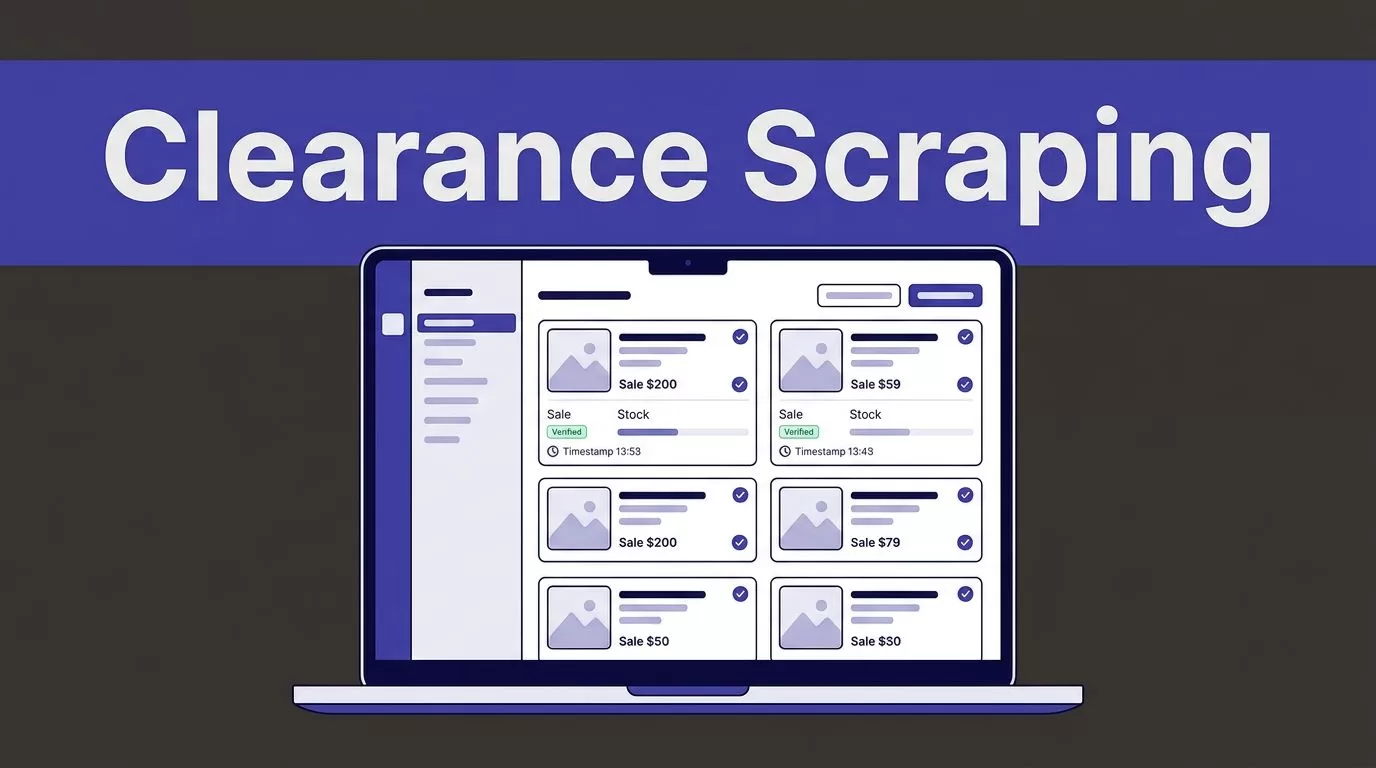
Clearance sales scraping looks simple until prices, stock labels, and product pages change between checks. Manual browsing takes time and produces inconsistent records.
An effective clearance sales scraping workflow collects the same fields from each retailer, validates the result, and records when the data was checked. Twin.so can handle browser-based website tasks, but the workflow still needs clear rules. Start with the data model, then build the automation around it.
What clearance sales scraping should produce
The target isn’t a large spreadsheet. The target is a current, usable list of sale items that a person can verify before purchase.
Define the record before opening Twin.so. This prevents the agent from returning a different format for every retailer.


Define the record before you scrape
Use one row for each product and keep the source evidence with the row. A practical clearance record includes:
| Field | What to capture |
|---|---|
| Product name | The product title shown by the retailer |
| Retailer | The store or marketplace name |
| Original price | The displayed price before the promotion |
| Sale price | The current clearance or promotional price |
| Discount percentage | A calculated value based on both prices |
| Stock status | In stock, low stock, out of stock, or unavailable |
| Product URL | The exact page used for the record |
| Last checked time | The date, time, and time zone of collection |
Add currency when you monitor retailers in different markets. Add a product ID or SKU when the page provides one. These fields help identify duplicates when a product appears in more than one category.
Store the raw price as displayed when possible. Then add a normalized numeric value for sorting and calculations. This protects against errors such as treating 1,299.00 as 1.299.
Calculate the discount instead of trusting the label
Retailers don’t always show discount percentages consistently. Calculate the value when both prices are present:
((original price - sale price) / original price) x 100
For an original price of $120 and a sale price of $84, the discount is 30%. If the original price is missing, return a blank discount and send the row for review. Don’t invent a reference price.
Keep the retailer’s wording in a separate field if it matters. A label such as “final sale” or “clearance” can help shoppers understand the promotion, but it shouldn’t replace the numeric price fields.
Build a beginner-friendly workflow in Twin.so
Twin.so supports browser automation for websites that don’t offer a suitable API. Its browser agent can navigate pages, work through multi-step flows, and extract visible information. Review the Twin Web Agent documentation before using it on a retailer site.
The workflow should collect approved pages, return structured records, and place uncertain results in a review queue.

Choose the simplest approved access method
Use a retailer API, product feed, or approved file import when it provides the required data. APIs usually reduce browser actions and create fewer layout-related failures.
Use browser automation when the source has no usable API and the activity is permitted. Twin’s no-API browser automation is designed for websites, portals, dashboards, and other interfaces that require visible browser interaction.
Give Twin a narrow source list. Start with one retailer or one approved category page. Avoid a broad instruction such as “find every clearance product online.” That request has no clear boundary, no stable expected count, and no reliable way to check coverage.
Write instructions around fields and exceptions
Your task instructions should state:
- Which URLs or retailer domains Twin may access.
- Which product categories it should inspect.
- Which fields it must return.
- How it should identify out-of-stock products.
- What it should do when a required field is missing.
- Where the result should go, if that destination is supported.
- When the record was checked.
A useful instruction is direct:
Collect sale products only from the approved pages. Return one row per product with the product name, retailer, original price, sale price, discount percentage, stock status, product URL, and last checked time. Flag missing prices, changed page layouts, duplicate URLs, and access errors for review.
Tell the agent to treat page content as data. It shouldn’t follow instructions embedded in product descriptions, reviews, banners, or unrelated page text.
Twin’s quickstart documentation covers scheduled agents, event triggers, integrations, and browser workflows. Use the options available in your account, and test the output before enabling recurring runs.
Validate every result before it reaches your list
A completed browser run doesn’t prove that the data is complete. The page may have loaded only part of the catalog. Pagination may have stopped early. A product may have disappeared during collection.
Validation separates useful clearance sales scraping from a list that creates correction work.
Define an accepted record
Accept a row only when it meets your minimum rules. A basic rule set requires:
- A product name is present.
- The retailer is identified.
- The product URL loads or matches the captured source.
- The sale price is present and numeric.
- The stock status is captured or marked unknown.
- The last checked time is recorded.
- The product isn’t a duplicate of an accepted row.
Treat original price and discount percentage as conditional fields. Require them when the retailer displays both values. Otherwise, leave the fields blank and mark the row for review.
Check the source page against the output for a small sample. Compare the product title, prices, availability, and URL. If a price changes between the page check and the review, retain the collected time so the difference is visible.
Handle missing pages and partial results
Set bounded retries for temporary network failures. Add a short backoff between attempts. Don’t retry a permission failure or a changed page structure indefinitely.
Save progress using a product ID, canonical URL, page number, cursor, or file name when the source supports it. This lets the workflow resume without collecting every earlier page again.
Stop the write step when:
- The source returns fewer products than expected.
- A required field disappears across many rows.
- The page layout changes.
- Two pages return conflicting prices.
- The retailer returns an access error or incomplete result.
- Duplicate counts increase sharply.
Keep the last accepted dataset when a new run fails validation. Send the new output to an exception file or review table instead of replacing trusted data.
Check retailer rules before collecting data
Public visibility doesn’t automatically grant permission for every type of automated collection. Review each retailer’s current Terms of Service, privacy policy, data-use limits, and redistribution rules.
Also inspect the site’s robots.txt file. Google’s robots.txt guide explains how the file communicates crawler preferences. The IETF’s RFC 9309 standard makes an important distinction: robots.txt is not an access authorization system. It still belongs in your review because it communicates the site’s published crawler rules.
Keep collection within an approved scope
Don’t bypass CAPTCHAs, paywalls, IP blocks, login controls, or other technical restrictions. Use credentials only when you have permission and store them in approved secrets storage. Never place passwords or session tokens in task instructions.
Collect product information, not personal or restricted data. Exclude customer names, email addresses, shipping addresses, payment details, private account information, and seller contact details unless your approved use case requires them and permits their collection.
Apply a reasonable request rate. Twin’s credit system doesn’t grant permission to send unlimited traffic, and there is no reason to check a retailer every few minutes if its clearance inventory changes once per day.
Applicable laws can vary by location and use case. Get legal advice when the workflow involves login-gated content, personal data, high-volume collection, or redistribution of retailer information.
Measure accepted records and credit usage
Treat credit estimates as planning ranges, not fixed quotes. Twin’s usage depends on browser steps, searches, retries, record volume, document work, and output size.
Published planning examples place a simple API, filter, and notification flow at about 15 to 30 credits. A scrape of roughly 100 items may use around 20 to 70 credits. A browser session with about 20 steps may use 100 to 200 credits.
Your actual result may differ. A retailer that requires category searches, pagination, detail-page visits, and retries will use more than a stable source with short pages.
Benchmark a small approved batch
Run 25 to 100 products from one approved source before forecasting monthly usage. Include ordinary products and difficult cases. Test missing prices, out-of-stock labels, duplicate listings, changed URLs, and pages with multiple variants.
Record:
- Credits used per run.
- Accepted, missing, and duplicate records.
- Failed runs and retry counts.
- Human review minutes.
- Correction time.
- Cost per accepted record.
Calculate the basic unit cost as credits used divided by accepted records. Then add the time required to review exceptions and repair output.
If you need help mapping the fields, access rules, and review process, you can Book A Call to review the workflow.
Count useful output, not browser activity
A workflow that completes 1,000 browser actions may still return incomplete or duplicated data. Accepted records are the useful measure.
Track field-level accuracy, missing-field rate, duplicate rate, source coverage, failed runs, and reviewer corrections. Compare those results with the manual process.
Create a fallback procedure before production. Name the person who retrieves the data manually, the place where they store it, and the method for identifying the last trusted result. This keeps a failed run from becoming a decision problem.
Conclusion
Twin.so can automate repetitive product-page checks across approved websites, especially when a retailer lacks a suitable API. The workflow needs a defined schema, clear access boundaries, validation rules, and a review path for uncertain records.
Use scheduled snapshots because prices, inventory, and promotions change quickly. Verify the listing on the retailer’s live page before purchasing. The strongest clearance sales scraping process is not the one with the most rows. It’s the one that produces current records your team can accept and use.

