Best Form Builders for Client Intake in 2026
When I build a client intake flow, I want the form to do more than collect names and emails. It should sort leads, capture files, collect payment when needed, and send clean data to my next system. In April 2026, the best client intake form...
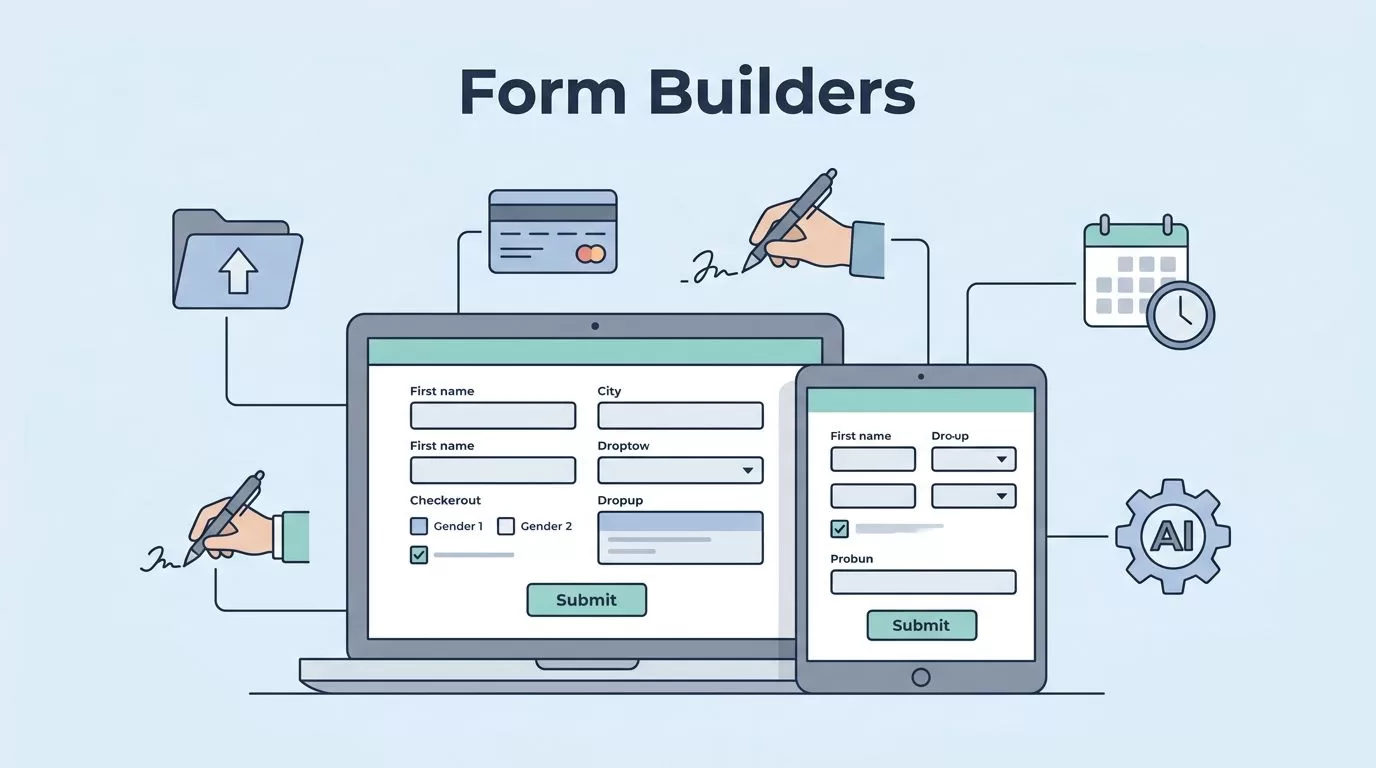
When I build a client intake flow, I want the form to do more than collect names and emails. It should sort leads, capture files, collect payment when needed, and send clean data to my next system.
In April 2026, the best client intake form builders do all of that without feeling clunky. I still watch the small details first, like conditional logic, e-signatures, mobile speed, scheduling, and security. Price matters too, but it matters less than a form that gets abandoned halfway through.
For a wider look at AI-assisted builders, I also skimmed Taskade’s AI form builders roundup. That helped confirm the same pattern I keep seeing, the best tools are the ones that save time after the form is submitted.
My 2026 shortlist at a glance
I treat pricing as a moving target, so I use starting points, not promises. The table below is the fastest way I know to compare fit.
| Builder | Best for | Starting price | Client intake strengths | Main drawback |
|---|---|---|---|---|
| Jotform | Regulated or feature-heavy intake | $34/mo Bronze, free plan included | HIPAA on higher plans, e-signatures, payments, file uploads, scheduling, huge template library | Free plan is limited, HIPAA starts higher |
| Typeform | Polished client-facing forms | $25-29/mo Basic, tiny free plan | Great mobile experience, conditional logic, file uploads, payments, strong UX | Free plan is very small, no native HIPAA |
| Fillout | Lean teams that want a lot for less | $19/mo Starter, generous free plan | Unlimited free forms, e-signatures, payments, logic, uploads, AI help | Native HIPAA is not a selling point |
| Tally | Simple intake and fast setup | $29/mo Pro, generous free plan | Clean layout, conditional logic, calculator fields, uploads, easy sharing | Fewer built-in client ops tools |
| Formstack | Compliance-heavy workflows | $50-83/mo, higher for HIPAA-ready plans | HIPAA options, e-signatures, payments, scheduling, automation, security | Cost climbs fast |
| Paperform | Branded, flexible intake pages | $20-24/mo Essentials, no free plan | Beautiful layouts, calculations, repeating sections, payments, uploads | No free tier, team plans add cost |

A good intake form feels invisible. A bad one feels like homework.
Jotform and Formstack are my picks for heavier intake
When I need a form that can handle more than a basic contact request, Jotform is usually my first stop. I like it because I can build intake forms with logic, file uploads, payments, and signatures in one place. The template library is also deep enough that I rarely start from a blank page. Its biggest downside is the gap between the free plan and the higher-value plans, especially if I need HIPAA features.
Formstack is the more serious choice when compliance matters most. It fits better when I’m dealing with sensitive client data, repeat processes, or forms that need tighter control. The tradeoff is cost. It can feel expensive fast, especially once I need more than a basic seat setup.
If scheduling is part of the intake flow, I like how Cometly’s client intake scheduling guide frames the process. A form that books the first meeting right away often saves me the most time.
Fillout and Tally work when I want speed and a low learning curve
Fillout is the tool I reach for when I want generous limits without a heavy setup. The free plan is strong, the forms can stay simple or get more advanced, and it handles things like payments, logic, uploads, and e-signatures well. I like it for small teams that need a real intake system without paying big-tool prices on day one. My main caution is compliance. I wouldn’t pick it for sensitive regulated use without checking the latest security details.
Tally feels even lighter. It has a clean look, a quick build process, and a free tier that lets me move fast. I use it when I want intake forms that feel close to a document, not a product demo. If I want to compare that feel against a more guided experience, I revisit my Tally vs Typeform intake notes.
I also like Tally when the form data needs a simple handoff into spreadsheets. For that workflow, my Tally and Google Sheets setup gives me a practical starting point.
Typeform and Paperform suit client-facing brands
Typeform still wins when I care about presentation. The one-question-at-a-time flow feels easy on mobile, and that matters because many clients start intake on their phones. It also handles logic, uploads, and payments well on paid plans. The catch is simple. The free plan is tiny, and it isn’t the first tool I reach for in regulated work.
Paperform is the one I choose when the form needs to look more like a page. It gives me room to shape the layout, add calculations, repeat sections, and collect payments without making the form feel stiff. I like it for proposals, custom onboarding, and premium service intake. The downside is that it has no free plan, so it makes more sense once the business already has a steady flow.
When I want fresh layout ideas, I often look at Formbot’s intake form templates guide. Good templates save time, but they also keep me from overbuilding a first draft.
The features I check before I commit
The best builder is the one that fits the whole intake path, not just the form itself. I look for conditional logic first, because it keeps long forms from feeling bloated. Then I check file uploads, e-signatures, payment collection, and scheduling integrations, since those are the pieces that turn a form into a real workflow.
Mobile experience matters more than it used to. If the form feels awkward on a phone, I expect drop-off. I also care about embeds, because the form has to live neatly on a site or landing page without a lot of extra work. After that, I test CRM and project tool handoff, because the real win is clean data, not another inbox to watch.
Security comes last in the review, but it never leaves the list. For medical, legal, or other sensitive work, I want clear compliance language, access controls, and the right plan level before I trust the tool.
The builder I’d pick for each job
If I need compliance and depth, I start with Jotform or Formstack. If I want speed and a friendlier price, I look at Fillout or Tally first. When the client experience needs polish, Typeform and Paperform stay near the top of my list.
The form itself is only half the job. The real test is what happens after someone clicks submit. If the response lands cleanly in my workflow, the builder earned its place.
