Manage Client-Side Testing With Mida.so
A small change to a headline, button, or form can affect conversion rates. The problem is knowing whether the change caused the result or random traffic did. Client-side testing gives web teams a practical way to compare page variations wit...
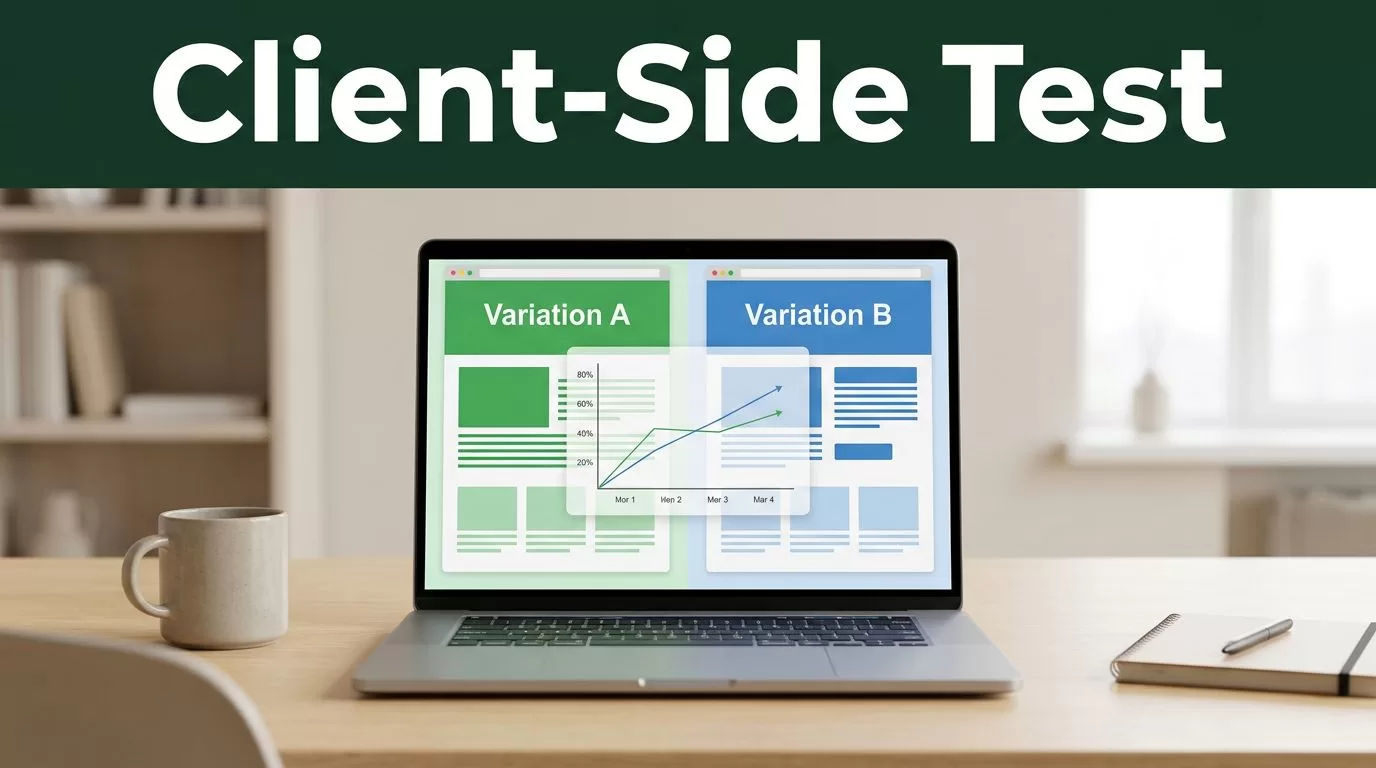
A small change to a headline, button, or form can affect conversion rates. The problem is knowing whether the change caused the result or random traffic did.
Client-side testing gives web teams a practical way to compare page variations without rebuilding the entire application. Mida.so helps organize that work, from test setup and audience targeting to result review. The process works when you keep the experiment narrow, define the decision before launch, and protect the site experience.
Key Takeaways
- Client-side testing changes what visitors see in the browser without changing the core backend response.
- Mida.so is useful for managing website experiments across setup, targeting, measurement, and review.
- Use it for interface and content changes, not sensitive business logic or security controls.
- One clear hypothesis and one primary metric produce more useful results than a long list of goals.
- Every test needs a launch checklist, a clean audience definition, and a documented decision rule.
What Client-Side Testing Does
Client-side testing changes a webpage after it reaches the visitor’s browser. A testing tool can replace a headline, hide an element, adjust a layout, or display a different call to action. The visitor sees one version, while another visitor sees the control or an alternative.
The backend usually sends the same page to both groups. The testing system applies the variation in the browser and records the selected events. Those events can include form submissions, button clicks, purchases, trial starts, or other actions that matter to the business.
This differs from server-side testing. Server-side experiments change the response before it reaches the browser. They work better for product logic, account states, pricing rules, or changes that affect data and application behavior. Client-side tests work better for visible page elements that don’t require a database change.
Think of the two methods as different control points. Server-side testing changes what the system sends. Client-side testing changes how the visitor experiences the page.
Mida.so fits the second workflow. You use it to define the test, create or configure the variation, select the audience, assign goals, and review the outcome. The exact setup depends on your site and Mida.so configuration, so test the installation on a staging page or a low-risk production page before sending meaningful traffic.
A client-side test can answer focused questions:
- Does a shorter form increase completed submissions?
- Does a clearer pricing comparison increase trial starts?
- Does a different product image improve add-to-cart activity?
- Does moving social proof closer to the call to action increase clicks?
The test doesn’t explain every reason behind a result. It tells you how the measured behavior changed between the selected variations.
When Client-Side Testing Is Appropriate
Use client-side testing when the change is visible, reversible, and limited to the user interface or page content. This includes most marketing pages, signup flows, ecommerce product pages, and content layouts.
A landing page team can test a headline, hero image, button label, testimonial position, or form length. A product team can test the order of onboarding prompts or the wording of an empty state. An ecommerce team can compare product card layouts, delivery messages, or image galleries.
The method is also useful when engineering resources are limited. A growth team can validate a page idea before asking developers to make a permanent change. That reduces the number of opinions in the process. The team gets evidence before committing to a full release.
Client-side testing isn’t the right choice for every change. Don’t use it as the only control for:
- Payment calculations or checkout rules
- Product eligibility and account permissions
- Inventory availability
- Security controls
- Personal data processing
- Backend workflows and database changes
- Features that require different API responses
A visual test can change the text of a discount message. It must not decide whether a customer qualifies for the discount. That rule belongs in the application.
Performance also matters. A test that takes too long to apply can create flicker. Visitors may see the original page before the variation appears. This can harm trust and distort the experience. Check the page on mobile devices, slower connections, and browsers used by your audience.
Use client-side testing for presentation and interaction. Keep business rules on the server.
Before creating a test in Mida.so, write down the part of the page you want to change and the action you expect to improve. If you can’t state both in one sentence, the test needs a narrower scope.
A Practical Mida.so Workflow
Mida.so should fit into an existing experimentation process. It shouldn’t replace product analytics, user research, or technical review. Use the platform to manage the test and keep the decision process consistent.
1. Write one test hypothesis
Start with a cause-and-effect statement.
“For visitors who reach the pricing page, changing the primary button copy from a feature-focused phrase to an action-focused phrase will increase trial starts because the next step is clearer.”
The hypothesis identifies four things:
- The audience
- The page or element
- The change
- The expected business result
Avoid combining several changes in one experiment. If you change the headline, button, layout, and form at the same time, you may see a result without knowing which change caused it.
2. Select the page and variation
Create the test in Mida.so and define where it should run. Use a page rule, URL condition, or the targeting option available in your workspace. Keep the audience definition precise.
For a pricing-page experiment, exclude internal users, employees, test accounts, and traffic that shouldn’t enter the funnel. If the test applies only to new visitors, don’t mix returning customers into the same audience.
Build the smallest variation that can answer the question. A new button label is easier to interpret than a complete redesign. A shorter form is easier to compare when the surrounding page remains unchanged.
Review the variation at common breakpoints. Check desktop and mobile layouts. Confirm that the change doesn’t overlap other elements, break tracking, or hide required information.
3. Set the primary goal
Choose one primary conversion goal in Mida.so. This is the metric that decides the test.
A landing page might use completed lead forms. A SaaS pricing page might use trial activation. An ecommerce product page might use completed purchases rather than add-to-cart clicks.
Secondary metrics provide context. They can include button clicks, scroll depth, revenue per visitor, or form starts. Use them to identify side effects, not to keep searching for a favorable result after the test ends.
Also define guardrail metrics. A variation that increases clicks but reduces completed checkouts isn’t a winning test. Track the next important step in the funnel.
4. Check the implementation
Run the test with internal traffic before exposing it to the full audience. Confirm that the control stays unchanged and the variation appears only under the intended conditions.
Check event collection in your analytics system. A visible button change is not enough. The click and final conversion must connect to the correct visitor and test variation.
Review the test on common browsers. Look for page flicker, delayed changes, broken forms, and conflicts with personalization tools. If your site uses a single-page application, check route changes as well as the initial page load.
5. Launch and document the decision
Launch the test with a fixed hypothesis, audience, primary metric, and review rule. Record the start date, expected traffic, variation details, and any exclusions.
Don’t change the main goal halfway through the test. Don’t stop after the first encouraging result. Wait until the test has enough conversions to support a useful decision and check whether traffic quality changed during the run.
Mida.so becomes more useful when your team treats each test as a documented decision, not a temporary page edit. Store the result, the decision, and the next action in the same experiment record.
Website Experiments That Fit This Method
The strongest client-side tests usually address a clear point of friction. They don’t exist because a team wants to change something.
Landing page message
Test a specific value statement against a broad headline. The control might describe the product category. The variation might state the outcome for a defined customer group.
Measure completed forms or qualified demo requests. Don’t use page views as the main success metric.
Signup form length
Remove optional fields from the first step and compare completion rates. Keep any information required for account creation or compliance.
Track form starts, completion rate, and activation after signup. A shorter form can increase submissions while producing weaker leads. The downstream metric decides whether the change helps.
Pricing page layout
Compare a simple plan comparison with a layout that highlights a recommended option. Keep plan names, prices, and terms accurate in every variation.
Measure trial starts, paid conversions, and support contacts. A layout that creates more clicks but more confusion needs further review.
Product page call to action
Test button wording, position, or supporting copy. Keep the action itself unchanged. “Add to cart” and “Buy now” can imply different levels of commitment, so interpret the result alongside checkout completion.
Social proof and trust content
Move customer logos, reviews, security information, or usage evidence closer to the decision point. Don’t add unsupported claims. The test should improve access to existing proof, not create a misleading impression.
These experiments work because the browser controls the presentation. If the change requires different pricing logic, inventory data, permissions, or backend responses, move the test to a server-side system.
Client-Side Test Launch Checklist
Use this short checklist before activating a test in Mida.so:
- The hypothesis names one audience, one change, and one expected outcome.
- The control and variation work on desktop and mobile.
- The audience rules exclude employees, test users, and irrelevant traffic.
- The primary goal records the final business action.
- Secondary and guardrail metrics are defined.
- Analytics events identify the correct variation.
- The test doesn’t create flicker or visible layout shifts.
- The team has agreed on the review rule before launch.
- The test owner has recorded the start date and variation details.
- The site has a rollback plan if errors appear.
A checklist catches simple problems before they become misleading results. It also gives product, marketing, analytics, and engineering teams the same operating standard.
Reading Results Without Overreacting
A test result needs more than a higher conversion percentage. Review the number of visitors, conversions, traffic sources, device mix, and test duration. Check whether one variation received a different type of visitor.
Look for technical problems first. Missing events, duplicate conversions, uneven allocation, or a broken mobile layout can make the result unusable. Mida.so can organize the experiment data, but the team still needs to validate the data source.
Use the result to choose one of three actions:
- Roll out the variation when the result is reliable and guardrail metrics remain healthy.
- Keep the control when the variation doesn’t improve the primary goal.
- Run a follow-up test when the result is unclear or raises a new question.
Don’t treat every test as a permanent winner or loser. A neutral result can still show that a particular change doesn’t deserve more engineering time. A positive result can reveal a stronger question for the next experiment.
Conclusion
Client-side testing gives teams a controlled way to improve page experiences without changing backend logic. Mida.so can keep the workflow organized when you define the audience, variation, goals, and decision rules before launch.
Start with one visible problem and one measurable action. Validate the implementation, watch the full funnel, and document the result. The best experiment is not the most elaborate one. It’s the one that produces a clear decision your team can use.
