How I Set Up a Shared Resource Library for Contractors
When contractor work moves fast, files disappear even faster. I’ve seen welcome emails, safety forms, and rate cards scattered across inboxes, chat threads, and old folders. A contractor resource library fixes that by giving every per...
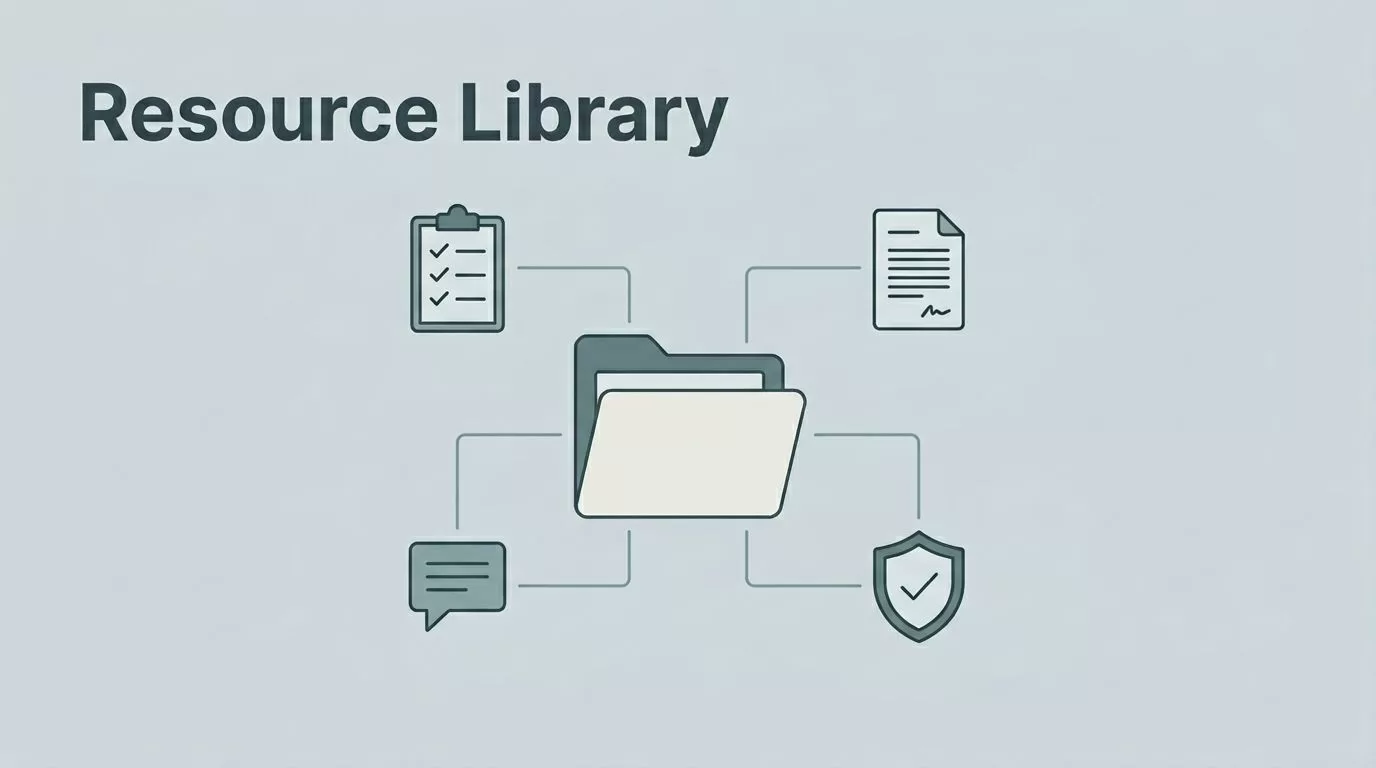
When contractor work moves fast, files disappear even faster. I’ve seen welcome emails, safety forms, and rate cards scattered across inboxes, chat threads, and old folders. A contractor resource library fixes that by giving every person one place to find what they need.
I build mine so it works on a busy day, not just on paper. The goal is simple, fewer repeat questions, faster onboarding, and less time spent hunting for the same document twice.
Start With the Four Buckets Contractors Actually Use
I organize everything around how people work. That keeps the library useful instead of decorative.
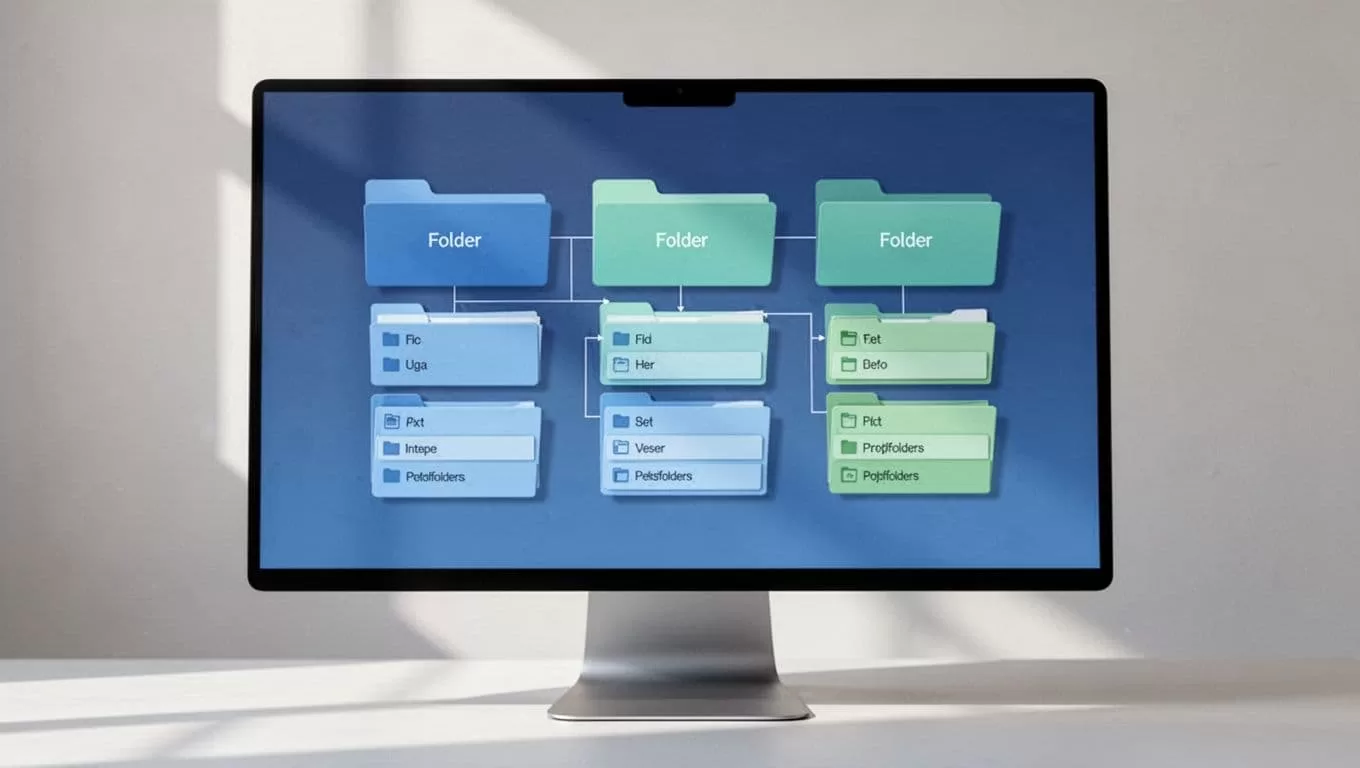
I start with four main groups:
- Onboarding: contract templates, tax forms, welcome guides, login steps, site rules, and a short FAQ.
- Day-to-day work: SOPs, checklists, project briefs, brand assets, rate cards, and task templates.
- Compliance: licenses, insurance certificates, safety training, audit logs, and renewal dates.
- Communication: contact lists, escalation paths, meeting notes, change logs, and response rules.
That structure makes the library feel familiar from day one. It also matches the way people search when they are under pressure. When I’m collecting resumes or IDs during intake, I use the same clean mindset I rely on in resume parsing software in Recruit CRM, because messy input creates messy follow-up.
Pick One Home Base and Set the Rules
I care less about the app name and more about three things, ownership, search, and permissions. If a tool gets those right, it usually fits the job.
Here’s the simple way I compare common options:
| Tool | I use it for | Watch out for |
|---|---|---|
| Google Drive or SharePoint | Shared folders, permissions, version history | Folder sprawl if naming stays loose |
| Dropbox | Simple file sharing and sync | Version control can get messy |
| Notion | SOPs, links, checklists, and a front-end hub | It is weaker for heavy file storage |
| Project management platform | Task-linked docs and deadlines | It can turn into a junk drawer |
If I want a friendly front end, I pair a shared drive with useful Notion integrations, but I still keep the files in one trusted home. For Google Workspace teams, I follow the official guide to set up shared drives for your organization, because shared ownership matters when people leave.
The best setup is boring in a good way. Files stay where people expect them, and no one has to guess which version is real.
Keep Access Tight, but Easy to Use
A good library feels open, yet it still needs guardrails. I give contractors only the access they need, then I review it on a schedule.

Photo by Mikael Blomkvist
If a contractor can’t find a file in 30 seconds, the library is too messy. If the wrong person can edit it, the library is too loose.
I keep the rules plain:
- Use one naming pattern, such as client-project-document-version.
- Store final files in one folder and drafts in another.
- Put sensitive items, like pay rates or IDs, in restricted folders.
- Set access to expire when the contract ends.
- Review permissions every month and remove old accounts.
I also keep communication files near the top. That helps field teams move faster, especially when they need a contact name or an update on site. If I’m managing a large bench of short-term workers, I borrow the same pace and structure I use in temp agency software for faster shift filling, because speed without control creates more work later.
My Step-by-Step Setup Process
I build the library in one pass, then I test it with a small group before I roll it out wider.

- I choose one home base and stop splitting files across tools.
- I create the four top folders, then add subfolders only where they help search.
- I upload the first documents, starting with onboarding, compliance, and contact files.
- I write short templates for repeat items, like briefs, checklists, and request forms.
- I set permissions by role, then test them with one contractor account.
- I check every link, name, and folder path before I share the library.
- I assign one owner for updates, so the structure does not drift.
This first version should be small. I would rather launch with 20 solid files than 200 half-finished ones. A clean start makes adoption easier, and it gives me a better chance of keeping the system tidy later.
Keep It Alive After Launch
A contractor resource library only works if someone tends it. I set a monthly review for expired files, broken links, and permission changes. I also ask team leads what questions keep coming up, then I turn those answers into new resources.
That is how the library stays useful. It becomes a working tool, not a dusty folder nobody trusts.
When I keep the structure clear, protect access, and update the right files, contractors spend less time asking where things are. They spend more time doing the work I hired them to do.
