Cross-Post to Multiple Platforms with Twin.so
Publishing one social post at a time creates unnecessary work. You rewrite the same idea, upload similar media, add platform-specific details, and repeat the process across every account. That routine consumes time better spent on strategy,...
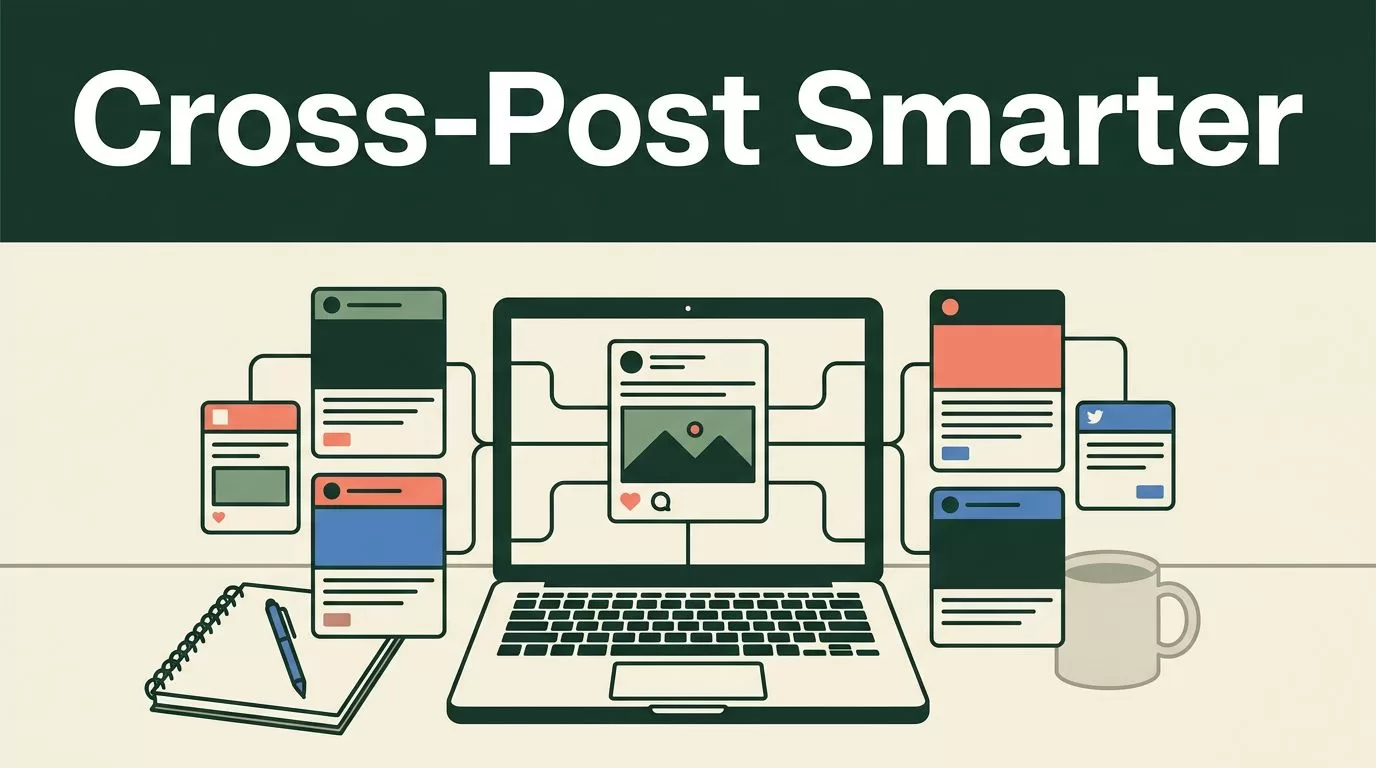
Publishing one social post at a time creates unnecessary work. You rewrite the same idea, upload similar media, add platform-specific details, and repeat the process across every account. That routine consumes time better spent on strategy, creative work, and performance analysis.
Twin.so gives you a central workflow to cross post multiple platforms from one workspace. Its social media automation workflow can create, adapt, schedule, and publish content for connected accounts on Instagram, Twitter/X, LinkedIn, Facebook, and TikTok. The important point is control. You can start with one content idea without forcing every platform to receive the same finished post.
Twin.so reduces repetitive publishing work, but it doesn’t remove the need for review. You still need to check permissions, media formats, links, hashtags, and calls to action before anything goes live.
Why Cross Post Multiple Platforms with Twin.so?
Cross-posting works best when your business has one core message and several audiences. A product announcement, research insight, customer story, or short video can support multiple posts. Each platform then gets a version that matches its audience and publishing format.
Twin.so’s current workflow uses an AI social media agent. You can clone an agent for content creation, scheduling, or multi-platform publishing. You describe your brand, goals, preferred platforms, posting frequency, and content themes. The agent uses those instructions to create platform-optimized posts and schedule them across connected accounts.
That is different from copying one caption into five publishing tools. A copied caption may contain the wrong length, an unsuitable link, or a call to action that doesn’t fit the platform. The tool saves time only when your source content is structured and your publishing rules are clear.
A practical workflow looks like this:
- Create one source idea, such as a product update or educational topic.
- Give Twin.so your brand voice and audience details.
- Connect the social accounts you manage.
- Ask the agent to create platform-specific versions.
- Review each post before scheduling.
- Publish immediately or add the posts to a content calendar.
You can also compare your process with discussions from social media operators in this cross-platform posting discussion. The recurring issue is not finding more places to publish. It is managing differences between those places without creating extra manual work.
Cross-posting should centralize production, not erase platform differences.
Set Up Twin.so for Multi-Platform Publishing
Start with the workflow rather than the individual post. Twin.so needs clear operating instructions before it can produce useful content.
1. Clone a social media agent
Twin.so describes cloning a social media agent as the starting point for automated content creation and publishing. Choose the workflow that matches your goal. You may want an agent for daily publishing, campaign content, content repurposing, or scheduled social updates.
Keep the initial setup narrow. Do not ask one agent to handle every marketing task at once. Define the type of content it will create and the accounts it will manage.
Your instructions should cover:
- Your business category and primary offer.
- The audience each account targets.
- Your preferred tone and sentence length.
- Topics the agent can discuss.
- Claims, subjects, and words it must avoid.
- Your posting frequency and preferred publishing times.
- The action you want readers to take.
Use direct rules. For example, tell the agent to write concise LinkedIn posts, use short paragraphs on Facebook, and avoid hashtags unless they add discovery value. Clear constraints reduce editing time later.
2. Describe your brand and publishing goals
A short brand description is not enough. Add operational details that affect every post.
State whether your content should generate leads, drive website visits, educate customers, promote events, or build product awareness. Include your target customer and the stage of the buying process you want to address.
You should also define recurring content themes. A B2B software company might use product education, implementation advice, customer results, security updates, and industry commentary. These themes give the agent a usable content pipeline.
Avoid vague instructions such as “make the content engaging.” Use measurable directions instead. Tell Twin.so to lead with one clear problem, use one main idea per post, and end with a specific next step.
3. Connect your social accounts
Twin.so’s published examples mention connections for Instagram, Twitter/X, LinkedIn, Facebook, and TikTok. The exact available platforms, account types, and permissions can change. Check the connection screen in your workspace before planning a campaign around a specific network.
Open the social account connection area and authorize only the profiles you manage. Review the permission request before confirming access. A connected account may allow draft creation, scheduling, publishing, or other actions depending on the platform’s API rules.
After connecting an account, verify the profile name and publishing destination. Check that a brand page is selected instead of a personal profile. Confirm the correct Instagram account, LinkedIn page, Facebook page, or TikTok profile before creating a batch of scheduled posts.
Permissions can also expire. If publishing stops unexpectedly, recheck the account connection and authorization status before rebuilding the workflow.
Adapt Content Instead of Duplicating It
The central benefit of using Twin.so to cross post multiple platforms is not one-click duplication. It is the ability to begin with one idea and produce several usable versions.
Each platform rewards a different reading behavior. LinkedIn users often expect professional context and a clear business takeaway. Twitter/X favors concise writing, strong openings, replies, and threads. Instagram depends more heavily on visual quality, captions, and the first line. Facebook can support longer context and community discussion. TikTok usually requires a strong video hook and a spoken or visual format built for quick attention.
Give Twin.so adaptation rules for each account. Your rules can include:
- Keep LinkedIn posts focused on one operational lesson.
- Convert longer ideas into an X thread when several points need explanation.
- Use an Instagram caption that supports the image or video instead of repeating it.
- Write Facebook copy that invites relevant discussion.
- Turn a complex topic into a short TikTok script with a direct opening.
Media needs the same treatment. A horizontal video may work on LinkedIn but require a different crop for Instagram or TikTok. A screenshot with small text may be unreadable on a phone. A square product image may need additional context in the caption.
Links also need review. Some platforms give external links less visibility than native content, while others work well for direct website traffic. Use a campaign-specific landing page when possible. Check that the URL remains intact after Twin.so creates each version.
Hashtags should not be copied mechanically. Use only relevant tags, and remove them when they make the post look crowded or generic. Calls to action should match the platform and the audience’s intent. “Read the full guide” may fit LinkedIn. “Save this post” may fit Instagram. A product demo request may work better after a post that explains a specific business problem.
Use a source brief for better outputs
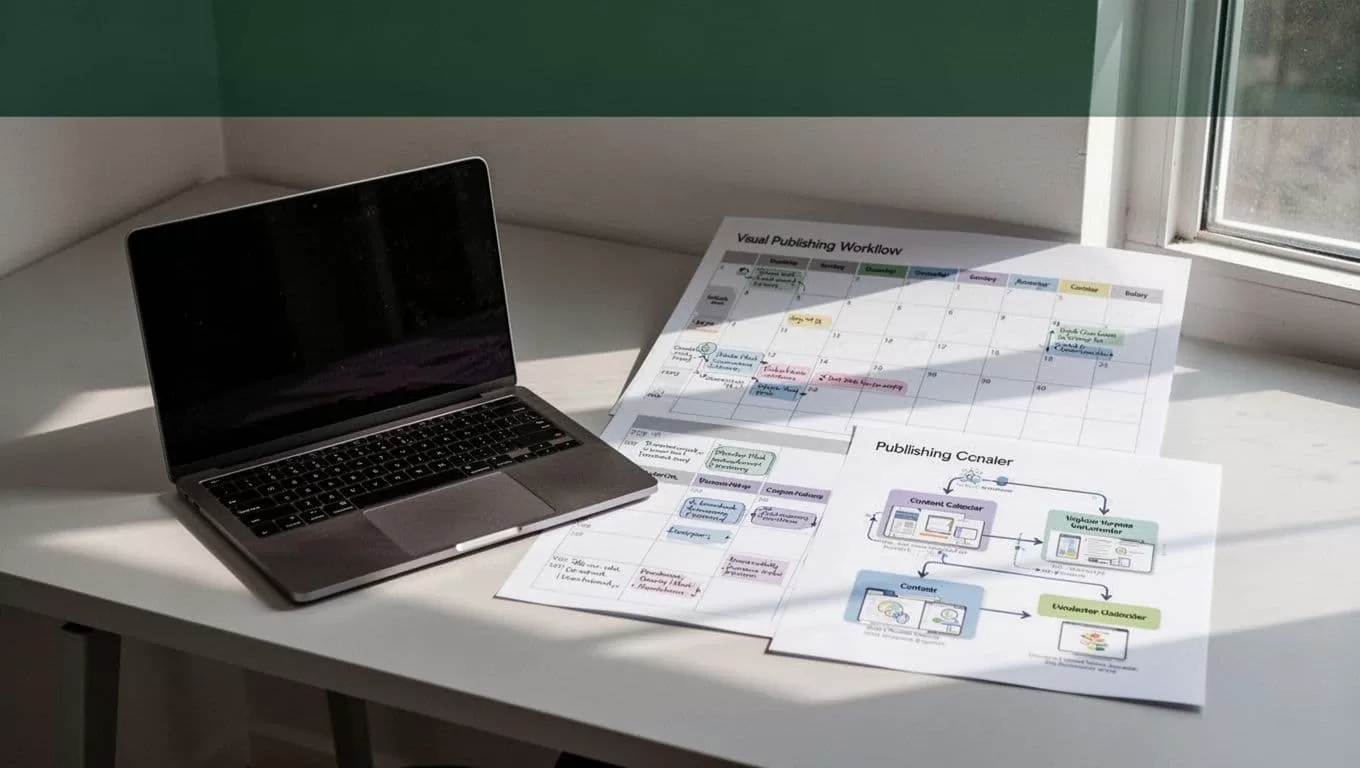
Before asking Twin.so to create posts, prepare a short source brief. Include the original claim, supporting details, target audience, URL, available media, and desired action.
For example, a software company could provide a product update with these details:
- Feature: automated report exports.
- Audience: marketing operations teams.
- Problem: manual reporting takes hours each week.
- Proof: the feature connects to the company’s existing reporting workflow.
- Link: the relevant product page.
- Action: request a product walkthrough.
Twin.so can then turn that brief into a LinkedIn explanation, an X thread, an Instagram caption, and a short video script. The source remains consistent, but the presentation changes.
Schedule and Review Posts Before They Go Live
Twin.so markets a “Multi-Platform Publish” workflow for scheduling and publishing across connected social accounts simultaneously. Use that feature for coordinated announcements, recurring education, and campaign launches.
Do not schedule a full month of content without reviewing the first batch. Generate a small set of posts and inspect the output on every platform. Look for incorrect claims, broken links, awkward line breaks, unsuitable hashtags, and media that doesn’t match the destination.
A useful review sequence is:
- Open the generated post for each platform.
- Confirm the account and publishing date.
- Check the first sentence and the call to action.
- Preview the image or video on a mobile-sized layout.
- Open every link.
- Remove duplicated wording and unsupported claims.
- Approve the post or return it for revision.
Publishing options can vary by platform. Some connections may support direct publishing, while others may require an approval step, notification, or manual completion. Twin.so’s available controls may also differ by account type and permission level.
Build a review window into your schedule. If a campaign must publish at 9:00 a.m., finish the content check earlier. That gives you time to fix an authorization error or replace an incompatible file.
Protect Quality With Simple Operating Rules
Automation increases output. It can also increase mistakes when your rules are weak.
Set approval requirements for posts that mention pricing, product availability, customer results, legal claims, or time-sensitive information. Keep sensitive announcements in draft mode until a responsible team member reviews them.
Maintain one source of truth for campaign information. If a promotion changes, update the source brief and regenerate affected posts. Do not edit five platform versions separately without recording the change.
Track the results by platform. A post may receive strong engagement on LinkedIn and weak results on Instagram. That doesn’t mean the idea failed. It may need different media, pacing, length, or audience framing.
You can also review practical operator opinions in this social media automation discussion. The useful lesson is operational: automation needs defined inputs, account checks, and a review process.
Twin.so’s exact pricing, limits, supported account types, analytics, and publishing controls can change. Confirm those details inside your account before you commit a production workflow to a particular feature.
Conclusion
Twin.so can help you cross post multiple platforms through one agent-based publishing workflow. You define the brand and goals, connect approved accounts, generate adapted posts, and schedule content from one workspace.
The strongest results come from treating each network as a separate publishing environment. Adjust the copy, media format, hashtags, links, and call to action before approval. Centralize the work, but keep the final content native to the platform where it will appear.
Start with one campaign and a small group of connected accounts. Review every version, confirm the permissions, and expand the workflow only after the output is reliable.
