Scale Customer Success Automation With Twin.so
Most B2B SaaS teams don’t have a traffic problem. They have a delivery problem. Accounts sign up, onboard, and run into friction before reaching value. Customer success automation gives you a repeatable way to remove that friction wit...

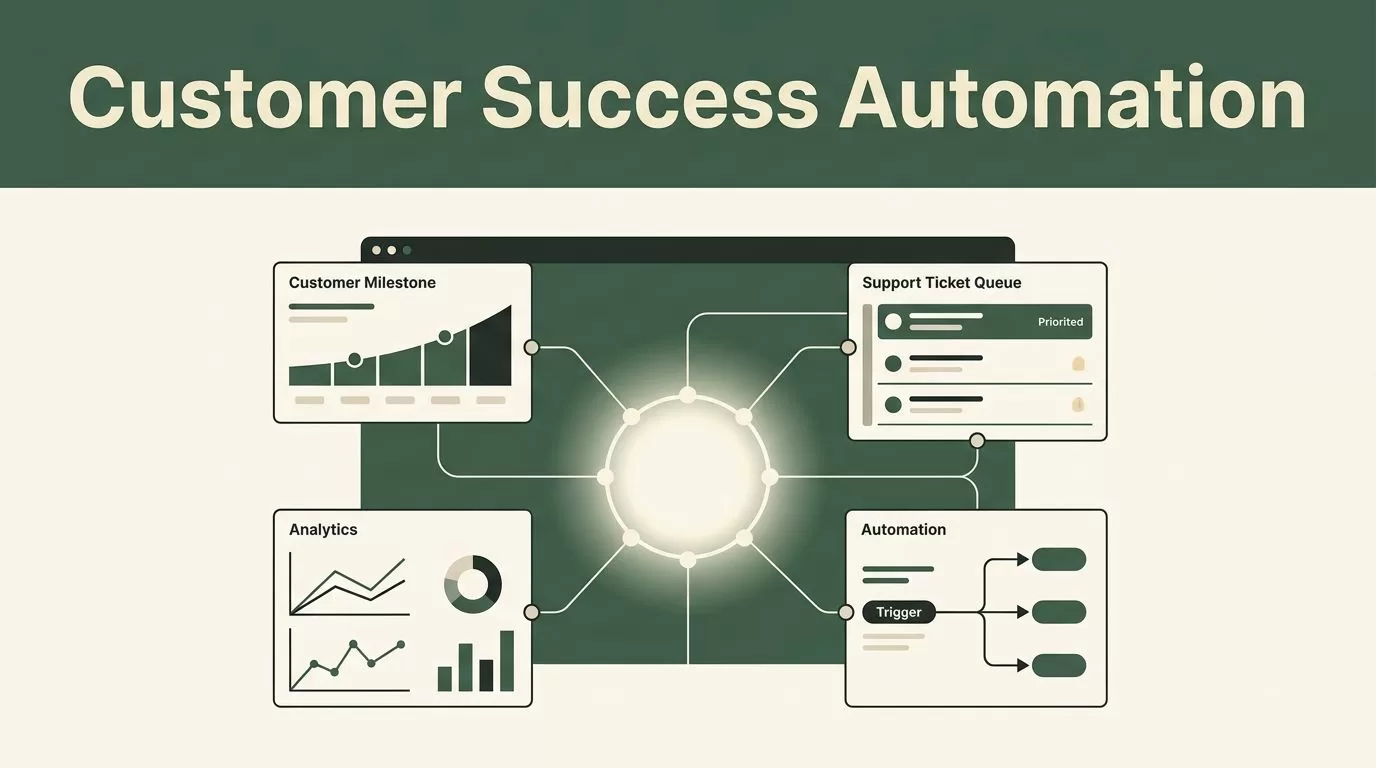
Most B2B SaaS teams don’t have a traffic problem. They have a delivery problem. Accounts sign up, onboard, and run into friction before reaching value. Customer success automation gives you a repeatable way to remove that friction without adding headcount. Twin.so lets you connect visitor actions, support requests, and automated workflows into one operating process. Start with measurement, then build your agents, and finally test the outcomes.
Key Takeaways
- Define one primary outcome for each customer milestone before deploying autonomous agents.
- Use Twin.so AI operations agents to sync tools, triage tickets, and generate status reports.
- Write agent instructions around clear business rules rather than vague conversational prompts.
- Judge automation success with response speed and human escalation rates, not raw ticket volume.
Map Your Customer Success Bottlenecks
Traditional support queues sink teams under repetitive questions. Users wait hours for password resets or basic configuration help. When you evaluate your workflows, look at where accounts drop off or slow down.


You need to check your support metrics by account segment. Enterprise buyers have different onboarding questions than self-serve trial users. Review your support volume by channel, issue type, and resolution time.
If your team spends half the day answering identical questions about billing or API keys, your manual process is the bottleneck. Customer success automation fixes this by handling repetitive requests instantly. It frees your team to focus on high-risk accounts and complex technical blockers.
Build Your First Autonomous Support Agent
Building an effective agent starts with a specific problem. “Improve support” is not a plan. “Automate tier-one ticket triage and FAQ responses” gives your system a clear boundary.
Twin.so builds and runs autonomous AI agents from plain-language outcome descriptions. It uses APIs when they exist and an embedded browser when they do not.
To set up your first agent, follow these steps.
- Clone a support automation agent template from your workspace.
- Provide your knowledge base, product documentation, FAQs, and brand voice guidelines.
- Connect your help desk, Gmail, Slack, or Telegram channels.
- Run a test execution plan to verify responses before turning the agent live.
The platform shows an execution plan, lets you run a test, and then deploys the agent. A strong setup relies on clean documentation. If your help articles are outdated, your agent will give outdated answers.
Connect CRM Data and Maintain Data Hygiene
Customer success teams rely on accurate data. If your CRM shows a healthy account while product usage drops, your team misses the warning sign. You need to keep account records updated across tools without manual data entry.
Twin.so handles CRM synchronization across tools like HubSpot and Salesforce. It keeps account data accurate automatically by reconciling records from emails, calls, and scheduling tools.
When an account stakeholder mentions a budget cut or a champion departure on a call, the system captures that signal. It updates your CRM and alerts the assigned account manager in Slack.
This prevents vital retention signals from sitting unread in personal inboxes. You maintain data hygiene across your tech stack without forcing reps to update fields by hand.
Protect Human Escalation Paths and Data Privacy
Automation fails when it traps users in an endless loop of unhelpful bot responses. You must design clear escape hatches. If an agent fails to resolve an issue after two turns, or if an account owner requests a human, the system must escalate instantly.
Set strict rules for data privacy and customer consent. Never feed sensitive credentials or unverified financial records into public models. Restrict agent memory to approved company documents.
Review your automated interactions weekly. Check whether your escalation rate is climbing or falling. A rising escalation rate means your agent lacks necessary documentation or instructions.
A healthy system resolves repetitive queries around the clock while routing edge cases straight to the right team member. Check out this guide on AI customer service quality assurance software for more details on monitoring agent accuracy.
Review Automation Performance With Business Context
A report needs more than a raw resolution percentage. Start with your primary operational goal and compare your baseline metrics with your automated results under the same conditions. Check whether your response time dropped without hurting customer satisfaction.
Look at absolute numbers as well as rates. A small improvement based on a handful of automated tickets should not drive a company-wide strategy shift. Review your metrics across different account tiers. Enterprise clients and self-serve users respond differently to automated workflows.
Record your test results as won, lost, or inconclusive. If an agent workflow wins, make it a permanent part of your operations stack. If it loses, update your instructions and test again. This discipline stops your team from deploying random bots without measuring their real impact on account health.
Conclusion
Scaling customer success requires removing manual friction from repetitive workflows. Twin.so gives your team a practical way to deploy autonomous agents that handle support triage and CRM updates around the clock.
Start by mapping your biggest support bottlenecks and feeding clean documentation into your workspace. Protect your customer experience with strict human escalation paths and regular metric reviews.
Deploy your first agent today and let your team focus on high-value accounts that drive retention.

