Scale Dealer Network Automation Workflows With Twin.so
Dealer networks don’t slow down because teams lack effort. They slow down when dealer data is copied across portals, CRMs, spreadsheets, email, and compliance systems. Dealer network automation removes that repeated work when each wor...
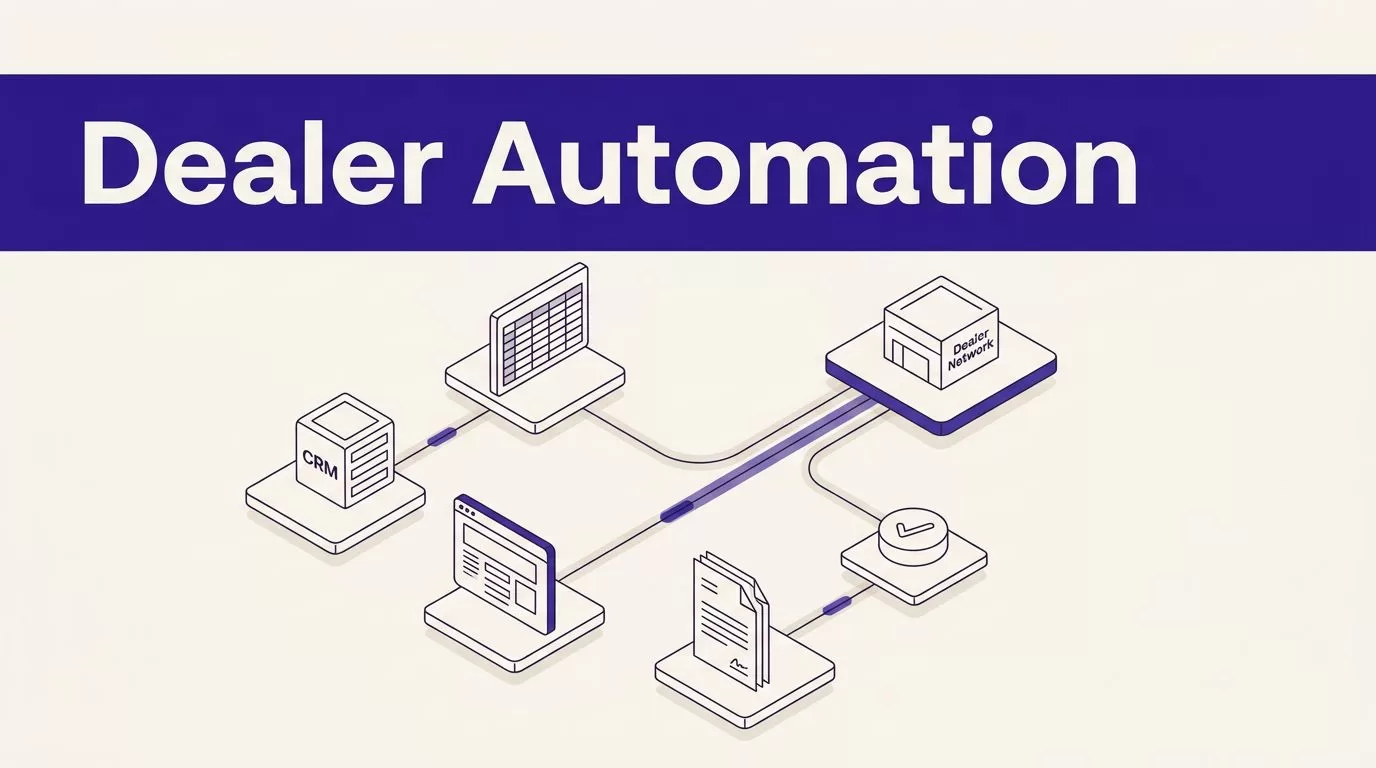
Dealer networks don’t slow down because teams lack effort. They slow down when dealer data is copied across portals, CRMs, spreadsheets, email, and compliance systems. Dealer network automation removes that repeated work when each workflow has clear inputs, owners, approval points, and failure rules.
Twin.so can connect SaaS tools with browser-based systems that have no usable API. That fits OEMs and manufacturers with mixed dealer technology. Don’t automate every click. Automate repeatable work, protect sensitive data, and send uncertain cases to a person.
Why dealer network automation needs workflow design
A dealer workflow is a chain of handoffs. A new partner submits information, operations validates it, IT creates access, sales receives leads, and compliance reviews documents. If one system has incomplete data, the error moves to the next handoff.
Document the process before selecting an agent. List the source, destination, field, decision, and owner. Separate actions that need no judgment from actions that require approval.
Map the dealer handoffs
Create a workflow record for each process. Include the trigger, required fields, systems touched, expected output, and exception path.
A dealer onboarding workflow might start with an approved application, check required documents, create a CRM account, open an IT request, and notify the regional manager.
Use stable IDs for dealers, locations, and contacts. Don’t rely on names alone. One dealer group can operate several rooftops, and one contact can appear under different spellings.
Keep decisions visible
Automation shouldn’t silently approve a missing certificate, merge uncertain dealer records, or overwrite a verified field. Route incomplete documents, duplicate matches, unusual lead volumes, and permission failures to a review queue.
The same rule applies to partner communication. Twin.so can draft an onboarding request, status update, or exception notice. A named owner should approve messages that change commercial terms, reject an applicant, or explain a compliance failure.
Where Twin.so fits in a dealer network
Twin.so combines API integrations with browser automation. Its Web Agent documentation describes agents that handle multi-step website flows, logins, and dynamic pages. That covers a common OEM problem: the data exists, but the partner portal has no stable integration path.
Use the platform as an execution layer around a defined process. Store workflow rules in an approved system. Give Twin.so only the credentials and fields required for the task. Keep the source record available so a reviewer can compare the automated result with the original.
Use APIs for stable data
Choose API or native actions for structured, high-volume work. Lead creation, CRM updates, status checks, report inputs, and notifications are easier to test when the system exposes clear fields and response codes.
This approach also controls operating cost. Twin’s documentation says browser work is more expensive and less reliable than API or built-in actions. Its pricing documentation uses credits, so measure credits per accepted result instead of assuming one workflow run equals one saving.
Reserve browser automation for portal gaps
Use the browser agent when a dealer portal requires a login, form submission, download, or several pages of interaction. Twin’s no-API browser automation materials describe this use case directly.
Treat browser work as a controlled exception, not the default path. Page layouts change. Sessions expire. A successful browser run can still return an incomplete record.
Validate required fields, capture the source URL or document reference, and stop the workflow when a page differs from the expected structure.

Pilot four dealer operations workflows
A focused pilot gives the team measurable results without exposing the whole dealer network to untested actions. Pick one region, dealer segment, or portal first.
Automate dealer onboarding
Trigger the workflow when an approved dealer application enters the source system. Normalize the dealer name, location, tax details, contacts, operating brands, and required documents. Check for duplicates before creating a new record.
Twin.so can move approved fields into the CRM, create tasks for IT or field operations, and send the dealer a status message. Keep document validation separate from approval. A missing file should create an exception, not a guessed value.
Route leads to the correct partner
Lead routing should use explicit rules. Match the lead’s location, vehicle interest, language, sales territory, dealer status, and current capacity against the approved routing table.
Use the CRM or lead platform for the main route. If a dealer portal needs manual-style entry, let Twin.so complete that step only after the destination dealer and lead record pass validation.
Log the destination, timestamp, source ID, and response. Duplicate submissions are harder to repair than delayed submissions.
Check compliance and produce reports
Run scheduled checks for expired certificates, missing disclosures, incomplete profiles, and overdue acknowledgments. Send exceptions to the compliance owner with the dealer ID, failed field, source record, and due date.
For network reporting, collect approved metrics, normalize the values, and write them to the reporting destination. A report should show its preparation time, source period, validation status, and reviewer. Don’t publish a clean-looking report when a portal failed to load.
Manage partner communication
Use approved templates for onboarding reminders, lead acknowledgments, missing-document notices, and status changes. Route replies into the owner queue. Keep outbound messages tied to the dealer record and workflow run.
Add controls before production
A dealer automation workflow touches personal information, commercial data, credentials, and sometimes regulated records. Controls belong in the design, not after the first incident.
Restrict permissions and sensitive fields
Create separate credentials for each environment or workflow. Give an agent read access when it only needs to collect data. Add write access only for named systems and fields.
Mask sensitive values when the task doesn’t need them. Keep original documents and normalized fields separate. Record who approved a change and which source supported it.
Review Twin.so’s current security and privacy terms before production. Confirm credential storage, access roles, logs, retention, data residency needs, and contractual terms with IT and security teams.
Make every run safe to repeat
Design for retries. Add a dealer ID, source event ID, batch ID, or timestamp to each update. Before creating a record or sending a message, check whether the same action already succeeded.
Test the same batch twice. The second run shouldn’t create duplicate dealers, duplicate leads, repeated alerts, or overwrite a newer record with an older result.
If the destination can’t support idempotency, add a review step before writing.
Define the exception queue
Create a standard exception record with the workflow name, dealer ID, failed step, error text, source link, retry count, and assigned owner. Set a response target based on business impact.
A missing logo file can wait. A lead routed to the wrong dealer or an expired compliance document may need same-day action. Use that difference to set escalation rules.
Measure dealer network automation like an operating system
Speed alone is a weak success measure. A workflow that finishes quickly but creates wrong records adds work for sales, operations, and IT.

Track quality and operating results
Use a scorecard that covers volume, accuracy, exceptions, and cost. Track:
- Automation completion rate, calculated as successful runs divided by total runs.
- Correct routing rate and duplicate lead rate.
- Missing-field and validation-failure rates.
- Compliance false positives and missed risks.
- Human review minutes per completed workflow.
- Retry count, exception age, and repeat-contact rate.
- Dealer or internal-user satisfaction by workflow.
Compare automated cases with human-reviewed cases. Lower handling time matters only when quality stays within the agreed threshold.
Calculate savings with real workload data
Use a conservative baseline:
Monthly benefit = eligible volume x minutes removed x loaded hourly rate / 60
Subtract Twin.so credits, connected-system costs, monitoring time, human review, and correction work. Then calculate:
ROI = (monthly benefit - monthly cost) / monthly cost
The Twin documentation describes a credit-based model and a trial with 1,000 initial credits plus 200 daily credits for 14 days. It also notes that browser-heavy work can consume more credits than simpler runs.
Forecast with your own records. Measure cost per accepted result, not cost per attempted action.
Roll out in controlled batches
Use a staged deployment. Don’t start with every dealer, market, and portal.
Start in report-only mode
Let the workflow read records, propose changes, and create exception reports without writing to production. Review the output against a known sample. Check field mappings, duplicate logic, document rules, and message templates.
Then enable writes for a small batch. Keep a rollback path. Record the before and after values for every changed field.
Expand only after the workflow earns trust
Set entry criteria for expansion. The workflow should meet a target completion rate, quality threshold, exception response time, and cost per accepted result across several runs.
Add one portal or region at a time. Re-test after portal changes, CRM updates, new dealer requirements, and routing-table changes. If the process spans several systems, Book A Call to map permissions, approval points, and exception handling before a wider rollout.
Conclusion
Dealer network automation works when the workflow is narrower than the problem statement. Start with defined dealer IDs, source fields, approved actions, and review rules. Use APIs for stable data and Twin.so browser automation for authorized portal work that APIs can’t reach.
Measure accepted records, routing accuracy, missed compliance risks, review time, credits, and correction work. A network is ready to expand when the process stays accurate under retries and exceptions, not merely when a demo completes. The right operating model removes repetitive work while keeping dealer relationships and important decisions under control.
