Secure dispatch operations automation on Twin.so
Dispatch teams lose time at the same handoffs every day. A request arrives, someone checks the details, another person assigns the job, and a third person sends updates across several systems. A well-designed dispatch operations automation...

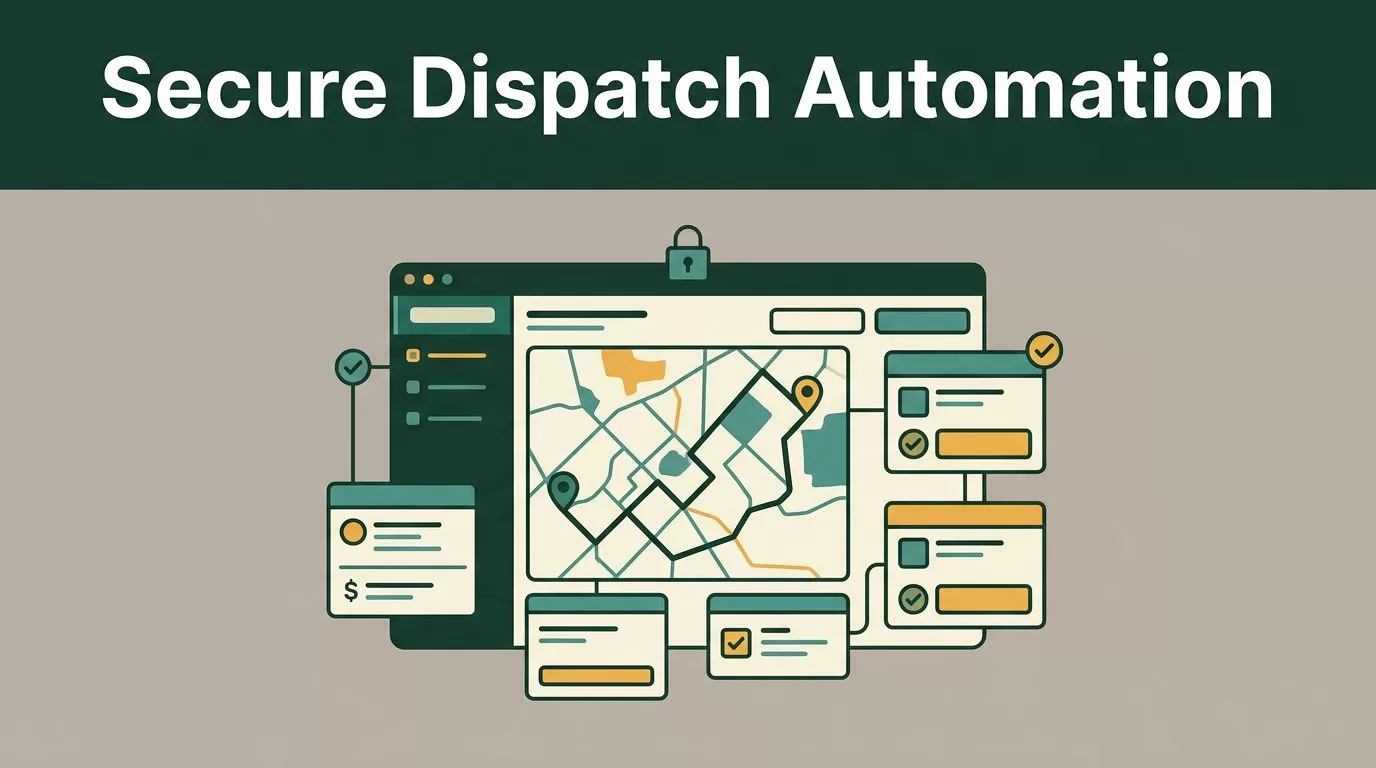
Dispatch teams lose time at the same handoffs every day. A request arrives, someone checks the details, another person assigns the job, and a third person sends updates across several systems.
A well-designed dispatch operations automation removes that repetition without giving an agent unlimited control. Twin.so can connect to business tools, interpret incoming requests, update records, and route notifications based on defined instructions. Your team keeps control over sensitive decisions, approvals, and exceptions.
The right approach starts with a narrow process. Build one reliable dispatch loop, test it against real operating conditions, then expand it.
Where dispatch operations automation belongs
Automation works best at repeatable handoffs. It should move information between systems, check known conditions, and escalate situations that fall outside the rules.
| Dispatch task | Automated action | Required control |
|---|---|---|
| Intake | Read a request and create a job record | Validate required fields |
| Assignment | Match the job with location, skills, and capacity | Require approval for conflicts |
| Notifications | Send approved details to the right team | Limit data by recipient |
| Status updates | Write driver or technician updates back to the system | Accept only known statuses |
| Reporting | Produce daily activity summaries | Store source records for review |
Don’t start by automating every decision made by a dispatcher. Start with work that follows clear rules and has a predictable outcome.
Twin is designed for building and running AI agents rather than forcing every process into a fixed node-by-node workflow. Its AI automation features support API connections and browser automation, so an agent can work with systems that expose APIs and portals that don’t.


Automate intake and job assignment first
Dispatch intake is a strong starting point because the input usually contains the same basic fields:
- Customer or account reference.
- Pickup, delivery, or service location.
- Requested date and time window.
- Job type and required skill.
- Priority, equipment, or access requirements.
Configure the Twin agent to read the request from your approved source, normalize the fields, and create a job record in the dispatch system. If the address is incomplete or the requested time conflicts with operating rules, the agent should stop and ask for review.
Assignment can follow a defined decision order. The agent checks service area first, then required skills, availability, capacity, and priority. It should return the reason for the assignment instead of writing only the selected employee or vehicle.
That explanation matters when a dispatcher needs to correct an assignment. It also gives operations leaders a useful review trail.
Use a unique job identifier at every stage. The agent must check whether that identifier already exists before creating another record. This prevents duplicate jobs when a webhook is delivered twice or a source system retries a request.
Secure the data path before connecting tools
Twin.so doesn’t make an unsafe process secure by itself. The security design comes from the systems you connect, the permissions you grant, the data you expose, and the actions the agent can take.
Map the process before building it. Write down:
- Where the request enters.
- Which systems the agent reads.
- Which systems it can update.
- Which fields each system actually needs.
- Which decisions require human approval.
- Where the final run record is stored.
Twin’s documentation and guides describe agents that can use connected tools, external APIs, schedules, and webhooks. Treat every connection as an access boundary. A trigger should not automatically grant access to every system used by the operations team.
Use narrow permissions and separate credentials
Create a dedicated service account for the dispatch agent. Give it the smallest set of permissions required for its job.
An intake agent may need to read new requests and create draft jobs. It may not need permission to delete customers, change billing information, edit user roles, or close completed jobs. Separate agents by function when the permission requirements differ.
Keep credentials in the approved connection or secret-management path. Never place API keys in prompts, agent instructions, shared documents, spreadsheets, or notification messages.
Review access when the process changes. Remove unused tools and rotate credentials according to your internal security policy. If an employee changes roles, confirm that the agent’s service account remains separate from that person’s individual access.
For connected APIs, review authentication, authorization scopes, rate limits, and network controls. This API security best practices guide provides a useful reference for reviewing those controls before production deployment.
Add validation and approval gates
Input validation should happen before the agent changes a dispatch record. Check that required values exist, dates use an accepted format, locations match the expected structure, and status values belong to an approved list.
Don’t let free-form text decide a high-impact action without a rule check. A customer note that says “send the largest vehicle available” should not override capacity limits or safety requirements.
Use human approval for actions such as:
- Assigning a job outside its service region.
- Changing a confirmed delivery window.
- Cancelling a job.
- Sending a customer compensation message.
- Reassigning work after a safety or compliance exception.
Approval gates are a standard control for destructive or high-impact workflow actions. New Relic’s guidance on workflow automation best practices also recommends protecting connected resources and requiring human review before destructive operations.
A good automation does not hide uncertainty. It returns the problem with enough context for a dispatcher to resolve it.
Prefer stable APIs over browser actions
Use a direct API when the source system provides a stable integration. APIs usually give you clearer fields, stronger authentication controls, and more predictable responses.
Use browser automation when a required portal has no practical API or when the task depends on a web interface. Keep that agent narrow. Define the page type, expected fields, wait conditions, and allowed actions.
Browser layouts change. Login challenges appear. A button can move or a page can load incompletely. Add a failure state that stops the run instead of guessing.
Security guidance for AI workflow automation commonly includes API gateways, rate limits, IP restrictions, and strong authentication. These secure automation practices are useful when your dispatch process crosses several external services.
Build the first Twin.so dispatch agent in stages
A controlled rollout reduces operational risk. Use this implementation sequence.
- Select one dispatch process. Choose a high-volume workflow with clear inputs and a measurable result. New service-request intake is usually easier to test than emergency reassignment.
- Define the job schema. List every required field, accepted value, source system, and destination field. Keep the first version small. Add optional data only when it improves a real decision.
- Choose the trigger. Use a webhook for an immediate response when a new request arrives. Use a schedule for batch work, such as reviewing unassigned jobs every 15 minutes. Twin’s platform documentation describes both trigger patterns.
- Write the decision rules. State the order of checks in plain language. Include what the agent must do when information is missing, conflicting, or outside the approved range.
- Restrict tools and outputs. Give the agent access only to the systems needed for that process. Require a structured result with the job ID, selected action, reason, confidence or exception state, and destination record.
- Test before writing live records. Run the agent against sanitized copies or a sandbox. Test duplicate requests, invalid addresses, unavailable workers, late status updates, API timeouts, and partial responses.
- Add approval for edge cases. Let the agent complete routine work automatically. Send uncertain cases to a dispatcher with the original request, the failed rule, and the proposed next action.
- Roll out in a limited group. Start with one region, team, or job type. Compare automated assignments with dispatcher decisions for several operating cycles before expanding.
Keep the agent instructions, field schema, test payloads, and exception rules organized by operation. A clean workspace reduces context switching when someone needs to review or update the process.
Don’t treat an automated output as final simply because it is formatted correctly. Structured output gives a clean starting point. A human review still matters when the result affects safety, customer commitments, or service cost.
Manage status updates and exceptions without losing visibility
Dispatch automation must handle failure as part of the normal process. A job can remain unassigned, a technician can reject it, a carrier portal can time out, or a customer can change the requested window.
Define the exception types before launch. Common examples include:
- Missing or invalid job data.
- No qualified worker within the required time.
- Duplicate request detected.
- Assignment rejected by the field worker.
- Delivery or service status not received.
- External system unavailable.
- Customer notification failed.
For each exception, set one action. The agent can retry a temporary API failure, create a review task for an invalid address, and notify a supervisor when no qualified resource is available. It should not keep retrying a destructive action without a limit.
Route notifications with minimum necessary data
A driver may need the location, time window, access notes, and contact instructions. They may not need the customer’s full account history or internal pricing notes.
Create separate notification templates for dispatchers, field workers, customers, and supervisors. Each template should use approved fields and a defined delivery channel. Avoid copying an entire source record into a message.
Status updates should use a controlled vocabulary such as assigned, en route, arrived, in service, completed, and exception. If an incoming message contains an unknown status, hold it for review instead of mapping it to the closest option.
The agent can write valid updates back to the TMS, CRM, or service platform. It can also send a notification when a status remains unchanged beyond a defined threshold. Keep the threshold in the agent’s configuration so an operations manager can review it.
Report what happened, not only what succeeded
A useful daily report includes completed jobs, pending assignments, failed runs, retries, approval requests, and records changed by the agent. Include timestamps and job IDs so the report can be checked against source systems.
Store the input, action, result, and exception reason for each run according to your retention policy. Mask personal or sensitive fields in logs when full values aren’t needed for troubleshooting.
Review the report on a fixed schedule during the rollout. Look for repeated exceptions, manual overrides, duplicate prevention failures, and assignments that dispatchers regularly change. Each pattern points to a rule, input, or integration that needs adjustment.
Conclusion
Secure dispatch operations automation starts with a narrow process and clear boundaries. Use Twin.so to connect approved tools, handle routine intake, assign work under defined rules, send controlled notifications, and return uncertain cases to people.
Limit permissions, validate every input, protect credentials, prefer stable APIs, and record each agent action. The strongest automation is not the one that acts most often. It’s the one that completes routine work while keeping exceptions visible and decisions accountable.
Explore Twin.so’s automation features and start with one dispatch workflow your team can measure.

