Emails from my domain land in inboxes instead of spam folders now. That’s because I finally got DMARC right in Google Workspace. Spoofed messages used to mimic my business emails, fooling contacts into trouble.
You run a small team or handle client outreach. Fake emails hurt trust and sales. I fixed that with a simple DNS tweak after sorting SPF and DKIM. This guide shares my exact steps from May 2026.
Follow along. You’ll protect your domain fast.
What DMARC Does for Your Emails
DMARC builds on SPF and DKIM. It checks if those pass, then tells servers what to do with failures. Think of it as a referee for email authenticity.
Servers see a failing email. They can deliver it, send it to spam, or block it outright. I start soft to avoid mistakes. Reports show me who’s sending what.
Google pushes this hard in 2026. Bulk senders to Gmail need it for good delivery. Without DMARC, your messages compete with fakes.
I check reports daily at first. They reveal third-party senders like newsletters that break rules. Fix those before tightening.
Check Prerequisites Before DMARC
SPF and DKIM must work first. SPF lists approved senders. DKIM signs messages with a key.
In Google Admin console, go to Apps, then Google Workspace, Gmail, Authenticate email. Generate a DKIM key if missing. Add the TXT or CNAME to DNS.
Wait 48 hours. Test with tools like MX Toolbox. My Google Workspace SPF DKIM DMARC setup guide covers this in detail.
SPF looks like: v=spf1 include:_spf.google.com ~all. Keep it simple. Too many includes fail DNS limits.
DKIM uses a selector like google._domainkey. Copy the exact public key from Admin. Paste into DNS.
No rush. Bad basics ruin DMARC reports.
Generate Your DMARC Record
Build a TXT record string. Start basic: v=DMARC1; p=none; rua=mailto:dmarc@yourdomain.com.
v=DMARC1 sets the version. p=none monitors only, no blocks. rua sends aggregate reports to that email.
Create the inbox first. I use dmarc-reports@mydomain.com on Google Workspace.
Add fo=1 for failure reports if you want details. Keep rua under 10 addresses. More slows things.
Google’s DMARC setup guide lists tags. I stick to essentials at launch.
Here’s my starter:
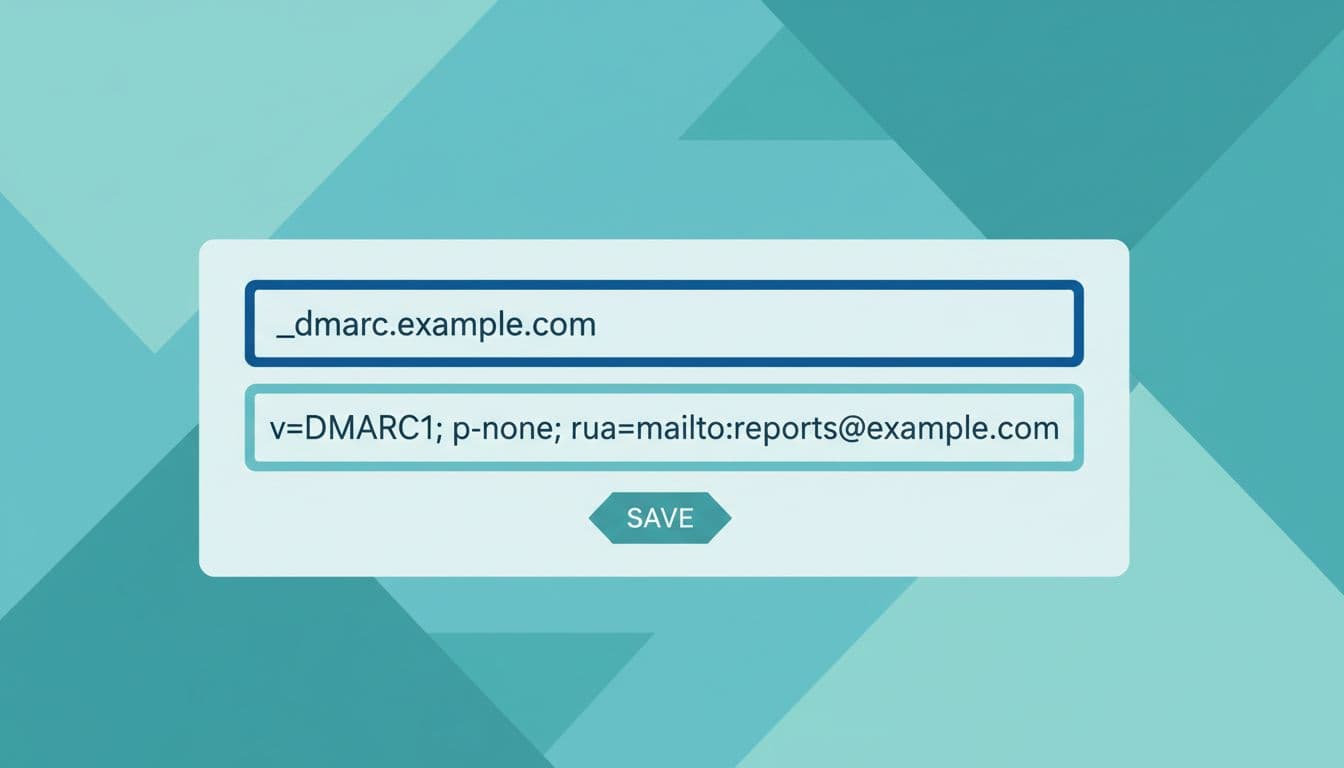
Copy it. Swap your details. Test syntax on dmarcian.com/analyzer.
Add the DMARC Record to Your DNS
Log into your DNS host. GoDaddy, Namecheap, Cloudflare all work. Find DNS records.
Add TXT type. Host: _dmarc (or _dmarc.yourdomain.com if needed). Value: your string.
Set TTL low, like 3600 seconds. Save. Propagation takes 1-48 hours.
Cloudflare auto-appends domain. Others need full host. Check provider docs.
Common error: typos block everything. Double-check semicolons and quotes.
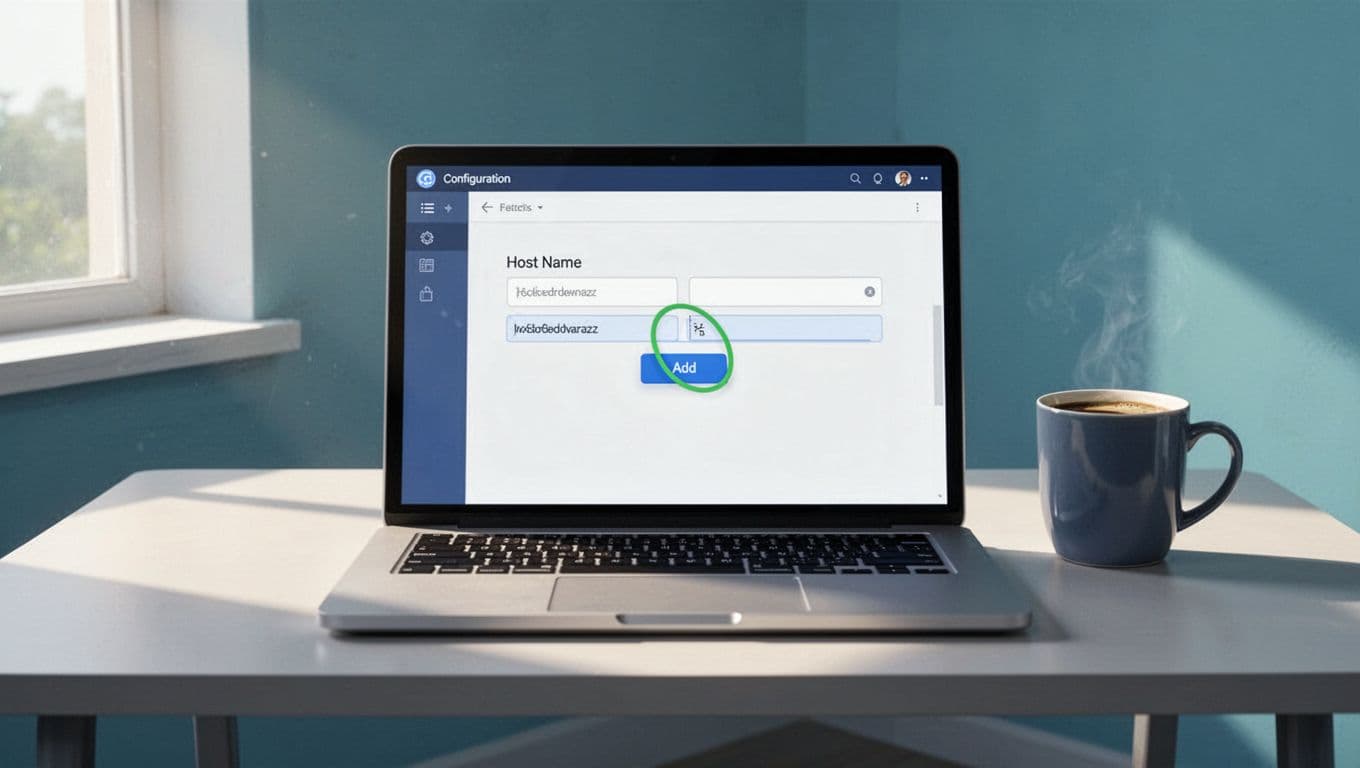
I verify in 15 minutes on easy tools. Patience pays.
For full email setup, see my complete Google Workspace email guide.
Align SPF and DKIM for Clean Passes
Alignment matches the From header to SPF or DKIM. Google Workspace does this well. From uses your domain. Return-path aligns SPF.
DKIM signs with your selector. Enable in Admin. Test outbound emails.
Use relaxed mode first: adkim=r; aspf=r. Strict (s) fails more.
Third-parties break alignment. Marketing tools need their own SPF includes or DKIM.
Send test emails to Gmail. Check headers via Postmaster Tools. Passes show green.
My cold email deliverability post explains subdomain tricks for senders.
Fix before enforcement. Reports flag misaligned flows.
Verify DMARC Is Working
Use mxtoolbox.com/dmarc or dmarcian.com/lookup. Enter domain. See PASS.
Gmail Postmaster Tools gives reputation. Check aggregate reports in your rua inbox.
Send tests to check-auth@verifier.port25.com. Reply shows results.
Google’s recommended rollout stresses monitoring.

I watch for 7 days. No issues? Move on.
Roll Out Enforcement Step by Step
Stay at p=none for a week. Review XML reports. Fix failures.
Add pct=10; p=quarantine. Hits 10% of fails. Ramp to 100%.
Then p=quarantine; pct=100. Suspicious go to spam.
Finally p=reject. Blocks fakes cold.
Use rua for aggregates, ruf for forensics. Parse with PowerDMARC or Valimail.
In 2026, Gmail rejects non-DMARC bulk mail. Gradual wins.
Conclusion
DMARC shields my domain from spoofs. I started monitoring, fixed alignments, enforced slow.
Your emails deliver better now. Reports guide fixes. Strong protection follows.
Check reports weekly. Adjust as senders change.
Frequently Asked Questions
How long for DMARC to propagate?
1-48 hours. Test after 1 hour. Full effects in days.
What if reports show failures?
Trace senders. Update SPF/DKIM. Common: old services or forwards.
Can I skip SPF/DKIM?
No. DMARC needs them. Set up first.
Google Workspace handles DNS?
No. Use your provider. Workspace signs DKIM only.
p=reject too aggressive?
Start none. Quarantine tests real impact. Reject last.
Free report parsers?
Postmark DMARC or dmarcian free tier. Easy XML import.
(Word count: 1487)