Test Ecommerce Checkout Flows Safely With Mida.so
A checkout change can increase conversions, reduce them, or break payments without an obvious warning. Ecommerce checkout testing gives you a controlled way to find out what actually helps customers complete an order. Mida.so can help you c...
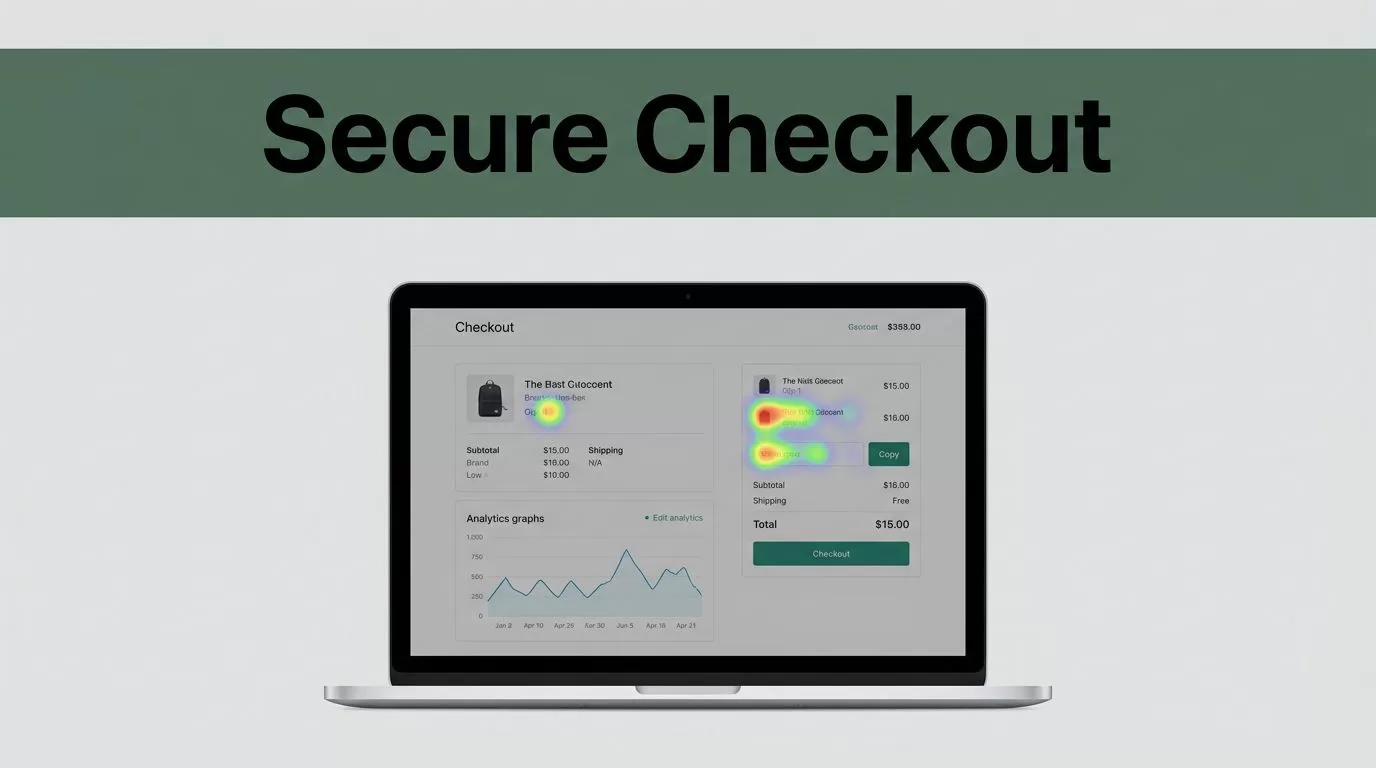
A checkout change can increase conversions, reduce them, or break payments without an obvious warning. Ecommerce checkout testing gives you a controlled way to find out what actually helps customers complete an order.
Mida.so can help you connect user behavior with checkout outcomes through analytics, funnels, session recordings, heatmaps, and experiments available in your workspace. The process only works when tracking, test design, and payment safeguards are handled first.
Key Takeaways
- Track checkout starts, completed orders, payment failures, shipping exits, and average order value.
- Use Mida.so to find friction before testing a design change.
- Keep payment, tax, shipping, and inventory logic outside fragile visual experiments.
- Test mobile checkout separately because small controls and slow pages create different problems.
- Judge results against a primary metric and revenue-related guardrails, not a short-term conversion spike.
Start With the Checkout Problems You Can Measure
Checkout testing works best when you begin with a measurable problem. Do not start with a button color or a new layout because it looks cleaner.
First, map the checkout flow. Record the events that matter:
- Product added to cart
- Cart viewed
- Checkout started
- Contact information submitted
- Shipping method selected
- Payment details submitted
- Order completed
- Payment or validation error shown
Your exact event names can differ. The order matters because it shows where customers leave.
Use Mida.so funnels to compare the number of users who reach each step. Session recordings and heatmaps can add context. A funnel may show a large exit at shipping selection. A recording may reveal that the delivery estimate is hidden below the fold or that an address field rejects valid entries.
Set one primary metric before launching a test. For most checkout experiments, that metric is completed orders divided by checkout starts. Store sessions are less useful when the change only affects people who already intend to buy.
Track guardrail metrics beside the primary result:
| Metric | What it can reveal |
|---|---|
| Payment success rate | Declined payments or broken payment logic |
| Shipping completion rate | Delivery cost, timing, or address friction |
| Average order value | Conversion gains that reduce basket size |
| Refund and cancellation rate | Low-quality orders or misleading offers |
| Support contacts | Confusing instructions or missing information |
A checkout can show a higher completion rate while creating more payment failures. That is not a successful test.
Checkout abandonment has many causes, including unexpected costs, forced accounts, complex forms, and limited payment options. Baymard’s checkout usability research is a useful reference when you need to turn a drop-off pattern into a testable problem.
A good hypothesis names the user problem, the change, and the expected business result.
For example: “Showing the delivery date beside each shipping option will increase shipping-step completion without increasing support contacts.”
Set Up Mida.so Without Risking Live Orders
Install Mida using the supported tracking method for your store and verify that events fire on every relevant device. Do not assume that a page-view event proves the checkout is tracked correctly.
Run a test order before collecting production results. Check the full path on desktop and mobile. Confirm that Mida records the expected funnel steps, while your ecommerce platform records the actual order and payment status.
Use test payment details in a sandbox or test mode where your payment provider supports it. Stripe’s testing documentation explains how to simulate successful payments, declines, authentication steps, and other payment outcomes. Your store platform may have separate test-order controls.
Keep sensitive information out of analytics events. Do not send full names, email addresses, street addresses, card data, or unmasked error payloads to Mida. Use non-sensitive event properties such as device type, shipping method, currency, product category, and error category. Review your consent and privacy settings before tracking customers in different regions.
Hosted checkout pages need extra care. Shopify, payment providers, and other platforms control parts of the checkout experience. The changes available to you depend on your plan, checkout configuration, extensions, and payment setup. Check Shopify’s current checkout settings documentation before planning a test that changes payment or shipping steps.
Mida can help measure behavior around a checkout flow, but you should not assume it can safely rewrite every hosted payment field. Validate the target page first. If the platform does not support the change, use a supported extension, native setting, server-side rule, or a pre-checkout page instead.
Before a live launch, complete these checks:
- Confirm control and variant URLs, events, and audiences.
- Place test orders with each major payment method.
- Test discount codes, subscriptions, taxes, shipping zones, and inventory rules.
- Check failed validation and declined payment states.
- Confirm the experiment does not run for staff or automated monitoring tools.
- Record the original checkout version so you can restore it quickly.
Revenue-critical checkout code needs a rollback path. Keep the previous version available and define who can stop the test. A dashboard is not a safety plan if nobody owns the decision.
Build Tests Around Payment, Shipping, and Mobile Friction
The strongest checkout tests remove a known obstacle. They do not add more interface for its own sake.
Start with shipping. Customers need to know when an order will arrive and what delivery will cost. Test clear delivery dates, visible shipping prices, or a simpler shipping selector. Do not hide a slower delivery option or show an estimate you cannot meet.
Useful shipping hypotheses include:
- Showing the delivery date beside the price will increase shipping-step completion.
- Showing free-shipping eligibility in the cart will reduce checkout exits caused by surprise costs.
- Grouping shipping methods by delivery speed will reduce selection errors.
- Displaying the destination country before address entry will reduce invalid address submissions.
Payment tests need stricter controls. Test whether customers can find the payment methods they already prefer. Compare the order and visibility of cards, digital wallets, bank payments, and buy-now-pay-later options where those methods fit your market and risk controls.
Do not test payment logic by changing payment requests through a front-end script. Payment authorization, tax calculation, inventory reservation, and fraud checks belong in the platform or payment integration. A visual experiment should not alter those systems without technical review.
Form tests are usually safer. Test guest checkout against account creation, fewer optional fields against a longer form, and inline validation against errors shown only after submission. Keep required legal and order information intact.
Mobile deserves its own analysis. A checkout that works on a large monitor can fail on a phone because the keyboard covers the button, the form jumps after validation, or the payment option loads slowly.
Segment Mida results by:
- Mobile and desktop
- Operating system and browser
- New and returning customers
- Country or shipping zone
- Payment method
- Traffic source
- Single-item and multi-item orders
Do not build a separate mobile experiment for every small difference. First identify a clear mobile failure, then test one change that addresses it. Also check tap targets, focus order, error messages, and page speed. The WCAG guidance on target size provides a practical reference for touch controls.
Use Mida.so to Turn Behavior Into Test Hypotheses
Mida’s recordings and heatmaps help you inspect behavior, but they do not explain every customer decision. Treat them as evidence, not as a replacement for order data or customer feedback.
Suppose recordings show repeated taps on a delivery estimate. That could mean customers want more information. It could also mean the element looks clickable but does nothing. Review the page, compare the event data, and test the smallest change that distinguishes those possibilities.
A useful workflow is:
- Find the largest checkout exit in the funnel.
- Review recordings from that step on mobile and desktop.
- Compare errors, payment methods, shipping zones, and traffic sources.
- Write one hypothesis with one primary metric.
- Launch a controlled test with a stable control group.
- Review revenue and operational guardrails before declaring a winner.
Avoid overlapping tests on the same checkout step. If one test changes shipping labels while another changes the shipping layout, you may not know which change caused the result. Run separate tests or use a documented experiment assignment system.
Keep the control unchanged during the test. Do not update its copy, discount rules, or payment options halfway through unless the same change applies to both groups. Record campaigns, product launches, outages, and tracking changes during the test period.
Mida can show patterns that deserve investigation. It cannot remove the need for clean data. Check that visitors stay assigned to the same variant. Check that order totals match your store backend. Check that duplicate orders, test orders, refunds, and cancellations are excluded or handled consistently.
Read Checkout Test Results With Statistical Caution
Do not stop a test because one variant leads after a few hours. Checkout traffic changes by weekday, payday, promotion, geography, and device mix. A short result can reflect a temporary audience rather than a real improvement.
Choose the sample and test period before launch. Include normal business cycles and planned campaigns. If a major sale or payment outage affects one group, document it and assess whether the data remains usable.
Use a primary outcome such as completed orders per checkout start. Then review guardrails such as payment success, average order value, refunds, cancellations, and customer service contacts.
Segment after checking the overall result. A variant that wins on desktop but loses on mobile is not ready for a full rollout. A result that wins only for one country may need a localized solution instead of a global change.
Statistical confidence is not the same as commercial value. A small lift may be real but too small to justify development and maintenance. A large lift may be false if tracking broke or the sample is too small.
Keep a test log with the hypothesis, dates, audience, control version, primary metric, guardrails, and decision. This prevents repeated tests and gives your team a record of what has already been learned.
After a winning result, roll out gradually when the checkout change carries technical risk. Monitor orders, payment failures, shipping errors, and support messages. Keep the old version available until the new flow has passed normal traffic conditions.
Apply the Method to Shopify and Other Store Platforms
Shopify operators should separate storefront testing from checkout testing. Cart drawers, product pages, and cart pages are often easier to change than hosted payment steps. Use Mida to test pre-checkout changes when the platform limits direct checkout modifications.
For Shopify, record whether a customer entered through the cart, accelerated checkout, subscription flow, or standard checkout. These paths can behave differently. A change that improves the standard path may have no effect on Shop Pay or another express option.
WooCommerce stores usually have more control over checkout templates, but plugins create additional failure points. Test payment gateways, shipping plugins, tax plugins, coupons, and one-page checkout extensions together. Use a staging environment for code changes, then repeat key tests in production with controlled exposure.
Custom stores should define a stable event model before running experiments. Use consistent names for checkout start, shipping selected, payment submitted, payment failed, and order completed. Connect Mida behavior data with backend order records using a non-sensitive order or session reference.
Across every platform, keep checkout changes small. Remove one field, clarify one cost, change one payment presentation, or fix one validation state. Smaller tests are easier to diagnose and safer to reverse.
Conclusion
Checkout testing should answer a business question, not decorate a page. Use Mida.so to locate friction, connect behavior with order data, and test one controlled change at a time.
Protect payment and shipping logic, inspect mobile behavior, and keep statistical discipline when reading results. A safer checkout is not the one with the most experiments. It is the one where every change has a clear hypothesis, reliable tracking, and a measured effect on completed orders.
