How to Export CRO Reporting Tools Data From Mida.so
When you run conversion rate optimization tests, your data shouldn’t live in a silo. Growth teams need raw performance numbers, visitor behavior metrics, and experiment results inside central data warehouses or reporting dashboards. R...

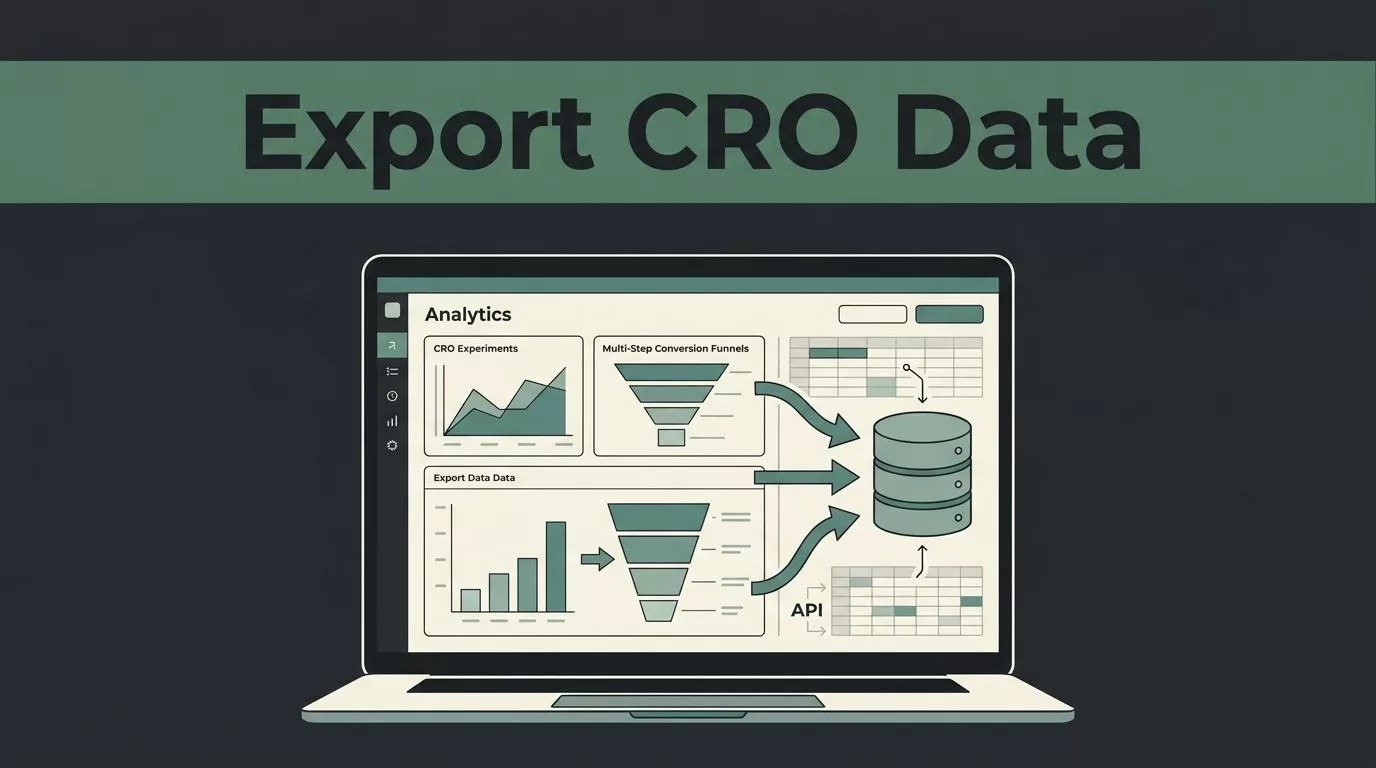
When you run conversion rate optimization tests, your data shouldn’t live in a silo. Growth teams need raw performance numbers, visitor behavior metrics, and experiment results inside central data warehouses or reporting dashboards. Relying solely on a testing platform interface limits how deeply you can analyze visitor segments over time. Setting up a reliable data export pipeline gives your analysts the freedom to combine experiment records with financial systems, CRM data, and custom business intelligence models.
Mida.so provides practical pathways for moving your experiment insights where your team needs them. Whether you are building recurring stakeholder updates or running deep cohort analyses, getting your information out of the platform requires a clear setup process. This guide walks through the exact steps needed to export Mida.so data, configure necessary authentication, and maintain clean data hygiene across your reporting stack.
Key Takeaways
- Set up API data export inside your Mida.so settings dashboard using a dedicated API key and defined synchronization frequency.
- Verify incoming payload headers and validate webhook signatures to prevent data corruption or missing records.
- Segment your exported experiment results by device category and traffic source before presenting conclusions to stakeholders.
- Maintain separate test and production environments to keep internal team testing traffic out of your core conversion metrics.
Preparing Your Environment for Data Export
Before pulling metrics out of your testing platform, you need to verify your account permissions and establish your reporting parameters. Data extraction fails when credentials lack proper authorization or when endpoint configurations are incomplete. You need administrative access to your Mida.so workspace to generate API keys and configure synchronization rules.
Start by auditing your active experiment list and marking which campaigns require ongoing data syncs. Exporting every historical test variant at once often creates noisy datasets that overwhelm initial analysis models. Select only the active or recently concluded experiments that matter for your current reporting cycle. Check that your user role allows security token generation, because standard analyst accounts often lack the permission level required to create API keys.
Configuring API Data Export in Mida.so
Mida.so includes built-in export capabilities designed to push metrics directly to your connected data destinations. The platform uses an analytics data export feature that simplifies scheduled synchronization without requiring complex custom scripts.
Follow these numbered steps to configure your export pipeline:
- Log in to your Mida.so account and navigate to the project settings dashboard.
- Locate the analytics data export section within the configuration menu.
- Toggle the API status setting to activated.
- Click the generate API key button and copy the resulting credential string into a secure password manager.
- Set your data sync frequency to either daily or weekly depending on your reporting cadence.
- Enable the optional email notification toggle so your engineering or analytics lead receives alerts whenever a sync completes successfully.
- Save your configuration settings and test the connection by verifying that outgoing requests carry the required Mida-api-key header.
| Configuration Field | Recommended Setting | Purpose |
|---|---|---|
| API Status | Activated | Enables programmatic access for data extraction |
| Sync Frequency | Daily | Balances fresh reporting with server resource usage |
| Email Notifications | Enabled | Alerts team members immediately if sync jobs fail |
| Authentication Header | Mida-api-key | Authenticates incoming requests securely |
This structured setup ensures that your downstream reporting tools receive consistent updates without manual intervention. When your sync schedule runs, the platform transmits structured payloads using a standard POST request format. Always store your generated keys securely and never commit them to public code repositories.
Handling Data Privacy and Internal Traffic Filtering
Exported datasets lose value if they contain noise from internal team members interacting with test pages. Unmanaged preview access and employee browsing corrupt conversion rates by inflating visitor counts without matching genuine customer intent. You must configure your targeting rules to exclude internal IP addresses, company VPN ranges, and employee user accounts before running export jobs.
Review your experiment settings to confirm that test variations serve only target audience segments. When you export raw event logs, filter out records where the user agent matches known internal testing devices. Clean data ensures your statistical confidence calculations reflect actual customer behavior rather than internal quality assurance clicks.
Troubleshooting Common Export and Sync Failures
Even well-configured pipelines encounter occasional roadblocks. When your data sync stops updating or your reporting dashboard shows flat lines, check for common failure points before rewriting your integration logic.
An expired API key usually causes sudden data halts, requiring you to generate a new credential inside your settings panel and update your receiving endpoint. Mismatched JSON schemas can also break incoming pipelines if the platform updates its reporting fields. Review your error logs for missing header errors or unauthorized status codes. If webhook payloads fail signature validation, drop the payload immediately and check your shared secret configuration. Keeping an active exception log helps your engineering team isolate synchronization bottlenecks within minutes rather than hours.
Conclusion
Exporting performance metrics from your experimentation stack keeps your stakeholders aligned and gives your analysts the raw material needed for accurate forecasting. Setting up your workspace correctly with secure API keys and reliable sync schedules eliminates manual data entry bottlenecks. Take time this week to review your active experiment settings and verify that your event payloads are flowing cleanly into your reporting views. Clean data pipelines turn isolated tests into permanent institutional knowledge for your growth team.

