Best File Request Tools for Collecting Client Documents in 2026
Client documents still get lost in inboxes, buried in chat threads, or sent as the wrong attachment. I want file request tools that make upload easy for clients and clean for my team. That means simple links, clear deadlines, and tight perm...
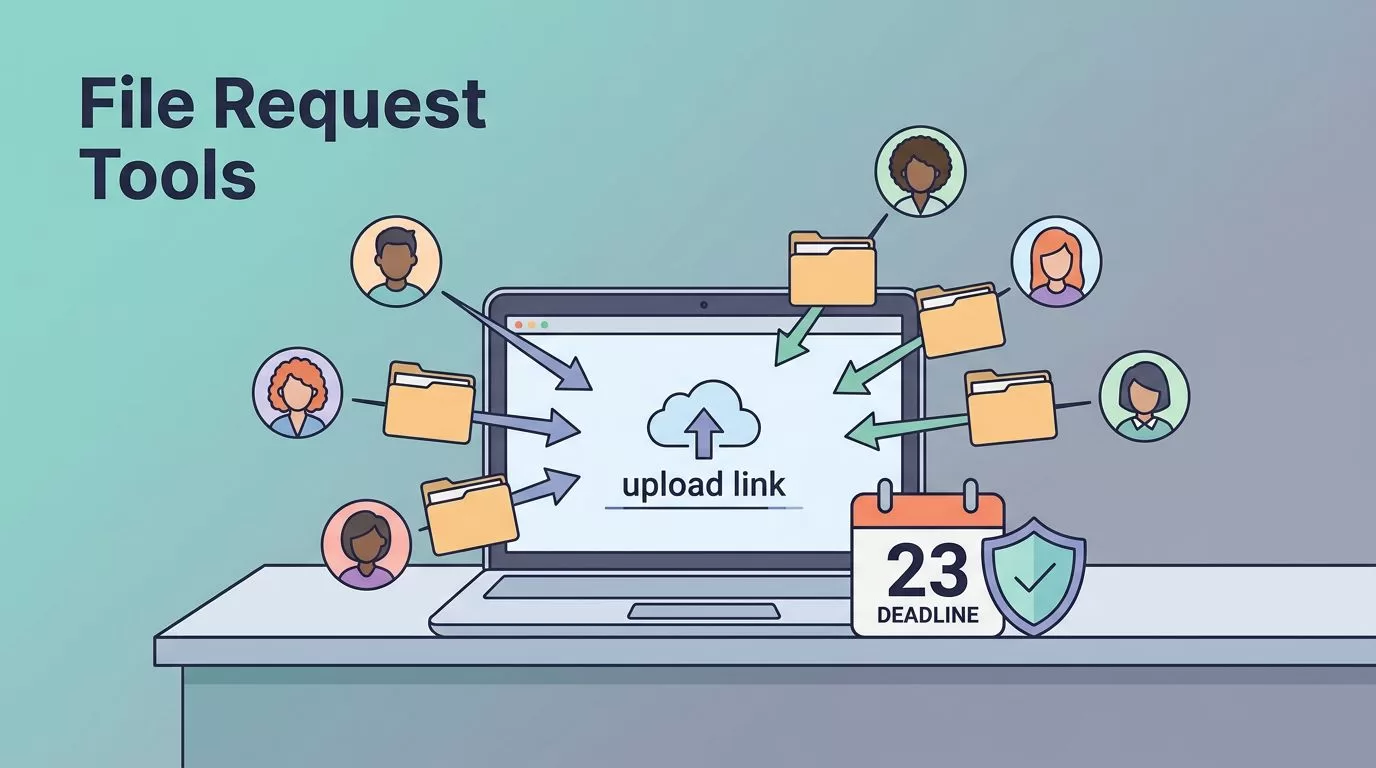
Client documents still get lost in inboxes, buried in chat threads, or sent as the wrong attachment. I want file request tools that make upload easy for clients and clean for my team.
That means simple links, clear deadlines, and tight permissions. In April 2026, I care less about a big storage vault and more about a smooth intake flow.
I also split the market into two groups. Some tools are built for requests and portals. Others are cloud storage platforms that add request links on top.
What I look for before I buy
Before I pay for any file request tool, I check how much work it creates for the client. If they need an account, a long setup, or a maze of clicks, adoption drops fast.
I also look at reminders, since follow-ups save time. Security matters too, especially for tax, legal, finance, and HR files. I want permissions, encryption, expiration controls, and a clear audit trail.
For a wider market view, I cross-check a 2026 secure file sharing roundup and then compare that list with my own workflow needs.
| Tool | Type | Client upload experience | Reminders | Security and permissions | Branding | Starting price |
|---|---|---|---|---|---|---|
| FileInvite | Dedicated | No-login links, bulk requests, deadlines | Strong | Standard business controls | Light branding | From $0/mo |
| ShareFile | Dedicated | Link upload, handles large files | Strong | Encryption, solid for regulated work | Moderate | From $15/user/mo |
| Clinked | Dedicated | Client portal uploads | Built in | Role-based access, portal controls | Strong white-label | From $77/mo |
| FileDrop | Dedicated | Branded request pages, no account needed | Good | Secure intake flow | Strong | Public pricing not listed |
| Dropbox Business | Cloud | Familiar request links | Basic | Admin controls | Light | From $15/mo |
| Box | Cloud | Request links with enterprise controls | Basic | Advanced governance | Light | From $15/mo |
I trust tools that make the client side boring. That usually means more files arrive on time.

Dedicated file request tools I would shortlist first
FileInvite
I start with FileInvite when I need to collect a lot of documents quickly. It handles bulk requests, deadline tracking, and easy upload links without asking clients to create an account.
The client side feels simple, which matters more than flashy design. Reminders help when people forget one missing document, and the pricing entry point makes testing easy. I see it as a strong fit for accountants, ops teams, and anyone chasing monthly paperwork.
The tradeoff is depth. It’s built for requests first, so I would not pick it if I wanted a full client workspace.
ShareFile
ShareFile makes sense when security sits near the top of my list. Clients can upload through a link, and I do not need to send them through account setup. That lowers friction right away.
I like it for regulated work because it leans into encryption and permission control. Reminders are built in, and it handles big files well. Branding is there, but I buy it for control, not for a polished portal look.
The price climbs as I add users, so smaller teams need to watch seat costs. It fits tax firms, legal teams, and finance groups that care about document handling.
Clinked
Clinked is the one I look at when the client experience needs to feel branded. It gives me a portal, not just a request form. That helps when the relationship is ongoing and the file exchange repeats every month.
Security and permissions are strong, and reminders keep the process moving. It also supports integrations, which helps me connect intake with the rest of my workflow. If I want a more polished front door, this is a good option.
The downside is cost. Clinked starts higher, so I save it for agencies and consultancies that need a white-label feel.
FileDrop
FileDrop sits in the same camp as other dedicated intake tools, but it leans hard into branded upload pages. I like that because clients see one clear place to send files instead of another email reply chain.
It is built for document collection, so the upload path is short and direct. The site presents it as a branded file request system, and that aligns with the kind of workflow I want. For a closer look at that model, I also compare it with FileDrop’s branded file request pages.
The big question is pricing, since public pricing is not listed on the page I reviewed. I treat it as a strong fit for businesses that want a client portal feel without a heavy setup.
Cloud storage tools that also handle requests
Dropbox Business
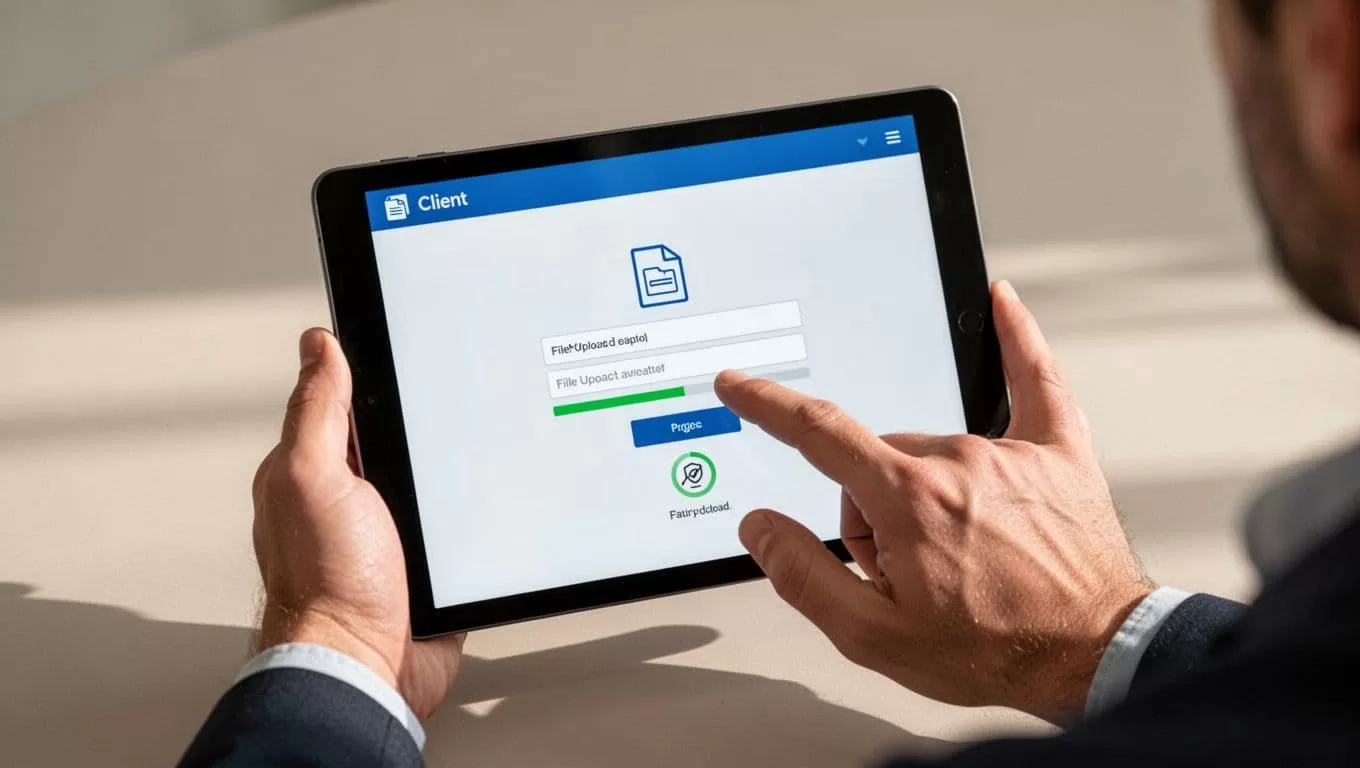
Dropbox Business is the familiar choice. Many clients already know the interface, so uploads feel less intimidating. That can save time when I work with outside vendors or one-off project clients.
It supports request links, basic reminders, syncing, and decent admin controls. Branding is light, though, and I would not buy it for a true white-label portal. Instead, I use it when storage and sharing matter as much as document intake.
If I need a broader storage system for post-upload filing, I pair the workflow with a Google Workspace Shared Drives guide and keep the handoff tidy.
Box
Box works better when governance matters. It gives me advanced permissions, stronger controls, and enterprise-ready sharing. Client uploads happen through request links, so the process still stays simple for the other side.
I see it as a better fit for larger teams that need oversight. The reminder tools are more basic than dedicated request apps, but the security layer is strong. Pricing starts low enough to test, yet the value shows up when I need structure across a bigger organization.
Box is less about presentation and more about control. That is good news when the document trail matters.
How I choose between dedicated and cloud-based options
When collecting client documents is the main job, I pick a dedicated request tool first. It gives me better reminders, a smoother client flow, and clearer intake tracking.
When document storage is the bigger problem, I use a cloud platform with request links. That works well if my team already lives in a shared drive or file system. I also like cloud tools when internal collaboration matters after upload.
I’ve found that portal-first tools feel better for clients, while cloud tools feel better for teams. That difference decides most of my buying choices.
The cleanest workflow is the one clients can finish in under a minute. When uploads feel easy and permissions stay tight, the whole process stops leaking time.
