Film Production Automation Workflows on Twin.so
A production can lose a day to a five-minute change. A location update can affect the call sheet, crew notifications, transport plan, and approval trail. Film production automation reduces that repeated coordination. Twin.so can act as the...

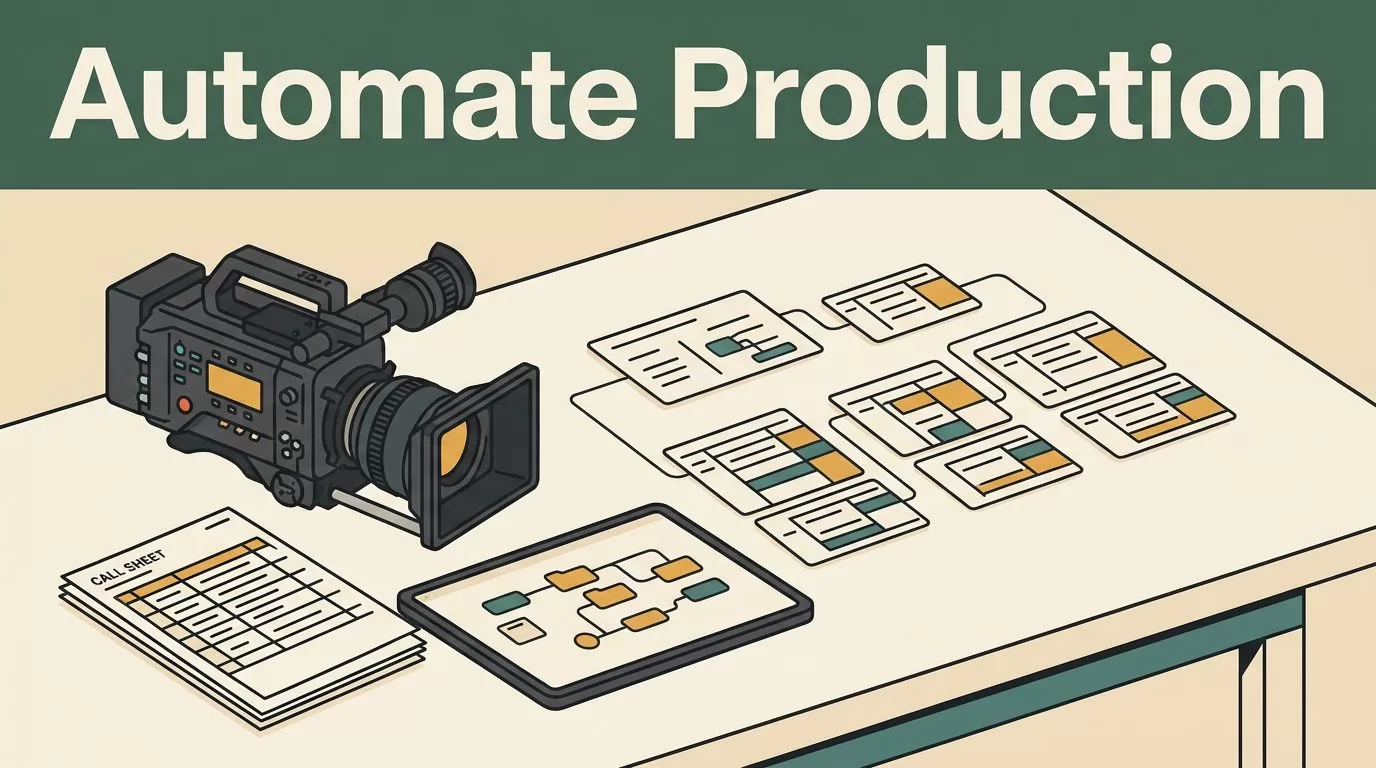
A production can lose a day to a five-minute change. A location update can affect the call sheet, crew notifications, transport plan, and approval trail.
Film production automation reduces that repeated coordination. Twin.so can act as the workflow layer that connects intake, approvals, schedule changes, asset records, and status reporting without forcing every department into one tool.
The first move is not automating everything. It is selecting one repeatable process, defining its data, and building clear rules around it.
What film production automation should handle first
Automation should remove repeated coordination, not hide production decisions. Use Twin.so to move structured information between people, documents, and production systems while keeping approvals with the right owners.
A practical production workflow usually contains four parts:
- Intake captures a brief, request, document, or update.
- Validation checks required fields, duplicate records, and missing attachments.
- Routing sends the work to the correct producer, coordinator, or department lead.
- Reporting shows current status, blockers, deadlines, and the next handoff.
This structure works for pre-production, production, post-production, and recurring delivery work. It also keeps the system understandable when crew members change.
Twin.so should not replace every specialized production application. Tools such as StudioBinder’s production management platform support scripts, shot lists, storyboards, and other film-specific planning tasks. A production management system such as EP’s production management software may handle deeper production operations.
Twin.so fits beside those systems when your main problem is coordination between them. It can receive a request, update a central record, notify the responsible person, and create the next task. The specialist application remains the place for detailed creative or production work.
The most useful automated workflow is not the one with the most steps. It is the one that removes repeated follow-up without creating a second source of truth.
Build a production hub in Twin.so
Start with one workspace or database for each production. Organize records by project name, department, or production phase. Clear folders reduce context switching and make it easier to find the current version of a brief, schedule, or approval record.
Create consistent fields before adding automation. Useful fields include:
- Production name and project ID
- Department and record owner
- Status and next action
- Due date and approval date
- Location, scene, or asset reference
- Attachment or storage link
- Source URL and collection date
- Notes, blockers, and escalation contact
Keep field names consistent across workflows. “Location manager,” “location owner,” and “site contact” should not describe the same person in different records.
Use fixed status values instead of open-ended descriptions. A request might move through new, needs information, in review, approved, blocked, and complete. This makes reporting more reliable because Twin.so can group records by a known status.
Do not ask an automation to infer details that affect production decisions. If a contract has no approval date, leave the field blank and create a follow-up task. If two vendor names may refer to the same company, flag the record for review instead of merging it automatically.
This approach also helps with research. For location, vendor, or equipment intake, retain the source URL and collection date. If Twin.so returns text instead of structured fields, clean and normalize the output before importing it into the production database.

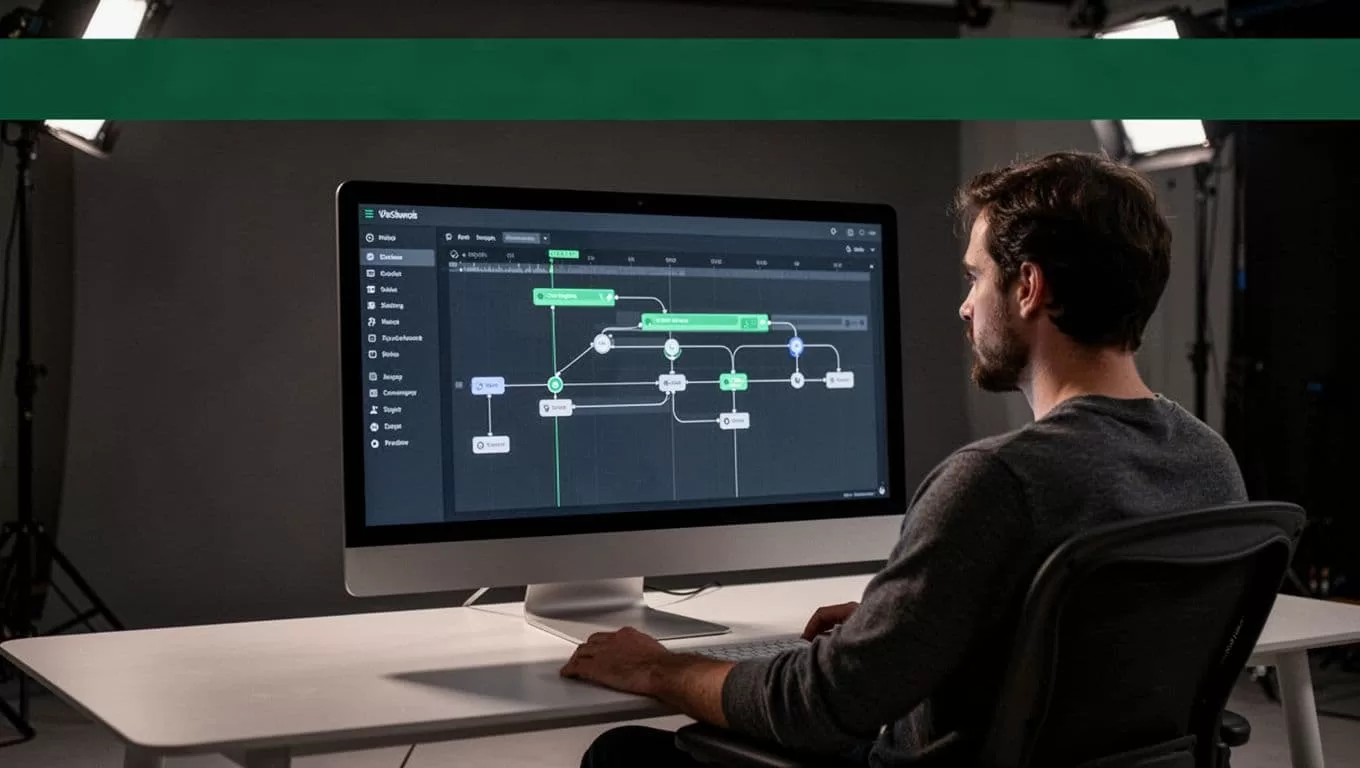
Automate intake and approvals before production starts
Most production delays begin with incomplete intake. A location request may omit access hours. A vendor form may lack insurance documents. A crew request may not identify the department owner.
Build the intake workflow around the information the next person needs. For a location request, capture the project, shoot dates, address, access hours, parking details, contact information, attachments, and approval owner.
A Twin.so workflow can follow this sequence:
- A coordinator submits the request through the agreed intake channel.
- Twin.so creates or updates the production record.
- Required fields and attachments are checked.
- Missing information creates a targeted request for the sender.
- Complete requests route to the correct reviewer.
- An approval updates the record and starts the next production task.
The missing-file message should identify the exact problem. “Please upload the current insurance certificate” is more useful than “Your submission is incomplete.” The workflow should pause until the required item arrives.
Approval rules should match production authority. A location manager may approve site details. A producer may approve the budget impact. A production manager may confirm that the approved location is ready for scheduling.
Store the approval decision, reviewer, date, and reason. This creates a basic audit trail without forcing the team to search through email threads.
The same pattern works for scripts, purchase requests, equipment bookings, talent paperwork, and post-production deliveries. The fields change. The control structure stays the same.
Keep schedules, call sheets, and handoffs aligned
A call sheet should be an output of current production data, not the only place where that data exists. Store the schedule details in a central record, then use changes to create review tasks and notifications.
Useful schedule fields include the shooting day, scene, location, cast, crew, call time, wrap estimate, transport notes, and approval status. Keep the latest approved schedule separate from drafts so a tentative change does not reach the full crew too early.
When a location, call time, or cast requirement changes, trigger a review rather than publishing immediately. The workflow can identify affected departments, mark the call sheet as needing revision, and notify the production coordinator.
Notifications should be targeted. A change to parking information may affect transport and locations, but not every post-production user. A change to delivery specifications may affect editorial and finishing, but not the entire production team.
Create a handoff record for each major transfer between departments. Include the current files, responsible person, due date, approval state, and next action. Add an acknowledgement field when the receiving team must confirm that the package was received.
For example, a production-to-editorial handoff can include approved footage links, the latest shot list, camera notes, audio information, naming rules, and delivery expectations. If one item is missing, Twin.so can create a task for the sender instead of allowing an incomplete package to move forward.
This prevents the common failure where several people assume someone else has checked the latest version.
Track assets and automate status reporting
Asset tracking needs more than a file name. Each record should connect the asset to its production context and current owner.
Capture the asset ID, project, scene or shot, file type, storage path, responsible person, review status, backup state, and rights or usage notes where applicable. Use one record per asset or asset group, based on the level of control your production requires.
A simple workflow can look like this:
| Workflow event | Twin.so action | Production result |
|---|---|---|
| New asset is logged | Create a record and assign an owner | The asset has a clear next step |
| Required metadata is missing | Request the missing field or file | The record stays out of final reporting |
| Asset moves to review | Notify the assigned reviewer | Approval does not depend on manual chasing |
| Asset is approved | Update status and notify the next department | The handoff uses the correct version |
| Daily report runs | Collect blockers, overdue items, and recent changes | Producers see current production status |
Use controlled statuses such as uploaded, ingest pending, in review, approved, blocked, and archived. Avoid allowing every team member to create a new status with slightly different wording.
Status reporting should answer operational questions quickly. What is late? Who owns the next action? Which approvals are waiting? Which assets have no storage link? Which handoffs changed since the last report?
A scheduled workflow can collect those records and deliver a daily summary to the production team. The summary should include exceptions, not a copy of every database row.
Teams comparing a general project board with film-specific tools can also review this video production project management comparison. The right setup may combine a specialist tool for production detail with Twin.so for cross-system coordination.

Roll out film production automation without losing control
Start with one production and one workflow. Intake and approval is usually a strong first choice because the inputs are visible, the delays are easy to measure, and the process repeats across projects.
Run the workflow in a review mode before allowing automatic notifications. Compare the records it creates with the source documents. Check whether names, dates, attachments, and owners are captured correctly.
Define an exception path for every automation. Missing information should create a request. Duplicate records should create a review task. Conflicting dates should stop the workflow. Ambiguous instructions should go to a person rather than producing an uncertain update.
Permissions also need attention. Crew members may need access to their tasks without seeing contracts, personal information, or unrelated production budgets. External vendors should receive only the files and fields required for their work.
Test common failure cases before launch:
- A required document is missing.
- A location name appears in two formats.
- A schedule changes after a call sheet draft is created.
- An approval owner is unavailable.
- An asset is uploaded twice.
- A connected service returns incomplete data.
Measure the workflow with production metrics. Track intake-to-assignment time, missing-file rates, approval cycle time, overdue handoffs, duplicate records, and daily report preparation time. These figures show whether the workflow is saving work or moving it somewhere less visible.
Conclusion
Film production automation works when it follows the way production teams already make decisions. Twin.so can connect intake, validation, approvals, schedules, asset records, handoffs, and status reports while specialized production tools handle their own detailed work.
Build the data structure first. Add clear statuses and owners. Automate reminders and routine updates, then keep exceptions with people. A focused workflow that keeps the latest information visible is more useful than a large system nobody trusts.

