How I Find Company Websites From a Lead List
A lead list without websites is like a map with half the street names missing. I can still get where I’m going, but it takes longer, and the wrong turn is always waiting. When I need to find company websites from a list, I don’t...

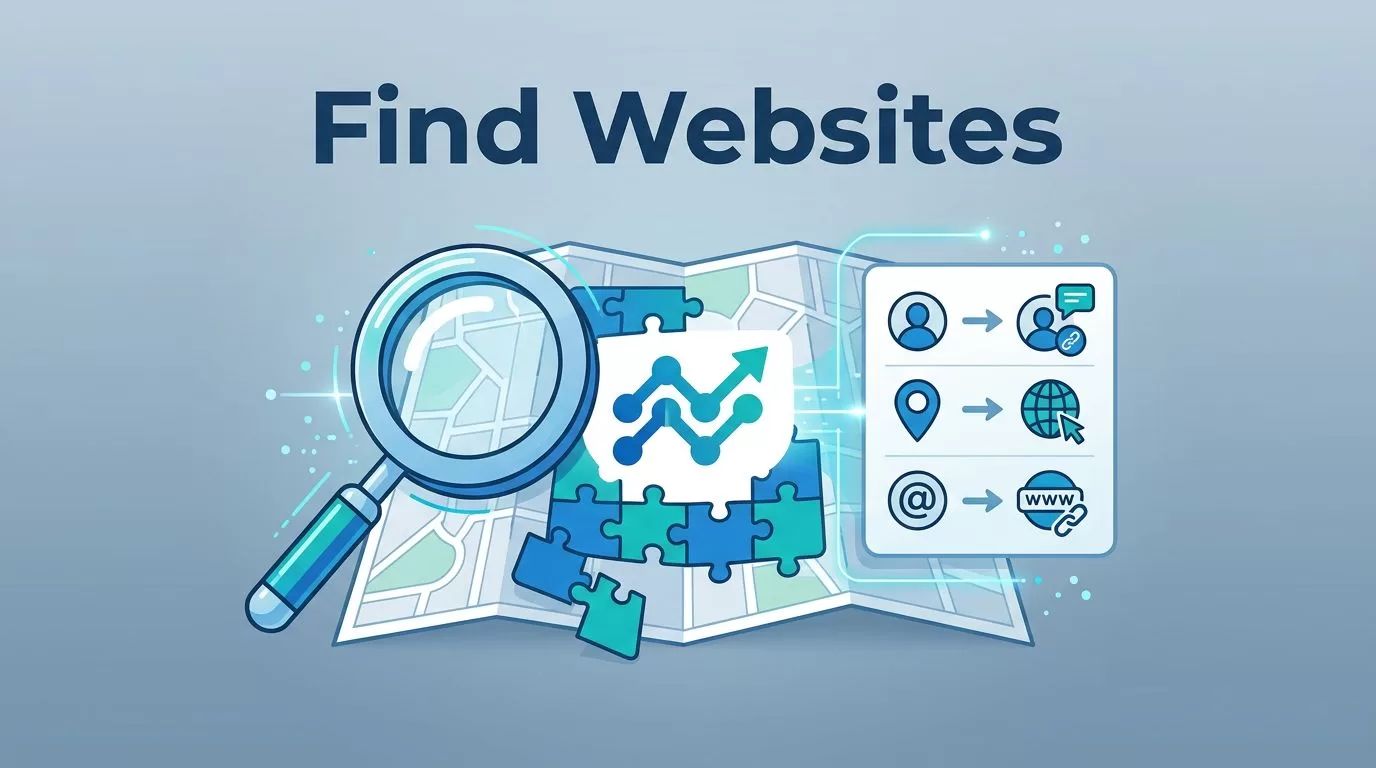
A lead list without websites is like a map with half the street names missing. I can still get where I’m going, but it takes longer, and the wrong turn is always waiting.
When I need to find company websites from a list, I don’t start by guessing. I start with the small clues already hiding in the data, then I confirm each match before I move on. That saves time, but it also keeps me from mixing up companies with the same name.
Start with the strongest clues in the lead list
I treat every lead like a puzzle with a few missing pieces. The company name matters, but it’s rarely enough on its own. Location, email domain, social profile, and legal entity name often tell me more than the name line does.
Here’s the first filter I use:
| Signal | What I check | Why it helps |
|---|---|---|
| Company location | City, state, country | Cuts down on same-name confusion |
| Email domain | @company.com or a similar pattern | Often points straight to the website |
| Social profile | LinkedIn company page, X, YouTube | Confirms brand spelling and activity |
| Legal entity name | LLC, Inc, Ltd, or parent company | Reveals the real business behind the brand |
If two companies share a name, location and email domain often tell me the truth faster than the logo does.
I also watch for domain clues inside the data itself. A lead might use @northstarhealth.co while the brand name says North Star Health Group. That’s a strong hint. Legal names help too, especially when the brand is short and generic.


Use search like a detective, not a tourist
I start with Google because it’s fast, and it’s good at surfacing the public clues that matter. The trick is to search like I already expect ambiguity. A generic name needs more context, not more hope.
My most useful searches look like this:
"Company Name" website"Company Name" city"Company Name" LinkedIn"Legal Entity Name" LLCsite:linkedin.com/company "Company Name"site:opencorporates.com "Company Name"
If the lead is local, I add the city or state. If the company name is common, I add the industry. For example, "Summit Solutions" Austin SaaS gets me much better results than a plain name search.
I also search the contact email domain when I have one. If a lead uses @riverbendlaw.com, I test that exact domain first. That usually gets me to the right place faster than a brand search.
For a wider view of bulk methods, I like comparing my process with Datablist’s guide to finding company websites from names and CUFinder’s bulk company URL lookup methods. Those guides line up with what I see in practice, bulk matching works best when I stack clues instead of trusting one field.
Turn manual wins into a spreadsheet routine
Once I find a few good matches by hand, I turn that process into a repeatable sheet. That’s where the list starts to scale. I usually add columns for company name, city, suspected website, source, confidence, and review notes.
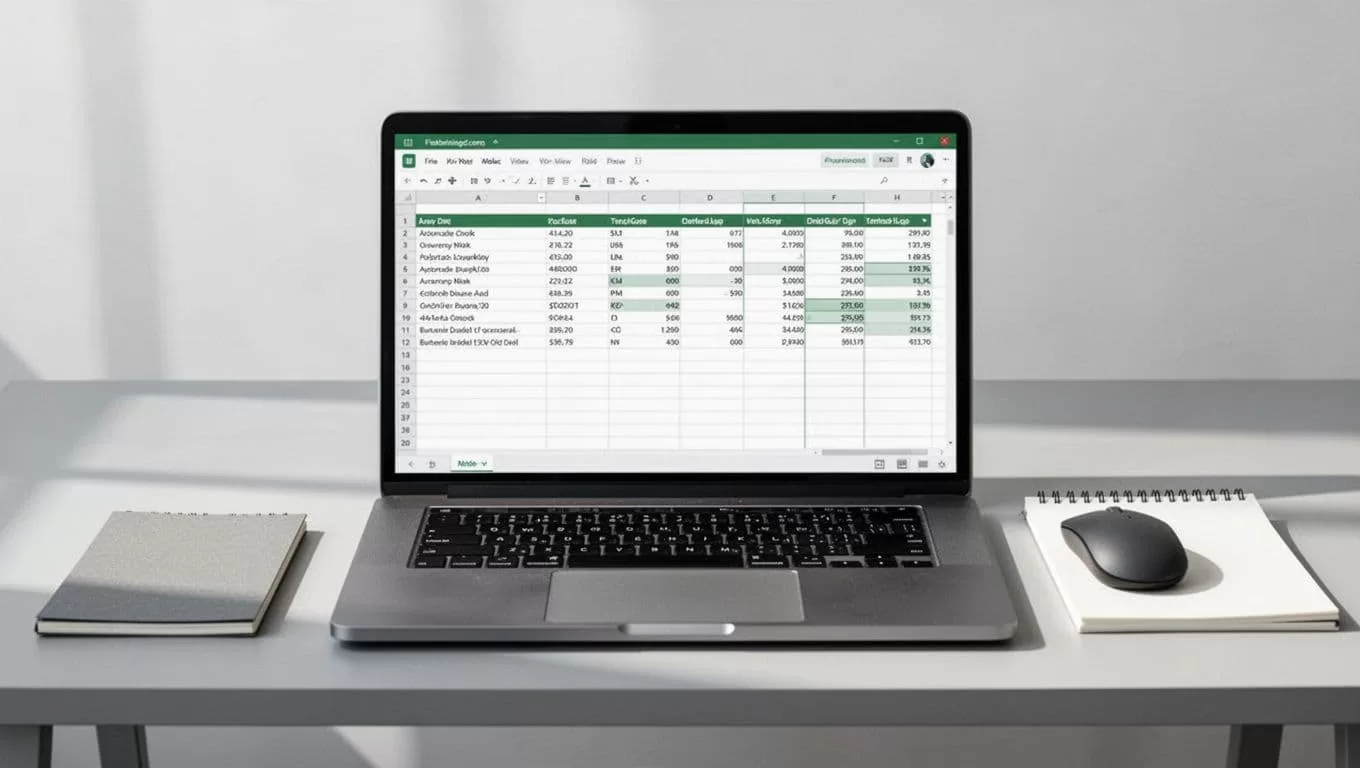
I keep the logic simple. If the website appears in the company footer, the LinkedIn page matches, and the email domain lines up, I mark it as high confidence. If only one clue fits, I leave it for review. A basic IF check in Sheets helps me sort the easy wins from the risky rows.
That approach keeps the sheet honest. I don’t want a list that looks complete but hides bad matches.
When I’m moving from small batches to larger ones, I also use related B2B tools for the next step. For example, Hunter.io Email Finder for Sales helps once I’ve confirmed the company site, and Hunter.io Bulk Email Verification Workflow helps me keep the contact side clean after enrichment.
Verify the match before I trust it
This is where most mistakes happen. A website can look right at a glance and still belong to the wrong company. I never stop at the homepage.
I check the footer, the contact page, the privacy policy, and the about page. Those pages often reveal the legal entity name, the office location, or the parent brand. I also compare the company’s social profiles against the site. If the LinkedIn page says Chicago, but the website footer says London, I slow down.
This simple rule keeps me from shipping bad data:
| Check | Good sign | Red flag |
|---|---|---|
| Location | Same city or region | Different market with same name |
| Email domain | Matches the website domain | Gmail, Yahoo, or unrelated domain |
| Legal entity | Matches footer or policy pages | Different parent company |
| Social profile | Same brand name and logo | Off-brand or inactive page |
I use that table as my final gate. If two or more signals disagree, I mark the row as uncertain and come back later.
If the lead list is heading into outreach, I clean the contact side too. I’ll check for risky domains with Catch-All Email Verification Guide and Reduce Cold Email Bounces with Hunter.io. That way, a wrong website doesn’t turn into a messy email campaign.
Keep data quality and compliance in the same workflow
Website matching is part research, part discipline. I only enrich with public business information, and I keep notes on where each match came from. That helps me audit the list later and explain why a website was chosen.
I also avoid forced guesses. If I can’t confirm the match, I leave the website blank. A blank field is better than a wrong one, because wrong data spreads fast through CRMs, sequences, and reports.
Compliance matters too. I stick to business contacts, respect opt-outs, and make sure the enrichment supports a legitimate sales or ops purpose. Clean data isn’t only about accuracy. It also protects the sender, the team, and the brand behind the list.
The best match is the one I can explain
When I need to find company websites from a lead list, I win by combining search, spreadsheet logic, and verification. I look for location, email domain, legal name, and social proof before I call a match complete.
The fastest answer is tempting, but the right answer is the one I can defend later. That’s the real difference between a messy list and a usable one.

