German Text to Speech on Speechify: A Practical Setup Guide
German text is easier to understand when you can hear every sentence while reading it. Speechify turns German documents, webpages, and notes into spoken audio, so you can study pronunciation without staying at your desk. The setup takes a f...

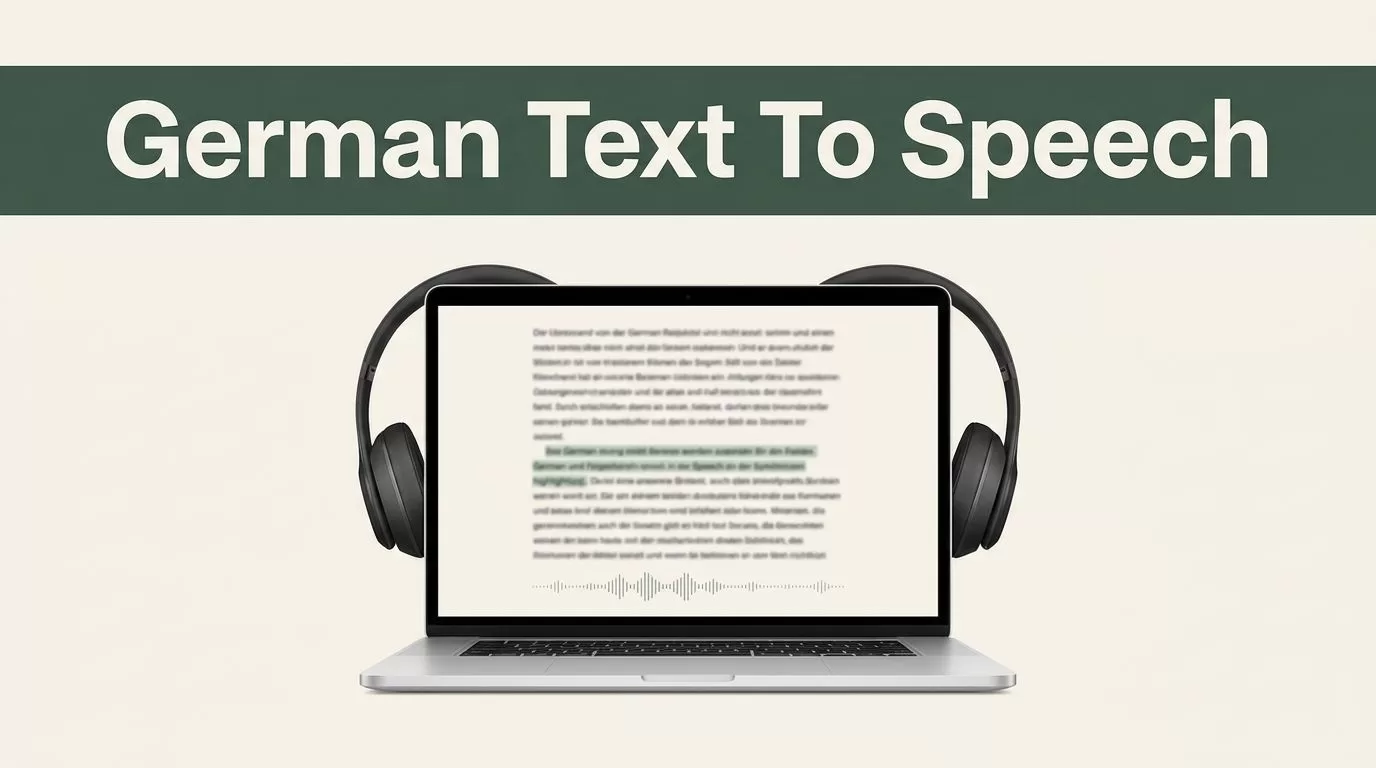
German text is easier to understand when you can hear every sentence while reading it. Speechify turns German documents, webpages, and notes into spoken audio, so you can study pronunciation without staying at your desk.
The setup takes a few minutes. You choose the source, confirm German as the language, select a suitable voice, then adjust playback for your listening level. Start with the basic workflow before adding study routines and accessibility settings.
Key Takeaways
- Speechify can read German text from pasted content, documents, webpages, PDFs, and some images.
- Select German when the language option is available to improve pronunciation and word recognition.
- Use synchronized highlighting, replay, and speed controls for focused language practice.
- Review privacy requirements before uploading confidential business or personal documents.
- Test voice, speed, and file layout before using Speechify in a classroom or work process.
GETTING STARTED WITH GERMAN TEXT TO SPEECH ON SPEECHIFY
Speechify is available through a web interface, mobile apps, and a Chrome browser extension. The exact controls can vary by platform and plan. The main process stays the same.
Open Speechify’s text-to-speech page and prepare the German content you want to hear. You can paste a paragraph, upload a supported file, or use content already open in your browser.
Follow these steps:
- Add the German text or document to Speechify.
- Check the detected language and select German if needed.
- Choose a German voice that sounds clear at your preferred speed.
- Press play and follow the highlighted text.
- Replay difficult sentences before moving forward.
Speechify supports German text-to-speech output with the de-DE language setting. When you know the document is written in German, selecting the language manually is better than relying on automatic detection. Mixed-language documents may be handled automatically, but German passages can sound more consistent when the correct language is selected.


The source material affects the result. Clean digital text usually produces better output than a low-quality scan. A photo of handwritten notes may need correction before you listen. Check names, umlauts, punctuation, and compound words when the text comes from OCR.
German has several features that can change how a sentence sounds. Words such as schön, für, and Mädchen use umlauts. Long compound words can also be difficult to review at speed. Hearing the text while seeing its spelling gives you two signals at once, audio and written form.
For a short test, use five to ten sentences instead of uploading a full book. Confirm the voice, pronunciation, document layout, and playback controls first. This prevents you from building a study routine around settings that don’t work for your content.
USE PLAYBACK CONTROLS TO IMPROVE GERMAN COMPREHENSION
Listening without control is passive. Listening with replay and text tracking gives you a repeatable practice process.
Speechify provides standard controls for playing, pausing, rewinding, and moving forward. You can return to a missed sentence instead of restarting the entire document. Tapping a word, line, or paragraph can also help you begin at a precise point, depending on the version you use.
Start at a comfortable speed. German learners often make one of two mistakes. They play audio too quickly and lose the sentence structure, or they keep the audio too slow and fail to build normal listening tolerance.
Use a three-stage process:
- Listen at a comfortable speed while following the text.
- Replay the same passage without looking at every word.
- Increase the speed slightly after you understand the main idea.
The right speed depends on the material. A news article may require slower playback than a familiar email. Technical German may also need more pauses because long nouns carry several ideas in one word.
Speechify’s synchronized highlighting can show the current word or line as the voice reads. This helps you connect pronunciation with spelling. It also gives you a visual location when you lose your place.
Don’t treat highlighting as a translation tool. It shows what the voice is reading, but it doesn’t explain grammar, word order, or meaning. Keep a separate vocabulary list for terms you need to review.
A useful routine looks like this:
- Read the passage silently once.
- Listen while following the highlighted text.
- Mark words that block your understanding.
- Replay the sentence containing each word.
- Check the meaning and listen again.
You can also use short recordings for pronunciation work. Pause after a sentence and repeat it aloud. Compare your rhythm, vowel length, and word endings with the audio. This practice is often called shadowing. It works best with short passages that you understand well.

Speechify offers multiple voices and language options, but the best voice is the one you can understand consistently. Don’t choose a voice because it sounds impressive. Test it with dates, names, technical terms, and sentences containing umlauts.
Voice choice matters more for long listening sessions. A voice that sounds clear for two minutes may become tiring after thirty minutes. Test the same paragraph with more than one available German voice before committing to a full document.
BUILD A GERMAN LEARNING WORKFLOW WITH REAL DOCUMENTS
German text to speech becomes more useful when you connect it to material you already need to read. You don’t need a separate script for every study session.
Use Speechify with German articles, course notes, vocabulary examples, business emails, product documentation, and public reports. The platform can read supported PDFs, Word documents, Google Docs, ePub files, webpages, and photos of printed text. File support can vary by product, app version, and plan, so test the format before depending on it.
For language learners, select content at the right difficulty. A text with too many unknown words turns listening into constant interruption. A familiar article with a few new terms gives you enough repetition to improve recognition.
Educators can use the workflow for assigned reading. Add a German passage, confirm the voice, then give learners a listening task alongside the written version. Students can replay difficult sections without waiting for a teacher to read the passage again.
Professionals can use the same process for German documents that require review. Listen to a policy, report, or email while checking the written source. Audio can help when your eyes are tired, but it shouldn’t replace a final visual review of important details.
Use separate folders or naming rules for different content types. For example, keep course material, work documents, and pronunciation practice apart. This makes it easier to return to useful passages later.
Set a small operating target:
- Listen to one short German passage each weekday.
- Replay two difficult sentences.
- Save five useful words or phrases.
- Review those terms before the next session.
Consistency is more useful than long sessions that happen once a month. Ten focused minutes can produce a better routine than an hour of unfocused playback.
Speechify can also help with printed material through text recognition. Take a clear photo with good lighting and keep the page flat. Review the extracted text before listening because OCR can confuse characters, punctuation, or line breaks.
Don’t upload confidential business material without checking your company’s rules. German customer records, internal reports, contracts, and employee documents may require approved software and specific data controls. Use public or non-sensitive content for initial testing.
USE SPEECHIFY FOR ACCESSIBILITY AND EVERYDAY LISTENING
Audio access helps when reading creates fatigue, when visual concentration is difficult, or when you need to consume text while moving through your day. It doesn’t solve every accessibility issue, but it gives you another way to access German content.
You can listen while commuting, walking, or completing routine tasks. Use headphones in shared spaces and avoid listening to important instructions when you can’t give them full attention.
For low-vision users, adjustable playback and spoken content can reduce the need to inspect dense pages. For users who process written language slowly, synchronized reading can make the connection between a German word and its sound easier to follow. Test the controls with your device’s existing accessibility settings before adopting Speechify for regular use.
The Speechify app listing on Apple’s App Store describes support for listening to documents, articles, PDFs, email, and other reading material. Check the current listing for device requirements and available features because app capabilities can change.

Use practical safeguards when listening in professional settings. Keep volume low enough to hear your surroundings. Don’t depend on audio alone for numbers, legal wording, or instructions that require exact verification.
Speechify can also reduce friction for multilingual teams. A German-speaking employee can listen to English content, while a German learner can listen to German documents with the written text visible. The same account workflow can support more than one language, subject to the languages and voices available in your plan.
The main requirement is a reliable source document. If the text is badly formatted, incomplete, or incorrectly scanned, better playback won’t fix the underlying problem. Clean the source first, then configure the voice and speed.
CHOOSE THE RIGHT SETTINGS FOR YOUR USE CASE
Your settings should match the task. Don’t use one configuration for every German document.
For beginner study, use a clear voice and a slower speed. Keep highlighting enabled. Pause after each paragraph and confirm the main point.
For intermediate listening, use normal or slightly faster playback. Listen once with the text visible, then replay without reading every line. This tests whether you can understand spoken German without depending on spelling.
For advanced practice, use authentic documents such as German news, workplace material, or technical writing. Start without translation. Mark only the words that prevent comprehension, then review them after the passage.
For accessibility, prioritize clear pronunciation, comfortable volume, and easy replay. The number of available voices matters less than consistent control access.
For workplace use, test the process with the exact document types your team handles. Review layout-heavy PDFs, tables, headings, and scanned pages separately. Record which formats work well and which require manual cleanup.
Speechify’s main product page provides the current product overview. Confirm plan limits, export options, supported platforms, and voice access before purchasing for a team or classroom.
Conclusion
Speechify gives German learners, educators, and professionals a practical way to hear written content while following the source text. The strongest results come from selecting German manually, testing the voice, controlling playback speed, and replaying short sections.
Use clean documents first. Build a routine around real German material. When the text is available as both audio and writing, pronunciation practice becomes easier to repeat and measure.
The goal isn’t to listen to more content without a plan. It is to make German listening practice simple enough to use every day.

