You host a podcast on Transistor.fm. Downloads grow steady. But Google Search results? They skip your show. Listeners search for topics you cover, yet your episodes hide.
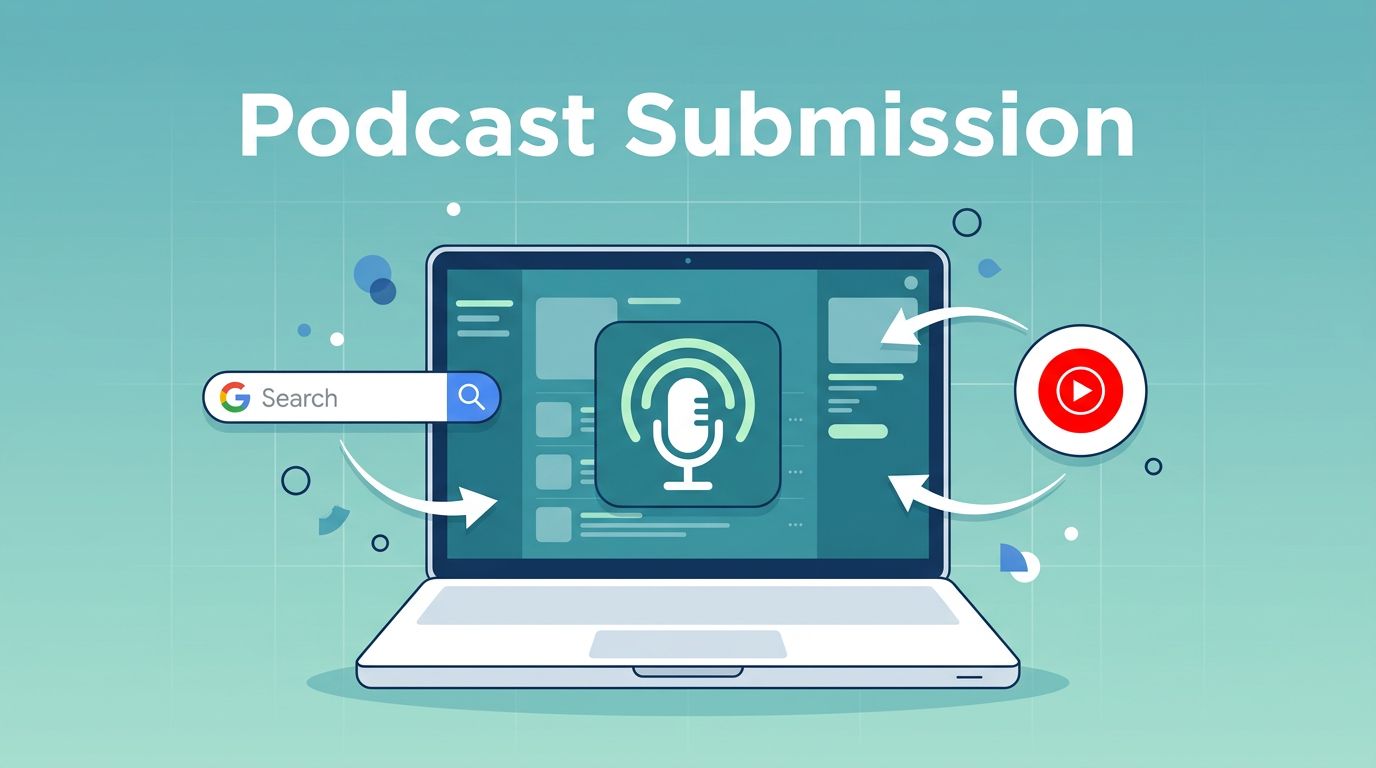
Google Podcasts shut down in 2024. Now, Google podcast directories mean YouTube Music and Search appearances. I submit my RSS feed there. It pulls my Transistor show into millions of ears. Follow my steps to do the same.
What Google Podcast Directories Mean Now
Google ended its Podcasts app. U.S. users lost access April 2, 2024. Other spots followed by June. Podcasts migrated to YouTube Music.
Your show appears in YouTube Music. It shows up in Google Search too. Listeners tap results and play. No app needed.
I check my episodes weekly. They rank for keywords like “podcast tips.” Traffic doubled after submission. YouTube Music handles playback. Search surfaces them first.
Transistor.fm fits perfect. It generates clean RSS feeds. Google approves them fast.
Pick Transistor.fm for Easy Distribution
I switched to Transistor.fm years back. Unlimited shows, one price. Private feeds for members. Public ones for directories.
It auto-posts to YouTube sometimes. But for full Google directories, I submit RSS manual. Transistor makes that simple.
See how I create viral podcast clips with Transistor.fm. Same dashboard powers this.
Other hosts work. Transistor shines because RSS stays public. Email shows in feed. Google requires both.
Find Your RSS Feed in Transistor.fm
Log into Transistor.fm. Pick your show. Click the Overview tab.
Your RSS feed sits right there. Copy the full URL. Looks like feeds.transistor.fm/your-show.
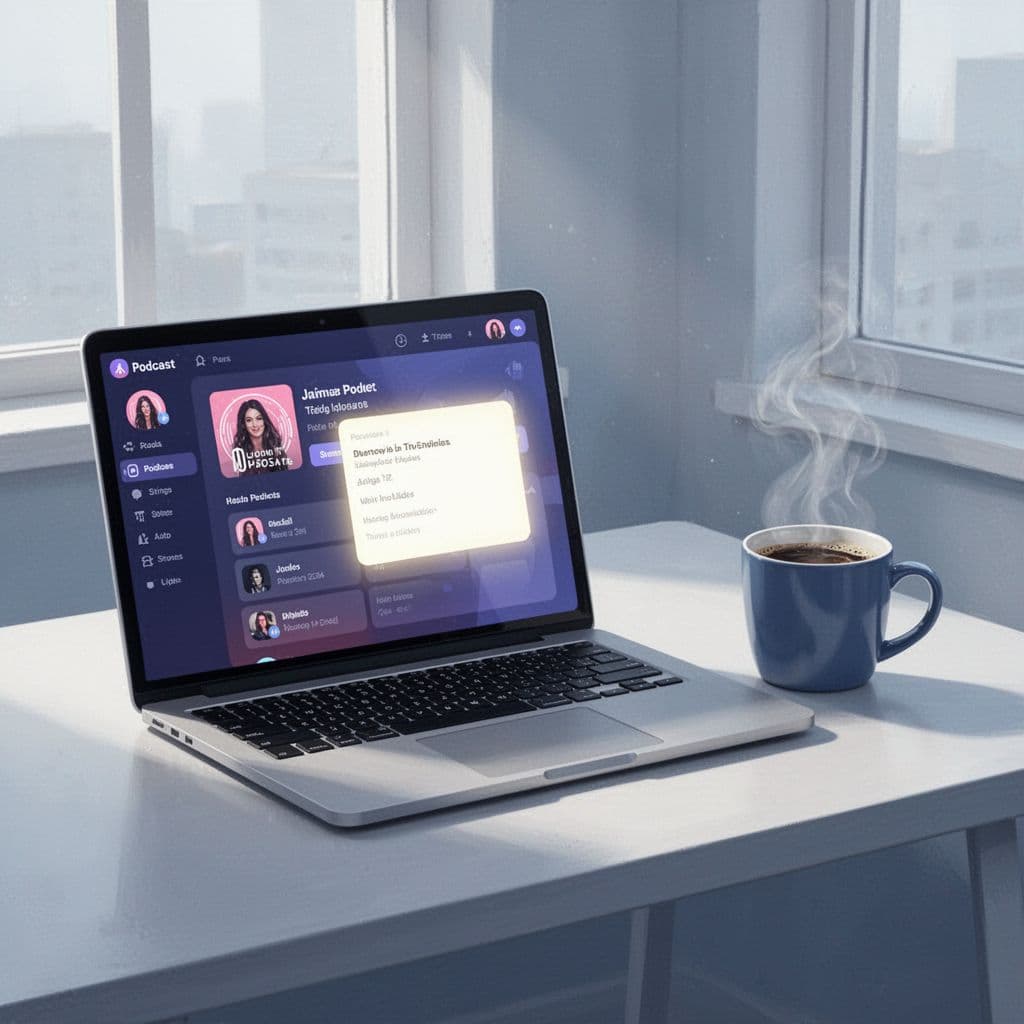
I paste it into notes. Test it first. Open in browser. Episodes load? Good.
Check settings. Show email in RSS? Go to Show Settings. Privacy tab. Toggle “Include email.” Save.
Common mistake: Skip this. Google rejects feeds without owner email. I learned hard way. Resubmitted twice.
Feed needs one episode. Artwork 1400×1400 pixels min. Episodes under 500MB. Update yearly.
Transistor handles most. I verify artwork square. Description 150-4000 chars.
Meet Google’s Eligibility Rules
RSS must validate. Use Transistor’s directory submission guide. It lists checks.
Public feed only. No duplicates. Own the domain? Add DNS tag later.
Episodes audio-only via RSS. Video separate.
I run feed through validator. Podcastindex.org checks XML. Fixes tags quick.
Transistor updates feed automatic. New episode? It appears everywhere.
Submit Your RSS Feed to YouTube Music
Open YouTube Studio. Log in with Google account. Need channel? Create one.
Click Create. New Podcast. “Submit RSS feed.”
Paste Transistor URL. Accept terms. Next.
Verify ownership. “Send code.” Check email. Enter it.
Pick episodes. All or future. Save.

Follow Transistor’s YouTube steps. Matches exact.
Google scans 1-7 days. Approved? Playlist builds.
I submitted last month. Live in Search now.
Verify Submission and Fix Issues
Check YouTube Studio. Podcasts tab. Status shows.
Email arrives if rejected. Common: No email in RSS. Bad artwork.
I refresh daily. Rejected once for old episode. Deleted it. Resubmitted.
Transistor analytics track plays. YouTube Music counts separate.
No dashboard? Wait. Ping support rare.
Mistake: Wrong RSS. Use public one.
Wait Times for Indexing
Approval: 1-7 days. Full index: 1-4 weeks.
Search appearances lag. I tested keywords. Show popped week three.
YouTube Music faster. Followers build slow.
Patience pays. My traffic spiked month two.
Key Takeaways
I add podcasts to Google podcast directories via YouTube Music. Transistor RSS makes it painless.
Grab your feed. Submit today. Watch Search light up.
Your show deserves those ears. Start now.