How I Turn On DKIM in Google Workspace
Your business emails vanish into spam folders. Clients ignore proposals because servers flag them as suspicious. I fixed that by enabling Google Workspace DKIM. This simple authentication adds a digital signature to outgoing mail. Receivers...

Your business emails vanish into spam folders. Clients ignore proposals because servers flag them as suspicious. I fixed that by enabling Google Workspace DKIM. This simple authentication adds a digital signature to outgoing mail. Receivers verify it came from you. As a result, delivery improves, and spoofing drops.
In this guide, I share the exact steps I follow. It works in April 2026 with no major changes from last year. Bulk senders still need it alongside SPF and DMARC. Follow along, and your emails gain trust fast.
Table of Contents
- Prerequisites Before Starting
- Access the Google Admin Console
- Generate the DKIM Key Pair
- Publish the DKIM TXT Record in DNS
- Turn On DKIM Authentication
- Verify Setup and Handle Propagation
- Troubleshoot Common DKIM Problems
- Frequently Asked Questions
Prerequisites Before Starting
Check your setup first. You need super admin access to Google Workspace. Confirm Gmail is active for your domain. Wait 24 to 72 hours after enabling Gmail, or key generation fails.
Your domain must point to Google Workspace via MX records. I always verify this in my Google Workspace email setup guide. Also, access your DNS provider like Cloudflare or GoDaddy. No changes there yet.
Bulk senders to Gmail hit 5,000 emails daily? Add SPF and DMARC too. See my full Google Workspace SPF DKIM DMARC setup for details. These steps focus on DKIM alone.
Access the Google Admin Console
Log in at admin.google.com with super admin credentials. Go to Apps. Then select Google Workspace. Click Gmail. Finally, choose Authenticate email.
This screen lists domains. Pick the one you want. Status shows if DKIM runs already.

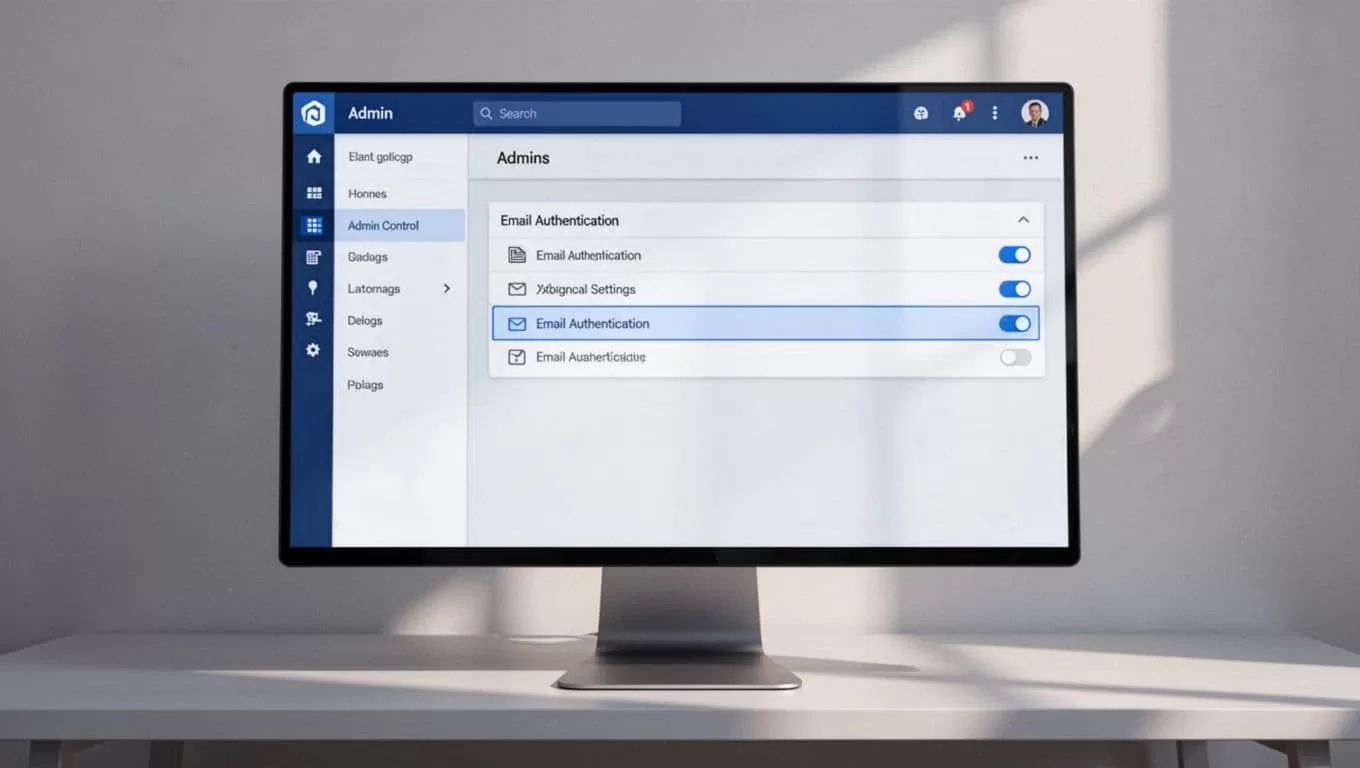
I screenshot this path each time. It saves backtracking. Google’s official DKIM setup guide matches these steps exactly.
Generate the DKIM Key Pair
Click Generate new record. Select 2048-bit key length. Google requires this for security now. Use the default “google” selector unless it exists already.
Copy the full TXT record. It starts with v=DKIM1; k=rsa; p= followed by a long string. Paste it safely. Do not edit.
Each domain needs its own key. I generate one per domain. The process takes seconds. However, DNS comes next.
Publish the DKIM TXT Record in DNS
Open your DNS provider. Add a new TXT record. Set host or name to google._domainkey. Some hosts need the full google._domainkey.yourdomain.com.
Paste the exact value from Google. Save changes. No quotes or splits unless your host demands it.
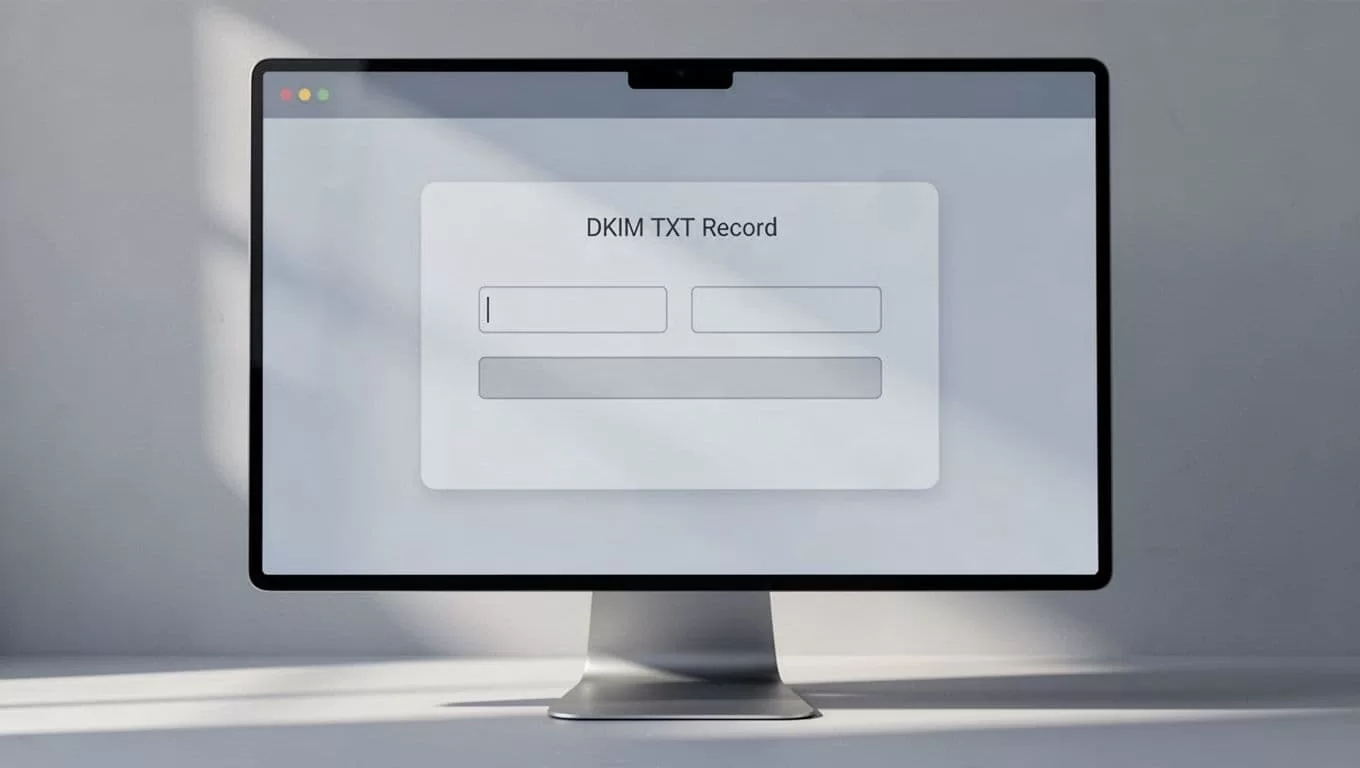
Propagation takes time. Most changes show in 15 minutes. Others need 48 hours. I check with dig or online tools after waiting.
Turn On DKIM Authentication
Return to Google Admin. Refresh the Authenticate email page. Click Start authentication next to your domain.
Status shifts to “Authenticating email with DKIM.” Google signs outgoing mail now. Test by sending to an external Gmail. Avoid self-sends.
If it fails, DNS did not propagate. Wait longer. Google’s troubleshooting page lists checks.
Verify Setup and Handle Propagation
Send a test email. Open “Show original” in the receiver’s inbox. Look for dkimsignature. It should say PASS.
Check Google Admin status. Green means success. Propagation delays mimic failures. I retest after 24 hours if needed.
Combine with SPF for best results. DMARC reports arrive soon after. In short, patience pays off.
Troubleshoot Common DKIM Problems
Issues arise often. Missing TXT records top the list. Verify in DNS with a lookup tool.
DNS delays fool many. Wait 48 hours fully. Selector mismatches happen if you change “google.” Stick to defaults.
Syntax errors come from extra spaces or broken keys. Copy paste exactly. Some hosts limit TXT length. Split if required, but Google prefers one record.
Domain hosts block long records sometimes. Contact support. Forwarding breaks signatures too. Avoid it for signed mail.
Bulk rules enforce stricter checks. Keep spam below 0.3%. I review Google’s security help for updates.
Frequently Asked Questions
How long until DKIM works fully?
Most see results in hours. Allow 48 hours max for DNS.
Do I need a custom selector?
Default “google” works. Change only if taken.
What if status stays yellow?
DNS record missing or wrong. Recheck host and value.
Does DKIM replace SPF?
No. Use both. Add DMARC on top.
Free plans support DKIM?
Yes, all Google Workspace editions do.
Wrap Up
DKIM transforms email trust. I enable it first for new domains. Messages land cleaner. Clients reply faster.
Test after setup. Monitor Postmaster Tools. Your setup joins SPF and DMARC for full protection. Emails flow smoothly now.
(Word count: 982)

