How I Set Up a Google Workspace SPF Record
Your business emails land in spam folders. Customers ignore them. Deals stall. I fixed this for my Google Workspace setup by adding an SPF record. It took minutes once I knew the steps. SPF tells receiving servers which sources can send mai...

Your business emails land in spam folders. Customers ignore them. Deals stall. I fixed this for my Google Workspace setup by adding an SPF record. It took minutes once I knew the steps.
SPF tells receiving servers which sources can send mail for your domain. Without it, providers like Gmail flag your messages as fakes. I add SPF first in email authentication. Then I move to DKIM and DMARC.
Follow my exact process. You’ll boost deliverability right away.
Table of Contents
- What is an SPF Record?
- Prerequisites Before Adding Your SPF Record
- Step-by-Step Guide to Adding the SPF Record
- Avoid Duplicate SPF Records
- What to Expect from DNS Propagation
- Verify Your SPF Record Works
- Conclusion
- Frequently Asked Questions
What is an SPF Record?
SPF stands for Sender Policy Framework. It prevents spoofing. Bad actors fake your domain in “From” lines to trick people. Your real emails suffer because servers distrust the source.
I picture SPF as a bouncer at a club. It checks IDs against a list. Authorized senders like Google Workspace pass. Fakes get blocked.

For Google Workspace, SPF lists Google’s servers. The record goes in your DNS as a TXT entry. Receiving servers query it before accepting mail. A match means pass. No match triggers spam or reject.
Google recommends this value if Workspace sends all your email: v=spf1 include:_spf.google.com ~all. The ~all means soft fail. Suspicious mail goes to spam, not blocked outright. I start there. Later, I tighten to -all for hard fails.
SPF alone cuts bounces. But pair it with DKIM and DMARC setup for Google Workspace for full protection.
Prerequisites Before Adding Your SPF Record
You need DNS access. Log into your domain registrar or host like GoDaddy, Namecheap, or Cloudflare. Find the DNS management page.
Know your senders. Google Workspace? Use their include. Add others like Mailchimp later. List them to avoid gaps.
Check existing records first. Run a DNS lookup for your domain’s TXT records. Tools show if SPF exists. I always search before adding.
No Google Admin changes here. SPF lives in DNS, not Workspace console. Propagation takes time, so plan ahead.

Common DNS hosts work the same. GoDaddy: Domains > DNS. Cloudflare: DNS tab. Squarespace: Settings > Domains > DNS.
Step-by-Step Guide to Adding the SPF Record
I add SPF in DNS TXT format. Here’s my process.
- Log into your DNS provider.
- Go to TXT records. Click Add or Create.
- Host or Name: Enter
@for root domain. - Value: Paste
v=spf1 include:_spf.google.com ~all. Quotes if required. - TTL: Default or 3600 seconds.
- Save.
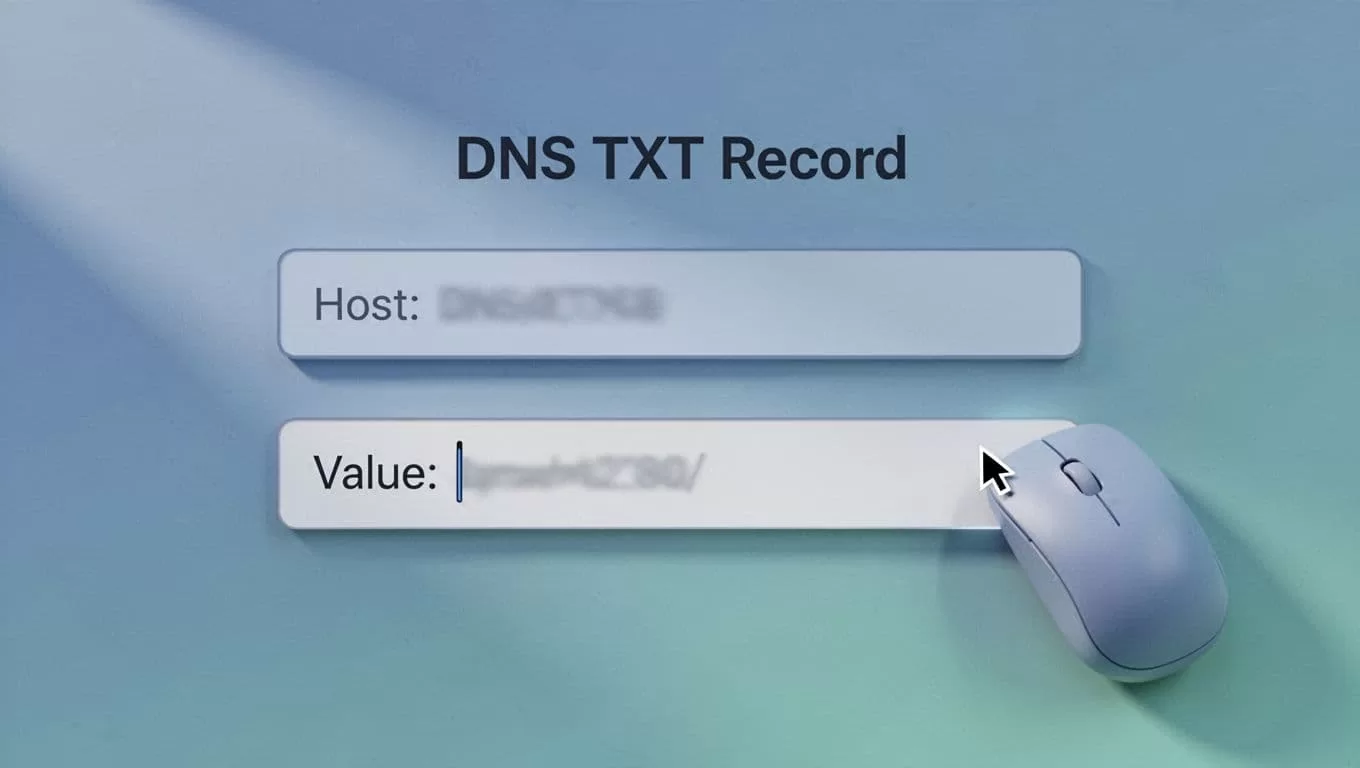
GoDaddy example: Under My Products > Domains > Manage DNS > Add > TXT. Host @, Value as above.
Cloudflare: DNS > Add Record > Type TXT > Name @, Content value, Save.
Namecheap: Domain List > Manage > Advanced DNS > Add New Record > Type TXT.
For multiple senders, chain includes: v=spf1 include:_spf.google.com include:servers.mcsv.net ~all. Limit to 10 lookups.
See Google’s official SPF setup guide for details.
Avoid Duplicate SPF Records
One SPF record per domain. Duplicates cause PERMERROR. Emails fail everywhere.
I check first with dig TXT yourdomain.com or MX Toolbox. If one exists, edit it. Merge includes.
Example: Old record v=spf1 mx ~all. New: Append include:_spf.google.com. Result: v=spf1 mx include:_spf.google.com ~all.
Delete extras. Wait for propagation.
What to Expect from DNS Propagation
Changes don’t instant. TTL controls speed. Defaults 1 hour to 48.
I test after 15 minutes. Full check at 24 hours. Use global tools because caches vary.
Factors slow it: High TTL, ISP caches. Providers like Cloudflare propagate fast.
Learn more in my DNS propagation guide for email setups.
Verify Your SPF Record Works
Test immediately. Use MX Toolbox SPF checker. Enter domain. Look for “SPF record found” and pass.
Send test email from Workspace. Check headers in Gmail: “spf=pass”.
Troubleshoot with Google’s SPF issues page. Syntax wrong? Fix quotes, underscores.
Track long-term with Google Postmaster Tools.
Conclusion
Adding a Google Workspace SPF record secures your email. I follow these steps every domain setup. Emails deliver better. Spam drops.
Tighten to -all after tests. Then add DKIM and DMARC for top email deliverability.
Your turn. Set it now.
Frequently Asked Questions
How long until SPF works?
Most see changes in 1-2 hours. Allow 48 hours max.
What if I use third-party tools?
Add their includes. Check limits. Example: include:spf.mandrillapp.com.
SPF fails verification?
One record only. Exact syntax. No extras.
Google Workspace only sender?
Yes, v=spf1 include:_spf.google.com ~all fits perfect.
Next after SPF?
DKIM signing, then DMARC policy. Boosts reputation.
(Word count: 982)
