Google Workspace Business Standard Vs Business Plus for Small Teams
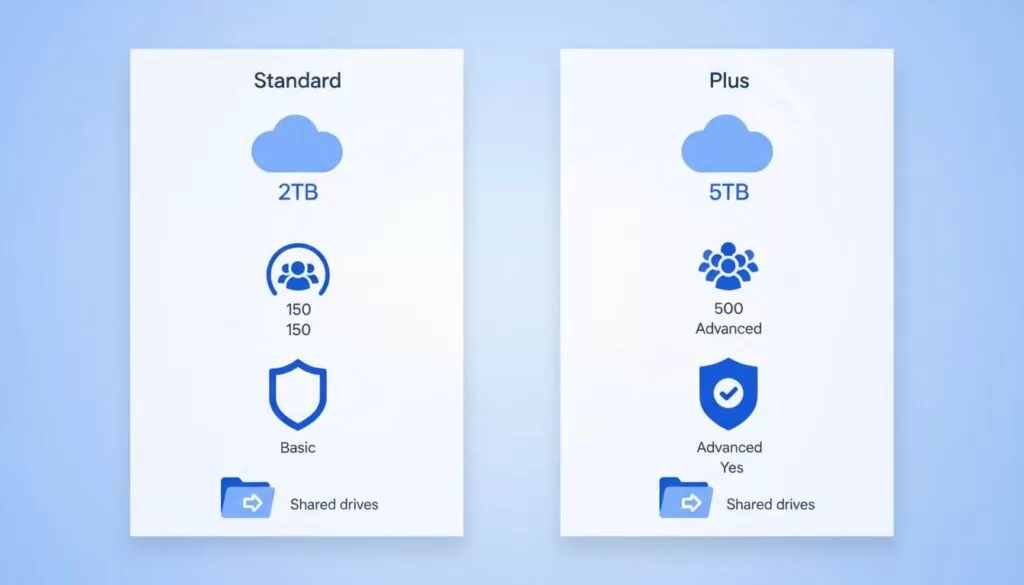
Most small teams start with Business Standard. The plan gives each user 2 TB of pooled storage, meeting recordings, and Meet calls for up to 150 participants. Business Plus costs more and adds 5 TB of storage, Meet calls for up to 500 parti...

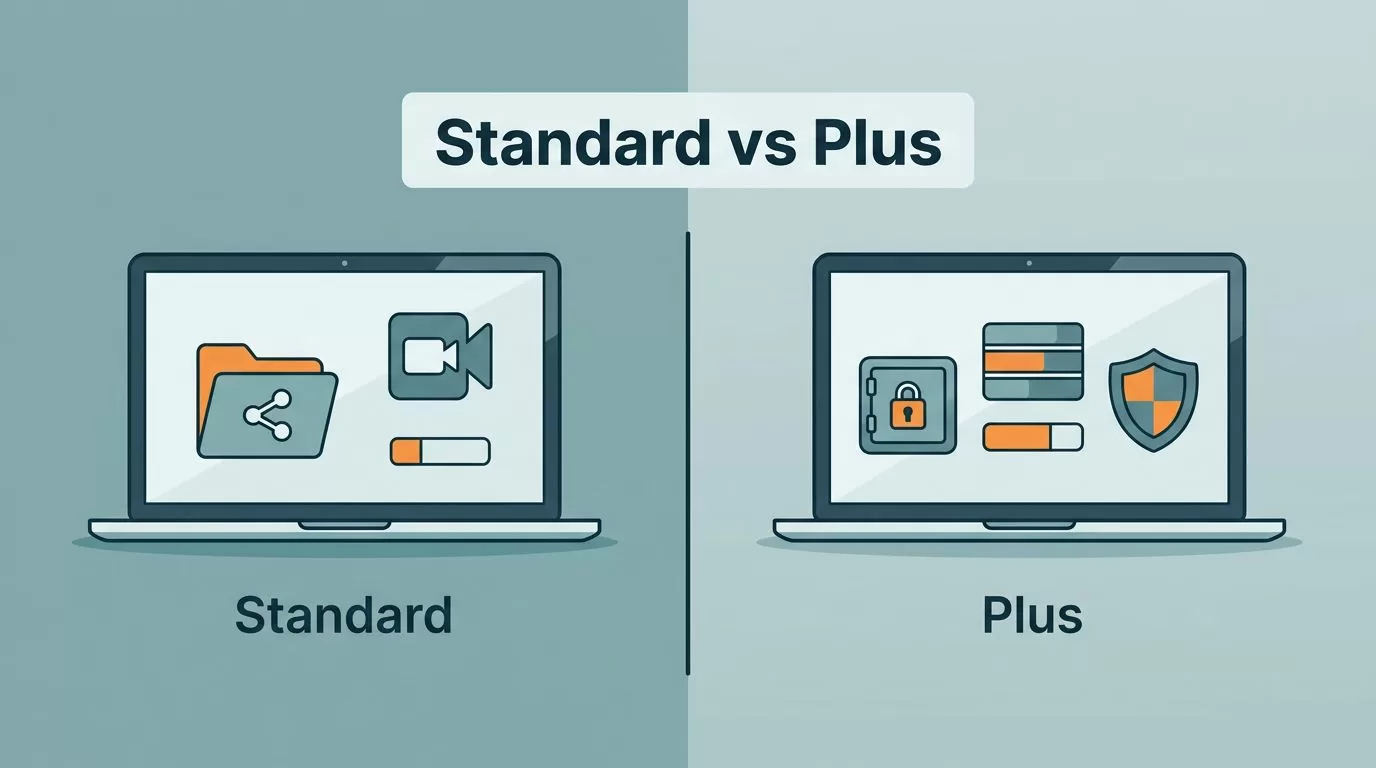
Most small teams start with Business Standard. The plan gives each user 2 TB of pooled storage, meeting recordings, and Meet calls for up to 150 participants. Business Plus costs more and adds 5 TB of storage, Meet calls for up to 500 participants, Vault, and advanced endpoint management.
This guide compares Google Workspace Business Standard vs Business Plus using the official Google plan page and Google help documentation. The guide skips per-user prices because published figures differ across sources and change with billing terms and region. Check the current price on the Google Workspace pricing page before buying.
Google Workspace Business Standard vs Business Plus at a glance
The table below lists the differences confirmed on the Google Workspace pricing page and the Google Vault edition list. Business Starter appears in the table as a reference point.
| Feature | Business Starter | Business Standard | Business Plus |
|---|---|---|---|
| Pooled storage per user | 30 GB | 2 TB | 5 TB |
| Meet participants | 100 | 150 | 500 |
| Meeting recordings to Drive | Not supported | Supported | Supported |
| Vault | Not listed as included | Not listed as included | Included |
| Endpoint management | Fundamental | Fundamental | Advanced |
| 2-step verification | Included | Included | Included |
| Maximum users | 300 | 300 | 300 |
| Gemini in Workspace apps | Limited to Gmail and Vids | Full | Full |
Google lists annual billing as a way to save 16% with a one-year commitment. Exact per-user prices vary, so confirm the figure for your region and billing term on the official page.
The table shows a clear pattern. Standard covers the collaboration basics. Plus adds storage headroom, larger meetings, retention tools, and stronger device management.

What both plans share
Business Standard and Business Plus run the same core apps. Users get Gmail on a custom domain, Drive, Docs, Sheets, Slides, Calendar, Chat, and Meet. According to the pricing page, both plans include 2-step verification, group-based policy controls, and the Advanced Protection Program. Both plans also cap an organization at 300 users.
Daily work therefore looks the same on either plan. Plus does not change how people write documents or schedule meetings. Plus adds capacity and control around data, devices, and retention.
Where Business Plus earns the extra cost
Storage
Storage is the first practical split. A team working in documents, spreadsheets, and slide decks rarely fills 2 TB per user. A team storing large media files, project archives, or years of client records may prefer 5 TB per user. Storage is pooled across the organization, so a few heavy users do not force the whole team onto a higher plan alone. Plan folder ownership before worrying about space. The Google Workspace Shared Drives guide explains how company-owned files work.
Vault and retention
Vault is often the deciding feature. Google lists Business Plus among the editions including Vault. The same page does not list Business Starter or Business Standard as including Vault. The page also does not say whether either plan can add Vault later, so ask Google Sales before assuming an add-on exists. Teams required to retain, search, and export data for legal, HR, or audit reasons should treat Vault as a requirement and compare plans on this basis.
Device and endpoint management
Google lists fundamental endpoint management for Standard and advanced endpoint management for Plus. A team with many company-managed laptops and phones gains more control on Plus. A team using personal devices with basic policies may not need the extra layer.
Meetings
Standard supports up to 150 participants in Meet and saves recordings to Drive. Plus raises the cap to 500 participants. Most small teams never reach 150 attendees. Companies hosting customer webinars, all-hands calls, or training sessions may reach the cap sooner. The Google Workspace collaboration for remote teams guide covers daily meeting habits.
Gemini
The pricing page lists full Gemini in Workspace apps for both Standard and Plus, with expanded Gemini assistant access. Starter gets limited Gemini features. This difference matters more when comparing Starter against Standard than when comparing Standard against Plus. Verify current AI features on the official page, since Google updates the lineup often.
Why Business Starter may fall short
Business Starter offers 30 GB of pooled storage per user, Meet calls for up to 100 participants, and no meeting recordings to Drive. Teams relying on recordings or large file libraries outgrow Starter quickly. For a small team, Standard is usually the lowest plan worth considering when recordings and storage matter.
How to estimate the real cost difference
Per-user prices differ by region, billing term, and promotion, so build the estimate from the current figures on the official page. Subtract the Standard price from the Plus price. Multiply the result by the number of users who need Plus. Multiply again by 12 for a yearly figure. Then compare the yearly figure with the cost of the problem Plus would solve, such as a missing retention tool or a storage overage.
Consider the annual billing discount as well. Google lists a 16% saving with a one-year commitment. A commitment reduces flexibility, so a brand new team with uncertain headcount may prefer a flexible plan for the first months. Ask Google Sales or a reseller about current terms before committing.
Which plan fits which small team
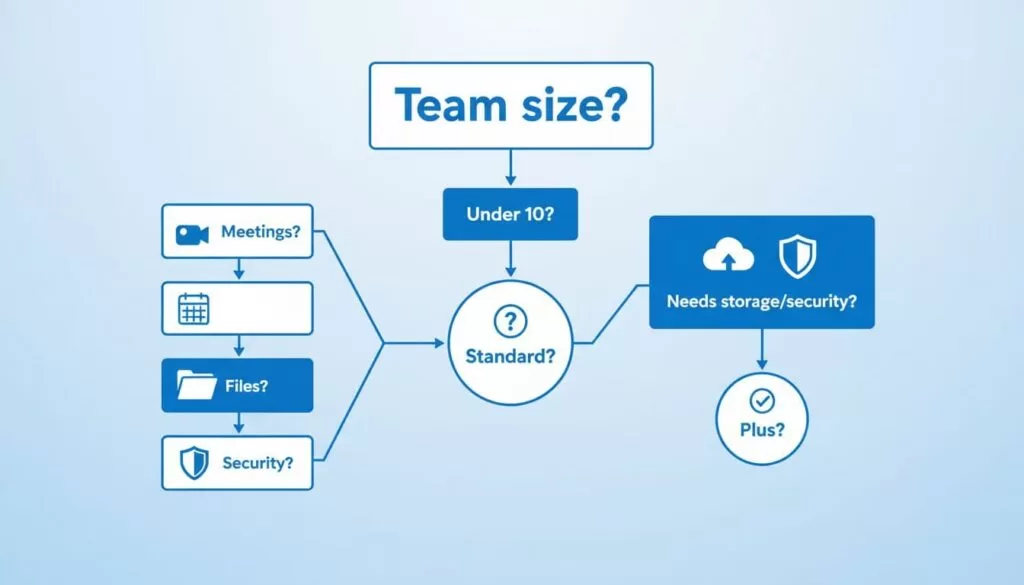
Start with file size, compliance pressure, and device risk. Headcount alone does not decide the plan.
| Situation | Likely fit |
|---|---|
| Agency, consultancy, or small SaaS team with ordinary documents and routine calls | Business Standard |
| Team recording meetings and sharing company drives with no retention rules | Business Standard |
| Team storing very large media files or years of client archives | Business Plus, or Standard when storage stays below 2 TB per user |
| Team required to keep legal holds or run eDiscovery searches | Business Plus because of Vault |
| Team with many company-managed devices needing stronger controls | Business Plus for advanced endpoint management |
| Team hosting meetings above 150 participants | Business Plus |
A six-person company with HR files, financial records, or regulated customer data may outgrow Standard sooner than a fifteen-person design studio. Match the plan to the risk and not to the headcount.
Mixing plans across a team
Some owners put founders, HR, or compliance staff on a higher plan and everyone else on a lower plan. Google may allow different editions in one organization, but the rules depend on account type and subscription setup. Confirm with Google Sales or the Admin console before planning a mixed setup. Features such as Vault apply to licensed users, so check which users each feature covers.
A quick decision checklist
- List the file types and the expected storage per user over three years.
- Ask whether legal, HR, or customer contracts require data retention or eDiscovery.
- Count company-managed devices and decide how much control the team needs.
- Check the largest meeting size planned for the next year.
- Compare current prices for your region and billing term on the official pricing page.
- Pick the lower plan satisfying every must-have, then review the choice each year.
Plans can change over time. Moving up is usually simple, so a small team does not need to buy extra capacity on day one. Review the decision when headcount, compliance rules, or file volume change.
Switching plans later
Plan choices are not permanent. A team can begin on Business Standard and review the decision after six months of real usage. Watch three signals. Watch storage use in the Admin console, watch how often meetings approach the participant cap, and watch requests from legal or finance for retention and search tools. Any one signal can justify a move to Plus.
Before switching, read the current Google Workspace help pages on changing editions, because billing terms and proration rules can differ by subscription type and region. Export important data and note the effective date of the change. Document the reasons for the switch so the next review starts from facts and not memory.
Teams also downgrade when a project ends or headcount shrinks. Check storage use before any downgrade, because lower editions carry lower storage limits per user.
Frequently asked questions
Is Business Plus worth the price for a team under 10 people?
Only when security, retention, or storage needs are real. A low-risk team with ordinary documents usually gets better value from Standard.
Does Business Standard include shared drives?
Google Workspace business plans provide shared drives for team files. Check the Google Workspace plan comparison for the current edition list before relying on any single feature.
Does Business Standard include meeting recording?
Yes. The Google pricing page lists meeting recordings to Drive for both Standard and Plus. Business Starter does not support recordings.
Does Business Standard include Vault?
Google does not list Vault as included with Standard. Vault is included with Business Plus. Contact Google Sales to ask about add-on options.
How many users can each plan support?
Google lists a maximum of 300 users for Starter, Standard, and Plus. Larger organizations need Enterprise plans.
Where can you check current prices?
Use the official Google Workspace pricing page. Third-party reviews often show different figures because of region, promotions, and older data.
Conclusion
Business Standard fits most small teams. The plan gives 2 TB of pooled storage per user, recordings, 150-person meetings, and full Gemini access in Workspace apps. Business Plus suits teams needing Vault, 5 TB of storage per user, 500-person meetings, or advanced endpoint management.
List the must-have features first, confirm each feature on the official pages, and then compare current prices. Choose the lower plan meeting every requirement, and move up only when a real need appears.

