Centralize and Automate Grant Application Tracking With Twin.so
Missing a funding deadline costs your organization months of operational budget. When your team relies on scattered spreadsheets and disconnected email chains, critical proposal dates slip through the cracks. Effective grant application tra...
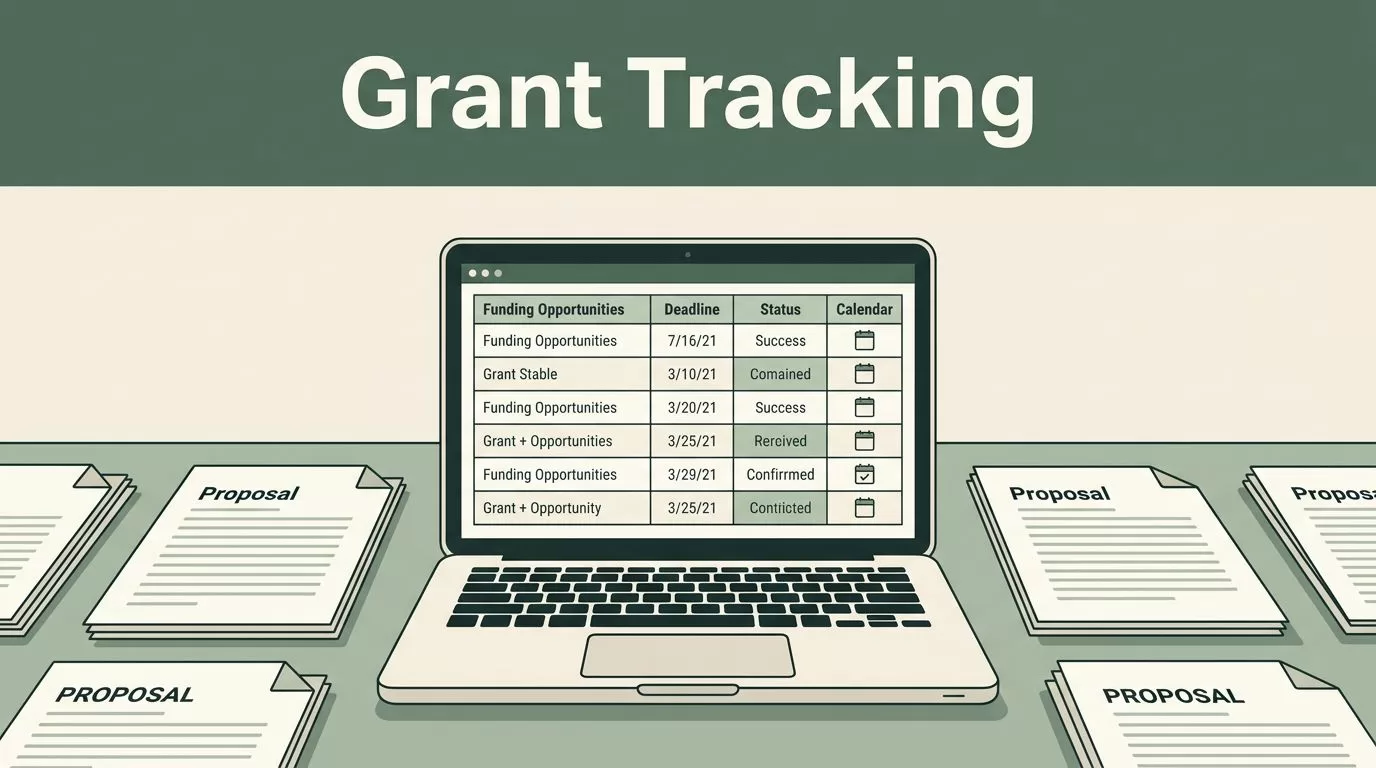
Missing a funding deadline costs your organization months of operational budget. When your team relies on scattered spreadsheets and disconnected email chains, critical proposal dates slip through the cracks. Effective grant application tracking requires a centralized system that brings every funder, requirement, and deadline into one view. You can eliminate manual follow-up and protect your revenue pipeline by configuring a dedicated workspace in Twin.so. Operating without a unified tracker guarantees friction when multiple staff members attempt to edit the same proposal simultaneously.
Spreadsheets break down the moment you juggle more than five active proposals. Different team members update different tabs, formulas break unexpectedly, and nobody knows which version holds the final budget numbers. You fix this operational bottleneck by building a centralized database inside Twin.so.
Start by creating a master table where each row represents a single funding opportunity. Add columns that capture the essential data points your team needs to evaluate, write, and submit proposals successfully. A clean database structure keeps your operations transparent across departments and prevents duplicated effort.
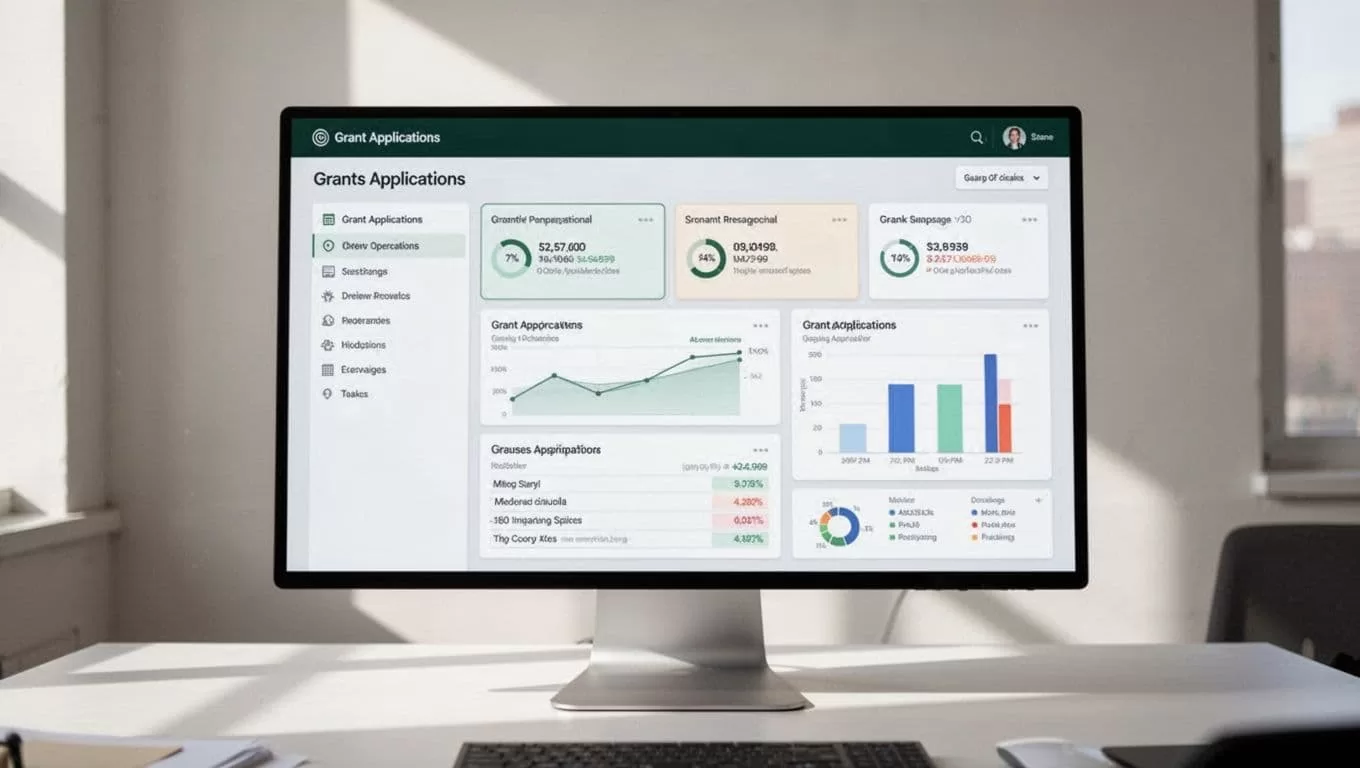
Your primary table needs specific fields to remain useful during daily operations. Include columns for the funder name, target grant amount, submission deadline, internal review date, and assigned project lead. When everyone references the same source of truth, communication overhead drops instantly, and leadership gains immediate visibility into your upcoming funding pipeline. Configure relation fields to connect each grant to specific organizational programs or fiscal years so you can filter data instantly during quarterly reviews.
Defining Custom Tracker Fields and Statuses
A database without clear operational stages turns into a digital graveyard. You need standardized statuses that show exactly where every proposal stands at a single glance. Configure your Twin.so workspace with explicit progress categories so team members understand what happens next without asking for updates.
Use practical status stages like prospecting, drafting, internal review, submitted, awarded, and declined. Every stage should trigger a specific operational responsibility. When a record moves to internal review, the assigned editor receives an immediate signal to begin auditing the narrative for clarity and compliance.
Tracking secondary details protects your pipeline from unexpected surprises. Add fields for reporting deadlines, restriction types, matching fund requirements, and grant portal login credentials. For broader context on how organizations evaluate software solutions, review this guide on the Best Grant Management Software for Nonprofits. Knowing your requirements before building workflows prevents costly rebuilds later. Make sure select menus use consistent color coding so your team can scan the pipeline visually during weekly operational meetings.
Automating Reminders and Status Updates
Manual follow-up eats hours of valuable staff time every week. You stop chasing colleagues for draft sections by setting up automated notifications within your workspace. Twin.so allows you to configure workflows that trigger alerts based on date changes or status shifts.
Set up automated reminders that fire fourteen days, seven days, and forty-eight hours before a major deadline. These notifications go directly to the assigned team member via chat or email, reducing missed deadlines without requiring manual status checks from the executive director.

Automation also handles status transitions when key actions occur. If a staff member uploads the final budget file, the workflow can automatically update the milestone status and notify leadership that the packet is ready for final sign-off. Removing manual touchpoints across your pipeline prevents human error from stalling critical submissions and keeps projects moving at a steady pace. Grant application tracking becomes effortless when the software manages routine notifications in the background.
Managing Required Documents and Submission Checklists
Proposals fail because an attachment is missing or outdated. Most funders require identical sets of supporting documents, including tax exemption letters, board rosters, audited financials, and organizational budgets. Storing these files in a separate folder invites version errors and wastes precious time searching network shares.
Attach required templates and approved governance documents directly to the parent grant record in Twin.so. When team members work inside the specific opportunity page, they pull the exact files required for that submission without hunting through disorganized directories.
Build itemized checklists inside each record for complex applications. Checklists let you verify that narrative sections, budget tables, and letters of support are complete before anyone hits submit. This granular control eliminates last-minute panic and ensures your organization presents a polished, professional package to every prospective funder, reducing the risk of administrative disqualification.
Auditing Performance and Pipeline Health
Tracking individual applications is only half the battle. You also need visibility into your overall funding trajectory to forecast annual revenue accurately. Twin.so gives you the flexibility to group and filter your database views for high-level analysis.
Create a filtered view that displays total capital requested versus total awards secured over the current fiscal year. Reviewing win rates by funder type helps your development team focus their efforts on high-probability opportunities rather than chasing dead ends that drain organizational resources.
Regular audits reveal bottlenecks in your writing and review process. If proposals consistently stall during internal review, you know to adjust your internal timelines for the next funding cycle. Documenting these lessons within your workspace creates an institutional memory that strengthens future funding applications and improves staff onboarding times. Twin.so grant application tracking provides the quantitative data required to justify operational adjustments to your board of directors.
Scaling Your Grant Operations for Long Term Growth
As your organization secures more funding, your tracking demands will multiply. Handling twenty applications a year requires a different operational cadence than managing one hundred simultaneous awards across multiple programmatic departments.
Scale your workspace by adding department tags and funding category filters. This allows specific program directors to view only the grants relevant to their initiatives without cluttering the master pipeline view. Twin.so adapts to these growing operational needs through modular database views and permission controls.
Restrict editing access on finalized baseline documents while keeping submission trackers open for real-time progress updates. Protecting core governance files from accidental overwrites prevents catastrophic errors during high-stress submission weeks and maintains data integrity across your entire team.
Conclusion
Scattered spreadsheets and manual status checks waste valuable hours that your team should spend building relationships and writing compelling proposals. Centralizing your workflow inside Twin.so brings clarity to your funding pipeline and protects your organization from missed deadlines. Audit your current active proposals today, build your master database, and deploy automated reminders to keep every project moving forward.
