How to Deploy Growth Team Software Using Mida.so
Growth teams live or die by execution speed. When you manage conversion rates, landing page variations, and audience personalization, manual developer queues stall your pipeline. You need a platform that lets you test website changes withou...
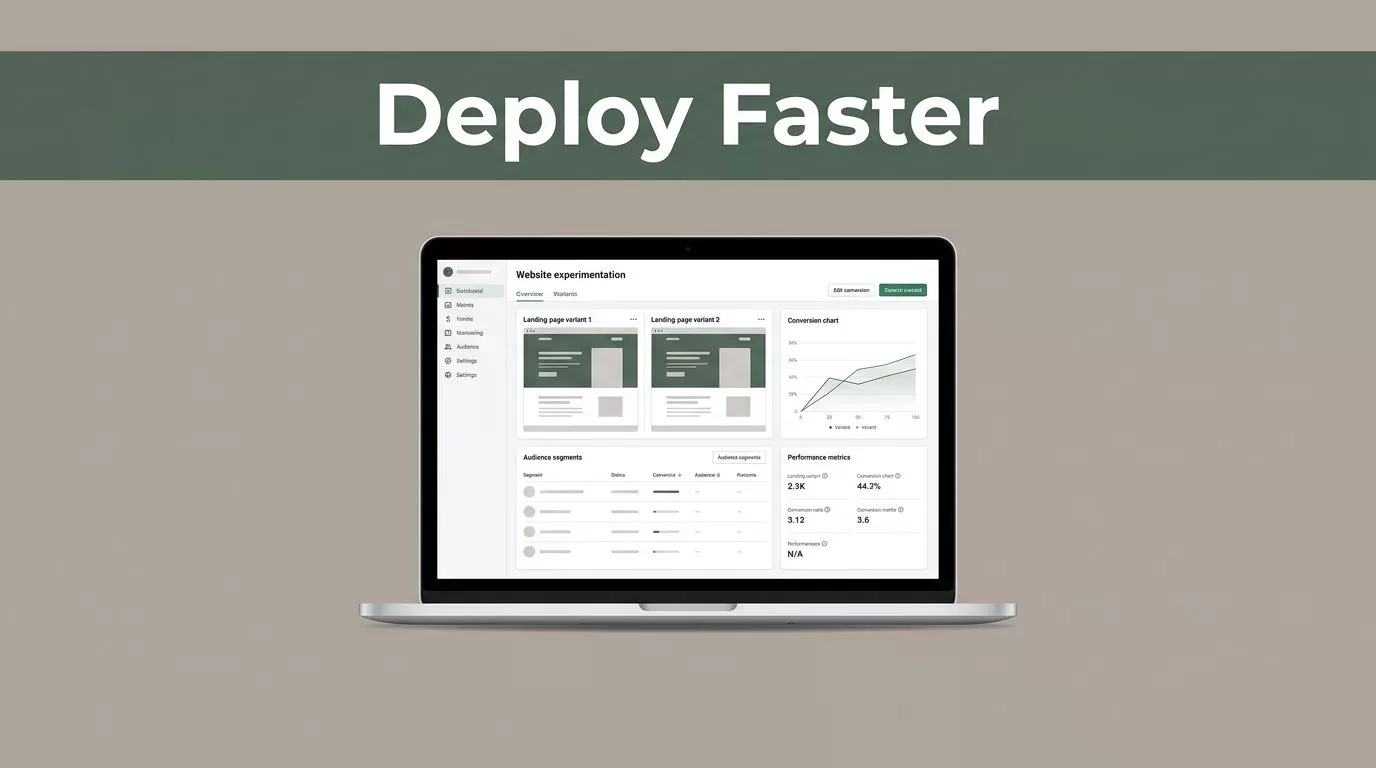
Growth teams live or die by execution speed. When you manage conversion rates, landing page variations, and audience personalization, manual developer queues stall your pipeline. You need a platform that lets you test website changes without rewriting code or dragging down site performance. Mida.so offers a lightweight experimentation layer built specifically for marketers and growth operators. Deploying this tool requires a structured rollout plan so your team can launch tests, track real outcomes, and maintain strict data accuracy.

Photo by cottonbro studio
Key Takeaways
- Use Mida.so to test website changes, run split tests, and deliver personalized user experiences without writing manual code.
- Establish a baseline performance audit before launching any growth experiments to protect your page speed and SEO rankings.
- Define one primary conversion goal and precise audience targeting parameters before allocating traffic to your variants.
- Connect your analytics and payment systems to verify experiment outcomes against real business revenue rather than vanity clicks.
Preparing Your Site and Baseline Metrics
Before you activate growth team software on your production site, you need a clean baseline. Testing without reference data leaves you guessing whether a change actually improved your revenue or just created noise. Record your current page speed, interaction timing, and conversion rates across your core traffic segments.
Run several checks instead of relying on a single diagnostic scan. Capture your Largest Contentful Paint, Interaction to Next Paint, and Cumulative Layout Shift metrics. If you want a deeper dive into performance standards, review Google’s Core Web Vitals documentation before editing any page templates.
Check your analytics stack and verify that your event tracking fires correctly on form submissions and purchases. Mida.so operates as an experimentation engine rather than a standalone analytics warehouse, so your underlying tracking must be rock-solid. Document your current traffic volume by device and browser so you can spot allocation discrepancies immediately after launch.
Configuring Your Mida.so Workspace
Setting up your workspace correctly prevents messy tracking and unorganized test variants. Start by creating a dedicated project folder inside your Mida.so account for your primary web property. Install the lightweight JavaScript snippet in your site header. Because the script is optimized for performance, it won’t tank your Core Web Vitals or slow down your marketing campaigns.
Map your user permissions carefully. Growth operators need access to create and launch experiments, while developers should handle script installation and advanced custom events. Keep your naming conventions clean from day one. Label your tests with clear identifiers that include the target page, the core hypothesis, and the launch date.
Configure your integration endpoints to connect Mida.so with your analytics suite, such as Google Analytics 4 or your internal data warehouse. Unified reporting prevents conflicting numbers across dashboards. When your experimentation tool and your revenue source share the same definitions, your team makes decisions based on facts rather than assumptions.
Building Your First Experiment Workflow
A strong test begins with a specific problem rather than a vague desire to improve conversions. Use data from session recordings or form abandonment rates to formulate a direct hypothesis. Instead of testing five unrelated changes at once, focus on a single variable like a headline, a call-to-action button, or a form length.
A high-confidence result can still be a poor product decision if it damages revenue, retention, or another important user action.
Build your control experience using the current live page. Then create one meaningful variant. If you use AI-assisted variant creation features like MidaGX, describe your desired changes in plain language to generate the required markup safely. Define your audience targeting rules before allocating traffic.
Avoid targeting every visitor by default. Restrict your experiment to relevant segments, such as paid campaign visitors on mobile devices or returning users viewing pricing tiers. Set one primary conversion goal, such as a demo booking or a checkout completion, and use secondary metrics only to guard against unintended trade-offs.
Phased Deployment Checklist
Executing a clean rollout requires a sequential approach that protects your user experience and data integrity.
- Audit baseline performance: Record loading speeds, device splits, and conversion rates before making any changes.
- Install the tracking snippet: Place the lightweight Mida.so script in your site header and confirm it loads once across pages.
- Define your primary metric: Select one high-intent conversion action that ties directly to business value.
- Run a staging QA check: Open the control and all active variants on desktop and mobile to verify tracking functionality.
- Launch with controlled allocation: Distribute traffic evenly and let the experiment run through complete business cycles.
Maintaining Experiment Governance
Growth programs fail when teams treat experiments as one-off tasks without ongoing oversight. Assign one owner to manage your testing calendar, active variants, and documentation logs. Stop checking your dashboard every hour to avoid reacting to short-term statistical noise.
Wait until your test reaches a statistically valid sample size before declaring a winner. Review segment data to see if mobile users responded differently from desktop visitors, or if paid traffic behaved differently from organic search traffic. For alternative tooling insights and platform comparisons, explore this AB Tasty Alternative for Fast AI A/B Testing to evaluate different architectural fits for your stack.
Store winning variations permanently in your codebase after the test concludes, and archive completed experiment records with notes on what worked and what failed. This discipline builds an institutional memory that stops your team from repeating past mistakes.
Conclusion
Deploying growth team software transforms how your organization approaches conversion optimization and website personalization. When you combine clean baseline data with disciplined experimentation workflows, you remove guesswork from your marketing strategy. Start by auditing your core landing pages, setting up your workspace parameters, and launching a single targeted test this week. Measure your outcomes against real business revenue, refine your targeting rules, and scale your experimentation program as your traffic grows.
