How I Create a Hidden Podcast Feed in Transistor.fm
You run a business podcast full of insider tips. But you don’t want everyone to hear them. I faced that issue last year. Public feeds expose content to competitors and casual listeners. A hidden podcast feed solves it. You control acc...
You run a business podcast full of insider tips. But you don’t want everyone to hear them. I faced that issue last year. Public feeds expose content to competitors and casual listeners. A hidden podcast feed solves it. You control access completely.
Transistor.fm makes this easy in 2026. I use their unlisted or enhanced private options for team training and paid subscribers. These feeds stay off directories like Spotify or Apple Podcasts. Only invited people subscribe. In this guide, I share my exact steps. You’ll set one up fast.
Why Choose a Hidden Feed Over Public Ones
Public podcasts reach wide audiences. Anyone searches and finds them. I started that way for my main show. Downloads grew, but so did unwanted shares.
Hidden feeds change everything. They hide from directories. No search results appear. Listeners add the RSS manually. Perfect for confidential topics like sales automation or cybersecurity strategies.
Transistor offers two types. Unlisted feeds use one shared RSS link. Enhanced private gives unique feeds per person. I pick unlisted for quick team shares. Enhanced works for paid groups because you revoke access anytime.
Here’s a quick comparison I reference often:
| Feature | Public Feed | Hidden Feed (Unlisted/Private) |
|---|---|---|
| Visibility | In directories, searchable | Hidden, no directories |
| Access | Open to all | Invite-only RSS links |
| Best For | Broad marketing | Teams, subscribers, internals |
| Player Support | Auto in apps | Manual add or invites |
This setup fits B2B tools like ours at Gist Junction. For details on Transistor’s private features, check their official private podcast guide. Public feeds suit awareness. Hidden ones build loyalty.
Step-by-Step: Creating Your Hidden Feed
I log into Transistor.fm first. The dashboard feels clean, like a quiet workspace ready for focus. Click the green Add a Show button. Select Create a New Podcast.
Fill basics next. Add show name, category, and description. Enter your email as owner, but hide it later. Go to Settings tab. Under RSS Feed, check Make this show’s RSS Feed unlisted. For enhanced private, choose that option instead.
Click Create my show. Boom. Your hidden feed exists. Copy the RSS link right away.
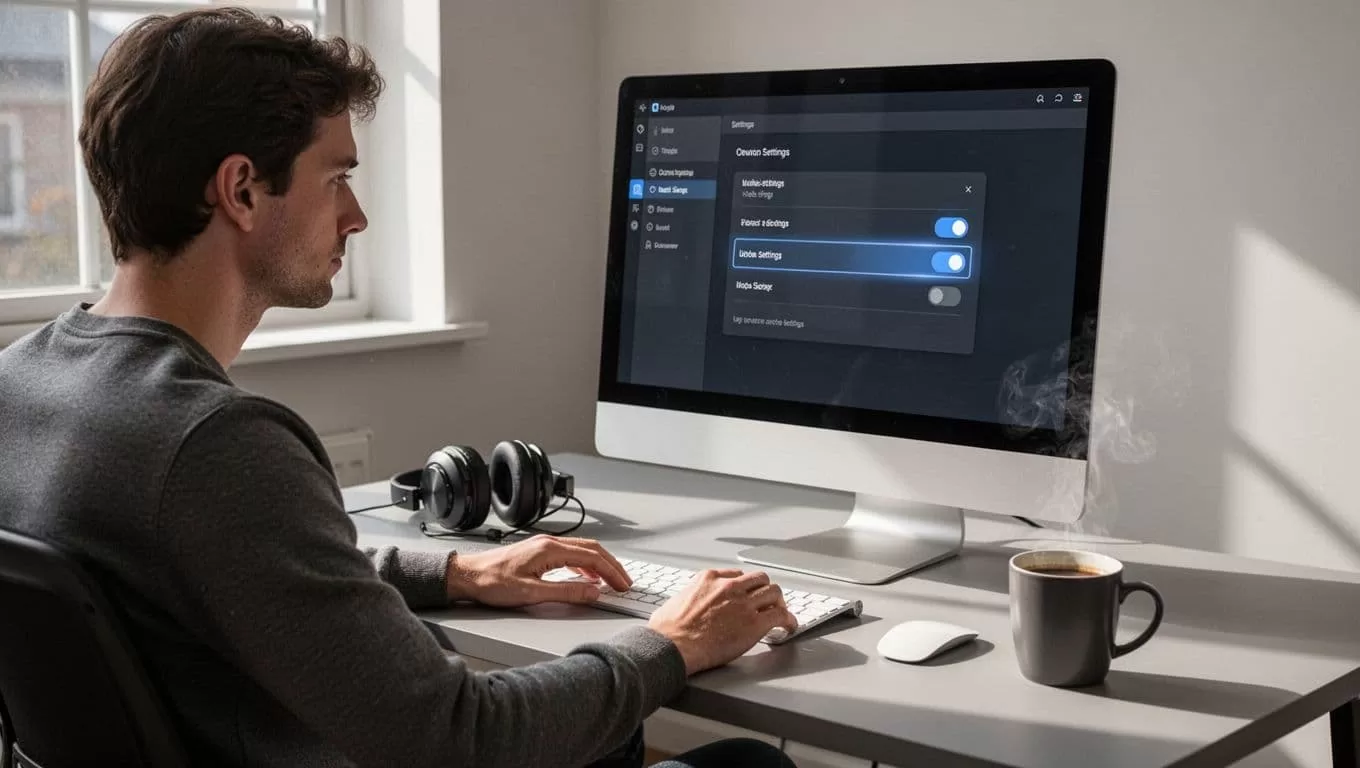
Upload an episode to test. Head to Episodes. Drag in an MP3 file. Add notes and publish. Subscribers see it auto-update. I always test the feed in Apple Podcasts first. Paste RSS, subscribe, play. Works smooth.
This process takes five minutes. No tech headaches. See Transistor’s unlisted podcasts help article for screenshots.
If you automate episodes like I do with video captions, pair it with my Transistor.fm + Opus Clip setup.
Sharing and Managing Access Securely
Share the RSS link via email or secure chat. For unlisted, one link serves all. Enhanced private needs the Subscribers tab. Publish one episode first. Then add emails, upload CSV, or send invites.
Listeners get unique feeds. Revoke by removing them. I track who listens in analytics. No surprises.

Best practices keep it tight. Use password managers for links. Set invite pages with one-click adds for Apple or Google Podcasts. Enable Spotify Open Access if needed. Avoid public posts; links leak easy.
For teams, I embed players on internal sites. Select episodes only, not the full feed. Listeners stay engaged without full access.
Access Control and Listener Experience Tips
Control starts with invites. Add one email at a time or bulk via CSV. I segment groups: sales team one feed, VIP clients another. Revoke inactive ones monthly.
Boost experience with short episodes. Add timestamps in notes. Encourage feedback via forms. I link to my podcast to TikTok workflow for public teasers that drive private subs.
Keep feeds fresh. Weekly drops build habits. Analytics show drop-offs; shorten next time.
No perfect privacy exists. Listeners record audio. Share sensitive info wisely.
Troubleshooting Common Issues
Feeds not updating? Republish episodes. Check listener RSS matches.
Spotify blocks? Enable Open Access. Use landing page links.
No Subscribers tab? Publish an episode first.
Player fails? Test RSS yourself. Send fresh invites.
Apple shares accidentally? Warn teams. Use enhanced private.
Support helps fast. I fixed a CSV glitch that way once.
Hidden Feeds Power Your Business Audio
Hidden podcast feeds in Transistor.fm lock content tight. I use them for exclusive automation tips. Teams listen secure, subscribers feel valued. Setup stays simple in 2026.
Start yours today. Copy that RSS, share smart. Your private audience grows. Content like this fits right into workflows like my personal brand automation.
(Word count: 982)
