Historical Data Scraping With Twin.so
Historical data scraping fails when every source uses a different page layout, date filter, login flow, or pagination system. The hard part isn’t opening a record. It’s preserving what the record meant, when it applied, and wher...

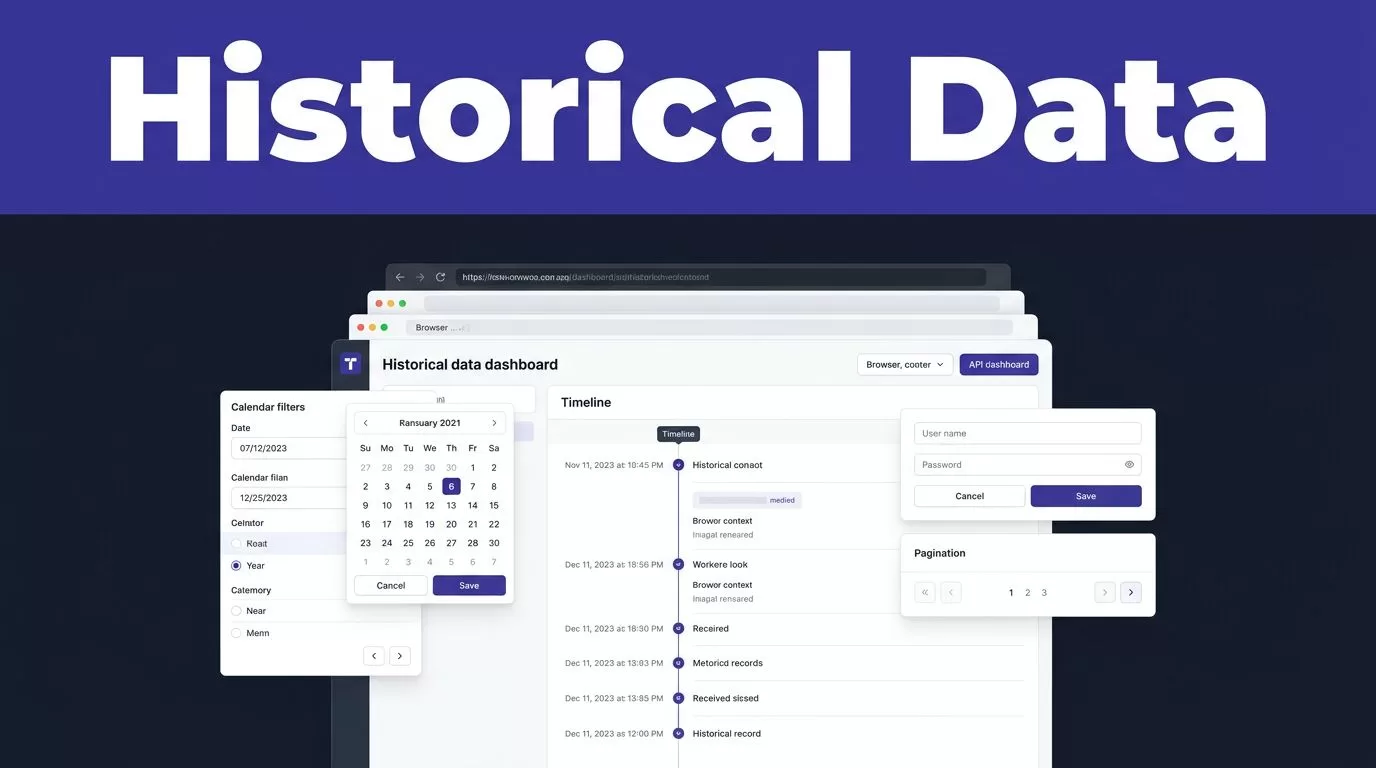
Historical data scraping fails when every source uses a different page layout, date filter, login flow, or pagination system. The hard part isn’t opening a record. It’s preserving what the record meant, when it applied, and where it came from.
Twin.so can reduce manual browser work by combining API connections with browser automation. You still need a defined schema, approved access, quality checks, and a recovery plan. Start with the workflow below before you scale collection.
What historical data scraping with Twin.so should handle
Twin.so isn’t documented as a dedicated historical database product. Its documented capabilities support the workflow when the source is available through an API, an approved website, a portal, or another connected system.
Twin can use native integrations when they provide the required data. It can also use browser automation for websites without suitable APIs, including login-based and dynamic pages. Agents can run on demand, on a schedule, or through an API trigger. Extracted results can move into spreadsheets, CRMs, structured documents, or other connected applications.


Start with the source’s API
Use an API first when it provides the records and fields you need. API requests usually offer more stable pagination, clearer error responses, and better control over rate limits.
An API also reduces browser steps. That matters because Twin.so usage depends on the work performed. A workflow that combines searches, page actions, retries, and generated output can consume more credits than a simple request and filter process.
Check whether the API exposes historical versions, effective dates, record identifiers, and update timestamps. A current endpoint may return only the latest value, which won’t meet a historical research requirement.
Use browser automation only when needed
Twin’s Web Agent can navigate websites, handle multi-step flows, and extract information from pages that don’t expose the required data through an API. This fits approved archive portals, directories, dashboards, and public records interfaces.
Browser automation is also the more expensive and less reliable path. Layout changes, expired sessions, missing buttons, slow pages, and unexpected prompts can interrupt a run. Don’t assume that access to a page means every record can be collected automatically. Test the source with a small batch first.
Define the record before you collect it
A scraper can return hundreds of rows and still produce a poor dataset. Define the record before you create the workflow. Your schema tells Twin what to collect, what to reject, and what to preserve for later review.
Build a field-level schema
Use separate fields for values that look similar but have different meanings. A historical price record, for example, may need the item name, price type, value, currency, unit, contract month, source timestamp, and extraction timestamp.
A practical schema often includes:
- A stable
source_record_idor archive identifier. - The source URL and page title.
- The effective date shown by the source.
- The date and time when Twin collected the record.
- The main value, unit, currency, and status.
- The source label, version, or category.
- A quality flag for missing, conflicting, or uncertain data.
Don’t combine spot prices, settlement prices, bid values, and futures prices in one field. Store the original label so an analyst can interpret the result later.
The effective date and extraction date serve different purposes. One tells you when the record applied. The other tells you when your system captured it.
Keep source evidence with each row
Store enough evidence to verify a record without repeating the entire scrape. The source URL, record ID, collection timestamp, and a short source snapshot can support later review.
Don’t overwrite an older historical value with a newer value unless the source identifies the change as a correction. Append a new version or maintain a change history. This preserves the record as it was collected and makes later comparisons possible.
If Twin.so sends results to a spreadsheet or CRM, confirm the destination’s field types before production. Public materials describe connected app outputs, but don’t assume a specific CSV, JSON, or XLSX export is available until you test the workflow.
Build a recoverable collection workflow
A reliable run separates collection from validation and publishing. The system should not replace a trusted dataset with an empty result because a portal timed out.
Use a four-stage run
- Confirm the source, access permission, date range, and allowed destination before starting.
- Retrieve a small sample and verify pagination, filters, field names, and historical coverage.
- Save raw results with their source identifiers and collection timestamps.
- Validate the batch before writing approved records into the reporting system or database.
Stop the write step when the source is unavailable, the schema changes, two sources conflict, or required fields disappear. Create an exception record instead. Keep the last trusted result available to analysts.
Make the run recoverable
Save progress by item ID, page number, cursor, or file name when the source supports it. A failed page shouldn’t force the workflow to restart from the beginning.
Use bounded retries with backoff for temporary network failures. Don’t retry permission failures, expired authorization, or schema changes indefinitely. Those conditions require a different action.
Record the run ID, source, date range, last successful checkpoint, retry count, and error message. This gives the next operator a clear starting point.
Validate historical data before analysis
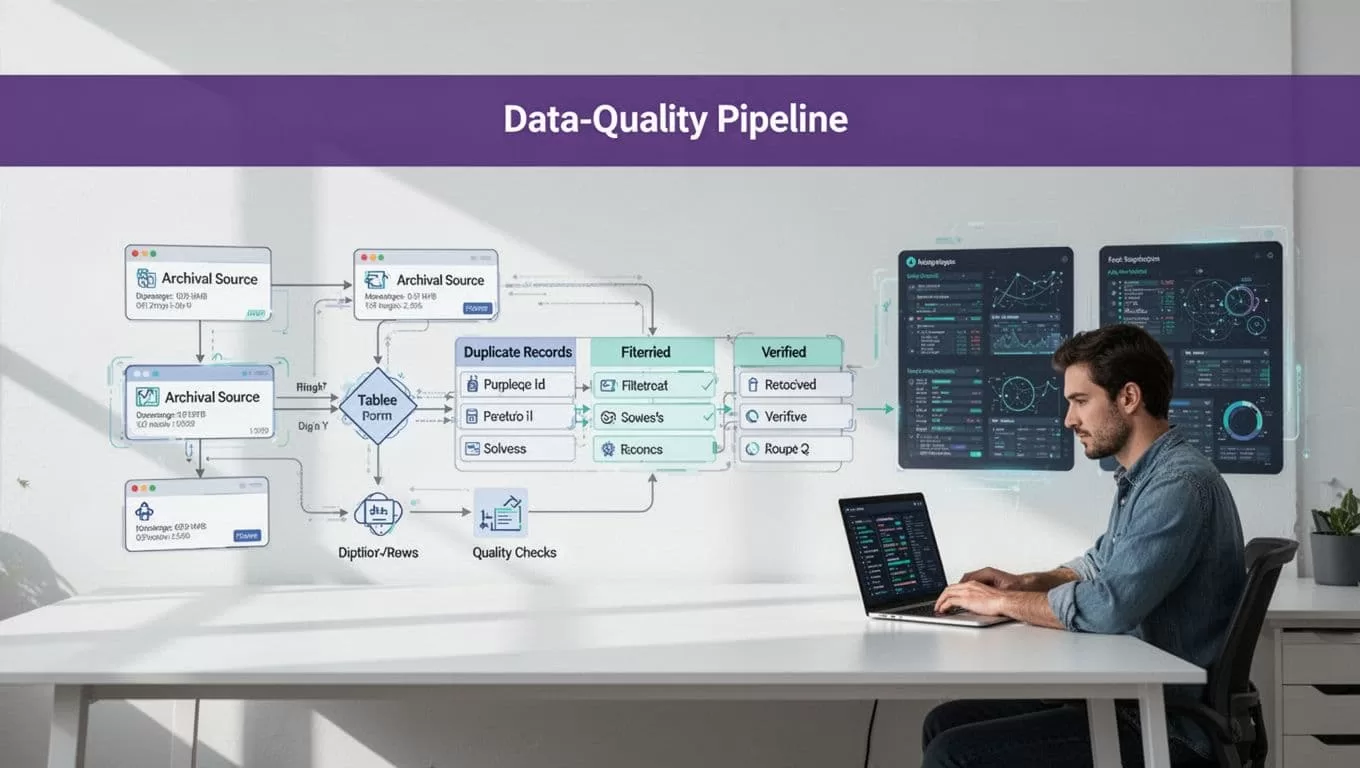
A browser workflow can finish without an error and still skip records. Quality checks need to test the output, not only the process.
Deduplicate with deterministic rules
Historical records often repeat the same entity across different dates. That doesn’t make them duplicates. A company, facility, product, or legal filing can have multiple valid versions.
Use a strict matching order:
- Match the source record ID when it exists.
- Compare a verified identifier, such as an official filing number or canonical URL.
- Compare normalized names and dates only after stronger identifiers are unavailable.
- Send uncertain matches to an exception table instead of merging them automatically.
Don’t let fuzzy matching merge records based on similar names alone. A small spelling difference can identify a different facility, person, or organization.
For each proposed merge, store the records compared, the matching signals, and the reviewer decision. Keep approved, rejected, and unresolved outcomes.
Test coverage and field quality
Check row counts against the source where possible. Compare the first and last dates, page counts, category totals, and expected record ranges. Run the same sample again and compare missing fields, duplicates, changed labels, and unexpected value changes.
Mark missing data as missing. Don’t convert an empty value to zero because the output looks cleaner. A blank price, absent date, or unavailable status carries different meaning from a measured zero.
A completed browser run proves that the workflow stopped without an error. It doesn’t prove that the dataset is complete.
Review a sample manually before expanding the date range. Human review is especially important when records affect public reporting, financial analysis, legal research, or operational decisions.
Scrape responsibly and protect the dataset
Speed doesn’t remove the need for permission. Review the source terms, robots.txt where applicable, account permissions, rate limits, licensing terms, and access controls before configuring Twin.so.
Check permission before automation
Use only the pages and actions your organization is allowed to access. Don’t bypass login protections, CAPTCHAs, paywalls, rate limits, or other technical controls. Don’t export records into a new system when the source terms prohibit that use.
Chicago Booth’s web scraping policy provides a useful operational reminder to avoid collecting personal or sensitive data without clear permission.
Review terms of use for restrictions on automated access, redistribution, storage duration, and attribution. Recent legal guidance on web scraping also emphasizes checking the data owner’s restrictions before collection.
Minimize personal data and respect reuse limits
Collect only the fields required for the approved purpose. Remove unnecessary names, contact details, account identifiers, and other personal information from the output.
Privacy law can apply even when a record is visible on a public page. Define the legal basis, retention period, access permissions, and deletion process before collecting personal data. Limit downstream access to the people and systems that need it.
Copyright and database rights also matter. Public visibility doesn’t automatically grant permission to copy, republish, train models on, or sell the data. Use an ethical scraping checklist when documenting the collection process.
Measure output, cost, and recovery
Measure accepted records, not browser actions. A workflow that saves ten minutes but creates thirty minutes of correction work isn’t saving time.
Benchmark a small approved batch
Twin.so uses credits for building, running, browsing, research, retries, and generated output. Planning ranges describe a simple API, filter, and notification workflow at roughly 15 to 30 credits. A 100-item scrape may use about 20 to 70 credits. A browser session with around 20 steps may use 100 to 200 credits.
These are planning ranges, not fixed quotes. Actual usage depends on page behavior, retries, searches, document volume, output size, and provider responses.
Run 25 to 100 approved records before forecasting monthly usage. Track:
- Credits used per run.
- Accepted, missing, and duplicate records.
- Failed runs and retry counts.
- Human review minutes.
- Correction time.
- Cost per accepted record.
Use the results to estimate the cost of a real batch. Don’t estimate from the number of browser steps alone.
Set acceptance rules before scale
Define the minimum quality standard before production. You might require all records to include a source ID, effective date, source URL, and collection timestamp. You might also set maximum duplicate and missing-field rates.
Create a manual fallback before release. Document who retrieves the data, where they store it, and how they identify the last trusted result. Keep the fallback separate from the automated write path.
If the workflow spans several systems or needs approval rules, Book A Call can help map the source, schema, exceptions, and handoffs before deployment.
Conclusion
Twin.so can make historical data scraping faster when the source is permitted, the fields are defined, and the workflow has clear failure controls. Use APIs first. Reserve browser automation for approved sources that need it.
Preserve effective dates, source evidence, record identifiers, and collection timestamps. Deduplicate with deterministic rules. Validate coverage before publishing.
The useful result isn’t the largest scrape. It’s a historical dataset your analysts can trace, review, and trust.

