How to Check the Remitly Honduras Exchange Rate
A small change in the exchange rate can affect how much your family receives in Honduras. The Remitly Honduras exchange rate helps you estimate the lempiras delivered, but it doesn’t show the complete cost by itself. Remitly also appl...
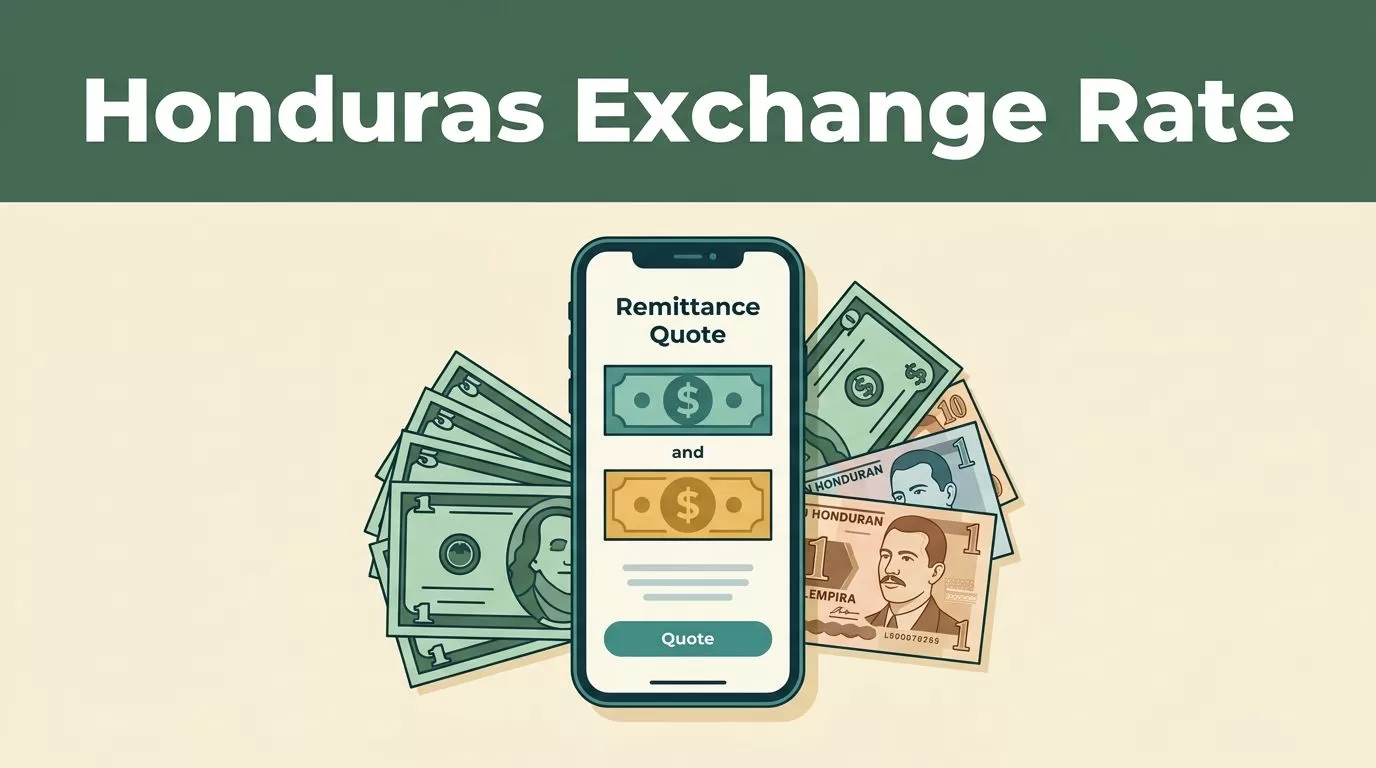
A small change in the exchange rate can affect how much your family receives in Honduras. The Remitly Honduras exchange rate helps you estimate the lempiras delivered, but it doesn’t show the complete cost by itself.
Remitly also applies transfer fees based on the delivery method, payment method, transfer amount, and sending country. Check the final quote in the Remitly app or website before you send money. The displayed rate and fees can change.
Key Takeaways
- The Remitly Honduras exchange rate converts U.S. dollars into Honduran lempiras, or HNL.
- Cash pickup, bank deposit, and debit card deposit can have different fees.
- The exchange rate and transfer fee are separate charges.
- The recipient amount shown on the final review screen matters more than the headline rate.
- Rates, fees, promotions, and delivery times can change without notice.
How to Check the Remitly Honduras Exchange Rate
You can check the current quote through the Remitly website or mobile app. If you use an iPhone, the Remitly app listing provides access to the official mobile application.
Follow these steps:
- Open Remitly and select the United States as the sending country, if applicable.
- Select Honduras as the destination.
- Enter the amount you want to send in U.S. dollars.
- Review the conversion into Honduran lempiras.
- Select how the recipient will receive the money.
- Choose your payment method.
- Review the final amount, fee, delivery estimate, and recipient payout.
- Confirm the quote before submitting the transfer.
The rate usually appears beside the USD-to-HNL conversion. HNL is the currency code for the Honduran lempira. Your recipient may receive funds through cash pickup, a bank deposit, or a debit card deposit, depending on availability.
Your payment options may also vary. Remitly supports options such as bank or ACH payments, debit cards, credit cards, and Apple Pay for some U.S. transfers. The available choices depend on your account and the details of the transaction.
Exchange Rate and Transfer Fee Are Different
The exchange rate tells you how many lempiras correspond to one U.S. dollar. The transfer fee is the separate charge for sending the money. A strong exchange rate doesn’t always produce the highest payout if the fee is higher.
At the time of checking in July 2026, Remitly’s USD-to-HNL information listed these fee structures for Honduras:
| Delivery method | Listed fee structure |
|---|---|
| Cash pickup | 1.35% plus $3.99 |
| Bank deposit | 1.1% plus $2.99 |
| Debit card deposit | 1.1% plus $2.99 |
These figures are reference information, not a permanent price guarantee. Remitly can change fees based on the transfer route, payment method, amount, and account status. Your quote may also differ from the figures above.
The practical comparison is simple. Select cash pickup, record the recipient amount, then switch to bank deposit or debit card deposit. Compare the lempiras delivered after fees. Don’t compare only the percentage shown beside the currency conversion.
A lower transfer fee doesn’t automatically mean a better deal. The final recipient payout is the number to compare.
Some transfers may show a promotional rate or reduced fee. Promotions can apply only to specific customers, payment methods, or first transfers. Read the conditions on the quote screen before relying on a promotional price.
For wider market context, a third-party Honduras transfer comparison reports that fees and exchange-rate markups vary across providers. Use comparison sites to identify alternatives, but use the live Remitly quote for your actual transaction.
Compare Delivery Options Before Sending
The best delivery option depends on what the recipient needs and how quickly they need it.
Cash pickup works when the recipient doesn’t have a supported bank account or needs access to physical cash. It may also be useful in areas where bank delivery is less convenient. The recipient must follow Remitly’s pickup requirements and use an available payout location.
Bank deposit sends the money directly to an eligible Honduran bank account. This option can reduce the work required from the recipient, but the account details must be accurate. A wrong account number can delay the transfer or require additional support.
Debit card deposit sends the funds to an eligible debit card. Availability depends on the recipient’s card and the current Remitly service options. Confirm that the recipient’s card qualifies before choosing this route.
Delivery speed can differ by method. A faster option may carry a different fee or require a different payment method. Review the estimated delivery date next to the recipient payout. Don’t assume that the lowest-cost option is the fastest.
The Remitly Honduras exchange rate may also change when you adjust the delivery method. That is why you should switch between available options before making a decision. Save the quote details if you need to compare the transaction later.
What to Check on the Final Quote
The final review screen is the control point for the transfer. Check each item before you authorize payment:
- The amount charged in U.S. dollars.
- The exchange rate applied to the transaction.
- The transfer fee and any displayed taxes.
- The amount the recipient will receive in lempiras.
- The selected delivery method.
- The estimated delivery date.
- The recipient’s name and account or pickup details.
The recipient amount is the most useful figure for comparing options. It reflects the quote that Remitly is offering at that moment. A rate copied from a search result, calculator, or earlier transfer may no longer apply.
Avoid using a public currency converter as the final authority. These tools often show a mid-market rate without the provider’s fee or exchange-rate adjustment. They can help you understand the general USD-to-HNL relationship, but they don’t predict the exact payout.
If the amount looks different from your expectation, inspect the fee first. Then check whether you selected cash pickup, bank deposit, or debit card deposit. Review the payment method as well, since it can affect the available price.
Conclusion
Checking the Remitly Honduras exchange rate takes only a few minutes, but the rate is only one part of the transaction. Select the destination, enter the send amount, compare delivery methods, and review the fee beside the recipient payout.
Rates and fees can change, so don’t treat an earlier quote as permanent. Verify the complete amount in the Remitly app or website immediately before sending. The correct comparison is the number of lempiras your recipient receives after all applicable costs.
