How I Find Contact Info for Hunter.io Outreach (2026 Workflow)
Good Hunter.io outreach starts with the right contact, not the right template. A strong pitch sent to a wrong person or a dead address earns nothing and hurts your sender reputation. This guide gives you a repeatable workflow to find contac...
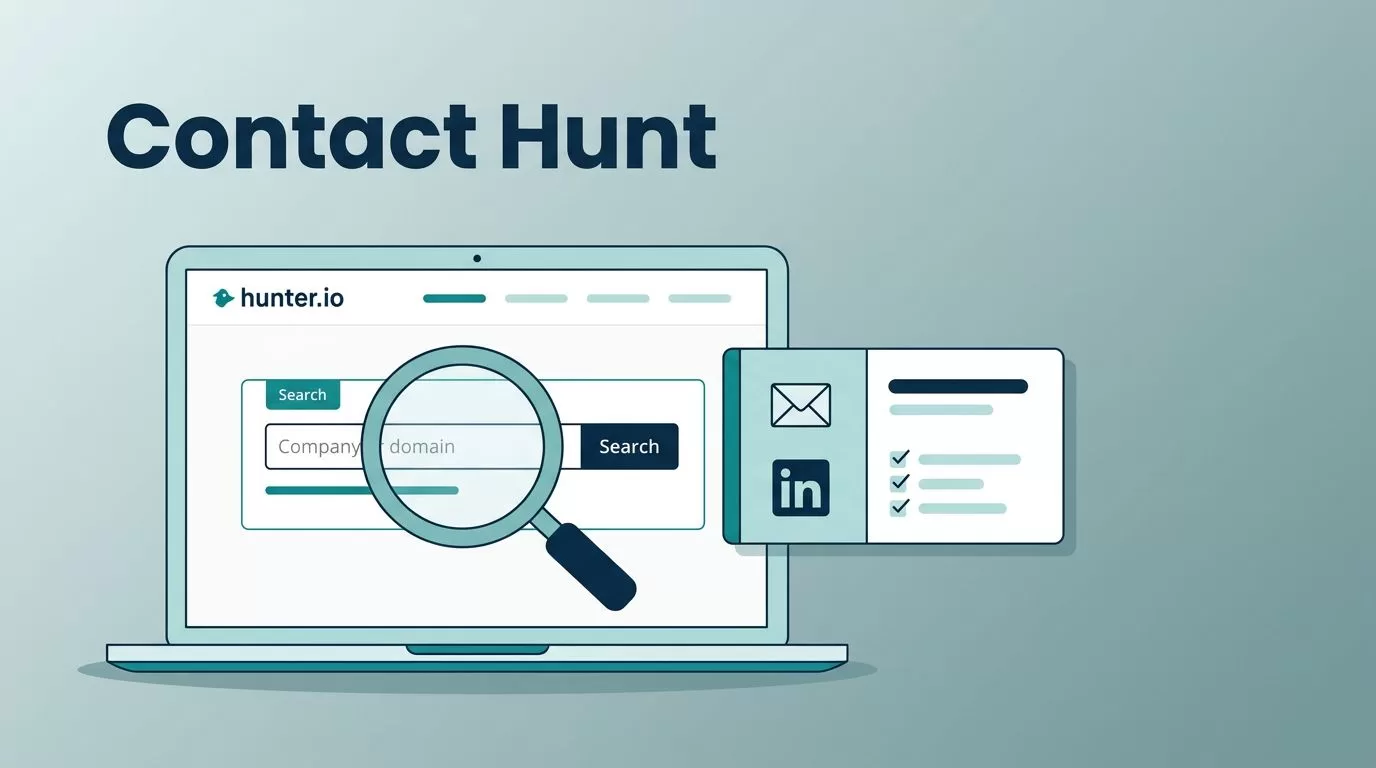
Good Hunter.io outreach starts with the right contact, not the right template. A strong pitch sent to a wrong person or a dead address earns nothing and hurts your sender reputation. This guide gives you a repeatable workflow to find contacts, confirm them, organize them, and send measured campaigns.
You will see how Hunter products fit together, two contact-finding walkthroughs for press and partnerships, templates for a first email and a follow-up, a tracking sheet, and rules for catch-all domains. Features and plan limits change, so confirm details on the official Hunter help pages before you commit.
How Hunter products fit into one outreach workflow
The Hunter help page on what Hunter is describes the main products. Each product covers one stage of outreach.
| Product | What the product does | Outreach stage |
|---|---|---|
| Discover | Finds companies matching your ideal customer profile with filters such as location, industry, keywords, and technologies | Build a target list |
| Domain Search | Finds email addresses from a company name or domain, singly or in bulk | Find people at one company |
| Email Finder | Finds the address of a named person from a full name and domain | Find a known contact |
| Verifier | Checks whether addresses can receive mail, singly or in bulk | Clean the list |
| Leads | A lightweight CRM to organize and segment people and companies | Store and segment |
| Campaigns | Builds email sequences with up to 5 automated follow-ups and an AI Writing Assistant | Send and track |
| Browser extensions | Chrome and Google Sheets tools inside your daily workflow | Research on the go |
Paid plans include automatic monthly re-verification of saved leads at no extra cost, according to the same help page. Confirm the details for your plan on the Hunter pricing page.
Set up your Hunter workspace before you search
Prepare your workspace so you stay organized when volume grows. A short setup saves hours later.
- Decide where contacts live. Save every contact worth keeping to Leads and organize leads into lists and folders by campaign.
- Define the fields you collect. Record name, role, company domain, source, and verification status for every contact.
- Connect your sending mailbox. Follow the Hunter help pages to connect Gmail or Outlook, and read the current instructions for any other mailbox type.
- Write your ideal customer in one sentence. State the industry, company size, and buyer role. Every search should match this sentence.
- Pick the discovery path. Use Domain Search when you know the company. Use Discover when you build a list across many companies.
Hunter also publishes its own advice on outreach systems. Read the Hunter guide to building a simple outreach engine for the full framework.
Step-by-step process to find and confirm contact info
This flow works for press, partnerships, sales, and recruiting. You confirm each address before you send mail.
- Start with a domain, not a guess. Paste the company web domain into Domain Search.
- Filter to the role you need. Use job title and department filters such as Marketing, Partnerships, Editorial, PR, or Sales to cut noise.
- Prefer personal addresses over generic ones. A first.last address usually beats an info address unless the company publishes only a general press inbox.
- Read the verification signal. Treat Valid as eligible for review. Slow down on Unknown.
- Run the Email Verifier on your final choice. Verify the exact address you plan to use, especially for high-value outreach.
- Confirm the person exists. Cross-check the name and role on the company site and a professional profile. For journalists, check recent bylines and topic fit.
- Handle catch-all domains with care. Hunter lists these as Accept all. Hold these contacts apart and send only a small test with strong relevance.
- Save to Leads with a source note. Write where you found the contact, such as Domain Search, Discover, a newsroom page, or a professional profile.
Use this four-point check before every send.
- Right person. The role matches your request.
- Right timing. You see recent activity, a relevant topic, or an active product launch.
- Right deliverability. The address is verified, or you treat the address with extra caution.
- Right permission. You include a clear opt-out and avoid repeated pings.
Never treat Unknown as good enough. Hunter lists the Unknown status when the tool cannot determine validity, often because a server blocks the check or applies greylisting.
Walkthrough 1: find a journalist email at a publication
Press outreach works when you pick the writer who already covers your topic. A general media contact rarely helps.
- Find a recent article on the publication site relevant to your topic. Note the author name and beat.
- Open Domain Search and enter the publication domain.
- Filter by Editorial if the filter appears. Search for the author name.
- When Hunter lists the author with a verified address, use the address after a final check.
- When the author does not appear, read the most common email format Hunter shows for the domain. Build the address from the pattern and the author name.
- Run the Email Verifier on the built address.
- When the domain is catch-all, verification may stay inconclusive. Tighten your list to high-fit journalists, send fewer pitches, and add specific personalization.
Also check the author profile page for a stated contact method. Some writers prefer a tip form or a public inbox in their bio. Respect those preferences.
Walkthrough 2: find a partnerships contact at a SaaS company
Partnership requests fail in general inboxes. Find the person who owns integrations, alliances, or business development.
- Use Discover to build a list of target SaaS companies with the filters your ideal customer sentence calls for.
- Save the best matches.
- Open each company in Domain Search. Filter by titles such as Partnerships, Business Development, Alliances, or Ecosystem.
- Save the best-fit person to Leads and verify the address.
- Check the role on the company site or a professional profile, because partnership teams change often.
- When no partnerships lead exists, try a product marketing or platform lead as a fallback. Those roles often route requests inside the company.
Write outreach emails people can answer
Hunter Campaigns builds sequences with up to 5 automated follow-ups and offers an AI Writing Assistant. Read the Hunter guide on shaping AI drafts into good emails before you rely on a draft. Edit every draft by hand and add one specific detail about the recipient.
Hunter also lists automations in Campaigns for unsubscribe requests and out-of-office replies. Read the Hunter Campaigns changelog for exact behavior. Tool features do not replace judgment. Stop when someone opts out, and send only when you have a clear reason to contact the person.
Initial email template
Subject: Quick idea for {Company}
Hi {First name}, you published {specific recent work}. I have a {press angle or partnership idea} which fits {their beat or product}. I can send a three-bullet outline. Should I share details, or is someone else the right contact? Thanks, {Your name}
Follow-up template, sent 2 to 4 business days later
Subject: Re: Quick idea for {Company}
Hi {First name}, a short follow-up. The one-line value: {value in one sentence}. If the timing does not fit, I am glad to close the loop. Thanks, {Your name}
Keep each email short. Ask one question. Offer an easy next step.
Keep campaigns small and measured
Hunter reported in its outreach guide campaigns with 100 or fewer recipients generated nearly three times more replies. Treat the figure as Hunter data, not a promise for your list. Start with 50 to 100 well-matched contacts, review replies and bounces, and then widen the audience.
| Campaign stage | Suggested size | What to review |
|---|---|---|
| First test | 50 to 100 contacts | Bounce reasons, replies, opt-outs |
| Second round | Expand only after fixing weak segments | Reply quality by role and source |
| Ongoing | Segment by source and role | Bounce rate trend against the 2% working ceiling Hunter cites |
Hunter names 2% as its benchmark ceiling in the Hunter bounce rate guide. Treat the figure as a working alert.
Tracking sheet for each campaign
Keep one sheet per campaign. Patterns show faster when every campaign uses the same columns.
| Domain | Contact | Role | Source | Confidence | Verified | Last contacted | Status |
|---|---|---|---|---|---|---|---|
| example.com | Jane Doe | Partnerships Lead | Hunter Domain Search | High, Medium, or Low | Yes, No, or Unknown | 2026-10-01 | Not sent, Sent, Replied, Opt-out, or Bounced |
If you cannot explain why a contact has High confidence, you have not finished the checks.
Protect your sender reputation
- Authenticate your sending domain with SPF, DKIM, and DMARC.
- Increase volume gradually and follow your mailbox provider limits.
- Respect daily sending limits in your sequences.
- Suppress hard bounces and opt-outs across every campaign.
- Reverify old contacts before you reuse a list.
Review the Google email sender guidelines for current sender requirements. A separate guide on this site covers how to reduce cold email bounces with Hunter.
Legal and ethical checks
A found address does not equal permission. The U.S. CAN-SPAM guide covers commercial email, including B2B messages. UK and EU rules differ by recipient type. Record the source of each contact, identify yourself clearly, and honor opt-outs. Seek legal advice when your target market is unclear.
FAQ
What is Hunter.io outreach?
Hunter.io outreach means finding contacts with Hunter tools, verifying addresses, storing leads, and sending sequences through Hunter Campaigns or another sending platform.
Can you find a journalist email with Hunter?
Often. Search the publication domain, filter to Editorial, and check the author. When the author does not appear, build the address from the domain pattern and verify the address.
What do you do with catch-all domains?
Hold the contacts in a separate segment. Send only a small, relevant test and stop when bounces rise.
How many follow-ups should a sequence include?
Hunter Campaigns supports up to 5 automated follow-ups. Start with one or two, spaced 2 to 4 business days apart, and review results.
Is the free Hunter plan enough for outreach?
The free plan suits light research. Check the Hunter pricing page for current credits and limits before you plan a campaign.
Conclusion
Strong Hunter.io outreach comes from careful contact research, verified addresses, small campaigns, and honest tracking. Build your lists with Discover and Domain Search, confirm each person, store results in Leads, and let replies guide your next move. Check current plan details on the official Hunter pages before you scale.
