Library Science Automation With Google Drive and Twin.so
A library workflow can fail without a system error. A file lands in the wrong folder, a date disappears from its filename, or extracted metadata lacks source evidence. Library science automation fixes repeatable gaps when you combine clear...
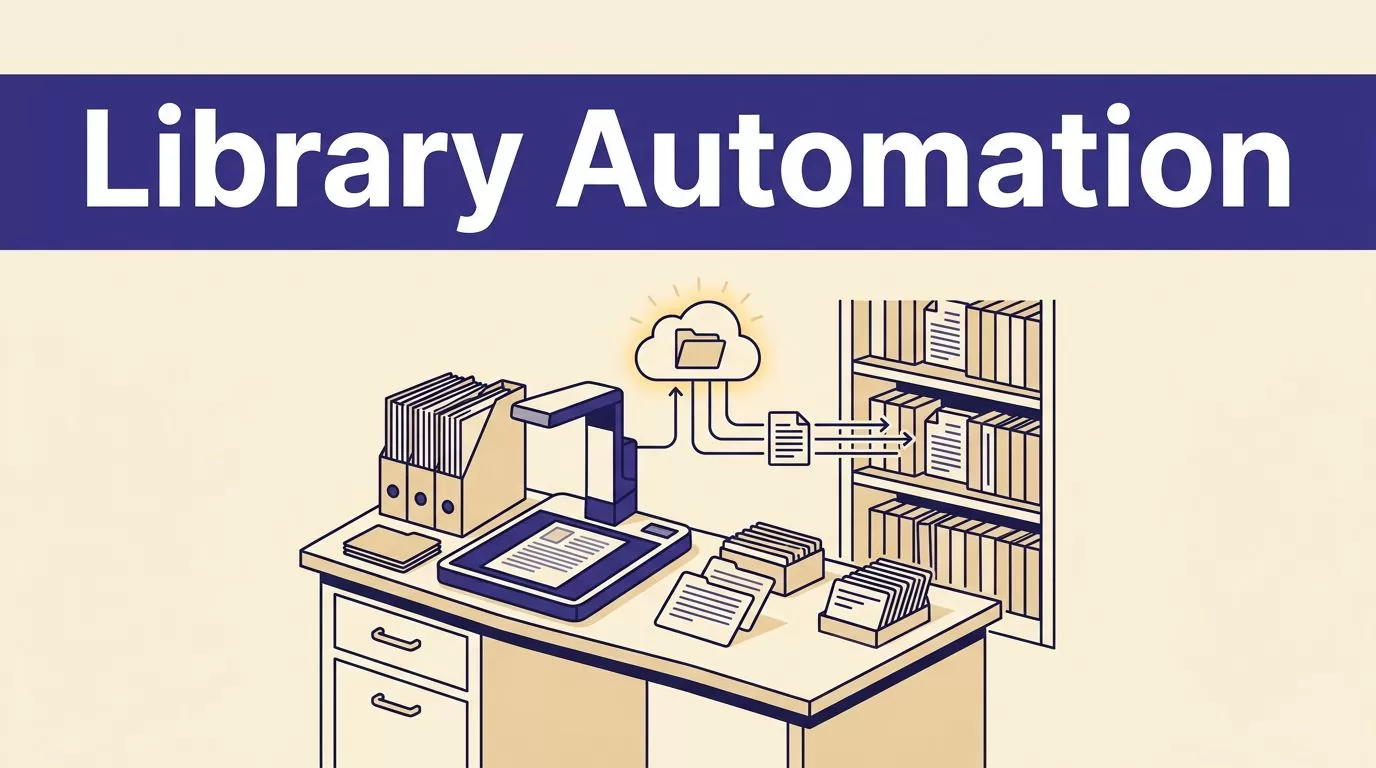
A library workflow can fail without a system error. A file lands in the wrong folder, a date disappears from its filename, or extracted metadata lacks source evidence. Library science automation fixes repeatable gaps when you combine clear rules, Google Drive, and human review.
Twin.so can coordinate file intake, document routing, metadata extraction, and recurring administrative jobs. It shouldn’t decide collection value, rights status, or description quality by itself. The goal is to reduce manual handling while keeping librarians responsible for decisions that affect access, preservation, and discovery.
Start with work your team repeats every week.
WHERE LIBRARY SCIENCE AUTOMATION FITS
Library science automation works best when the input is predictable and the output has a defined format. Good candidates include digitization files, research documents, donor materials, permission forms, and weekly collection reports.
Twin’s integration directory describes agents that read source data, write structured documents, and coordinate Google Workspace apps such as Drive and Docs. It also supports scheduled and event-driven workflows. Use it as an orchestration layer around an ILS, repository, or preservation system, not as a replacement for those systems.
Start With Repeatable Work
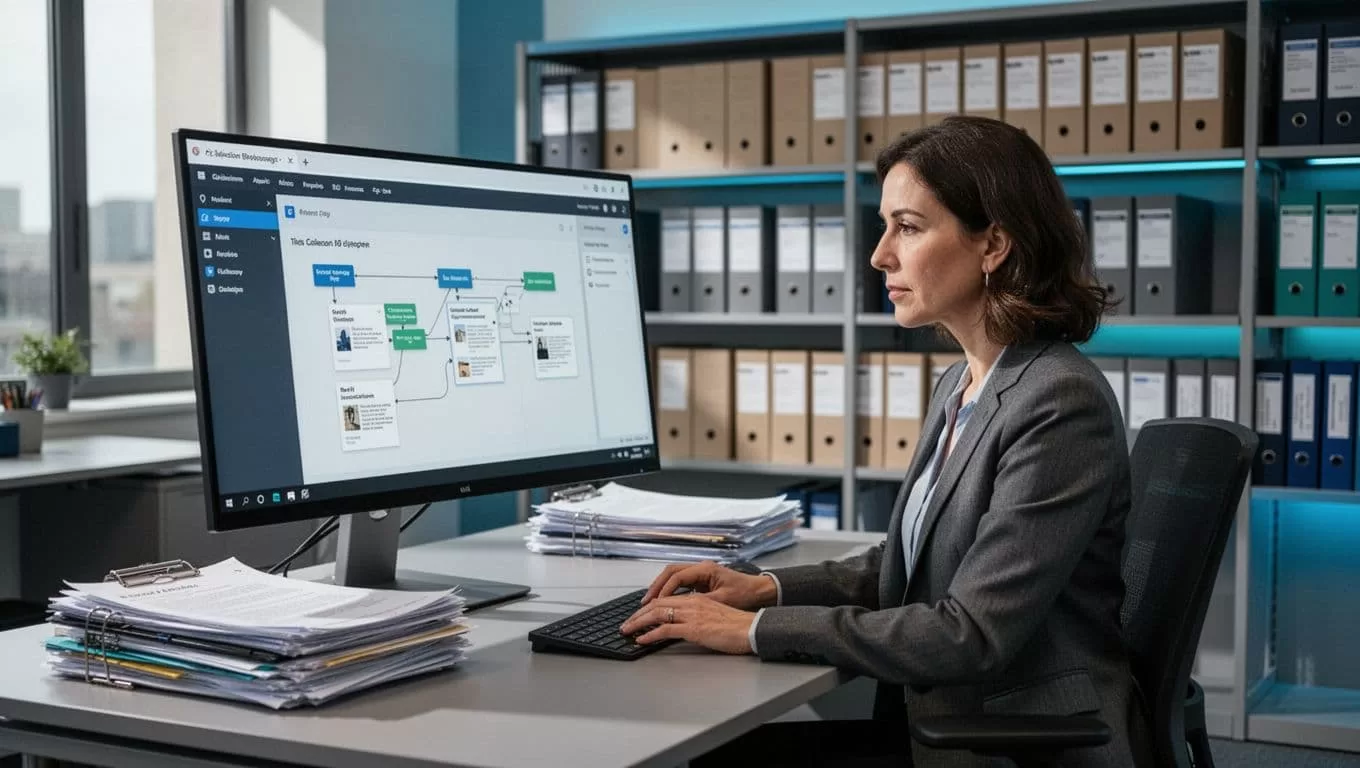
Choose one workflow with a clear trigger. A new file enters an intake folder. A staff member submits a form. A weekly report reaches its scheduled time.
Define the expected result before building. The agent might rename a file, copy it to staging, extract six metadata fields, and create a review record. Avoid starting with “organize the collection.” That instruction has no testable finish.
Keep Professional Judgment With Librarians
Automation can propose a title, identify a date, or flag a duplicate. It can’t reliably decide whether a donor restriction permits public access.
Set approval gates for rights, access level, deletion, deduplication, and low-confidence metadata. Store the proposed value beside the original evidence. A librarian approves, rejects, or corrects the proposal.
USE GOOGLE DRIVE AS THE CONTROLLED WORKING LAYER
Google Drive works well for intake and collaboration when the folder model is clear. It becomes difficult to govern when personal My Drive folders, shared drives, and ad hoc links all hold production files.
Separate Source, Staging, and Approved Files
Create separate locations for source files, working copies, approved outputs, exceptions, and final delivery. Use shared drives for team-owned content where appropriate. Keep a stable file ID and source URL in the tracking record.
A practical folder sequence is:
01_Incoming, 02_Staging, 03_Review, 04_Approved, 05_Published
The names can differ. The state changes must not. A failed run should create an exception, not replace the last approved dataset with an empty folder.
Track Actions Outside the File
Drive history helps, but it isn’t a complete workflow ledger. Record the run ID, source file ID, agent version, rule version, extracted values, reviewer, decision, and timestamp.
Google Workspace administrators can review Drive log events, including activity connected to sharing and file changes. The Drive Activity Report documentation explains how administrators can retrieve activity data for investigation and reporting.
Your team then has two records: the file’s current state and the process that produced it.
BUILD THE TWIN.SO WORKFLOW IN SMALL STAGES
Twin supports scheduled agents, event-driven triggers, OAuth connections, and browser-based tasks in its quickstart documentation. Build in that order: define the process, connect the source, test a small batch, then schedule the job.
Define the Input, Output, and Trigger
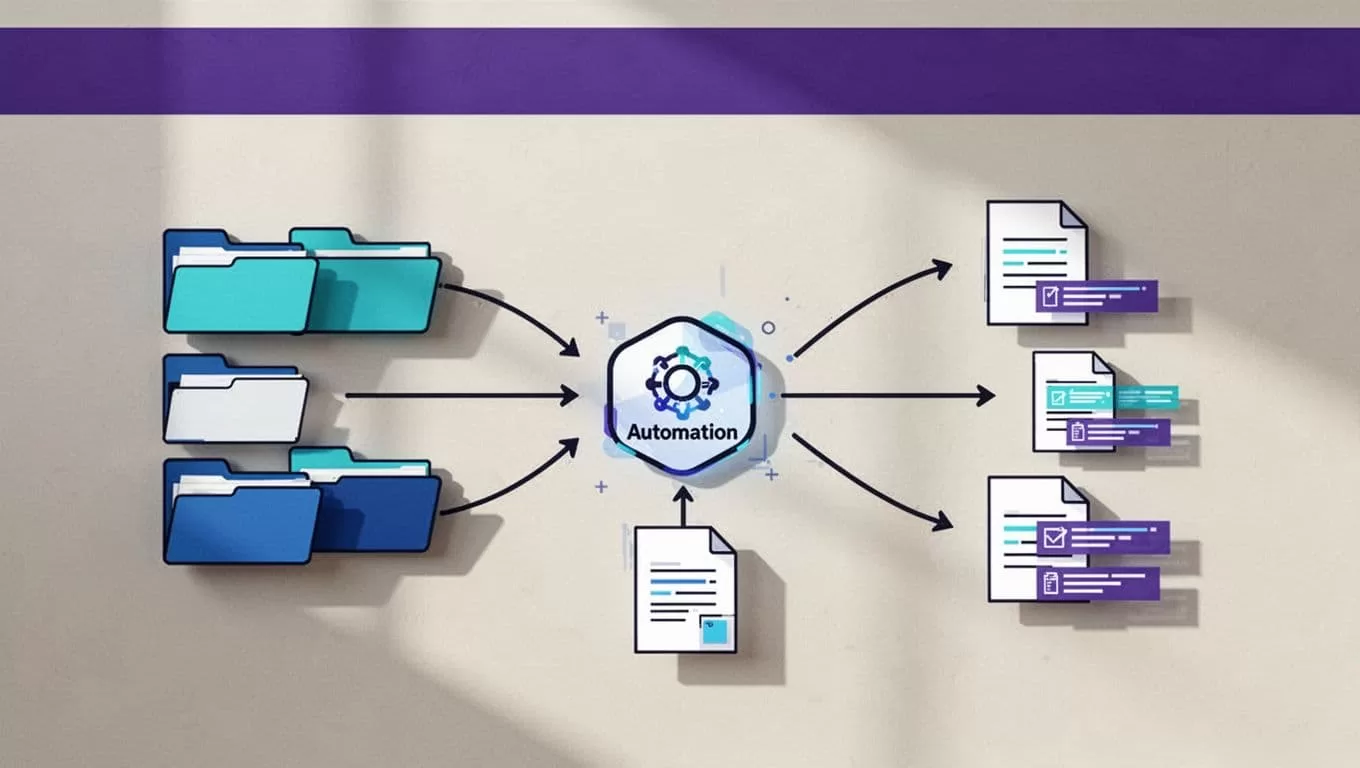
Write the workflow as a short operating rule:
“When a PDF arrives in the Incoming Research folder, extract the title, author, date, language, and collection code. Write the result to the Metadata Review sheet.”
Specify required fields, accepted values, naming rules, and exception conditions. Include valid and invalid record examples. “Use the date shown in the document” is stronger than “find the date.”
Validate Before Any Write
Separate collection, validation, and publishing. Twin can extract a record into a staging sheet or review folder first. A second step checks required fields, duplicate file IDs, filename patterns, and unexpected row counts.
Stop the write step when the source is unavailable, the page layout changes, two values conflict, or the output is incomplete. Keep the last trusted result available to staff.
Connect Only Approved Systems
Use the smallest permission set the workflow needs. A metadata agent may need to read one Drive folder and write to a staging sheet. It doesn’t need permission to delete files or change shared-drive membership.
Twin’s Google OAuth workflow information describes connections across Gmail, Sheets, Docs, and Drive. Review the connected account, access scope, token handling, and retention terms before using patron records, licensed content, or unpublished manuscripts. If the design spans several systems, Book A Call to map the permission and review boundaries.
START WITH HIGH-VOLUME LIBRARY WORKFLOWS
Choose work that consumes staff time but follows stable rules. These projects give your team evidence before you automate higher-risk decisions.
Organize Digital Collections
Use Twin to inspect new files and compare them with the collection structure. The agent can check the extension, read a supplied identifier, apply a standard filename, and route the file to the correct staging folder.
A digitization team could use YYYY-MM-DD_CollectionID_ItemID_FileType as its naming pattern. Keep the original filename in the record. If the identifier is missing or the filename already exists, send the item to an exception folder.
Route Documents and Research Files
Research teams often store interview transcripts, scans, article drafts, datasets, and permissions in one shared location. A workflow can classify each document by project code, document type, access category, and review status.
It can then move or copy the file, add a tracking row, notify the assigned staff member, and create a weekly exception report. Keep routing separate from deletion. A wrong classification should be reversible.
Extract Metadata for Review
Configure extraction around the library’s schema. Fields may include title, creator, date, language, subject, collection, rights note, file format, source URL, and confidence.
Keep the extracted value, the evidence used, and the reviewer decision together. Don’t let the agent invent a missing date or turn an uncertain author into a clean-looking value. A blank or “needs review” result is safer than false precision.
ADD GOVERNANCE BEFORE PRODUCTION
Library automation may handle personal data, donor conditions, unpublished research, and licensed material. Governance belongs in the first workflow design, not after deployment.
Restrict Access and Protect Sensitive Data
Use separate development, test, and production accounts where possible. Limit the agent to the folders and files required for its task. Keep credentials out of prompts, filenames, generated reports, and logs.
Review whether data leaves Google Workspace, how long Twin retains inputs and outputs, which models or subprocessors handle the data, and how your contract addresses deletion. A secure OAuth connection doesn’t remove the need for institutional approval.
Make Every Decision Traceable
A run log should show what the agent read, what it proposed, what it changed, and who approved it. Save the source file ID, timestamps, output location, rule version, error message, and reviewer action.
Google’s Drive audit activity events reference gives administrators a detailed basis for checking file actions. Use Workspace logs for access and sharing investigations. Use your own workflow ledger for business decisions and corrections.
A successful run isn’t proof of a correct run. Check missing fields, duplicate records, source coverage, and reviewer corrections.
Keep Librarians in the Approval Loop
Require a person to approve changes that affect public discovery, rights, access levels, deletion, preservation copies, or authority records. Route uncertain matches to an exception table with the proposed match, confidence reason, and source evidence.
The reviewer should be able to approve, reject, or return an item. Record all three outcomes. This keeps automation useful without treating professional judgment as a data-cleaning step.
MEASURE QUALITY, COST, AND RECOVERY
Pilot on a small approved batch. Twenty-five to 100 records are enough to expose missing fields, duplicate matches, bad folder rules, and review overhead.
Measure Accepted Records, Not Activity
Track credits used per run, accepted records, missing and duplicate records, failed runs, retry counts, human review minutes, correction time, and cost per accepted record. A workflow that saves ten minutes but creates thirty minutes of corrections is a failed workflow.
Twin uses credits for building, running, browsing, researching, and generating output. Current planning examples put simple automations at about 15 to 30 credits, a 100-item scrape at about 20 to 70 credits, and a browser session of about 20 steps at about 100 to 200 credits. These are planning ranges, not fixed quotes. The Twin pricing documentation is the current reference for credits and plans.
Use an API before browser automation when an approved source provides one. Browser steps add failure points and can become expensive when layouts change.
Define Fallback Procedures
Write the manual process before production release. State who retrieves the source, where they record it, and how they identify the last trusted result.
Use bounded retries for temporary failures. Save progress by file ID, page, or record key. Stop the workflow when the source is unavailable, the schema changes, records conflict, or validation returns incomplete data.
As of August 2026, Twin’s listed plans include a free Starter tier with three agents, a Growth tier listed at $49 per seat, and a custom Scale tier with enterprise features. Confirm current plan terms before budgeting.
CONCLUSION
Google Drive and Twin.so can reduce repetitive library work without removing librarians from the process. Start with controlled intake, filename standardization, document routing, metadata extraction, and recurring reports.
Give the agent limited access, stage every output, preserve source evidence, and record each human decision. The strongest library science automation workflow is not the one that runs without people. It’s the one that gives people fewer routine corrections and better evidence for every important decision.
