LinkedIn Algorithm Tips You Can Automate with Someli
LinkedIn rewards consistency, relevance, and real replies. It does not reward random posting bursts or copy-paste comments. The best LinkedIn algorithm tips are boring in the best way. They are repeatable. If Someli is part of your workflow...
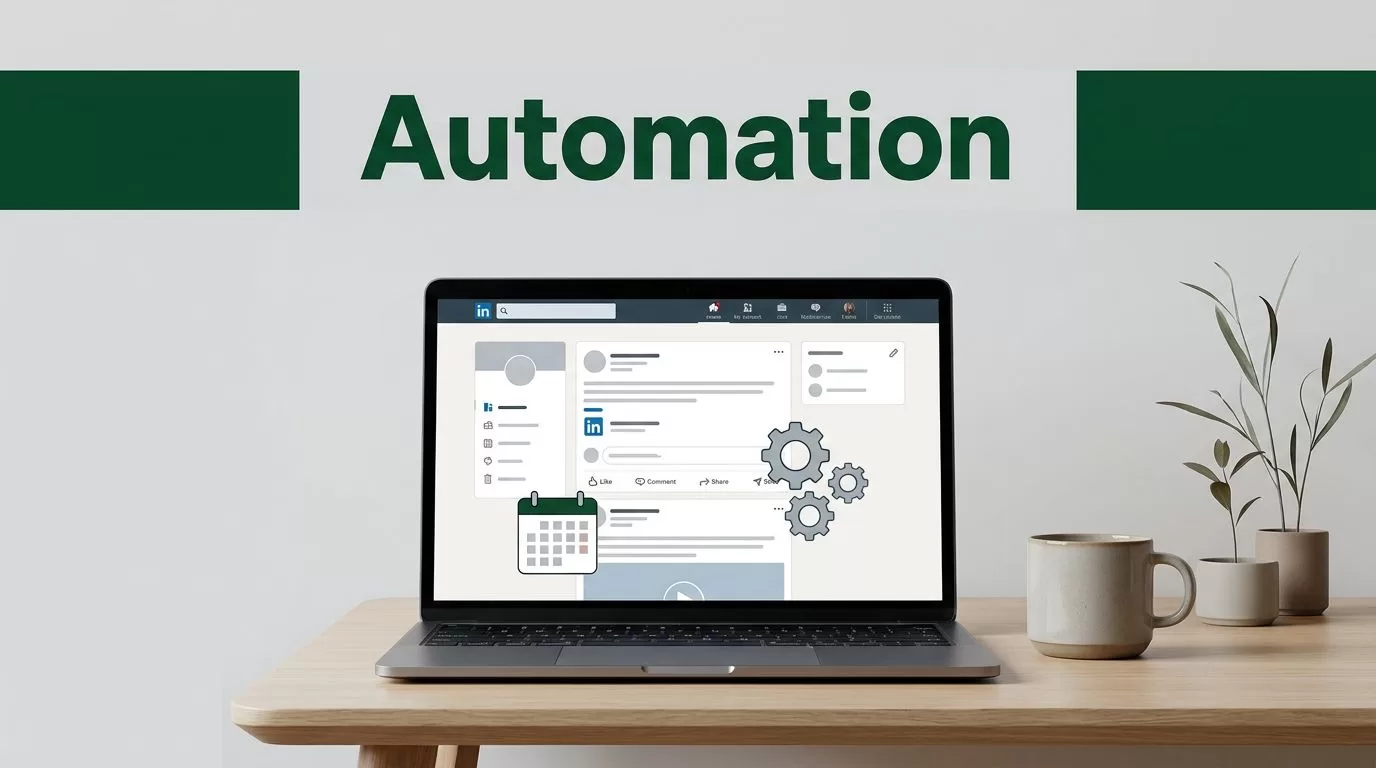
LinkedIn rewards consistency, relevance, and real replies. It does not reward random posting bursts or copy-paste comments.
The best LinkedIn algorithm tips are boring in the best way. They are repeatable. If Someli is part of your workflow, it should help you run those repeatable actions without turning every week into manual work.
Key Takeaways
- Consistency beats bursts. A steady cadence gives LinkedIn a cleaner signal than irregular posting.
- Meaningful comments matter. Short, useful replies work better than generic engagement.
- Profile relevance still counts. Your headline, About section, and posts should point to the same topic.
- Someli should support the system. Use it for scheduling, reminders, and follow-up, not robotic behavior.
- Format choice changes reach. Text, carousel, and short video all play different roles in the feed.
What LinkedIn Rewards Before a Post Spreads
A recent 2026 LinkedIn algorithm breakdown points to quality filtering, engagement testing, and network relevance before wider distribution. That means the first job is not reach. The first job is a clean signal.
LinkedIn wants to know who the post is for. It then checks whether that group cares enough to react. A post from a profile that already talks about the topic has a better start than a random post with no clear lane.
That is why content pillars matter. Pick two or three themes and stay close to them. If you post about founders, B2B growth, and sales workflow, keep the mix tight. Off-topic posts make the signal muddy.
A second 2026 LinkedIn algorithm guide makes the same point from a manager’s angle. Relevance and consistency still beat noise.
LinkedIn usually rewards the clearest signal, not the loudest account.
Build a Posting Cadence Someli Can Run
If Someli handles scheduling or reminders, use it to remove calendar friction. Put your posting windows into the system, batch content once a week, and publish on the same days for four weeks before you change the plan.
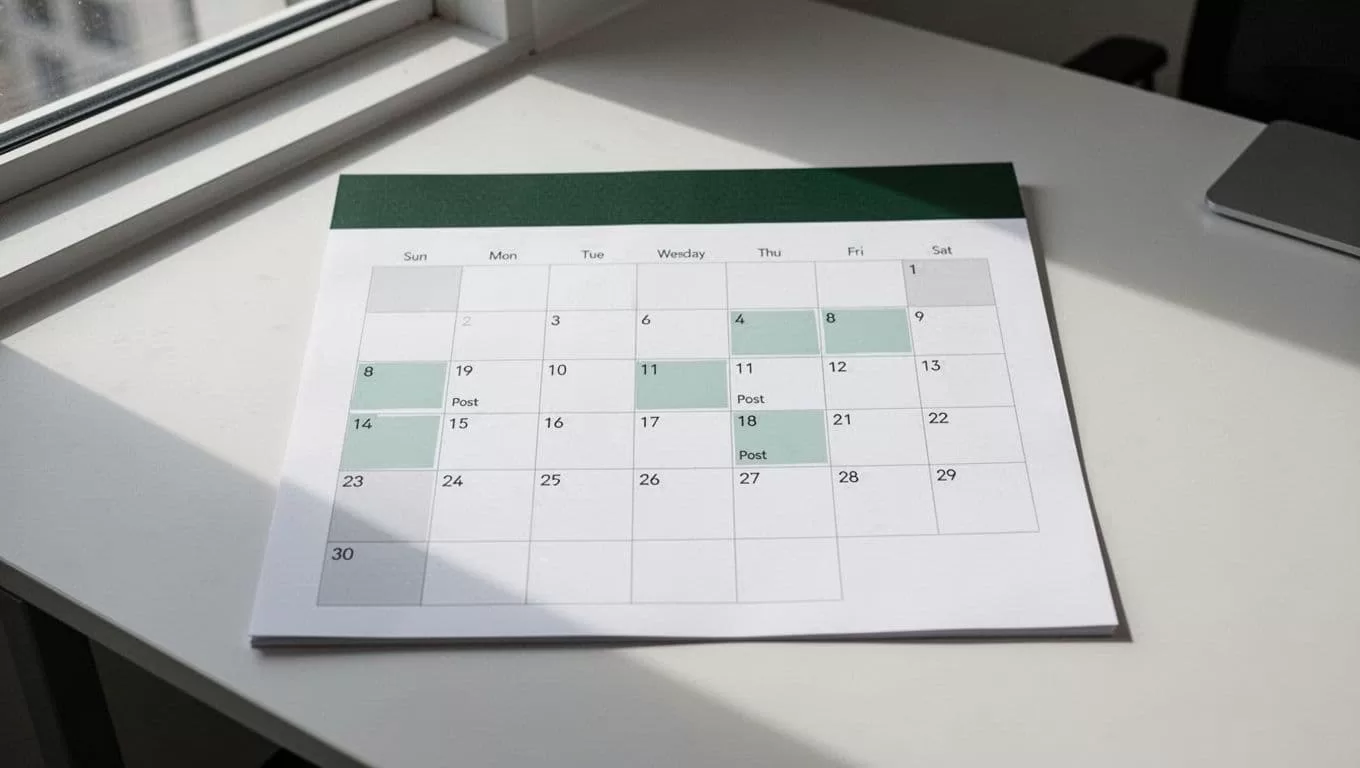
A stable cadence beats bursty posting. Start with 2 to 4 posts a week. Leave at least 12 hours between posts so each one gets room to breathe. If one topic is working, give it more room instead of forcing a new angle every day.
The point is not to flood the feed. The point is to stay visible long enough for LinkedIn to learn who reacts to you. That is easier when the system does the boring parts for you.
Use Someli for the calendar, the reminder, and the queue. Keep the final edit manual. That keeps the voice sharp and the pace steady.
Automate Engagement, Not Noise

If a task needs judgment, keep it human.
A good LinkedIn comment adds context. It gives a point, an example, or a useful correction. A weak comment is empty praise. It has no weight and no reason to stay visible.
Use Someli to surface the right accounts, track follow-ups, and remind you where the conversation is active. Do not use it to spray generic replies across the feed. That kind of behavior looks cheap fast.
Aim your effort at 20 to 30 accounts that overlap with your buyers, peers, or industry. Spend 10 minutes a day on the posts that matter. When you comment, write something that moves the thread forward.
Reply to comments on your own posts quickly when you can. Two hours is a good target. That keeps the thread alive and shows LinkedIn that people are responding for real.
Turn strong comment threads into posts. That is one of the cleanest ways to scale ideas without inventing new topics every day. The comment already proved interest. You are just packaging it better.
Choose Content Formats That Hold Attention Longer
The format you choose changes how long people stay with the post. Text is fast. Carousels and PDFs keep people swiping. Short video gives you another path if the idea is simple and direct.
A quick format comparison
| Format | Best use | What it helps with | What Someli can do |
|---|---|---|---|
| Text post | One sharp lesson or opinion | Quick reads and fast replies | Queue the post and rotate themes |
| Carousel or PDF | Steps, frameworks, proof points | Dwell time and saves | Store the template and schedule the asset |
| Short video | One idea, one takeaway, one voice note style point | Watch time and stronger personal signal | Remind you to publish and repurpose it |
| Comment-led post | Ideas pulled from real threads | Topic validation and fresh angles | Log high-value comments and surface them later |
Short videos under 30 seconds work when they get to the point fast. Carousels work when each slide earns the next one. Plain text works when the first line is tight and the payoff is worth the read.
Use one main format per week, then repurpose the best performer after 60 to 90 days with a new hook. That keeps the account active without forcing new material every time.
Keep Your Profile Aligned With Your Posts
Your profile is the landing page for your feed activity. If your posts talk about one thing and your headline says another, people hesitate. LinkedIn also seems to reward relevance across the whole account, so the profile needs to support the subject matter.
Write your headline in plain language. Say who you help and what problem you solve. Use the About section to repeat that message once. Then use Featured for proof, a useful post, a lead magnet, a case study, or a page that explains your work.
If you are a founder, a marketer, or a sales lead, keep the language specific. “I help B2B teams grow qualified pipeline” is stronger than a clever slogan. Specificity makes your posts, comments, and connection requests look connected.
That connection matters. When your profile, content, and engagement all point in the same direction, LinkedIn has less work to do. The account looks useful. The feed notices.
A Weekly Someli Workflow That Stays Safe

If Someli is running your LinkedIn process, give it a narrow job. It should support the system, not replace judgment.
- Pick three content pillars. Keep them close to your buyers and your proof.
- Batch one or two posts on Monday. Save the best draft, then schedule it.
- Set a daily comment block. Ten minutes is enough if the accounts are right.
- Reply to comments and DMs by hand. Use Someli for reminders, not canned answers.
- Review the numbers at the end of the week. Look at comments, saves, profile visits, and topic patterns.
That loop is enough for most creators and small teams. It keeps the work visible, but it keeps the voice human. If a tool starts creating behavior you would never do manually, the tool is too loose.
Keep the automation around the work, not inside the thinking. That is where the account stays credible.
Conclusion
LinkedIn does not need tricks. It needs a clear signal, steady posting, and comments that add something real. That is what the strongest LinkedIn algorithm tips come back to, again and again.
Someli is most useful when it removes repetition and leaves judgment in your hands. Build the cadence first. Then let the system handle reminders, scheduling, and follow-up.
