Deploy Logistics Automation Software with Twin.so
One missed shipment update can trigger three manual tasks: a customer reply, a support ticket, and an internal status check. Logistics automation software reduces this work by moving data between systems and applying rules without constant...

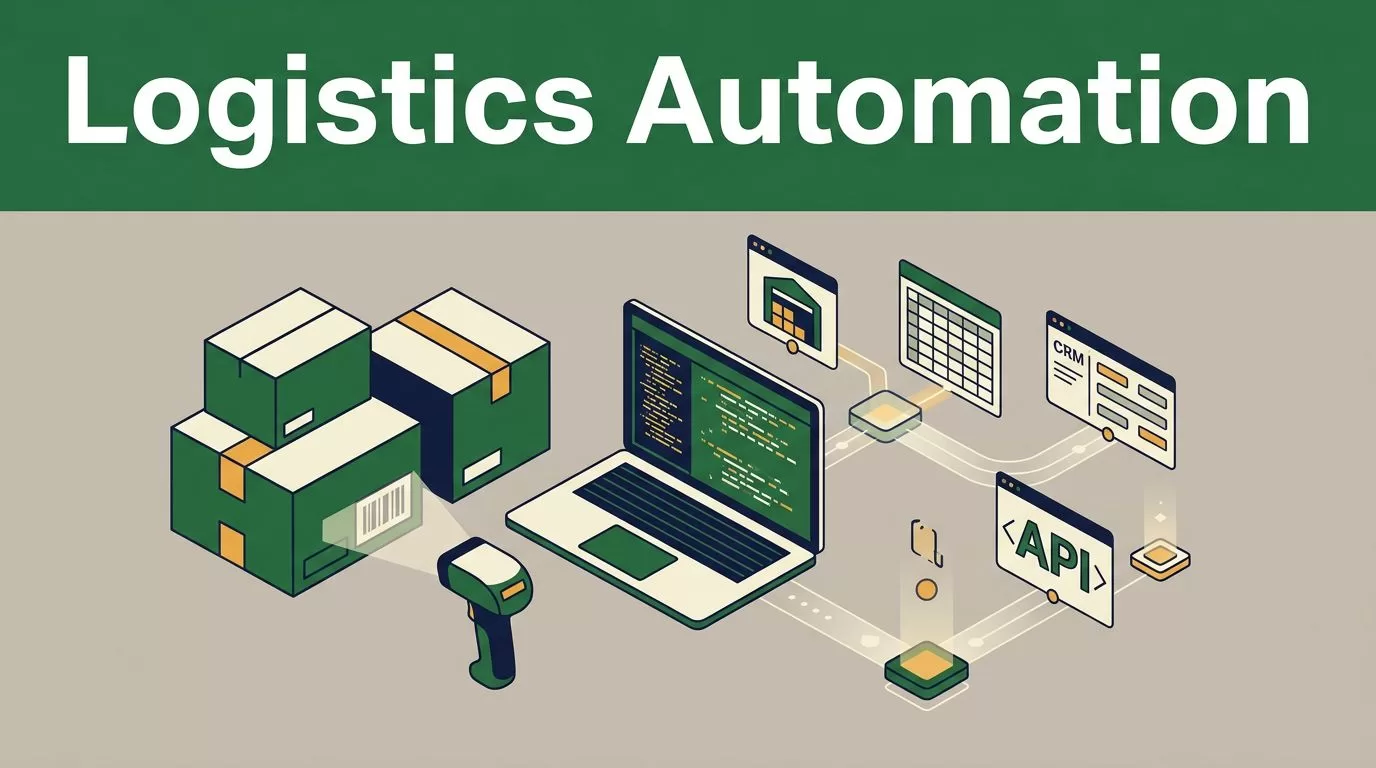
One missed shipment update can trigger three manual tasks: a customer reply, a support ticket, and an internal status check. Logistics automation software reduces this work by moving data between systems and applying rules without constant employee intervention.
Twin.so is useful when the workflow crosses APIs, web portals, spreadsheets, CRM systems, and internal tools. It can create AI agents with natural-language instructions, scheduled runs, webhook triggers, API connections, and browser actions. The right deployment starts with one controlled process, not an attempt to automate the entire operation at once.
What Twin.so Actually Does for Logistics Teams
Twin.so is an AI automation and agent-building platform. It isn’t a warehouse management system, transportation management system, or supply chain digital twin.
That difference matters. Twin.so can coordinate tasks around your existing systems, but it doesn’t replace warehouse slotting, route optimization, inventory planning, or network simulation. Use it as an automation layer around those systems.
Current product information positions Twin.so around three capabilities:
- Building agents from plain-language workflow instructions.
- Connecting to applications through APIs or browser automation.
- Running tasks on schedules or through webhooks, with planning, retries, and context handling.
The browser capability is useful when a carrier, 3PL, marketplace, or supplier portal has no reliable API. The agent can log in, locate the required fields, read information, and enter approved updates. That access needs strict controls because browser automation can touch sensitive operational and customer data.
Twin says users have built 5,000 integrations and can access 50,000 apps and websites. Treat those figures as platform claims. Test the exact systems in your operation before making a purchase decision.
A SaaS delivery model can reduce local installation work and make access easier across warehouse, transport, and back-office teams. This overview of SaaS in logistics provides useful context on how cloud applications connect users and operational data.
How to Deploy logistics automation software via Twin.so
Start with a workflow that has clear inputs, repeatable actions, and a measurable outcome. Order-status updates and daily exception reports are better first projects than autonomous inventory allocation.
Use this deployment sequence:
- Write the current process. Record where the task starts, which systems employees open, what fields they read, and where they write the result. Include manual decisions and approval points.
- Choose the trigger. A new paid order can trigger order processing. A webhook can trigger a shipment update. A scheduled run can check delayed shipments every hour.
- Map each field. Match order IDs, SKU numbers, quantities, tracking numbers, customer emails, carrier codes, and promised delivery dates across systems. Decide which system is the source of truth for each field.
- Select the connection method. Use an API when the target system offers a stable, approved connection. Use browser automation only when necessary, and test it against the exact portal layout your team uses.
- Add limits and approvals. Require human approval for refunds, address changes, inventory adjustments, customs documents, and customer credits. Let the agent handle low-risk updates automatically.
Keep the first version narrow. A workflow that updates shipment status for one carrier and one sales channel is easier to test than a single agent covering every carrier, marketplace, warehouse, and exception type.


Build Practical Logistics Workflows
Automate order processing and inventory updates
A useful order workflow begins when your storefront or order management system marks an order as paid. Twin.so can read the order details, send the required information to a warehouse or 3PL system, and write the resulting status back to the order record.
The agent should handle defined fields only. Those fields may include the order number, SKU, quantity, delivery address, service level, and requested ship date. If a required field is missing, the workflow should stop and create a review task instead of guessing.
A controlled sequence might look like this:
- Read a new order from the approved source.
- Check whether the SKU and quantity match the inventory record.
- Submit the order to the WMS or 3PL portal.
- Capture the confirmation number.
- Update the order status.
- Send the result to the internal operations queue.
Inventory updates need the same discipline. An agent can copy a confirmed receipt, pick confirmation, or shipment confirmation into another system. It shouldn’t create an adjustment because two systems show different quantities. That conflict needs a human review or a defined reconciliation rule.
If your team is also reviewing warehouse software, compare the automation layer with the core WMS. This cloud-based WMS implementation guide covers how warehouse systems connect order transmission, picking, packing, and shipping processes.
Photo by Artem Podrez
Improve shipment tracking and customer communication
Shipment tracking is a strong candidate for scheduled automation. Twin.so can check a carrier API or approved portal, match the tracking number to the order, and write the latest event into your order or customer service system.
Set rules for common events:
- A label exists but the carrier has no acceptance scan.
- A shipment has no movement for a defined number of hours.
- The carrier reports a damaged parcel or bad address.
- The delivery date changes.
- The package is delivered.
Customer messages should use approved templates. The workflow can insert the order number, tracking link, revised date, and support contact. It shouldn’t create a new promise that your team hasn’t approved.
Use separate rules for internal and external communication. An internal alert can include the carrier exception code and warehouse notes. A customer message should contain only the information needed to explain the next step.
Handle Exceptions Before They Reach the Customer
Automation creates value when it removes repetitive work without hiding problems. A failed login, changed portal layout, missing SKU, or unclear carrier event should create a visible exception.
Configure the workflow to record:
- The order or shipment ID.
- The time the task started.
- The system or portal it accessed.
- The action it completed.
- The reason it stopped.
- The employee or team responsible for review.
Twin.so describes retry and context handling for changing workflows. Use retries for temporary failures such as a slow page or short API interruption. Don’t use repeated retries to force a write when the data is incomplete or the result is unclear.
A good exception route sends the case to the right queue. Inventory mismatches belong with warehouse control. Carrier delays belong with transport operations. Customer-impacting changes belong with customer service.

Reporting is another practical use. Run a scheduled agent that collects order counts, late shipments, open exceptions, inventory mismatches, and response times. It can normalize the data and write a daily report to an approved spreadsheet, database, or reporting workspace.
Use a logistics software comparison as a reference when deciding which metrics belong in your wider operations stack. This logistics management software guide discusses the broader systems used for transportation, fulfillment, and supply chain management.
Automation should reduce the number of routine touches, not reduce visibility into failed work.
Protect Data and Manage Operational Change
Twin.so may access order records, customer addresses, carrier accounts, supplier portals, and internal reports. Review that access before connecting production systems.
Your privacy and security review should cover:
- The data fields the agent can read and write.
- The credentials and tokens it uses.
- Permission limits for each connected system.
- Data retention and deletion terms.
- Encryption during transfer and storage.
- Subprocessors and hosting locations.
- SSO, role-based access, and administrative controls.
- Run history, error records, and audit access.
Don’t place unrestricted administrator credentials inside an automation. Create a service account with the smallest permission set that can complete the task. Use masked or synthetic data during testing. Remove access when a workflow is retired.
Browser automation needs extra review. A portal change can move a button or rename a field. The agent may still complete the page while writing to the wrong location. Keep a human approval step for high-impact actions, especially during the first production release.
Change management also needs an owner. Assign one person to maintain the workflow, review failures, update field mappings, and approve changes. Give warehouse and customer service employees a short runbook that explains what the agent does, what it doesn’t do, and where to send an exception.
If your reporting workflow pulls data from several sources, review the data preparation layer as well. These ETL and ELT services for logistics data show why extraction, transformation, and loading rules matter when operational data comes from separate systems.
Use a Measured Pilot Before Full Deployment
A pilot should answer one question: does the workflow complete the task with fewer manual touches and no unacceptable errors?
Capture a baseline before enabling the agent. Measure manual processing time, update delay, exception volume, correction rate, and customer response time. Compare those figures with the same measures during the pilot.
Use this go-live checklist:
- Select one workflow, one business unit, and a limited set of systems.
- Test normal orders, missing data, duplicate records, failed logins, and delayed responses.
- Confirm that the agent stops when a rule is unclear.
- Review every automated write during the first production period.
- Set an owner for each exception queue.
- Record the rollback method before the workflow runs.
A useful pilot might process order-status updates for one warehouse or track one carrier lane. Keep the scope stable long enough to compare results. Don’t add a second marketplace because the first workflow has not reached its review target.
Track outcomes with operational measures:
- Average minutes of manual work per order.
- Time between carrier event and system update.
- Percentage of records requiring correction.
- Number of unresolved exceptions by age.
- Inventory mismatch count.
- Customer contacts caused by missing or late updates.
- Successful runs versus failed runs.
If the workflow improves speed but increases correction work, stop and revise the rules. If it reduces manual work while keeping error rates within your approved limit, expand it carefully.
Conclusion
Twin.so is best used as an automation layer around logistics systems, not as a replacement for a WMS, TMS, or supply chain planning platform. Its API connections, browser automation, schedules, webhooks, and agent-based execution can support order processing, tracking updates, exception routing, and reporting.
Start with one workflow. Restrict permissions. Keep humans involved in high-impact decisions. Measure the baseline and compare it with production results.
The strongest logistics automation software deployment is not the one with the most agents. It is the one that removes repetitive touches while keeping operational data accurate, visible, and controlled.

