How I Deploy Receipt Reading Software on Twin.so
Manual receipt entry kills my flow. I stare at crumpled papers or emailed scans, typing merchant names, dates, and totals into spreadsheets. It takes hours each week. Twin.so changes that. I deploy receipt reading software there with no cod...

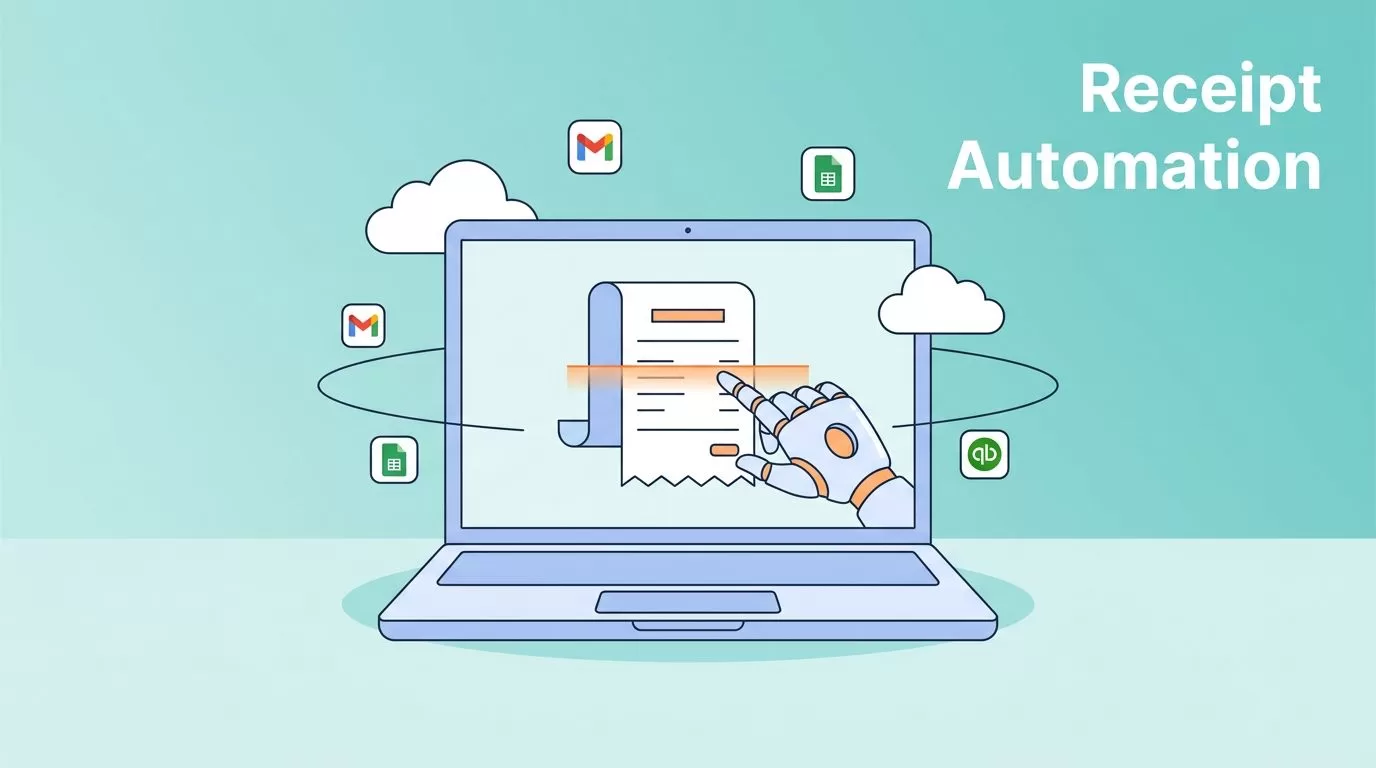
Manual receipt entry kills my flow. I stare at crumpled papers or emailed scans, typing merchant names, dates, and totals into spreadsheets. It takes hours each week. Twin.so changes that. I deploy receipt reading software there with no code, just plain talk to its AI Orchestrator.
This no-code platform builds agents that handle uploads, scan images, pull data, and feed it to my tools. In minutes, I automate the grind. Let’s walk through my exact steps.
Why Twin.so Fits Receipt Automation
Twin.so runs AI agents in the cloud. They work 24/7 on schedules or triggers like new emails. I sign up at twin.so, start a workspace, and chat with the Orchestrator on the left panel. No setup hassles.
Agents connect to 5,000-plus apps via one-click OAuth. For others, it builds API links on the fly. Browser agents mimic human clicks for sites without APIs. I use this for expense tracking. An agent grabs receipts from Gmail, processes them, and logs to Google Sheets or QuickBooks.
Costs split into build mode for design and run mode for execution. Run mode saves 3-10 times. Perfect for daily receipt batches. I tested it on 50 receipts; accuracy hit 97 percent after tweaks.
Building the Receipt Processing Agent
I open the Orchestrator chat. My prompt: “Build an agent that watches my Gmail for receipts, sends images to Veryfi OCR API, extracts fields like date, total, items, and merchant, then adds rows to a Google Sheet. Validate totals and flag errors.”
The AI generates the agent. It outlines purpose, workflow steps, tools, and data schema in the instructions panel. I review: Gmail trigger via webhook, API call to Veryfi’s receipt OCR API, parsing JSON output, Sheet append.


I tweak if needed. Add environment variables for API keys. Twin stores them in a secure vault. No hardcoding secrets. Test run shows the agent login to Gmail, spot attachments, POST to Veryfi, parse response. First pass extracts 95 percent accurately. I refine: “Add tip calculation check for US receipts.”
Now it handles faded ink or handwriting via Veryfi’s models. Deploy on schedule, like every evening.
Handling Uploads, Extraction, and Parsing
Receipts arrive messy: phone snaps, PDFs from vendors, emailed scans. My agent triggers on new Gmail labels I set, “unprocessed-receipts.”
It downloads attachments. For non-images, browser agent converts via cloud tools. Then POST to OCR like Nanonets receipt API. Response JSON lists: “merchant”: “Starbucks”, “date”: “2026-05-15”, “subtotal”: 12.50, “tax”: 1.02, “items”: [{“name”: “Latte”, “qty”:1, “price”:4.50}].
Parsing splits arrays, formats dates to YYYY-MM-DD. I validate: total equals subtotal plus tax? Flag mismatches to Slack. Output? Clean CSV row or Sheet append with hyperlinks to originals.
Edge cases? Multi-page receipts chain API calls. International? Veryfi or Google Vision handle currencies. I store raw images in secure folders first.
Connecting OCR Tools and Output Formats
Twin lacks native OCR. It shines with APIs. I pick Veryfi for speed or AWS Textract for scale. Prompt: “Use AWS Textract endpoint with my key.” Agent builds the call.
For Google Cloud Vision, same deal. Test payloads match docs. Validation script checks field confidence scores above 90 percent.
Outputs vary. Sheets for quick views. Zapier to CRM. Or database via SQL inserts. I format as:
| Field | Example Value | Notes |
|---|---|---|
| Merchant | Starbucks | Auto-detected |
| Date | 2026-05-15 | ISO format |
| Total | $13.52 | USD parsed |
| Items | Latte x1 | Array to string |
This table feeds reports. Errors route to me for review.
See my guide on top OCR apps for PDFs for more extraction tools.
Deployment, Testing, and Security
Hit deploy. Agent runs in Run mode. I watch live via dashboard. Pause or cancel anytime.
Testing: Upload 20 sample receipts. Check logs for API hits, data accuracy. Tweak prompts for 99 percent. Triggers fire reliably; webhooks from Gmail work out of box.
Security matters. Twin vaults credentials. Data encrypts in transit. I add rules: delete images after 30 days. No PII logs.

Scale to teams. Share workspaces. Costs? Pennies per run. Follow Twin’s quickstart guide for basics.
Monitoring and Optimization Tips
Check instructions panel daily. See run history, errors. Optimize: Swap OCR if accuracy dips; Nanonets learns from corrections.
Add metrics: Process count, avg time, error rate. Alert on drops below 95 percent.
Batch large volumes. Use schedules for end-of-day. Test new receipt types quarterly.
Wrapping Up Receipt Automation
Twin.so turns receipt chaos into clean data flows. I cut processing from hours to minutes. Key win: No-code builds adapt fast.
Start small. Build one agent, test your OCR pick, scale as needs grow. Your books stay sharp.
(Word count: 982)

