Automate Material Ordering Safely With Twin.so
A construction order can fail even when the quantity is correct. The wrong job code, missing delivery window, or unapproved substitute can create delays, rework, and budget disputes. Material ordering automation helps remove repetitive proc...

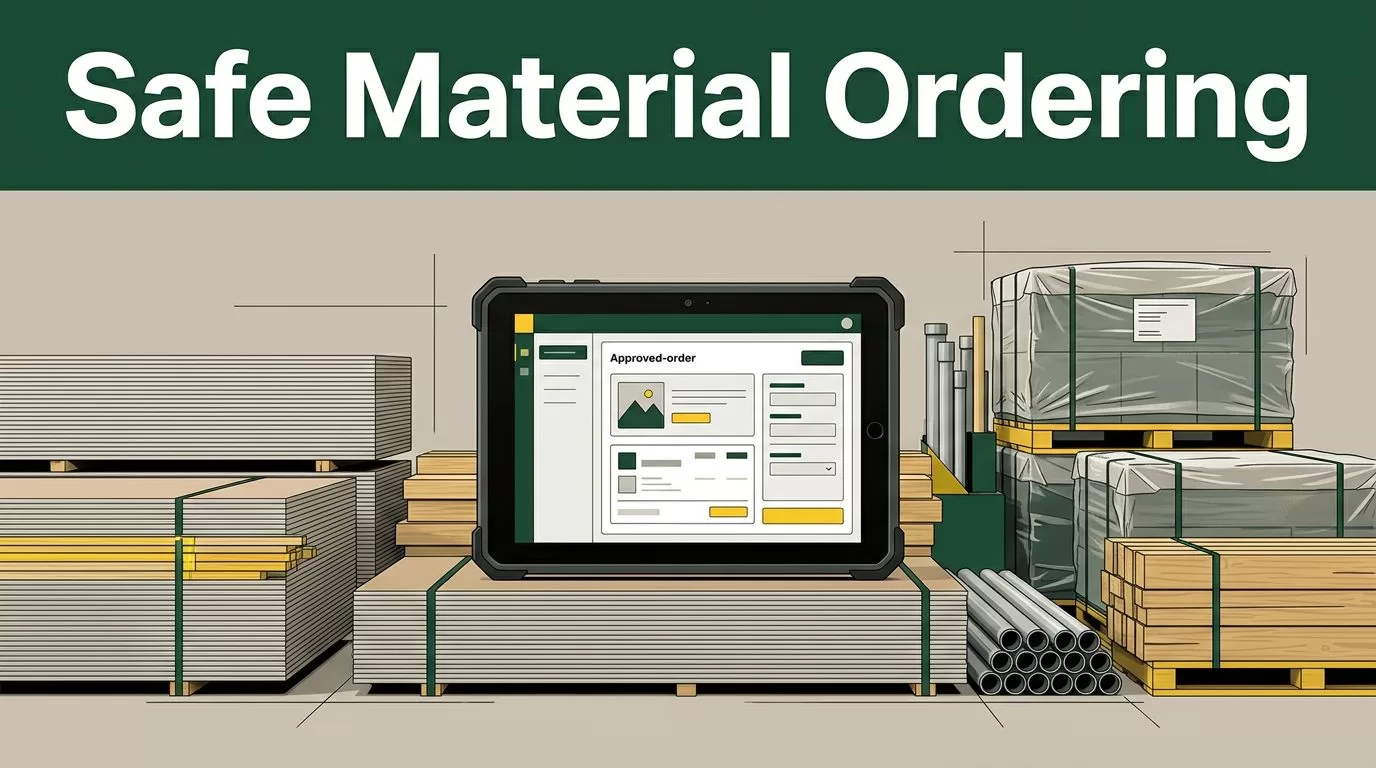
A construction order can fail even when the quantity is correct. The wrong job code, missing delivery window, or unapproved substitute can create delays, rework, and budget disputes.
Material ordering automation helps remove repetitive procurement work. It doesn’t remove the need for judgment. Twin.so can organize requests, check required fields, route approvals, and notify the right people while your team retains control over high-value and unusual purchases.
The reliable approach is simple: automate repeatable decisions, block incomplete orders, and keep a human in the approval path when the risk is high.
Why material ordering automation needs controls
Construction procurement starts with messy inputs. A superintendent sends a text message. A foreman adds a note to a project system. A buyer receives a spreadsheet with quantities from a material takeoff. Each source may use different descriptions for the same item.
One request might say “5/8 Type X board.” Another might say “fire-rated drywall.” The buyer still needs to confirm the product, quantity, cost code, supplier, delivery date, and jobsite location.
A missing field can create a larger problem than a slow approval. If the delivery address doesn’t identify the building or laydown zone, the supplier may arrive at the wrong entrance. If the cost code is missing, the invoice may sit outside the normal approval process. If a substitute is accepted without review, the project team may receive a product that doesn’t match the specification.
Construction procurement software commonly covers purchase requests, supplier management, contracts, and order visibility. You can compare those capabilities in this construction procurement software overview, but your first priority should be control design.
A safe workflow must answer five questions before an order is released:
- What material is needed?
- Which project and cost code will pay for it?
- When and where should it arrive?
- Which supplier or approved quote applies?
- Who must approve the purchase?

Put Twin.so between the request and the purchase order
Twin.so should sit between material request intake and final order release. It can provide the workflow layer that turns unstructured requests into reviewable procurement records.
The process begins when Twin.so receives a request from the source your team already uses. That source could be a form, project management system, shared inbox, spreadsheet, or internal database. Configure the workflow to collect the request instead of allowing an employee to create an order with incomplete information.
Twin.so can then organize the request into a standard record containing:
- Project name and job number
- Site address and delivery zone
- Material description and specification
- Quantity and unit of measure
- Required delivery date
- Supplier or quote reference
- Cost code and budget category
- Requester and approving manager
The system should also retain the original request. This gives the buyer a way to compare the normalized order with the source message or takeoff.
Use one order record as the source of truth
Duplicate records create confusion. A buyer may update a spreadsheet while the project manager reviews an older email. A supplier may receive a different quantity from the number in the purchase order.
Create one active order record in the connected procurement or project system. Twin.so can update that record when the request changes, an approval is granted, or a supplier confirms delivery.
Store the original quantity, revised quantity, approval history, quote, and communication status together. Don’t rely on memory or scattered chat messages to explain why an order changed.
Make approval rules explicit
Approval rules should be written as conditions. Avoid instructions such as “send larger orders to management.” Set a defined dollar threshold based on your company’s policy. Add separate rules for rush orders, non-approved suppliers, substitutions, and materials tied to safety or inspection requirements.
A standard purchase of approved fasteners may follow an automated path. A structural steel order, fire-rated assembly, or engineered product should go to a qualified reviewer when the specification or supplier changes.

Build a safe material ordering automation workflow
Use the following sequence when configuring Twin.so for a construction procurement process.
- Standardize the request intake. Require the requester to provide the material, quantity, unit, project, cost code, delivery location, and needed-by date. If the request arrives as free text, Twin.so can extract the details for review. It should not fill unknown fields with guesses.
- Validate the material against project data. Compare the request with the approved bill of materials, takeoff, specification, or procurement schedule. Flag mismatched units, duplicate requests, and quantities that exceed the current plan. A request for 40 sheets of 5/8-inch Type X gypsum board needs a different check from a request for an engineered steel connection.
- Check inventory and open orders. Search the project inventory record and pending purchase orders before creating a new order. The workflow should identify material already on site, material in transit, and material reserved for another work area. A new request may need a transfer rather than another purchase.
- Apply supplier and quote rules. Match the request with approved vendors, current quotes, contract pricing, and lead-time requirements. If the requested supplier isn’t approved, route the order for review. Don’t replace a specified product with a cheaper option unless an authorized person approves the substitution.
- Route the order for approval. Twin.so can send the order record to the correct manager based on project, cost code, amount, or risk category. The reviewer should see the material description, quantity, quote, budget impact, delivery details, and any flagged exceptions in one place.
- Release the order only after approval. Once the required approval is recorded, Twin.so can update the connected system and notify purchasing or the supplier through the configured workflow. Keep the purchase order number, approval timestamp, and final quantity attached to the order record.
This sequence separates data preparation from authorization. That separation matters. A system can prepare a clean purchase order without receiving permission to spend the company’s money.
Keep high-risk orders under human review
Automation works best when the decision is repetitive and the information is complete. Human oversight belongs in the process when a mistake could affect safety, schedule, contract compliance, or a large portion of the project budget.
Create an exception path for:
- High-value orders above your internal approval threshold
- Structural, engineered, or safety-critical materials
- Non-catalog items and first-time suppliers
- Rush orders with premium delivery charges
- Substitutions or specification changes
- Conflicting quantities across the takeoff and request
- Missing product data, unclear units, or incomplete delivery details
- Orders split across multiple sites or delivery windows
An order can be financially correct and still be operationally wrong if the delivery date, site zone, or installation phase is missing.
Twin.so should surface the reason for the exception. A reviewer shouldn’t have to search five systems to discover why an order stopped. Show the flagged field, the source value, the proposed value, and the next required action.
Don’t use a generic “approved” status for every case. Separate approved, rejected, returned for correction, awaiting supplier confirmation, and unresolved. These statuses give purchasing and project teams a shared view of what happens next.
Protect budget visibility and jobsite accuracy
A purchase order is more than a request for materials. It affects committed cost, cash planning, supplier performance, and the work schedule.
Twin.so can update connected systems with the status and details required by your process. Configure notifications for the people who need to act. A project manager may need the budget impact. A site supervisor needs the delivery date and drop location. Accounts payable needs the purchase order reference and cost code.
Limit each notification to the information required for that role. Don’t send full project documents to every recipient by default. Access should follow the user’s responsibilities and the sensitivity of the record.
Use a compact control model like this:
| Control | Record to maintain | Reviewer action |
|---|---|---|
| Budget | Cost code, committed amount, remaining allowance | Confirm the purchase fits the project plan |
| Quantity | Requested, approved, and ordered quantity | Check against the takeoff or schedule |
| Delivery | Date, site address, building, and laydown zone | Confirm the site can receive the shipment |
| Supplier | Vendor, quote, terms, and contact | Confirm the vendor is approved |
| Change history | Original request, edits, and approvals | Confirm why the order changed |
Procurement platforms such as Precoro’s construction workflow example show why purchase requests, approvals, and order records need to remain connected. Twin.so can fit around that operating model when configured to pass the right data between systems.
Jobsite accuracy also depends on timing. A material arriving too early can create storage and damage problems. A late delivery can stop a crew. Include delivery windows and site constraints in the order record, not only in a separate email.
Pilot the workflow before expanding it
Start with one project and a narrow material category. Repetitive items such as standard fasteners, common lumber sizes, or approved consumables are easier to validate than engineered assemblies.
Document the current process before you automate it. Record how requests arrive, who checks quantities, where approvals happen, and how buyers confirm delivery. This gives you a baseline for measuring the new workflow.
Track operational measures that your team can verify:
- Number of incomplete requests returned for correction
- Number of duplicate or conflicting orders identified
- Approval time by order type
- Orders released without the required cost code
- Delivery exceptions caused by missing site details
- Difference between requested, approved, and received quantities
- Number and value of orders routed to human review
Review the results with purchasing, project management, finance, and site staff. A workflow that looks correct in the office may fail when a superintendent needs to change a delivery zone at short notice.
Field Materials is another example of a construction procurement platform focused on quotes, purchase orders, inventory, and related workflows. Reviewing construction procurement software for material buying can help your team compare the surrounding system requirements, even if Twin.so remains the automation layer you choose.
Expand only after the pilot handles normal requests and exceptions. Add more categories gradually. Keep manual approval for unusual orders until the rule set has enough history to support a safe decision.
Conclusion
Material ordering automation should reduce repetitive data entry without turning procurement into an unchecked process. Twin.so can organize requests, validate required information, route approvals, update connected records, and notify the right teams when the workflow is configured correctly.
Start with standard fields and clear decision rules. Check inventory, project data, supplier status, budget, and delivery details before release. Keep people involved when the order is high-value, unusual, safety-critical, or incomplete.
The goal isn’t to remove buyers and project managers from ordering. It’s to give them cleaner records and better exceptions, so they spend their time on decisions that require construction judgment.

