I’ve lost LinkedIn accounts before. One ban wiped out 5,000 connections overnight. That hurt my sales pipeline hard. You face the same risk with LinkedIn automation if you push too fast.
B2B founders, sales reps, recruiters, and agencies need leads without account suicide. LinkedIn spots bots quick in 2026. Their algorithms flag unnatural patterns like mass sends or odd timing. I switched to tools that mimic humans. Twin.so fits my workflow. It lets me automate outreach responsibly.
This post shares my setup. You’ll get safe practices, risky pitfalls, and why Twin.so works for steady growth.
Why LinkedIn Tightens Automation Rules
LinkedIn updated policies this year. They ban third-party tools that scrape data or fake actions. Browser extensions and bots trigger restrictions fast. Machine learning detects spikes in views, requests, or messages.
I check my account health weekly. A low Social Selling Index or poor acceptance rate cuts your limits. New accounts get hit hardest. Start slow, or face warnings.
Safe volumes matter. Most users hit 100 to 200 connection requests per week. Free accounts stay under 80. Messages cap at 100 weekly for basics, 150 on premium. Exceed them, and bans follow. LeadLoft breaks down these limits based on reputation.
Policies shift. LinkedIn allows official APIs and scheduled posts. Anything else carries risk. I build a natural baseline first: post content, comment, engage manually.
Safe vs. Unsafe Outreach Behaviors
Picture two paths. One leads to steady replies. The other to a locked profile.
Unsafe moves scream bot. I send 100 generic requests daily once. My account froze in days. Mass messages without context spam filters. Nighttime blasts look suspicious.
Safe habits build trust. I space requests over business hours. Personalize each one. Target ideal profiles only. Withdrawal pending invites weekly, not in bulk.

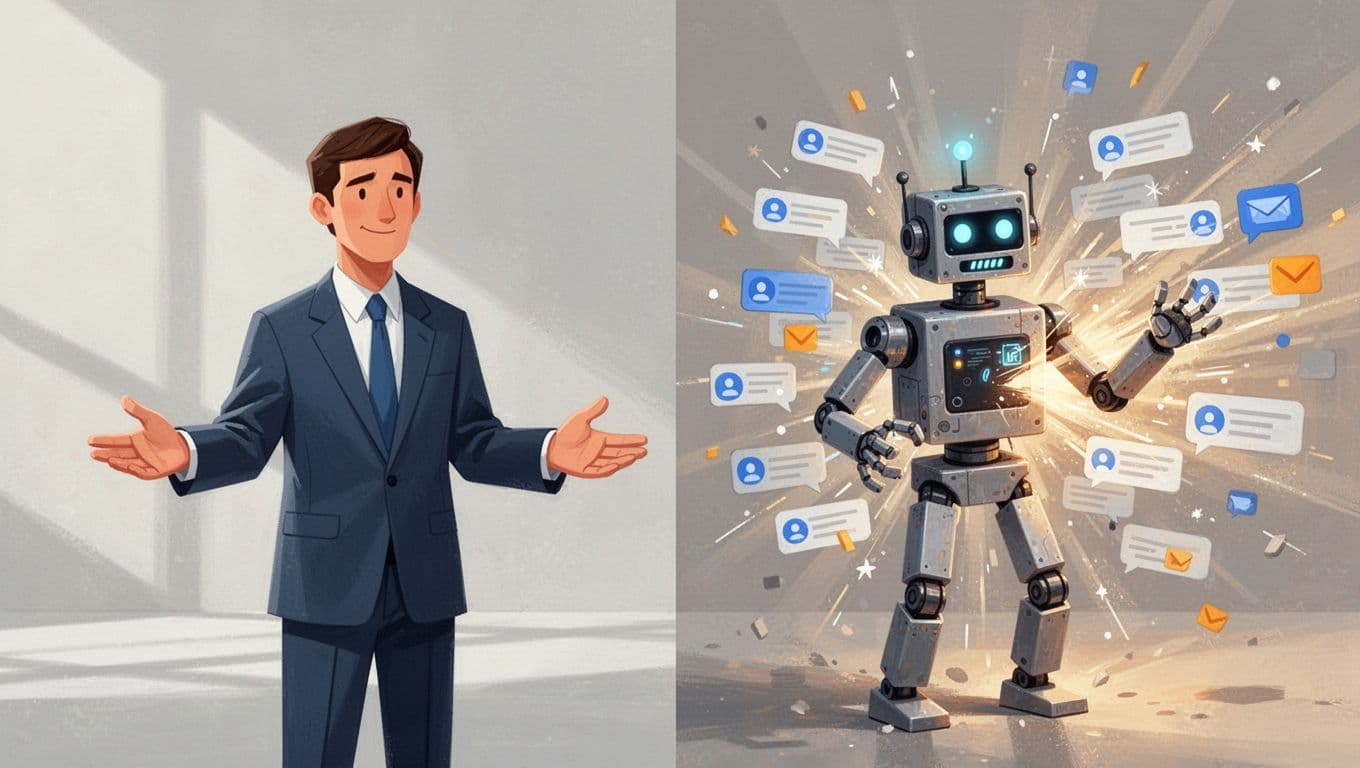
This contrast guides me. Left side wins replies. Right side kills accounts. For recruiters, pair this with a LinkedIn sourcing tool like Recruit CRM. It enriches profiles safely.
Best Practices for Safe Outreach
Ramp up slow. New accounts start at 10 requests daily. Add five weekly if replies stay strong. Spread actions over eight hours. Add random delays between 45 and 180 seconds.
Personalize always. Reference their post or role. “Saw your take on sales ops, Sarah. Thoughts on CRM stacks?” beats “Connect?” every time.
Monitor metrics. Keep acceptance above 25%. Track SSI score. Post original content twice weekly. Comment on industry shares.
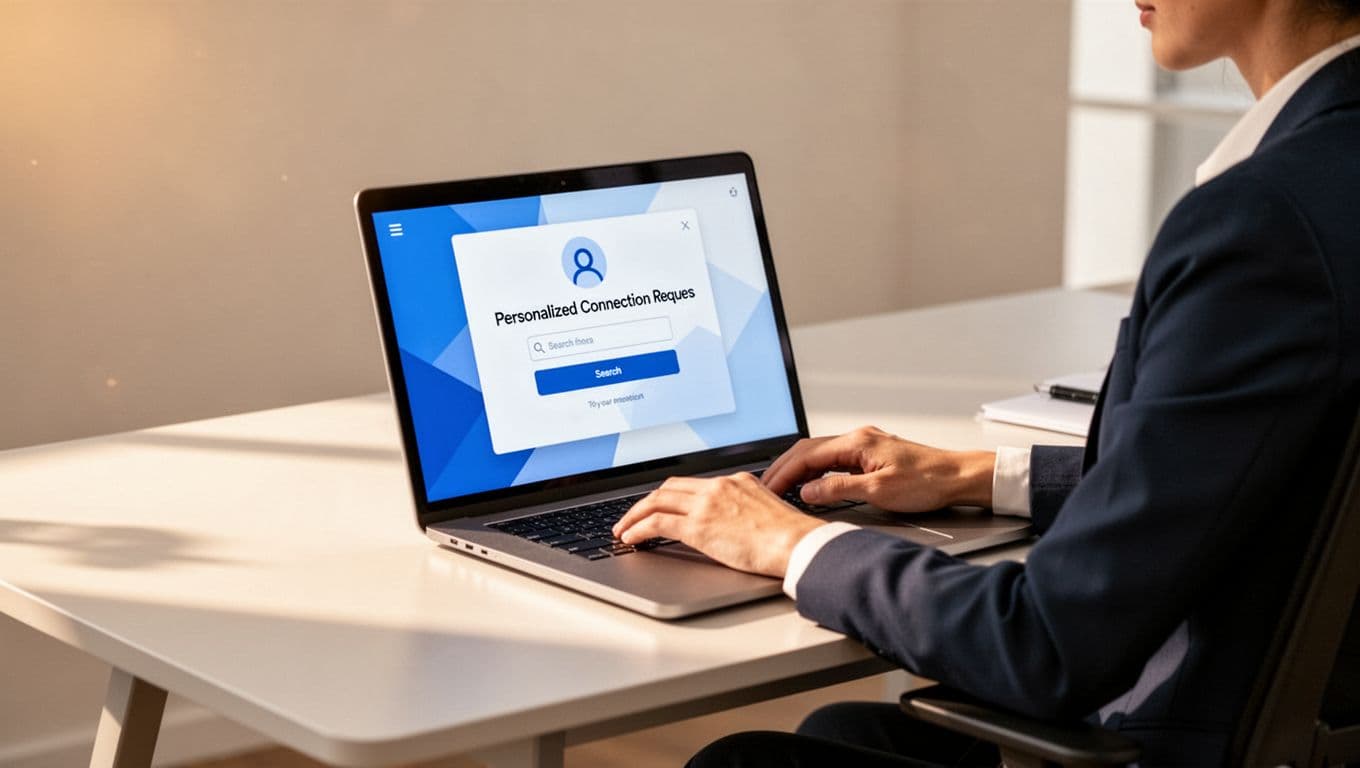
I follow PhantomBuster’s safe limits guide. It stresses gradual growth. Test one action type first, like views, before requests.
How Twin.so Fits My Safe Workflow
Twin.so builds agents from plain English. I say, “Send 15 personalized LinkedIn requests daily to sales managers.” It handles the rest. No code needed.
Cloud-based runs mimic humans. Dedicated IPs avoid shared bot flags. Random delays and business-hour timing keep patterns natural. It pulls trends from Reddit or news for message ideas.
I connect my LinkedIn once. Agents post updates, scrape leads lightly, send multi-channel follows. CRM ties feed data clean.

Growth stays steady. My connections rose 20% monthly without warnings. Reviews praise quick setup. It reviews outputs before send, so errors drop.
Risk exists. LinkedIn bans browser automation if overdone. I cap at safe zones and watch closely. Pair with social selling software for full stacks.
Actionable Tips for Your Team
Start manual. Build 300 connections organically. Optimize profile: banner, headline, featured posts.
Set tool limits firm. 15 to 25 requests daily max. 20 to 30 follow-ups. View 80 to 100 profiles.
Warm accounts. Four weeks of posts and likes first. Use proxies for teams.
Test small. Run one agent on a secondary profile. Scale if clean.
Track everything. Weekly SSI checks. Reply rates above 30%. Adjust targets.
Agencies scale smart. Assign per rep. Rotate IPs. Focus quality over volume.
Conclusion
Safe LinkedIn automation boils down to human patterns. Ramp slow, personalize, monitor tight. Twin.so makes it simple for my B2B outreach.
Bans cost networks and time. Stick to limits, build baselines. You’ll grow pipelines without resets.
My leads flow steady now. Yours can too.
FAQ
What are LinkedIn’s account limits in 2026?
Expect 100-200 connection requests weekly, based on reputation. Messages hit 100-150 weekly. New accounts ramp from 10 daily.
How do I personalize automation safely?
Pull profile details like recent posts or shared interests. Craft unique notes under 300 characters. Avoid templates.
Does Twin.so comply with LinkedIn rules?
It uses cloud automation with delays, but LinkedIn bans most third-party tools. No guarantees. Test small and monitor.
Is LinkedIn automation safe overall?
Not fully. Policies ban it, enforcement ramps. Use official features or risk-managed tools like Twin.so for best odds. Manual stays safest.