Finding the right person inside a clinic can feel like looking for one lit room in a long hallway. I want the medical clinic manager email, but I also want the right title, a real inbox, and a good reason to write.
Hunter.io helps me move from a clinic domain to a likely contact faster. Still, I treat every result as a lead, not a promise. Clinic websites vary a lot, so some give me names and titles right away, while others hide behind a shared form.
Here’s how I use Hunter.io for careful outreach that stays useful, accurate, and professional.
Start with the title the clinic actually uses
I never begin with one job title and hope for the best. In clinics, the same role can appear under different names.

I usually test these titles first:
- Clinic manager
- Practice manager
- Office manager
- Operations manager
- Administrator
In smaller clinics, one person may handle several jobs. In larger groups, the right contact may sit in operations, admin, or patient services. That’s why I watch the clinic’s size and web presence before I decide what to search.
If the site is thin, I don’t force a match. Sometimes the best contact is a shared inbox, a front desk line, or a general manager page. For a wider workflow view, I keep my Hunter.io workflow guide handy.
Use Hunter.io like a filtered search, not a guess machine
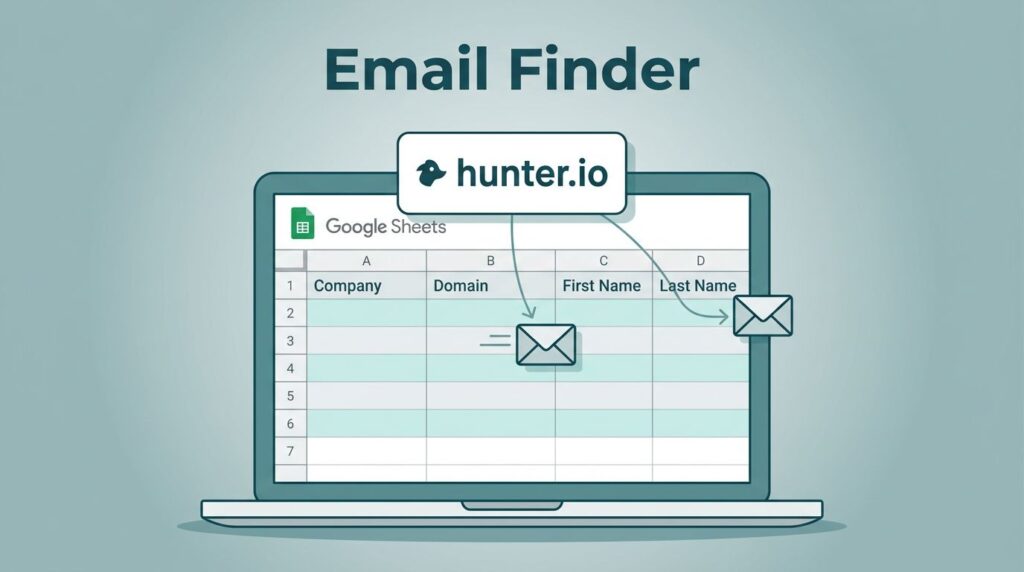
I get better results when I search with a clear path. Hunter.io works best when I start with a clinic domain, then narrow from there.
- I enter the clinic domain in Domain Search.
- I scan the likely inboxes and confidence scores.
- I try a person search when I already know a name.
- I use title clues like “manager,” “administrator,” or “practice.”
- I save only contacts that fit the outreach goal.
That basic flow matches Hunter’s own Email Finder help article. I also borrow ideas from Hunter’s guide to finding someone’s email address, because the same logic works well here.
A few search patterns help me a lot. If I know the clinic name, I search the domain first. If I only know the city, I look for the public website and then test title variants. If I find a likely pattern, such as first.last@domain.com, I still verify it before I use it.

I don’t chase every possible inbox. I only keep the contacts that match a real business need.
For light testing, I often start on Hunter’s free plan. It gives me enough room to validate the process before I spend more.
Verify every address before I write
A found email is not a green light. It’s only a starting point.
That’s why I check every address before I send anything. Hunter’s verifier helps me catch obvious problems, like bad syntax, dead domains, and risky accept-all results. For a deeper refresher, I use my Hunter.io email verifier walkthrough.
When I work with clinic data, this step matters even more. Staff roles change. Small practices merge. Multi-site groups grow fast. A contact that looked right last month may already be stale.
I read the results in plain language. Valid means I can move ahead with care. Accept-all means I slow down. Unknown means I look for another source or skip the contact.
If a clinic only shows a front desk form, I don’t push for a direct email. I’d rather send one good message than ten noisy ones. That keeps my list cleaner and helps protect deliverability.
Write outreach that feels like a handoff, not a pitch
Once I have a likely manager contact, I keep the message short. Clinic teams are busy, and long emails get ignored.
I also adjust the angle by audience:
- For marketers, I focus on service pages, visibility, or patient flow.
- For recruiters, I keep it about hiring or staffing.
- For vendors, I mention operations, intake, or scheduling.
- For sales teams, I connect the note to a clinic process they already care about.

Sample email I’d send
Subject: Quick question for the clinic manager
Hi [Name], I’m reaching out because I work with teams that support clinic operations and patient communication. I found your contact through public business sources and wanted to ask who handles vendor or service requests. If that’s you, I’d be glad to send a short note. If not, I’d appreciate the right contact. Thanks, [Your Name]
That’s plain, polite, and easy to route. I can tailor it for a recruiter, vendor, or sales follow-up without changing the structure.
Keep the process ethical and compliant
I stay close to public business data and relevant outreach. I don’t treat a clinic inbox like a free-for-all.
General rules help me stay on track. I keep opt-outs clear. I send only relevant messages. I avoid stuffing personal data into a CRM unless I need it. I also respect privacy expectations when a clinic uses a shared inbox instead of a named manager.
Compliance rules can vary by region, so I keep this part simple and practical. I think about CAN-SPAM, GDPR, and the clinic’s own data policies, then I keep my outreach narrow and useful. When I need a broader tool review before I start, I go back to my Hunter.io review.
Hunter.io is strongest when I use it as a careful finder, not a shortcut. That mindset helps me send fewer emails and get better replies.
A clinic manager’s inbox isn’t hard to find when I respect the title, check the data, and write like a human. That’s the real win.