Track MemberSpace Data in Google Analytics 4
If my MemberSpace numbers look busy but I can’t explain where members came from, I don’t have analytics. I have noise. When I set up MemberSpace Google Analytics tracking, I want one clean view of signups, logins, purchases, can...
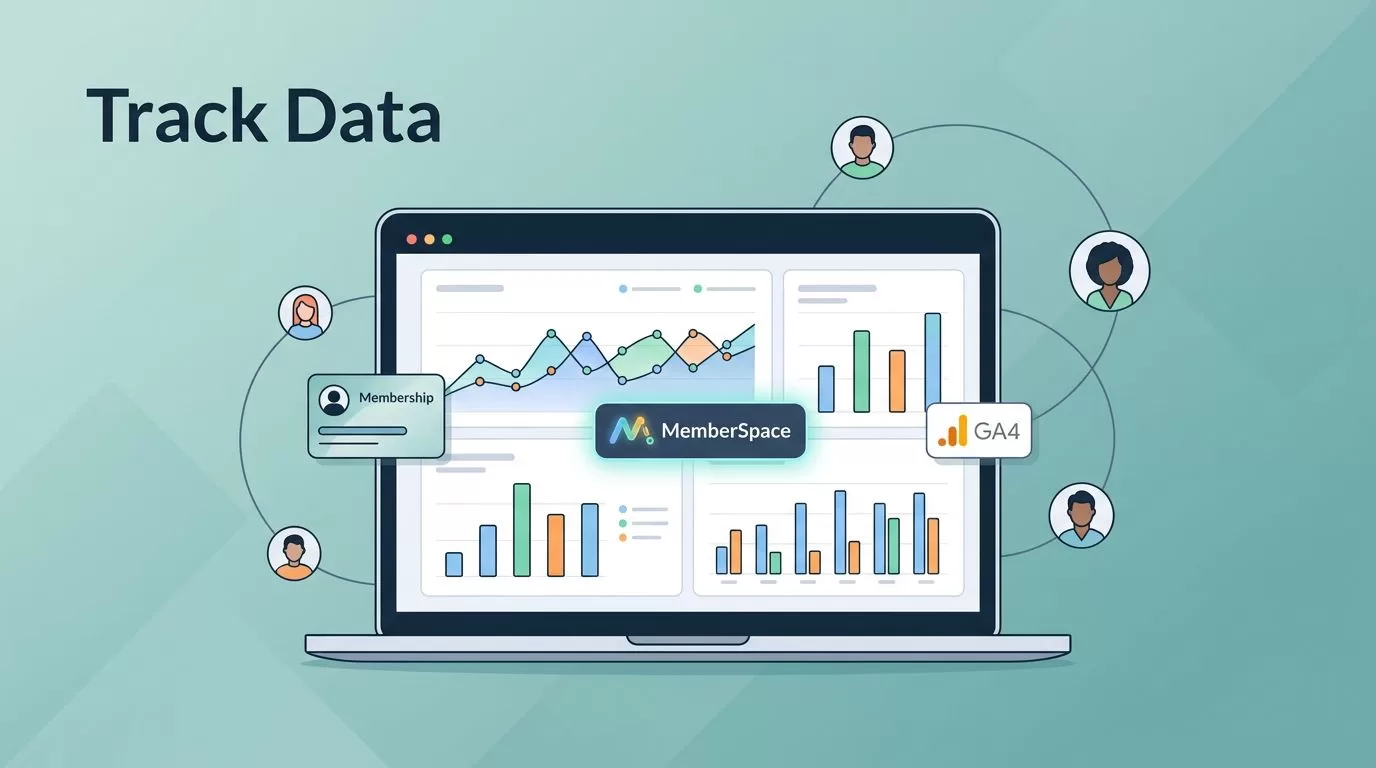
If my MemberSpace numbers look busy but I can’t explain where members came from, I don’t have analytics. I have noise. When I set up MemberSpace Google Analytics tracking, I want one clean view of signups, logins, purchases, cancellations, and content access.
MemberSpace can sit beside GA4 once the site tag is in place, but the value comes from the events I choose. I need data that answers plain questions, like which plan converted, who came back, and where members dropped off. The rest is decoration.
I start by choosing the member actions that matter most.
What I track before I touch reports
I don’t track everything. I track the moments that change the business. A signup is different from a login. A login is different from a purchase. A cancellation tells a different story again.
MemberSpace gives me the membership layer, while GA4 gives me the behavior layer. That split matters because GA4 works best when I use it to measure actions, not guess at intent. If I still need to install or confirm the base property, I use Google’s Analytics setup guide first.
For me, the first useful questions are simple:
- Did the visitor become a member?
- Did the member return and log in?
- Did the paid plan actually complete?
- Did the member cancel or downgrade?
- Which gated pages got real attention?
When I want a deeper read on access behavior, I pair GA4 with tracking member progress and page views so I can see which protected areas get traffic.
I care less about raw traffic and more about whether a visitor became a member, came back, or fell off before paying.
The GA4 events I care about first
I keep my first event set small. A clean dashboard beats a crowded one every time.
| Member action | GA4 event I use | What I learn |
|---|---|---|
| Sign-up completed | member_signup or purchase | Which offer or source creates new members |
| Login | member_login | How often members return |
| Paid checkout complete | purchase or a custom checkout event | Which plan converts and how much revenue lands |
| Cancellation request | member_cancel | Where churn starts |
| Protected page view | content_view or a page-based event | Which gated content gets attention |
The event name matters less than the consistency behind it. If my checkout sends clean revenue data, I use GA4’s recommended purchase event. If it doesn’t, I use a custom event and keep the naming steady across the whole site.

A small event set like this gives me a dashboard I can trust. It also makes it easier to connect membership activity with the broader revenue and retention reports I already keep for tracking monthly member subscription data and measuring member attrition metrics.
My setup flow for clean events
MemberSpace’s docs say it works alongside Google Analytics once GA4 is installed. That matches my own setup. The tag goes on the site first, then I decide which member actions deserve an event.
1. I install GA4 before I add any event logic
I confirm the Measurement ID is firing on every page that matters. If I use Google Tag Manager, I keep the base tag in one place so I don’t bury it inside random page code. That saves me from phantom data later.
2. I fire events only after a real action happens
I don’t count a button click as a signup unless the signup actually succeeds. For MemberSpace, that usually means a thank-you page, a successful checkout redirect, or a custom event that fires after the member is created.
If I already use Tag Manager, I follow the pattern in tracking signups and logins with GA4 and GTM because it keeps the logic tidy. I can then map each meaningful action to its own event.
3. I mark the important events as key events
Once the event is flowing, I mark the ones that matter most as conversions or key events inside GA4. I usually start with:
- paid signup complete
- logged-in session
- cancellation request
- plan upgrade or downgrade
That gives me a cleaner reports view than a raw event stream. It also helps me answer the question I care about most, which is whether the membership funnel is growing or leaking.
4. I pass useful details, but only a few
If I can, I send plan name, price tier, or content area as parameters. I don’t flood GA4 with extra fields. A few reliable details are more useful than a dozen messy ones.
For example, I like to know whether a member joined from a basic plan or a premium tier. I also like to know which gated section they opened first. That gives me better context when I compare traffic with retention.
How I check the numbers before I trust them
I test every setup before I read a single chart with confidence. GA4 can look fine while one event is broken in the background.
My test routine is short:
- I open GA4 Realtime before I do anything else.
- I complete one test signup in an incognito window.
- I confirm the event name, revenue value, and plan parameter.
- I log in as the new member and check the login event.
- I open a protected page and confirm the access event.
- I trigger a test cancellation path if the site allows it.
I also check whether the event appears once or multiple times. Duplicate firing is a common problem, especially when a site uses both direct GA4 code and Tag Manager at the same time.
If a result looks odd, I stop and retest. I trust a clean repeat more than a clever dashboard.
Common mistakes that distort membership reports
The biggest tracking errors are usually simple. They hide in plain sight.
- I used to count every button click as a signup. That inflated the numbers fast.
- I once tracked billing data and behavior data in the same event. That made the reports hard to read.
- I’ve seen people forget to separate login activity from paid access. That blurs retention.
- I’ve also seen one event fire on both the success page and the thank-you modal. That doubles the count.
- I’ve watched teams skip mobile testing, then wonder why desktop and phone numbers disagree.
I keep billing and churn reporting in separate places when I need the finance view. For that, I rely on tracking monthly member subscription data and calculating member churn and cancellation rates. GA4 tells me what users did. My revenue sheet tells me what the money did.
When I compare the two, I can spot patterns faster. A spike in cancellations with flat traffic points to a product issue. A rise in logins without new signups points to a retention win. A high page-view count with weak conversions points to a content or offer problem.
Conclusion
When I track MemberSpace data in GA4, I’m not trying to measure everything. I’m trying to measure the member journey that matters. Signups, logins, purchases, cancellations, and protected-page views give me enough signal to see where people move and where they stop.
The cleanest setup is usually the simplest one. I install GA4, fire events only after real actions, mark the right conversions, and test each path in Realtime before I trust the result.
Once those pieces are in place, GA4 stops feeling like a traffic counter. It becomes a map of how my members actually use the site.
