How I Handle MemberSpace Proration Billing
Managing recurring subscriptions often leads to messy billing cycles that trigger a flood of support emails. If a member upgrades their account on Tuesday and decides to downgrade on Friday, I want the resulting invoice to explain itself cl...

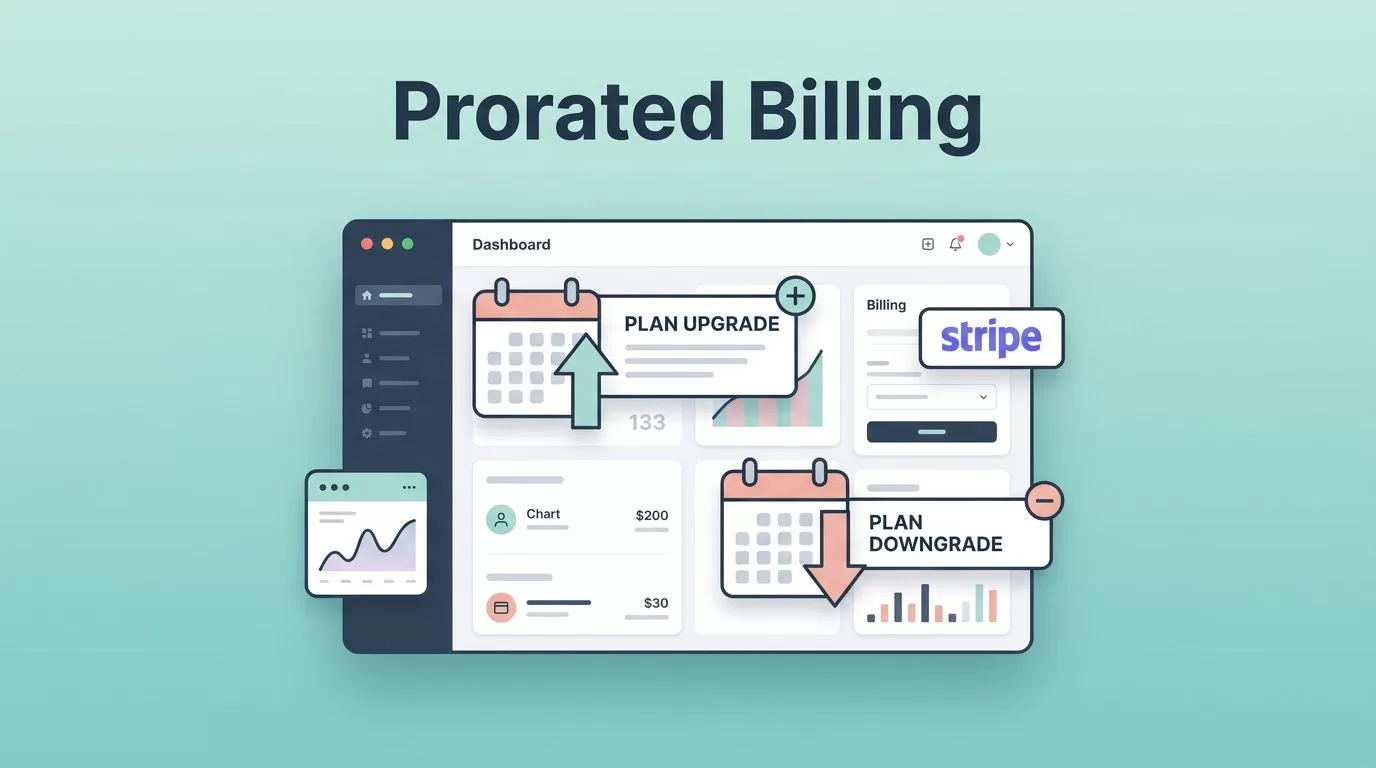
Managing recurring subscriptions often leads to messy billing cycles that trigger a flood of support emails. If a member upgrades their account on Tuesday and decides to downgrade on Friday, I want the resulting invoice to explain itself clearly without requiring a back and forth conversation. This is especially relevant if you run a Squarespace membership site where keeping user experience smooth is a top priority.
That is where MemberSpace proration billing becomes essential. As of June 2026, MemberSpace applies automatic payment adjustments when members update their plans, while Stripe handles the financial calculations behind the scenes. Because mid-cycle changes to member plans can be confusing for customers, I still manually monitor unusual cases. After all, it is very easy for a user to mistake a prorated charge for a simple refund.
Key Takeaways
- Automated Fairness: MemberSpace automatically manages prorated billing for plan changes, ensuring members only pay for the value and time they utilize within their current cycle.
- Stripe Integration: While MemberSpace triggers the plan change, Stripe remains the final authority for financial calculations, invoice generation, and recording credits or refunds.
- Fixed Billing Cycles: Implementing a fixed billing date, such as the first of the month, significantly reduces the complexity of proration math and makes invoice adjustments easier for members to understand.
- Manual Oversight: Always verify adjustments in your Stripe dashboard to distinguish between a credit balance and an actual refund, preventing potential miscommunication with your subscribers.
- Test Before Launching: Run test scenarios for both upgrades and downgrades to ensure the billing math feels transparent and clear before enabling new pricing structures for your live audience.
How MemberSpace proration billing works
I treat proration as a fairness rule. If a member changes their recurring payment plan in the middle of a billing cycle, they should pay only for the time and value they use.
When you enable this feature, MemberSpace automatically prorates the transition between tiers. The member sees the plan change immediately, but Stripe is where I verify the math. That is the part I care about most, because Stripe is where the invoice line, credit balance, or refund appears. To ensure everything is accurate, I always check the member details within my Stripe dashboard. If I skip that step, I can misread a normal adjustment as a billing problem.
The public MemberSpace note on proration is helpful, but it is light on edge cases. So I do not assume every downgrade works the same way. I only assume this much: the system adjusts the charge based on the time left in the period, and Stripe records the prorated amount.
Proration is a price adjustment, not a promise of cash back.
That one rule saves me from a lot of confusion. A member might get a lower next bill, a credit balance, or an actual refund, but those are not the same thing.
What happens during upgrades and downgrades
I approach upgrades and downgrades differently, even though they rely on the same core logic. When members transition between membership tiers, understanding how the system calculates the price difference is essential for maintaining accurate records.
Here is the way I usually map the common cases:
| Change | What I expect | What I verify in Stripe |
|---|---|---|
| Upgrade halfway through a cycle | Prorated charges for the higher tier | The invoice amount and the next renewal date |
| Downgrade halfway through a cycle | A credit or lower next bill | The credit balance, invoice adjustment, or refund line |
| Billing date moved to the 1st | The new date becomes the anchor | The first invoice after the change |
| Annual plan change | A larger adjustment with the same basic math | Whether Stripe created a one-time charge or credit |
An upgrade from a $29 plan to a $59 plan halfway through the month should not look like double billing. Instead, it should look like a clear partial charge reflecting the price difference for the higher tier. A downgrade should work in the opposite way, but I still check whether the system applied a credit or an actual refund to the member plans.
MemberSpace also added specific billing date support, which matters when I want all members billed on the first of the month. Establishing a fixed billing date keeps the cycle tidy, and it makes managing prorated charges much easier to read when moving between membership tiers.
The setup rules I use before I turn proration on
I make the billing structure simple before I let members change their subscription pricing. Establishing these rules early prevents issues during a pricing migration and lowers the odds of generating strange invoices, which ultimately makes customer support much easier.
If I am comparing membership platforms, I also keep my Skool membership site guide nearby because billing rules shape how much manual cleanup work I have to do later. Different platforms provide different levels of control, so I need to understand those limitations before I promise a specific billing pattern to my audience.
When I set up proration in MemberSpace, I follow a few essential rules:
- I keep member plans clear. If a plan is titled Basic Plus, I want the price jump to make sense at a glance.
- I test every recurring plan separately for monthly and annual options. Annual changes usually create larger financial adjustments, so I never assume the math will feel the same for the user.
- I choose a fixed billing date whenever I can. If everyone is set to a synchronized schedule, such as the first of the month, proration is much easier to calculate and explain.
- I write down the exact time a change occurs. That documentation matters when I compare data between MemberSpace, Stripe, and my own support notes.
The more regular the billing cycle, the less time I spend untangling edge cases. A messy setup creates messy proration, and messy proration creates unnecessary support tickets.
Where I still use Stripe manually
MemberSpace can handle the plan change, but I still step into Stripe when the fix needs more control. That happens more often than people expect.
I use a manual Stripe action when I need one of these:
- A real refund back to the card.
- A goodwill waiver after a support mistake.
- A one-time credit that should not follow the normal proration math.
- A custom adjustment after I already promised a different outcome to the member.
That is the line I keep in mind: proration handles the billing math, but it does not replace policy. When I have a scheduled change for current subscribers that requires a specific prorated credit, I do not rely on automatic logic alone. I open Stripe and make the change there to ensure the billing reflects the exact outcome I promised.
I never call a downgrade a refund until Stripe shows money going back to the card.
That habit keeps my accounting clean. It also keeps me from telling a member they got cash back when they only got a credit balance.
I also save screenshots or invoice PDFs for any unusual change. Before finalizing these adjustments, I always double check the member details to ensure the accounting record matches my support promises. When a member asks why the amount shifted, I want a clean record of the plan, the date, and the invoice that Stripe created.
A simple test before I let members use it
I never trust billing logic until I test it with a real scenario. A five-minute test can save a week of support requests later.
I usually run this checklist before any pricing update goes live:
- I create two member plans with clear, distinct prices.
- I move a test user from the lower plan to the higher plan halfway through their billing cycle.
- I open the Stripe invoice to verify that the recurring payment plan proration line is accurate.
- I repeat the same test with a downgrade to ensure the recurring subscriptions adjust correctly.
- If I use annual billing, I test that specific cycle separately to confirm the math holds up.
- I read the final member receipt to ensure the wording is clear and easy to understand.
If the numbers are hard for me to explain, they will be even harder for members to understand. I want the invoice to feel transparent, even if the math behind the transition is complex.
The goal is not perfect billing theater. The goal is a clean, professional explanation that holds up whenever a subscriber looks at their receipt.
Frequently Asked Questions
What is the difference between a prorated credit and a refund?
A prorated credit is an adjustment applied to a member’s account balance, often lowering the cost of their next subscription cycle. A refund, conversely, is an actual return of money to the original payment method, which must typically be processed manually in Stripe if the automated logic does not result in a cash-back event.
Should I trust the automatic proration logic without checking it?
While MemberSpace handles the technical aspects of mid-cycle transitions reliably, you should always verify the result in your Stripe dashboard. Checking the invoice ensures the math matches your expectations and allows you to catch any edge cases that might confuse a customer before they reach out with a support ticket.
How can I make my billing transitions easier to understand?
Using clear, distinct plan names and keeping a synchronized billing date for all members are the most effective ways to simplify transitions. When a member can see a logical, prorated line item on their invoice that matches the time of their change, they are much less likely to request an explanation.
Conclusion
When I handle proration well, the invoice feels fair and the support queue stays quiet. MemberSpace does the heavy lifting on automatic adjustments, while Stripe shows me the real billing record.
I still verify the edge cases, because clean billing depends on knowing when to trust the platform and when to step in. By paying close attention to the price difference during a transition, I ensure the prorated amount is always accurate. This oversight keeps every recurring plan stable and prevents a mid-cycle change from turning into a billing fight for the member or the business owner.

