Deploy a Teachable Alternative With MemberSpace
If I already own a website, I do not always need a full course platform to sell access. MemberSpace lets me lock pages, videos, PDFs, or sections of content behind a paywall while I keep the site I already built. That makes it a strong Teac...
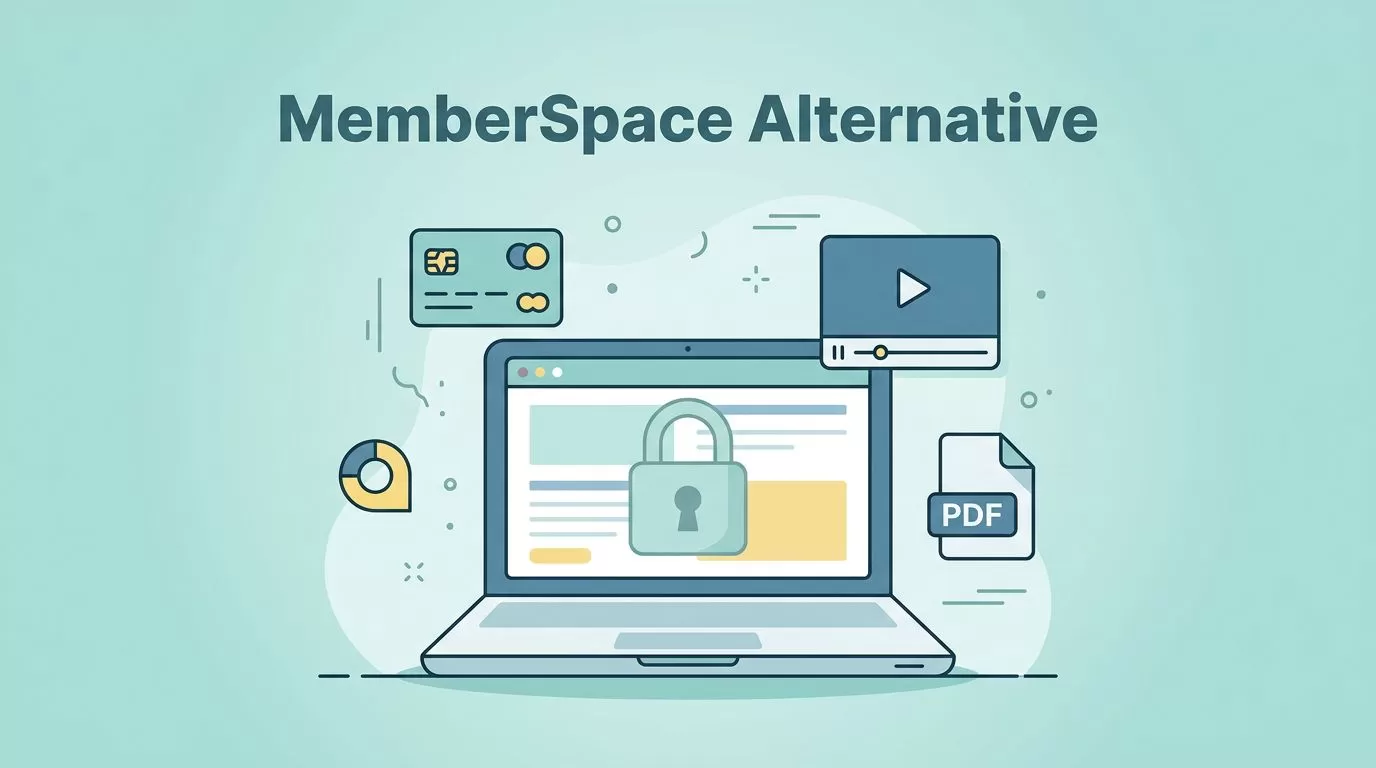
If I already own a website, I do not always need a full course platform to sell access. MemberSpace lets me lock pages, videos, PDFs, or sections of content behind a paywall while I keep the site I already built.
That makes it a strong Teachable alternative when I want a lighter setup. It is less useful when I need a full learning system with progress tracking, quizzes, or certificates. So I start with the product I am selling, then I pick the tool.
When MemberSpace fits better than a full course platform
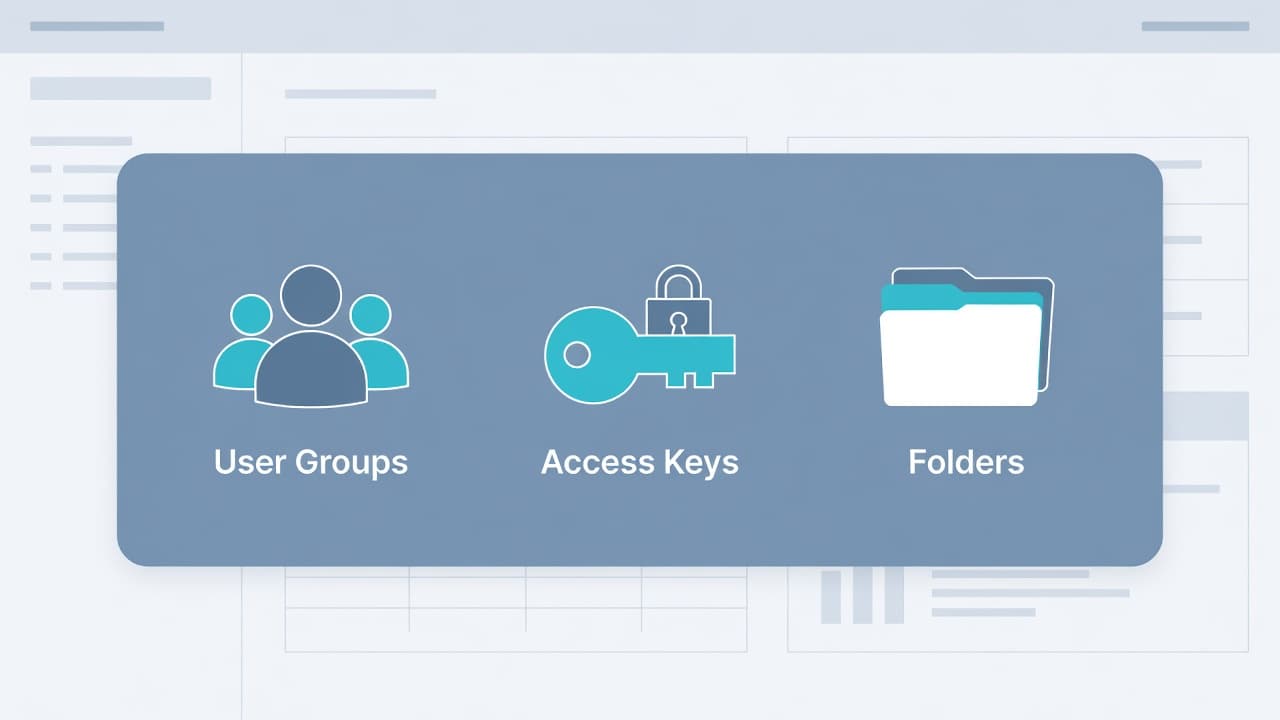
MemberSpace works best when the main job is access control. I add a small code snippet, choose what to protect, and let the platform handle signups, payments, member accounts, and access rules. That is enough for a paid library, a simple course, a resource vault, or a recurring membership.
If I want a more traditional course flow, I look elsewhere. I want a platform that can guide people through lessons in order and track progress automatically. For that kind of setup, I compare my options with a Teachable alternative for structured course delivery.
Here is the cleanest way I think about the trade-off:
| Need | MemberSpace fit | Full course platform fit |
|---|---|---|
| Paid access to pages, videos, or PDFs | Strong | Strong |
| Keeping my current website | Strong | Mixed |
| Simple signups and member logins | Strong | Strong |
| Drip lessons and course pacing | Limited | Strong |
| Quizzes, certificates, and progress tracking | Weak | Strong |
| A lightweight launch | Strong | Mixed |
That table gives me my first answer. If I mainly need to protect content, MemberSpace makes sense. If the learning experience is the product, I keep looking.
I also think about the bigger business model. If I need email, funnels, and a wider sales system around the course, I compare that path in my Skool vs Kajabi in 2026 breakdown.

As of June 2026, I still treat MemberSpace as a membership layer, not a full LMS. That means I budget for access control, payments, and member management first. I check the live pricing page before I commit, because plan limits and feature tiers can change.
My setup sequence for a clean launch
I like to launch with one offer, one path, and one test purchase. That keeps the build simple and makes bugs easier to spot.
- I map the offer first.
I decide whether I am selling a course, a private library, a coaching vault, or a recurring membership. If the offer feels like a class, I plan a simple lesson hub before I touch the settings. - I add MemberSpace to my site.
The platform uses a small snippet, so I do not need to rebuild my whole site. I paste it where my site tools say to paste it, then I confirm it loads on the pages I want to protect. - I define what members get.
I create access levels for free previews, paid plans, or premium bundles. I keep the names plain. Buyers should know what they are paying for in one glance. - I lock the right content.
I protect the pages, PDFs, and video sections that belong behind the paywall. Public sales pages stay open. The member-only pieces stay hidden until payment or login. - I run a full test.
I buy my own offer, check the login email, open the member area, and click every important link. I do not trust a launch until I have seen it on mobile.
I also build a short welcome page for new members. That page gives them a first step, a support link, and a clear path through the content. Without that, even a simple membership can feel like a hallway with too many doors.
What the member experience should feel like
The best membership experience feels calm. A member lands on my site, logs in, and sees only the content they bought. There is no need to send them to a separate school platform unless I really want that split.
I keep the member side of the site as clean as possible. A simple hub page works well. From there, I can link to lesson pages, downloads, video embeds, or bonus resources. That setup is easy to maintain, and it still feels polished to the buyer.
MemberSpace is a strong fit for that kind of layout because it protects content without forcing me to move everything. It is less useful when I want the software to act like the whole classroom. That difference matters.
If the course needs lesson sequencing to work, I treat MemberSpace as the wrong tool.
I also like to think about what the member does on day one. If the first step is confusing, the rest of the product feels heavier than it should. So I keep the welcome copy short, the login path obvious, and the next action visible.
For a simple course, that might look like this:
- Member buys access and gets the login email.
- Member opens the welcome page.
- Member clicks Lesson 1 or the main resource hub.
- Member downloads one PDF or watches one video.
- Member returns later for the next piece.
That is enough for many paid communities, small courses, and gated libraries. It is also a clean fit for creators who already have a site they trust and do not want to migrate everything into a new classroom.
Migration and pricing checks before I switch
I do not move a course library without a map. First, I list every asset I need to keep, including lesson pages, videos, PDFs, email links, and payment references. Then I decide which pieces stay public and which ones move behind the member wall.
For a larger move, I like reading a WordPress membership site migration case study, because the same mistakes show up again and again. I also keep MemberPress’s migration guide nearby when I want a practical checklist for moving lessons into a membership setup.
I pay close attention to old customer access too. Existing buyers should not lose their content because I changed tools. I usually keep the old system live long enough for the handoff, then I send a clear login note and a short support message.
The other issue is feature fit. If my old course had quizzes, certificates, or progress bars, I do not assume MemberSpace will replace them. I either rebuild the missing pieces in a different way or accept a simpler experience. That honesty saves time and prevents launch regret.
I also check the pricing against the real scope of the project. A membership layer can look cheaper than a full LMS at first, but add-ons and workaround tools can change the math fast. So I price the stack around what I truly need, not around the lowest monthly number on the page.
If I only need a gate, MemberSpace is easy to justify. If I need the software to teach, track, and certify, then the cheaper tool can become the more expensive choice.
The choice I make when I want speed and control
MemberSpace gives me a practical path when I want to sell access on my own site. I do not have to move my whole business into a new classroom, and I do not have to overbuild a simple offer.
That is why I reach for it when the course is small, the library is clear, or the membership is the point. I still choose a full course platform when the learning flow needs more structure. The decision gets easier when I stop asking which platform looks better and ask which one fits the product.
A solid Teachable alternative should match the way I teach, the way I sell, and the way my members consume content. When those three things line up, the launch feels lighter and the site feels like mine.
Conclusion
MemberSpace works best when I want a paywall, member access, and a clean launch on a site I already own. It is a smart fit for simple courses, paid libraries, and memberships that do not need a full LMS.
When I need quizzes, certificates, or deeper lesson tracking, I choose a dedicated course platform instead. That keeps my offer honest and saves me from forcing one tool to do another tool’s job.
If I match the platform to the product, the setup stays clear and the buyer experience stays smooth. That is the real win.
