MemberSpace Zapier Automation for Membership Sites
A membership site gets noisy fast. New signups need a welcome path, canceled accounts need a clean exit, and billing issues need the right follow-up. I use MemberSpace Zapier automation to move those tasks out of my inbox and into a repeata...
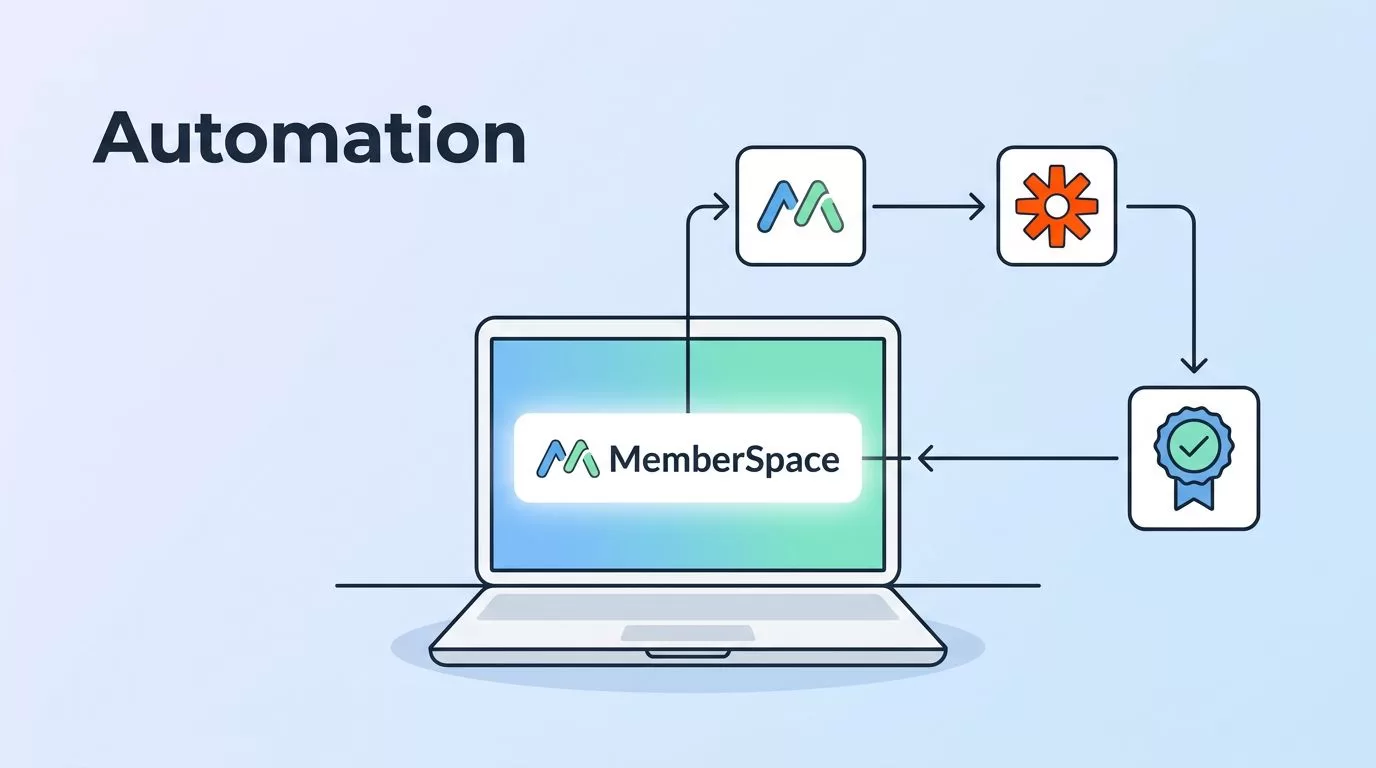
A membership site gets noisy fast. New signups need a welcome path, canceled accounts need a clean exit, and billing issues need the right follow-up.
I use MemberSpace Zapier automation to move those tasks out of my inbox and into a repeatable system. When the handoff is clean, members get faster responses and I stop babysitting routine work. I start by mapping the few events that actually matter.
Map the membership jobs first
I do not automate everything at once. I start with moments that change access, communication, or records.

The cleanest setup begins with a short list of jobs I repeat every week:
- A new member joins and needs a welcome email.
- A canceled member should leave a list, community, or CRM.
- A profile update should land in a spreadsheet or database.
- A payment or plan change should trigger an internal task.
That short list keeps me honest. If a task does not happen often, or if a human decision still matters, I leave it alone.
I also keep the MemberSpace Zapier help docs open while I build. The trigger names and setup flow matter more than memory, and the docs make the path easier to follow.
When billing touches the workflow, I keep setting up Stripe with MemberSpace nearby too. Access changes and payment changes belong in the same conversation, especially when a membership starts with a card charge.
Build the Zapier connection without guessing
I like to build one Zap at a time. That keeps the logic clear and makes testing easier.
- I connect my MemberSpace account in Zapier.
- I choose one trigger, such as a new membership or a canceled membership.
- I pick one action app, like an email tool, Google Sheets, HubSpot, or Circle.
- I map only the fields I need.
- I test the Zap with a real-looking member record.
- I turn it on only after the test matches my plan.
That sounds basic, but the small choices matter. If I map too many fields, I create clutter. If I map too few, the action app gets weak data and the automation feels half-finished.
For most member workflows, I care about five fields: name, email, plan name, member status, and source. Sometimes I add signup date or custom tags. I leave everything else out unless the target app needs it.
This is the pattern I trust most:
| Trigger in MemberSpace | Action in another app | When I use it |
|---|---|---|
| New membership created | Add subscriber or tag | I want a welcome path to start right away |
| Member profile created or updated | Add row in Google Sheets | I want a simple membership log |
| Membership canceled | Remove person from a community list | I want access cleanup to stay accurate |
I use that table as a planning tool before I touch the editor. It helps me choose the right action before I spend time wiring the wrong one.
I keep the trigger narrow and the action simple. That is how I avoid noisy automations.
The three MemberSpace Zaps I build first
Once the connection works, I build the flows that give me the most relief first.
New member to welcome path
This is the first Zap I usually create. When someone joins, I add them to my email platform and tag them by plan or source.
If I need more than one email, I move the sequence to my email platform and keep MemberSpace focused on access control. I also use automated member onboarding emails when I want the handoff between signup and nurture to stay clean.
The member experience improves fast here. A welcome note lands on time, the next step is clear, and nobody wonders if the purchase worked.
Cancellation to cleanup path
A canceled membership should not linger in the wrong places. I use this Zap to remove the member from a community list, update a CRM field, or flag an internal team for follow-up.
That cleanup matters because stale records create confusion. Support might think a person still has access. Marketing might keep sending the wrong messages. A clean cancellation flow prevents both.
New membership to reporting path
I also like a reporting Zap that writes every new member into Google Sheets. It gives me a running log with names, emails, plans, and source data.
That sheet is useful when I want to compare channels, spot plan shifts, or audit who joined after a launch. It is also a good backup when a team member asks, “Who signed up last week?” and I want the answer in seconds.
For timed content, I pair this with MemberSpace drip scheduling guide. MemberSpace controls access windows, while Zapier handles the side jobs that keep the release plan tidy.
Keep onboarding, drip, and billing in the right place
The best membership stacks split the work in a clean way. MemberSpace handles access. Zapier moves data. My email platform handles longer sequences.
That separation keeps each tool in its lane. If I want a welcome series, I use the email tool. If I want member-only lessons released on a schedule, I let MemberSpace manage the drip timing. If I need a billing event to shape the member journey, I check the payment side before I automate the follow-up.
This also keeps troubleshooting simple. When a member says they did not get the right email, I know where to look first. When a lesson unlocks too early, I know the problem is probably in the access plan, not the Zap.
I also prefer simple naming. A Zap called “New member, welcome email” is easier to maintain than a vague workflow with a clever title. Future me always appreciates the plain version.
Test the handoff before members feel it
I never trust a new automation until I test it with a dummy member. One test record can save me from a messy launch.
I check four things every time:
- The trigger fires when I expect it to fire.
- The right fields land in the right place.
- The action happens once, not twice.
- The member sees the next step without delay.
If a Zap fails, I inspect the mapping before anything else. Stale connections, empty fields, and bad formatting cause many of the problems I see. Duplicate records usually mean I let two paths touch the same app.
I also test the unhappy path. A canceled membership should not still sit on a welcome list. A profile update should not overwrite a field I use for billing or access. Good error handling is often just careful field choice and one filter rule.
When billing is part of the flow, I re-check the payment setup too. I do not want a member removed from one system while another system still thinks the account is active. That is where setting up Stripe with MemberSpace pays off, because the billing side and the access side stay easier to reason about.
Conclusion
MemberSpace Zapier automation works best when I treat it like plumbing, not decoration. I choose a small number of member events, connect them to one clear action, and test the path before I let real users through it.
That approach keeps the member experience smooth and the back end easy to trust. If I can describe the workflow in one sentence, I can usually build it without drama.
One clean Zap is enough to change how a membership site feels.
