Run Mercari Automation Safely on Twin.so
Manual Mercari work becomes expensive when every listing, inventory check, and message requires the same repeated clicks. Mercari automation can reduce that workload, but only when the workflow respects marketplace rules and account-securit...

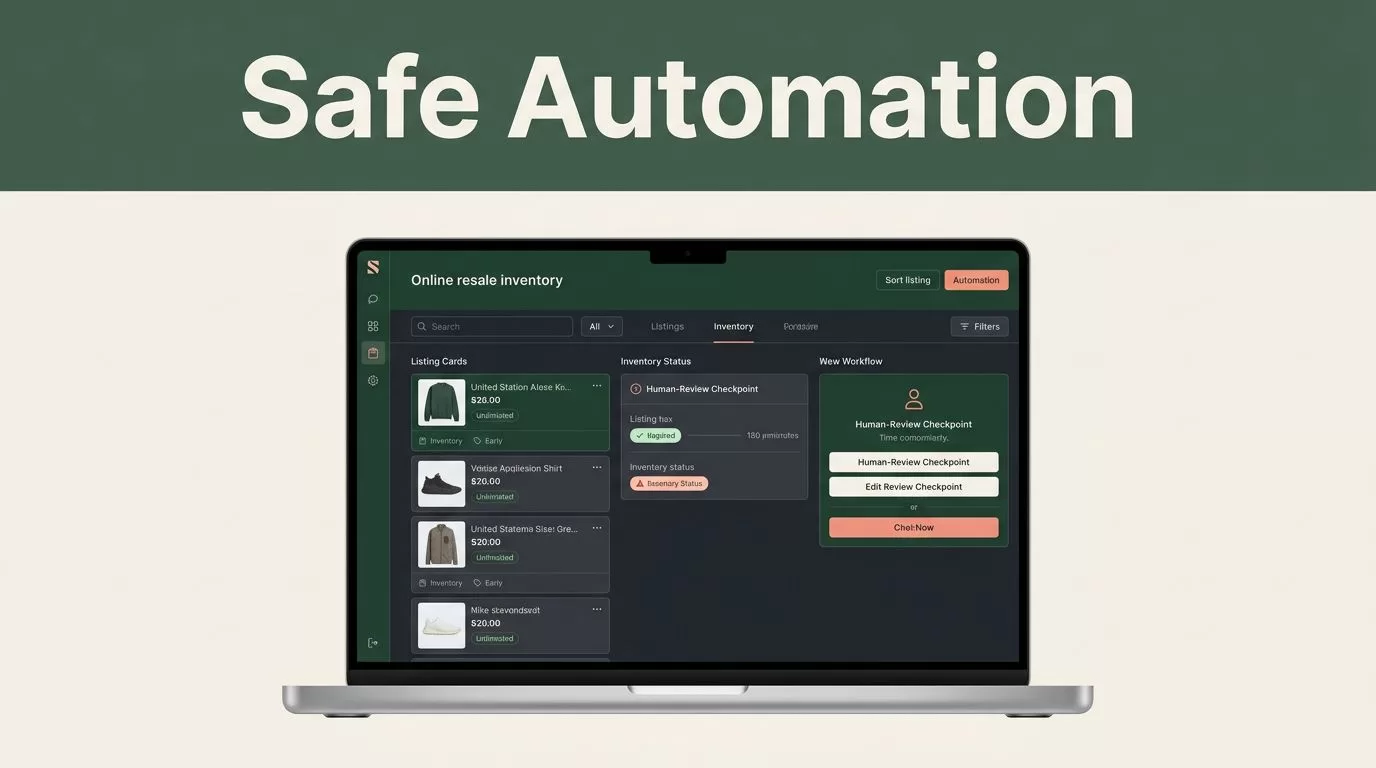
Manual Mercari work becomes expensive when every listing, inventory check, and message requires the same repeated clicks. Mercari automation can reduce that workload, but only when the workflow respects marketplace rules and account-security limits.
Twin.so is a no-code AI agent platform that can use connected apps, APIs, and browser actions. It may help you organize repetitive seller tasks, but it doesn’t remove your responsibility for every action taken on your account. Start with controlled workflows, keep human review for sensitive actions, and verify Mercari’s current policies before deployment.
HOW MERCARI AUTOMATION WORKS ON TWIN.SO
Twin.so builds agents from plain-language instructions. You describe the job, the source data, the output, and the rules that require review. Twin then assembles a repeatable workflow with triggers, tools, and browser steps.
The platform uses an API-first model when an approved integration is available. Browser automation can cover websites without a usable API. That flexibility is useful for seller operations, but it also creates more risk because browser workflows depend on page layouts, login sessions, permissions, and marketplace controls.
A practical Mercari workflow might collect product details from a spreadsheet, prepare draft listing information, check your inventory records, and return exceptions for review. It shouldn’t publish listings, send messages, or change account settings without a clear approval step unless Mercari explicitly allows that activity.
You can connect Twin.so to a schedule, webhook, email, or another supported trigger. For example, a new row in an inventory sheet could start an agent that checks whether the item has photos, a price, a condition grade, and a shipping detail. The agent can return incomplete records instead of pushing bad data live.
Twin.so also describes persistent agent behavior, browser interaction, and error handling. Treat those features as operational tools, not permission to operate without limits. A self-healing agent may retry after an error. Repeated retries can create account risk if the marketplace is rate-limiting requests or blocking automated activity.
WHAT TO AUTOMATE FIRST
Start with tasks that prepare information rather than tasks that change your Mercari account. This gives you useful time savings without handing full control to an unattended agent.
Good first workflows include:
- Read inventory rows from Google Sheets and identify products missing photos, dimensions, or purchase cost.
- Compare SKU records against your internal inventory list and flag duplicate entries.
- Create a draft description from structured product notes, then send it to a review queue.
- Check whether a listing includes required information before you publish it manually.
- Record listing URLs, sale dates, fees, and shipping status in your operating spreadsheet.
- Send yourself a daily report of stale inventory and items that need a price review.
Avoid starting with mass listing, automated messaging, rapid price changes, or repeated login activity. Those actions can affect other users, change account data, or trigger marketplace controls.
Your first workflow should have a narrow scope. Use one inventory file, one account, one trigger, and one output. Don’t connect multiple marketplaces until the Mercari process works reliably with manual approval.
A simple operating pattern looks like this:
Input: New inventory row in Google Sheets
Processing: Validate required fields and prepare draft content
Review: Send exceptions and draft details to you
Action: You publish or edit the listing manually
Record: Store the final listing URL and status
This structure keeps the agent useful while leaving the account-changing action under your control.

HOW TO BUILD THE WORKFLOW IN TWIN.SO
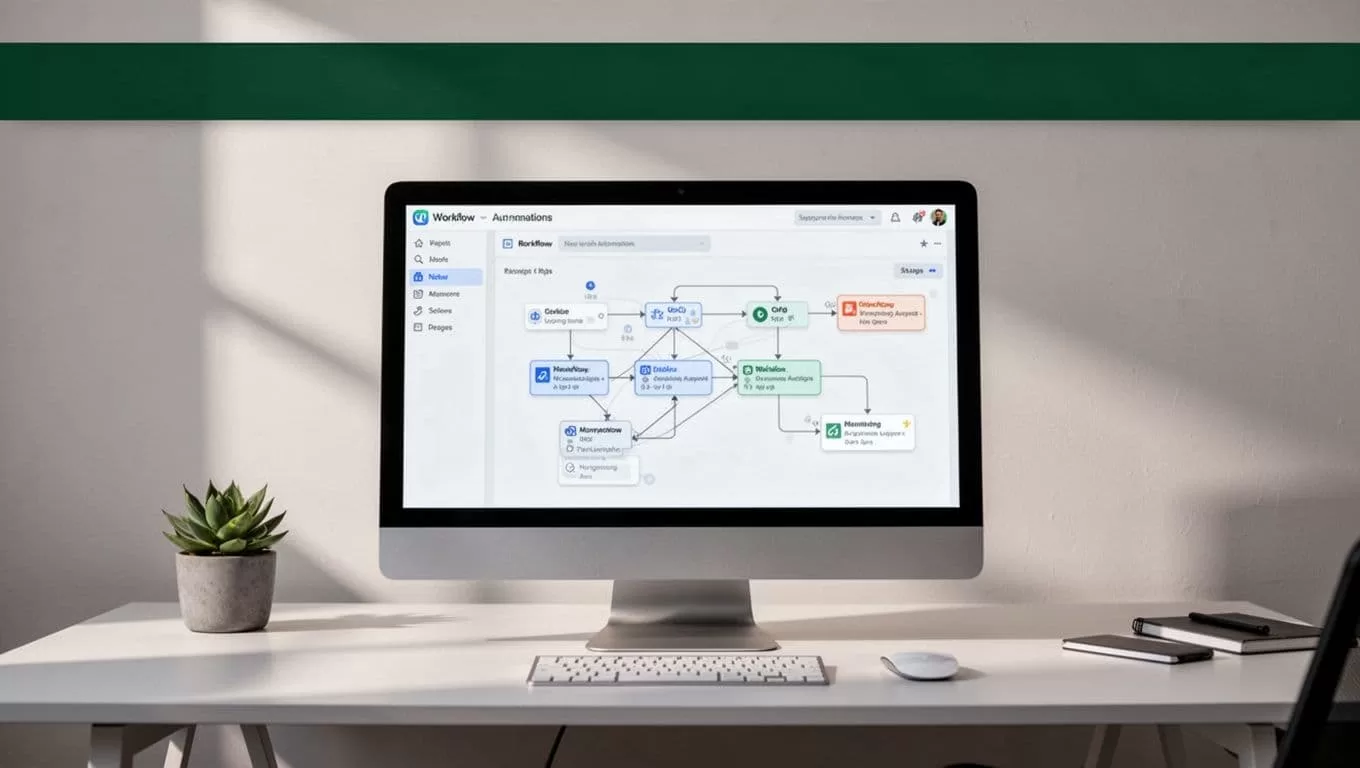
Twin.so’s natural-language builder lets you describe the process before you configure individual actions. Write the instruction as an operating procedure. Include the data source, required fields, exclusions, review conditions, and failure behavior.
Use this sequence:
- Define one seller task. Start with inventory validation or reporting. Don’t combine listing, messaging, repricing, and fulfillment in one agent.
- Choose the source of truth. Use a spreadsheet or database with stable column names. Include SKU, title, condition, cost, target price, photo status, and listing status.
- Write validation rules. Tell the agent which fields are required and what to do when information is missing.
- Set a review gate. Require approval before a listing is published, a message is sent, or a price is changed.
- Choose a low-frequency trigger. Begin with a manual run or one scheduled report. Increase frequency only after reviewing the logs.
- Test with non-sensitive records. Use a small set of inventory rows and confirm each output before connecting a live browser session.
- Record every result. Store timestamps, statuses, errors, and links in a separate log.
Your instructions should be precise. “Manage my Mercari account” is too broad. “Read new rows from this spreadsheet, identify missing listing fields, and return a report without opening Mercari” is safer and easier to test.
If you use browser automation, connect only the pages and accounts required for the job. Don’t give an agent access to unrelated email, payment, or identity documents. Review Twin.so’s credential and vault options before storing login information. Use a dedicated browser profile when the workflow needs a website session.
Keep the agent’s output structured. A table with SKU, Issue, Suggested Fix, and Review Status is easier to inspect than a long text response.
MERCARI RULES, RATE LIMITS, AND ACCOUNT SECURITY
Mercari’s current terms and marketplace rules control what sellers can automate. Review the official Mercari Marketplace Guidelines before you connect any browser agent. Check the rules again when Mercari changes its seller tools, messaging system, fees, or account controls.
Do not assume that a normal browser action is automatically permitted. Automation can still violate a platform rule if it creates spam, manipulates listings, scrapes restricted data, misrepresents inventory, or sends unwanted messages.
You also need to check current rate limits. Mercari may not publish every limit in a single public page, and limits can vary by action, account, session, or risk review. Set conservative delays between actions. Avoid parallel browser sessions. Stop the workflow after repeated errors instead of allowing an agent to keep retrying.
Do not use Twin.so to bypass CAPTCHAs, bot checks, device verification, login challenges, anti-bot systems, access controls, or marketplace restrictions. If a challenge appears, stop the run and handle it through Mercari’s approved process. Never build logic that attempts to conceal automation or rotate accounts to avoid enforcement.
Use these account controls:
- Turn on multi-factor authentication where Mercari and your connected services support it.
- Store credentials in an approved secure vault, not in prompts, spreadsheets, or plain-text notes.
- Give the agent the minimum permissions required for the workflow.
- Review login alerts, active sessions, and account activity regularly.
- Revoke access immediately when a contractor, browser profile, or integration is no longer needed.
- Keep a manual backup process for listings and order records.
A workflow that saves ten minutes but creates an account suspension risk is a poor operating process.
Do not rely on seller discussions as a policy source. Community threads, such as this Mercari terms discussion, can reveal common problems, but only Mercari’s current rules should determine your deployment decisions.
BUILD HUMAN REVIEW INTO EVERY HIGH-RISK ACTION
Automation works best when it handles preparation and routing. You keep control over decisions that can affect buyers, revenue, and account standing.
Require review before the agent:
- Publishes or removes a listing.
- Changes price, condition, shipping details, or item claims.
- Sends a message to a buyer.
- Accepts an offer or changes an order status.
- Uploads images or documents.
- Opens, closes, or changes account settings.
Use approval fields in your source spreadsheet. A row might contain Draft, Needs Review, Approved, and Published. The agent can prepare the record and stop when the status isn’t Approved.
This process also helps catch bad source data. A damaged item may have an old condition grade. A returned item may still appear as sold. A missing photo can make a generated description unusable. Human review catches these issues before they reach a buyer.
Keep generated descriptions grounded in the information you provide. Don’t allow the agent to invent brand names, measurements, product history, warranty details, or condition claims. If a field is missing, the correct output is “Needs information,” not a guess.
TROUBLESHOOTING A TWIN.SO MERCARI WORKFLOW
Browser-based workflows can fail when Mercari changes a page, expires a session, or presents a security check. Troubleshoot the cause before you change the workflow.
The agent can’t find a page element. The page layout may have changed. Review the recorded step and update the selector or action. Don’t increase retries until you understand the failure.
The session keeps expiring. Re-authenticate through the normal Mercari process. Check the browser profile and connected credential settings. Avoid sharing one active session across several agents.
The agent repeats an action. Disable automatic retries and inspect the run history. Add an idempotency check, such as verifying the SKU or listing URL before creating another record.
The workflow hits a CAPTCHA or security prompt. Stop the run. Don’t attempt to bypass it. Confirm whether the activity is allowed and complete the challenge manually if Mercari presents an approved path.
The output contains incorrect listing details. Tighten the input schema. Add required fields, allowed values, and a review status. Test the agent against known records before you run it on new inventory.
The agent makes too many requests. Lower the schedule frequency, add delays, remove parallel runs, and set a hard maximum for each execution. A workflow should fail closed when it reaches that limit.
Keep a short incident log. Record the date, workflow version, error message, action taken, and whether Mercari account activity was affected. This gives you a usable trail when you need to review a change.
WHEN TWIN.SO IS A GOOD FIT
Twin.so is a practical fit when your process crosses spreadsheets, browser pages, and internal records. It can help prepare data, run scheduled checks, return reports, and connect tools without custom code. Its browser capability is useful when no approved API integration covers your internal workflow.
It isn’t a substitute for Mercari’s seller tools or a guarantee that every browser action will work. A page can change. A policy can change. An account can receive a security review. Your workflow must handle those conditions without continuing blindly.
The strongest use case is a controlled operations layer around Mercari. Keep inventory data organized, validate records before publication, collect status information, and route exceptions to a person. That approach also fits the broader process of starting an e-commerce business without treating automation as a replacement for operating controls.
CONCLUSION
Running a Mercari automation tool on Twin.so can reduce repetitive seller work when the agent prepares information, checks records, and reports exceptions. Start with a small workflow and a manual approval gate.
Review Mercari’s current terms, automation rules, rate limits, and security requirements before every major deployment change. Never bypass CAPTCHAs, anti-bot protections, access controls, or marketplace restrictions.
The safest setup is not the one with the most automated clicks. It’s the one that saves time while keeping account activity visible, limited, and under your control.

