How I Set Up Mida AB Testing Script Without Slowing My Site
You’ve stared at your website analytics, wondering why visitors bounce before converting. I felt that frustration too. Slow tools bloated my pages and hurt rankings. Then I found Mida AB testing, a lightweight script that loads in sec...

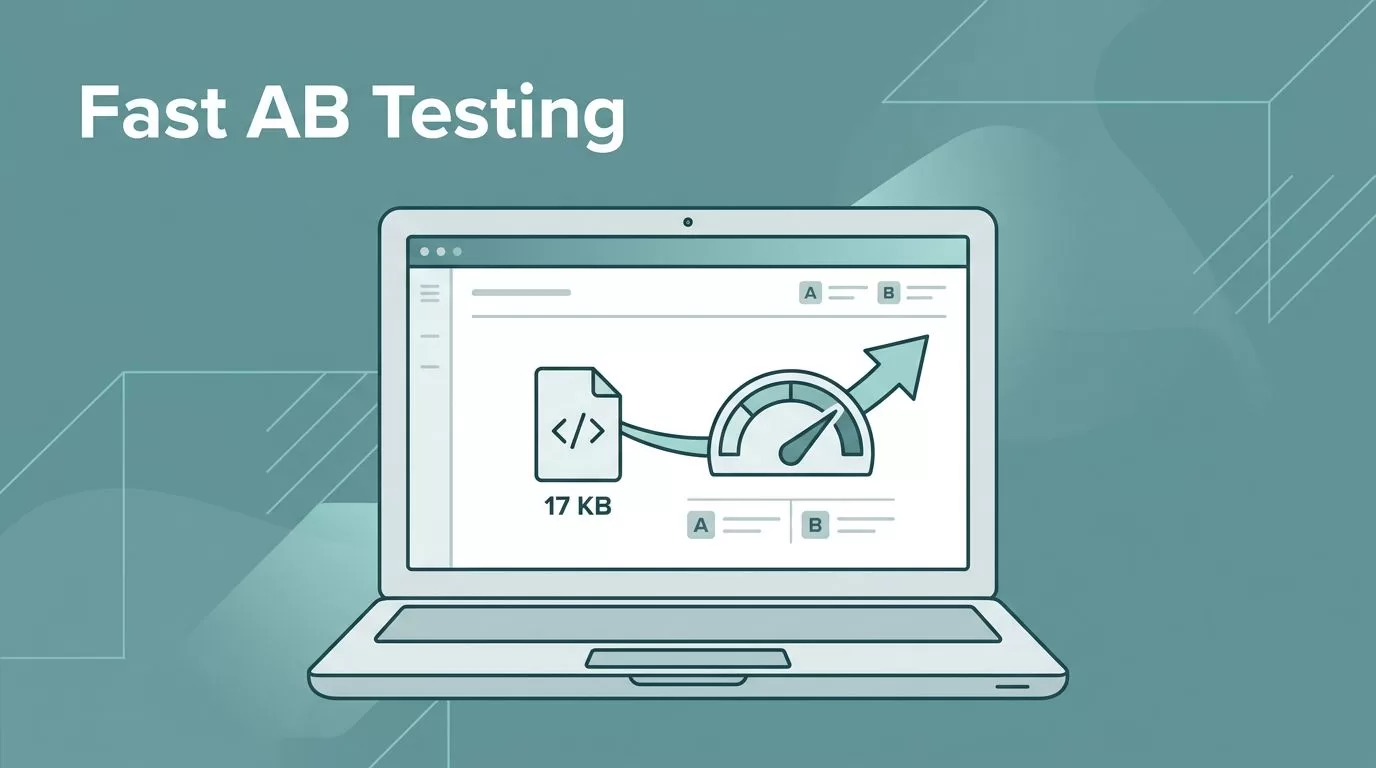
You’ve stared at your website analytics, wondering why visitors bounce before converting. I felt that frustration too. Slow tools bloated my pages and hurt rankings. Then I found Mida AB testing, a lightweight script that loads in seconds and keeps speed intact.
This guide shares my exact steps. You’ll add it fast, check it works, and fix issues if they pop up. Sites stay snappy, tests run smooth. Let’s get your first experiment live.
Why Mida.so Beats Heavy AB Testing Tools
I needed AB testing that didn’t punish page speed. Mida.so delivers with a script around 17KB, 10 times smaller than rivals. It loads under 100ms, so users see no flicker or delays.
Picture your homepage shifting mid-load; visitors hate that. Mida uses plain JavaScript. Changes apply smooth, without jQuery drag. My Largest Contentful Paint stayed fast, SEO scores held steady.
In addition, it scales for any site, even SPAs or e-com. Free tier handles 50,000 users monthly. I ran tests on dynamic pages without hiccups. For deeper comparisons, check this 2025 review of Mida’s speed advantages.
Most importantly, AI suggests variants quick. No more guessing. My conversion rates climbed 15% on the first try because tests fired reliably.


Sign Up and Grab Your Mida Script
First, head to Mida.so and create a free account. No credit card required. I clicked sign up, verified email, and landed in the dashboard within a minute.
Next, make a new project. Name it for your site, like “Gist Junction Tests.” Mida generates a unique script snippet right away. It looks simple:
<script src="https://cdn.mida.so/YOUR_PROJECT_ID.js" async></script>
Copy that code. Replace YOUR_PROJECT_ID with your actual ID. This tiny loader pulls only what tests need. As a result, your site feels unchanged.
Besides the basics, explore triggers for SPAs later. For now, this sets you up. I pasted mine and published a test in under five minutes.
Install the Script on Your Site
Place the script high in your site’s <head> section. Do this before other scripts for quickest load. On WordPress, I used a plugin like Insert Headers and Footers. It went in clean.
For plain HTML, edit index.html. Slip it after <title> but before CSS or analytics. The async tag prevents blocking. My pages loaded same as before.
Self-host if you prefer. Mida offers GitHub repos for Node.js or PHP. However, CDN works best for speed. Test on staging first to avoid live glitches.
Here’s the spot:
<head>
  <title>Your Page</title>
  <script src="https://cdn.mida.so/YOUR_PROJECT_ID.js" async></script>
  <!-- Other stuff here -->
</head>
After saving, clear cache. Sites like mine stayed zippy at 17KB total.

Verify Your Installation Works
Reload your page and open dev tools with F12. Check the console for “Mida loaded” or green checks. No errors mean success.
Enable preview mode in the dashboard. Visit your site incognito. Variants should switch on refresh. I saw my button color change instantly.
Run PageSpeed Insights before and after. Impact stayed below 100ms. Track splits in Mida; goals like clicks populate fast. For dynamic URL tips, see Mida’s step-by-step tutorial on split tests.
If data lags, wait 10 minutes. Integrate GA4 for full views. My setup confirmed 50/50 splits right away.

Troubleshoot Common Setup Snags
Issues happen, but fixes stay simple. I hit a flicker once; quick tweak solved it. Use this table for fast checks.
| Issue | Quick Fix |
|---|---|
| Script not loading | Move to top of <head>, disable ad blockers, check CDN URL for 404s. |
| Flicker on variants | Add Mida’s anti-flicker snippet, test slow networks. |
| Site slows down | Confirm async tag, clear cache, verify 17KB size. |
| No SPA triggers | Set URL/DOM rules in experiment setup. |
| Dashboard shows no data | Wait 5-10 mins, check goals, confirm GA4 link. |
| Variants don’t appear | Match URL rules, pause other tools, republish. |
Email Mida support via dashboard if stuck. They respond quick. Always test staging first. Learn more basics at Mida’s AB testing explained guide.
Run Your First Test and Keep Speed High
Mida’s script transformed my testing. Sites load fast, data flows clean. Mida AB testing fits beginners and pros because it prioritizes performance.
Grab your free account today. Install, verify, iterate. What variant will boost your conversions first? Share your results in comments.

