How to Configure Dynamic Content Testing in Mida.so
A generic landing page gives every visitor the same message, even when their intent is different. Mida.so dynamic content testing lets you test targeted headlines, calls to action, and offers against a controlled baseline. The setup only wo...

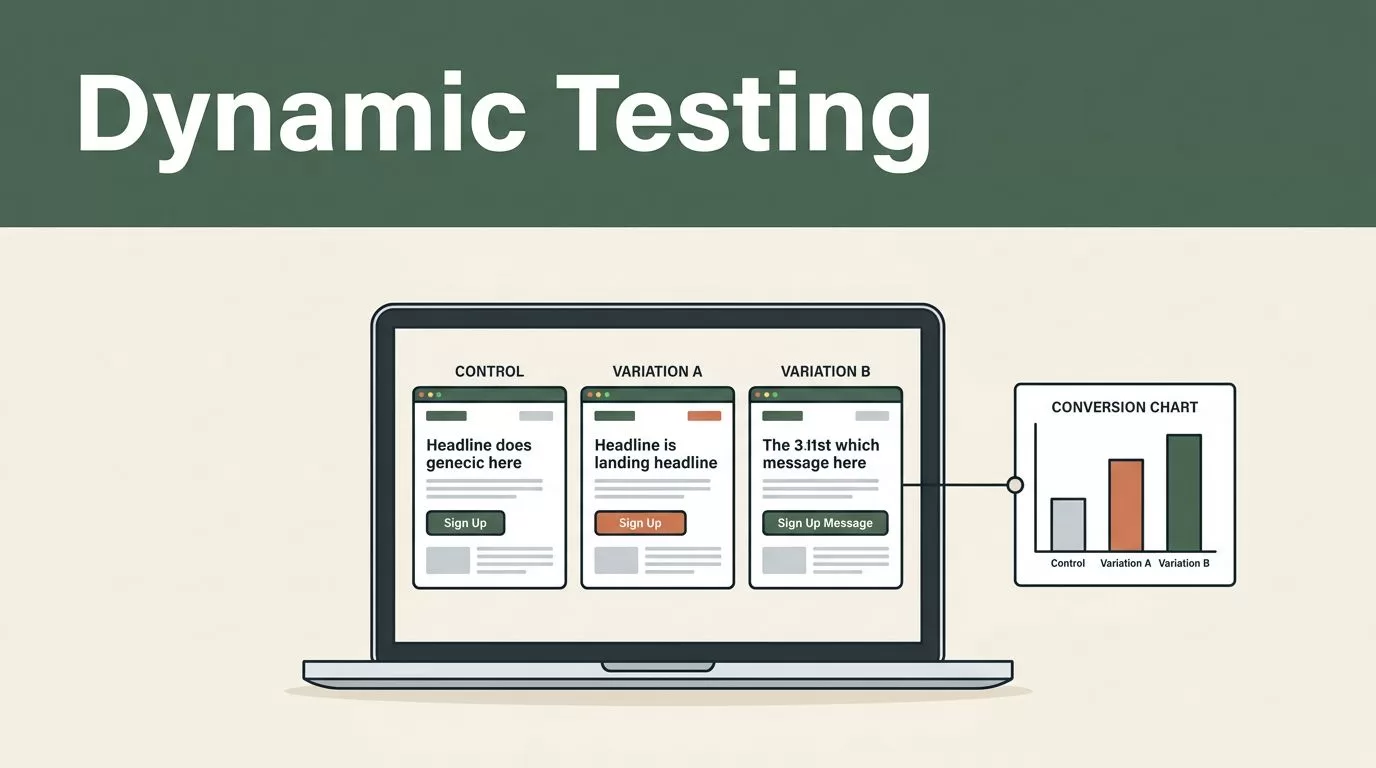
A generic landing page gives every visitor the same message, even when their intent is different. Mida.so dynamic content testing lets you test targeted headlines, calls to action, and offers against a controlled baseline.
The setup only works when the audience rule, page change, and success metric match. Start with one clear business question, then configure the test around that question.
Key Takeaways
- Define one primary conversion goal before creating the test.
- Change one meaningful content area first, such as a headline or CTA.
- Use traffic source, device, visitor status, or audience data as targeting rules.
- Keep the control version unchanged so the comparison stays reliable.
- Test the experience across browsers, devices, consent states, and analytics tools.
Plan the Test Before Opening Mida.so
Dynamic content testing starts with a decision, not a variation. Decide what you need to learn.
A useful question sounds like this: “Does a source-specific headline increase demo requests from paid search visitors?” A weak question sounds like this: “Can we improve the page?”
The first question gives you a page, audience, change, and outcome. The second gives you no clear stopping point.
Write down the current experience first. Record the headline, supporting copy, CTA text, offer, page URL, and current conversion rate. This version becomes your control. Don’t edit it during the experiment unless you need to fix a genuine error.
Next, choose one primary conversion goal. For a B2B site, that goal could be a completed demo form, a booked meeting, a trial signup, or a qualified contact submission. Track secondary signals such as CTA clicks, scroll depth, and form starts, but don’t let them replace the main result.
A single test should answer one main question. If you change the headline, CTA, pricing block, and form layout together, you won’t know which change affected the result. Use a larger multivariate test only when you have enough traffic and a clear reason to test combinations.
Create a simple test brief with these fields:
- The page or URL pattern
- The control experience
- The audience rule
- The content change
- The primary goal
- The expected test period
- The owner responsible for the decision
Your audience rule needs the same level of detail. “Marketing visitors” is too broad unless you have a defined way to identify them. A UTM source, device type, returning visitor status, or named audience segment gives you a usable rule.
Preserve campaign parameters when visitors arrive on your site. Google’s Campaign URL Builder can help your team create consistent UTM values for source, medium, campaign, and content.
Create the Dynamic Content Test in Mida.so
Open your Mida.so workspace and create a new experiment using the testing workflow available to your account. Product screens and option names can change, so follow the current Mida.so platform guidance when a control or setting doesn’t match your workspace.
Start by selecting the page where the content should change. Use the exact landing page when the test applies to one page. Use a broader URL rule only when several pages share the same template and conversion path.
Keep the first test narrow. Select one content area, such as the main headline, primary CTA, or offer description. A headline test could compare:
- Control: “Book a product demo”
- Variant: “See how your team can reduce manual reporting”
The variant should address a reason for action. It shouldn’t add unsupported claims or change the promise of the page.
For a CTA test, keep the destination and action unchanged. Test wording such as “Request a demo” against “See the platform in action.” Don’t change the button text, destination, form length, and page layout in the same experiment.
For an offer test, keep the offer terms accurate. A returning visitor might see a product comparison guide, while a first-time visitor sees a short overview. The content should match the visitor’s likely stage without hiding important information.
Set the audience using the targeting controls available in your Mida.so account. Check each rule before launch. A source-based test might target visitors whose campaign data identifies paid search. A device-based test might show a shorter CTA on mobile. A returning-visitor test might present a deeper product offer to people who have already visited the site.
Don’t assume the rule is working because the configuration looks correct. Test the actual conditions.
If the experiment supports traffic allocation, begin with a balanced split unless you have a documented reason to use another allocation. Keep the control active. Without a control group, you can’t separate the effect of the new content from changes in traffic, seasonality, or demand.
Choose the primary goal inside the experiment setup if your workspace provides that option. If the goal requires an external analytics or CRM system, confirm that the conversion event fires correctly before launch. A test that changes content but fails to record conversions produces a clean-looking report with no useful answer.
Use the Mida.so website for the current product and documentation path when you need to confirm supported targeting, integrations, or plan limits. Don’t build a process around a feature your account doesn’t include.
Use Audience Rules That Match Visitor Intent
Audience targeting is useful only when the content difference has a reason behind it. Don’t create separate experiences for every small traffic group. Start with a segment where intent or context is clear.
Traffic source is a practical first use case. Paid search visitors often arrive from a specific promise in an ad. Match the landing page headline to that promise. For example, visitors from a campaign about automated invoice processing could see “Automate invoice processing in your finance team.” Organic visitors could see a broader headline focused on the product category.
The page still needs to support both audiences. Keep the company description, proof points, and product claims consistent. Change the opening message only when the source provides reliable context.
Device targeting supports a different type of test. Mobile visitors have less screen space and may be more sensitive to long paragraphs or complex forms. Test a shorter headline or a CTA that appears earlier on the page. Keep the offer and destination consistent so the device is the main variable.
Returning visitor status can support progressive messaging. A first-time visitor may need a plain explanation and a low-commitment guide. A returning visitor may be ready for a product demo or pricing conversation. Test the offer change against the same visitor group rather than comparing new visitors with returning visitors.
Audience segments can also come from your existing marketing data. A role-based segment might include operations leaders, developers, or finance teams. Each group can receive a different headline when the product solves a different problem for each role.
Use one targeting dimension per test when possible. If you target paid search visitors on mobile who are also returning visitors, the audience may become too small to produce a useful result.
A good personalization rule answers two questions: who sees the content, and why should that content fit them better?
Check for audience overlap before you launch multiple tests. Two experiments that edit the same headline can create conflicting experiences. Assign ownership for shared pages and document active tests in a central experiment log.
Add Content Variants Without Breaking the Page
Dynamic content tests should improve relevance without damaging the page structure. Keep the replacement copy close to the original length when possible. Large changes can move buttons, alter page height, and create a layout test when you intended to run a messaging test.
Check the following items in every variant:
- The headline keeps the same meaning and supports the page title.
- The CTA tells the visitor what happens after the click.
- The offer description matches the actual form, product, or sales process.
- Links point to the correct destination.
- The copy fits on desktop and mobile screens.
- The content remains readable when scripts, fonts, or images load slowly.
Avoid inserting claims that your legal, product, or sales teams haven’t approved. Personalization doesn’t remove the need for accurate copy.
If your test uses campaign data, confirm that links retain their UTM parameters after the visitor reaches the page. If you use a segment from another system, verify that the segment is available before the page renders. A missing value can send the visitor to the default experience.
Keep a record of every variant. Store the exact copy, audience rule, launch date, allocation, and goal. This record helps you explain the result later and prevents your team from repeating an old test by mistake.
Accessibility needs a separate check. Don’t hide essential information from one audience. Keep meaningful headings, sufficient contrast, keyboard access, and clear form labels in every version. Review responsive behavior against established responsive design guidance from MDN.
QA the Experiment Before You Publish It
Run a full test pass before sending paid traffic to the page. Use a clean browser session and test each audience condition separately. Check desktop and mobile widths. Test at least the browsers your customers use most.
Confirm that the control appears for visitors outside the audience. Then confirm that the correct variant appears for visitors inside it. Repeat the test after refreshing the page. If returning visitor status matters, test both a new session and a known returning session.
Review the page with browser caching enabled and disabled. Check the experience after consent choices are made. If your site blocks marketing or analytics scripts until consent, confirm that the experiment follows your consent policy.
Verify the conversion event. Submit a test form or complete the intended action. Confirm that Mida records the event and that the downstream system receives it. Check your CRM, analytics platform, or webhook destination where applicable.
Look for flashes of the original content before the variant loads. A visible content swap can affect trust and user behavior. If the page relies on a tag manager, review script order and firing conditions with the person who manages your site code.
Launch only after the page, audience, and measurement checks pass. Monitor the first traffic after launch for broken layouts, unusual error rates, incorrect targeting, and missing conversions. Early monitoring is for technical faults, not for declaring a winner.
Keep the test live long enough to cover normal traffic patterns. A one-day result can reflect a campaign spike, weekday behavior, or an incomplete conversion cycle. Use a fixed review schedule and avoid changing the test because of a short-term fluctuation.
Review the primary conversion first. Then inspect secondary metrics for warning signs. A higher CTA click rate means little if completed forms decline. A higher form-start rate may indicate stronger interest, but it doesn’t replace qualified submissions.
When the test ends, document the decision. Keep the winning variant only when the result supports the original business question and the experience passes quality checks. If the result is inconclusive, record that outcome and use the learning to design a narrower follow-up test.
Conclusion
Mida.so dynamic content testing works best as a controlled implementation process. Define the audience, change one meaningful content area, protect the control, and connect the experiment to a real conversion goal.
Start with a source-specific headline or CTA. QA every audience condition before launch. Then judge the result using completed conversions, not surface-level clicks. Personalization becomes useful when each variation has a clear reason to exist and a reliable way to prove its value.

