Optimize Your Landing Pages Without The Overhead
You need to test landing page variations quickly, but heavy platforms often slow down your site or require expensive developer support. Switching to a lighter alternative changes how you approach conversion rate optimization. When your test...
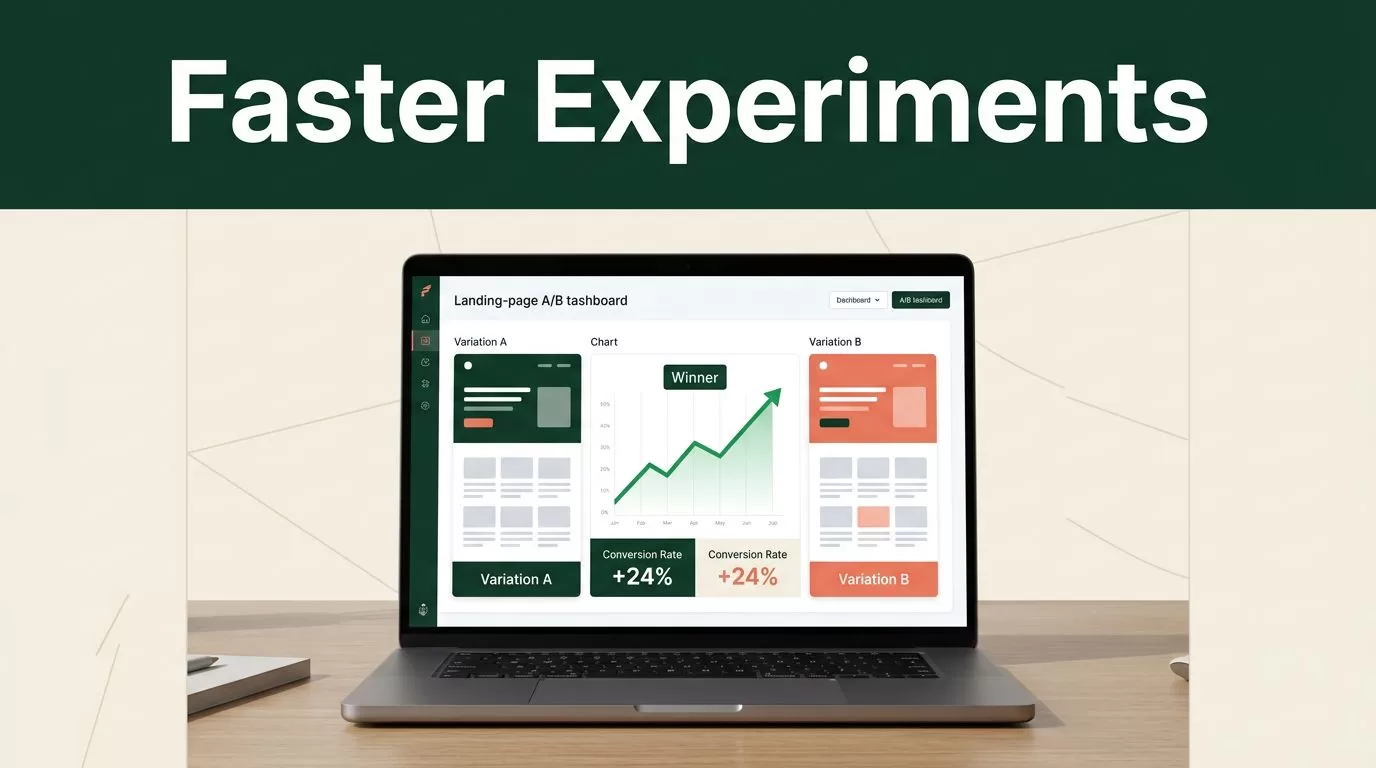
You need to test landing page variations quickly, but heavy platforms often slow down your site or require expensive developer support. Switching to a lighter alternative changes how you approach conversion rate optimization. When your testing tool is lean, you stop worrying about page load times and start focusing on the actual data. Mida.so is a common choice for teams that want speed, control, and a modern workflow without the technical debt of legacy software.
Key Takeaways
- Speed matters for conversions; Mida.so uses a sub-20KB script to ensure your pages remain fast during tests.
- You can eliminate developer bottlenecks by using visual editors to launch experiments instantly.
- AI-powered generation allows you to prototype and deploy layout or copy changes without writing custom code.
- Targeting options, including device, geography, and custom events, provide granular control over your audience segments.
Moving Beyond Heavy Platforms
Traditional landing page testing software often comes with bloated codebases that degrade your site performance. Every millisecond of latency hurts your conversion rates and impacts search rankings. If your current tool forces you to choose between robust testing and page speed, you have the wrong setup. You need an Instapage alternative that keeps your site lean while still providing the granular data you need to make decisions.

Mida.so operates on a lightweight architecture, typically requiring less than 20KB to function. By loading asynchronously, the platform avoids blocking the rendering of your page content. This ensures your visitors see your site as intended, regardless of which variation they are served. For teams managing multiple high-traffic landing pages, this performance gap is significant. You get the benefits of split testing without sacrificing the Core Web Vitals that keep your traffic stable.
Launching Experiments Without Code
The biggest constraint for growth teams is often the dependency on internal developers for simple layout changes. You should be able to iterate on your own timeline. Mida.so offers a visual editor that lets you modify headings, adjust button colors, and rearrange page widgets with simple point-and-click actions. This approach removes the need to file tickets for every minor design update.
Beyond basic visual edits, the platform integrates generative experimentation tools. You simply type a prompt, such as “make the call-to-action button more prominent” or “rewrite the hero section for a professional audience,” and the platform handles the code generation. This capability turns an hour-long design and deployment process into a few minutes of configuration. When you can push variations to live traffic in minutes, your testing velocity increases immediately.
Setting Up Your First Test
Success in optimization relies on clear objectives and disciplined execution. Before you fire up a new experiment, define your primary conversion metric. Are you tracking form submissions, click-throughs, or total revenue per visitor? Clarity at this stage prevents you from drowning in vanity metrics later.
- Identify the bottleneck: Look at your analytics to find the page or step where users drop off most frequently.
- Formulate a hypothesis: State exactly what you think will change the outcome and why. For example, “Changing the headline from a benefit-focused statement to a social-proof focus will increase signups.”
- Configure the variation: Use the Mida.so visual editor to implement the change on your landing page.
- Set the target audience: Restrict your test to specific segments, such as mobile users or visitors from certain traffic sources, to keep the data clean.
- Run the test: Start the experiment and monitor your dashboard until you reach statistical significance.
Avoid the mistake of testing too many variables at once. If you change the headline, the primary image, and the button color in one test, you won’t know which change caused the results. Focus on one element per test to gather clean data.
Integrating With Your Stack
A testing tool is only as useful as its ability to communicate with your existing data environment. Mida.so integrates with Google Analytics 4, allowing you to share events and goals across client-side and server-side tests. This ensures your reporting stays centralized. You don’t have to manually reconcile data between your testing platform and your analytics suite.
The platform also supports modern web frameworks and single-page applications. If your landing pages use React or Vue, you won’t encounter the typical compatibility issues common with older platforms. Use the provided connectors for WordPress, Shopify, or Google Tag Manager to handle the installation process once and then move to experiment management.
Interpreting Your Results
Data is only valuable if you act on it. Once your test completes, focus on the primary metric you identified at the start. Look for a consistent performance gap between the control and the variation. If the results are flat, don’t force a winner. A null result is still useful because it tells you that the change you hypothesized didn’t move the needle as expected.
Check the results across different device types or geographic segments. Sometimes a variation performs poorly overall but excels with a specific sub-audience. You might find that a new design appeals more to mobile users even if desktop visitors show no change. These insights help you tailor the user experience more effectively in future campaigns.
Avoid the temptation to stop a test the moment a variation looks like the winner. Let the test run until you have enough data to be confident in the result. Inconsistent data leads to false positives, which can hurt your conversion rates in the long run. Use the provided dashboard metrics to confirm statistical confidence before rolling out a winning variation as your new default page.
Choosing the Right Testing Tool
You don’t need an expensive, legacy platform to run high-quality experiments. If your current workflow is slow, expensive, or technically restrictive, look for a solution that prioritizes performance and independence. Your primary goal is to learn from your audience and grow your conversion rate through iterative testing.
By moving your experimentation to a lighter platform, you reduce your technical debt and gain the speed needed for true growth. Focus on testing, observing the data, and iterating on your findings. A tool that removes friction between you and your landing page is the only one you need to reach your goals.
