Scaling CRO with the Mida Live Editor
Your website is a living asset, but most optimization tools make it feel like a static museum piece. You shouldn’t need a engineering ticket to move a button or rewrite a headline. The Mida live editor removes the technical bottleneck...
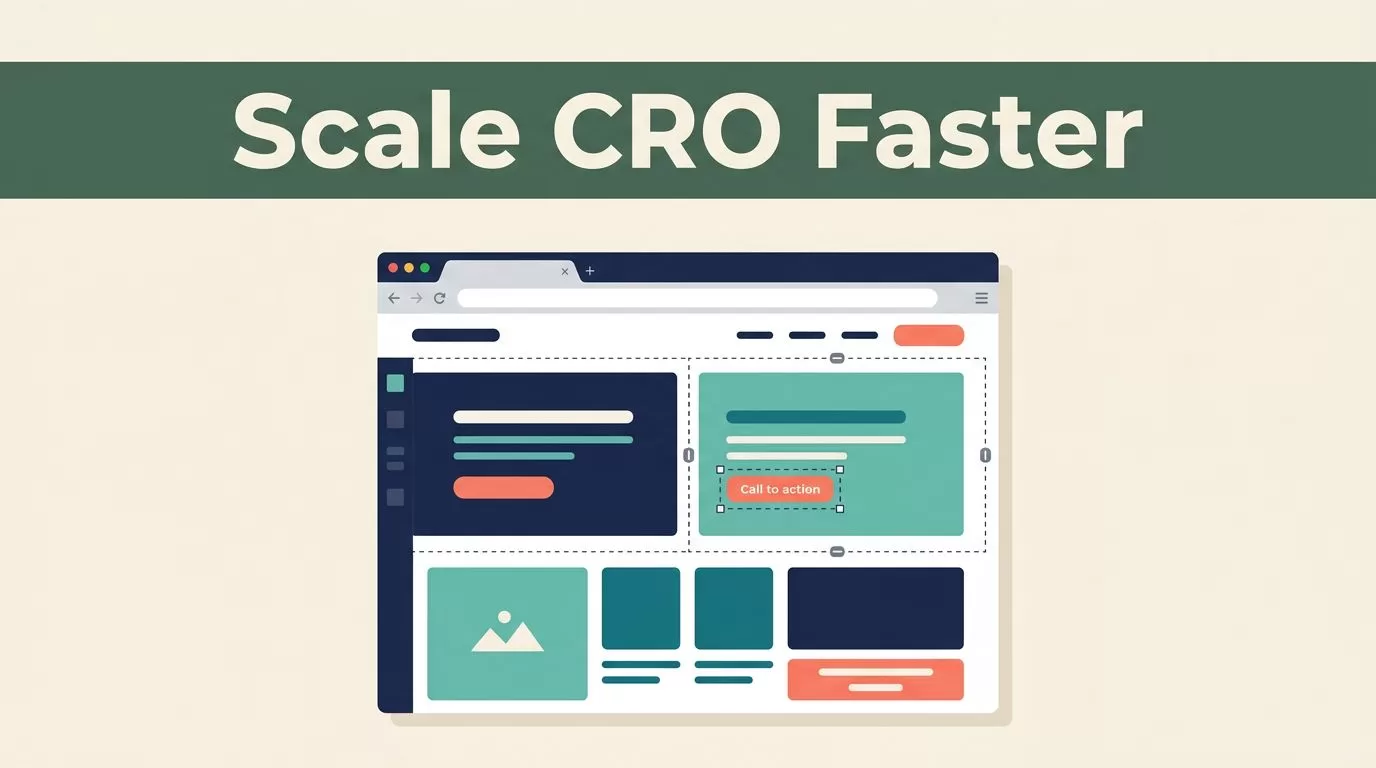
Your website is a living asset, but most optimization tools make it feel like a static museum piece. You shouldn’t need a engineering ticket to move a button or rewrite a headline. The Mida live editor removes the technical bottleneck between your conversion hypotheses and your live traffic. It lets your marketing team control the user experience directly on your production site without waiting for a developer to push code.
You use this tool to bypass the typical wait times associated with A/B testing. By opening a visual layer over your existing site, you can drag, drop, and edit elements in real time. The platform handles the underlying injection of JavaScript and CSS. This means you test faster and collect data without bloating your page load times.
Key Takeaways
- No-Code Control: You edit text, images, and layout blocks visually without touching your codebase.
- Production-Ready Speed: Changes deploy via a light, asynchronous script that maintains site performance.
- Integrated Testing Workflow: You use the editor to set up experiments and sync results directly to tools like Google Analytics 4.
- AI Assistance: You use natural language prompts to generate variations or CSS overrides on the fly.
Optimizing Content with the Mida Live Editor
The primary benefit of a visual interface is the elimination of the development cycle. When you want to iterate on a landing page, you don’t need a pull request. You open the campaign, enter your URL, and the Mida editor renders the page in a new tab. This interface functions as a sandbox that mirrors your actual site environment, allowing you to see exactly how changes appear to your visitors.
You can modify headlines, replace hero images, or restructure entire sections. The editor utilizes a click-to-select model, which identifies the underlying selector paths for any element on the page. If you need to move a block from the top of the page to the bottom, you simply select the block and drop it into its new location. The software tracks these positioning changes automatically.
For teams managing high-volume sites, technical overhead is a major risk. The Mida platform is built to be lightweight, utilizing a script that weighs under 20KB. This architecture ensures that your tests don’t cause layout shifts or slow down the page for your users. You can find more detail on their specific approach and how it compares to other solutions by reviewing Mida Software pricing and alternatives.
Using AI for Rapid Iteration
Manually building variants is time-consuming. Mida includes generative features that bridge the gap between idea and execution. You use the MidaGX assistant to enter a plain-English prompt, such as “make the call-to-action button more prominent,” and the tool handles the corresponding CSS updates. This removes the need for you to know specific color codes or padding values.
This functionality is useful when you have a backlog of tests but limited design resources. You highlight the area you want to change, provide the instruction, and the AI suggests a modification. You approve the change, and it persists within the test variant. This loop allows you to test dozens of minor variations in an afternoon.
The system also supports custom overrides. If your design team has specific brand guidelines, you can inject your own JavaScript or CSS snippets into the editor. This gives you the flexibility of a custom build with the speed of a visual tool. You are not forced to pick between ease of use and advanced technical control.
Managing Your Testing Pipeline
Your experiments are only as valuable as the data they produce. The visual editor serves as the command center for your entire testing pipeline. After you configure your changes in the visual layer, you define your targeting rules. You can restrict tests to specific URLs, devices, or geographic regions. You can also integrate your results with existing analytics infrastructure, such as Google Analytics 4, to track goal completions and funnel performance.
Before you launch, you check for statistical significance. The platform provides real-time reporting, which helps you decide when to stop a test. If a variant shows a clear win, you can push the winning variation to production or use the insights to inform your next design sprint. Professionals often prefer this level of transparency when managing high-stakes traffic, which you can explore in detail through Mida.so reviews and platform features.
The workflow typically follows this sequence:
- Define the Campaign: Create the test in the Mida dashboard and input your target URL.
- Configure Variations: Use the visual editor to modify elements and set up your control version.
- Apply Targeting: Set your audience segments to ensure the right users see the test.
- Analyze Results: Monitor the performance dashboard to confirm statistical significance.
- Iterate: Use the findings to deploy permanent changes or draft the next round of tests.
Troubleshooting and Technical Setup
Most users connect their site via the Mida browser extension, which facilitates the live-editing session. If you encounter issues, check that your site does not have restrictive X-Frame-Options that prevent the editor from loading the page. The editor is compatible with modern frameworks like React and Vue, making it a viable option for single-page applications.
If your site uses a complex layout or dynamic data, you use the selector path tool to target elements accurately. This ensures that even when your page content changes, the test remains anchored to the correct section. You should always verify that your tracking script is installed correctly and firing on all relevant pages. For help with initial configuration or implementation hurdles, you can check Mida software guides and profiles.
The tool also supports collaborative workflows. You can share access with team members, allowing designers to tweak visuals while analysts set up conversion tracking. This keeps your testing process contained within one tool rather than bouncing between a developer’s desk and a marketing spreadsheet.
Final Thoughts
The Mida live editor solves the problem of slow iteration by giving you a direct line to your website’s interface. You spend less time managing developers and more time testing conversion hypotheses. The combination of no-code visual editing, AI-assisted overrides, and lightweight performance architecture makes it a practical tool for growth teams.
You now have the capability to launch tests on your own schedule. Focus on identifying the friction points in your funnel, then use the editor to implement and track your solutions. When you move away from static planning and start treating your site as a dynamic, testable environment, your conversion rates will naturally follow.
