How to Deploy Redirect Tests in Mida.so
A redirect test sends visitors to different URLs instead of changing the same page in place. That makes it useful for testing landing pages, checkout paths, pricing pages, and complete website flows. The risk is simple. One incorrect rule c...

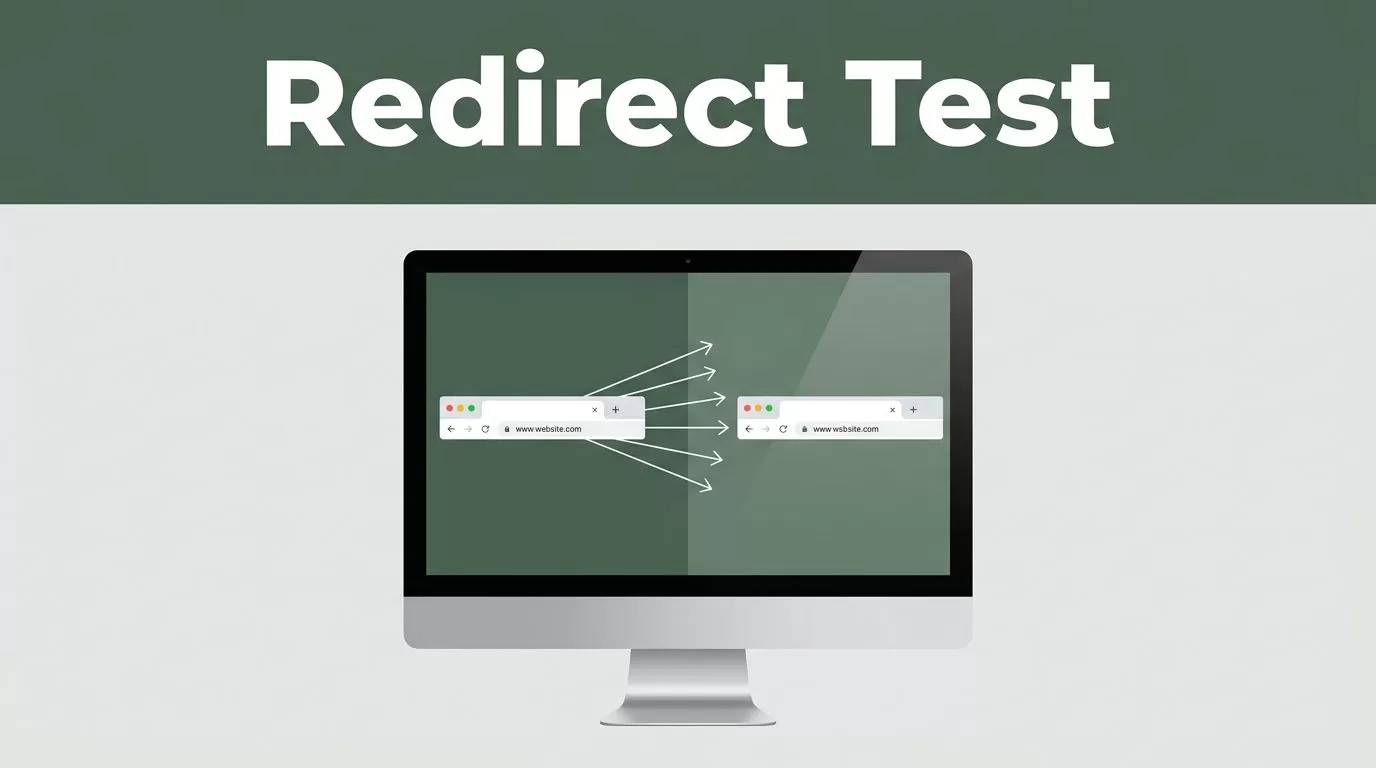
A redirect test sends visitors to different URLs instead of changing the same page in place. That makes it useful for testing landing pages, checkout paths, pricing pages, and complete website flows.
The risk is simple. One incorrect rule can create a redirect loop, remove campaign parameters, or send visitors to the wrong destination. Mida.so gives you a practical way to launch these experiments, but the setup still needs careful URL planning and technical QA.
Key Takeaways
- Mida redirect experiments compare separate URLs, while standard A/B tests compare page variations on one URL.
- Keep the control and destination URLs outside each other’s targeting rules.
- Preserve query parameters such as
utm_source, click IDs, and referral data. - Test redirects in an incognito window, across devices, and with browser developer tools.
- Review conversion data only after the redirect, analytics, and goal tracking all work correctly.
What a Redirect Test Does in Mida
A standard A/B test usually keeps the visitor on one URL. The testing tool changes an element such as a headline, button, form, or image. The visitor sees a variation without leaving the original page.
A redirect test uses a different process. Mida loads on the original page, assigns the visitor to a variation, and sends that visitor to another URL. The control may remain at:
https://example.com/pricing
The variation may use:
https://example.com/pricing-new
This setup is useful when the new experience is a separate page or template. It also works when the change affects multiple pages and cannot be managed through a visual editor.
The Mida experimentation platform uses common experiment objects such as variations, traffic allocation, targeting, and goals. You configure the original page, add the destination URL, decide how much traffic should enter the test, and select the event that defines success.
Redirect testing is not the same as creating a permanent website redirect. A Mida experiment makes a temporary visitor-level routing decision. A server redirect, such as a 301, changes how browsers and search engines handle a URL. The MDN documentation for HTTP redirects provides the technical background.
Use a redirect experiment when you need to compare separate page experiences. Use a standard A/B test when one page can hold both versions safely.
Plan the Experiment Before Opening Mida
Start with one clear decision. You may want to know whether a new pricing page increases trial starts, whether a shorter checkout improves completed orders, or whether a new landing page produces more qualified leads.
Write the experiment hypothesis in one sentence:
Visitors who see the shorter pricing page will start more trials because the plan differences are easier to compare.
Choose one primary goal for the test. A trial start, completed purchase, submitted form, or booked demo can work. Secondary metrics can provide context, but too many primary goals make the result harder to interpret.
Next, confirm the URL structure.
| Item | Example | Purpose |
|---|---|---|
| Control URL | /pricing | Existing visitor experience |
| Variation URL | /pricing-new | New page experience |
| Primary goal | Trial signup | Main success event |
| Audience | New paid-search visitors | Defined test group |
| Allocation | 50% control, 50% variation | Traffic split |
Check that both pages are ready before you launch. The variation must work without relying on a session that only exists on the control page. Forms, authentication, checkout state, consent tools, and analytics events must work on both URLs.
Also decide who should enter the experiment. Targeting may include a URL path, device type, country, campaign, or audience condition. Keep the first test narrow if the new page is unproven. A focused audience makes technical issues easier to isolate.
Do not test two major changes at once unless you can separate their effects. A new page design, new offer, and new checkout process create an unclear result. Redirect tests are easier to manage when the destination differs for one main reason.
Deploy the Redirect Experiment in Mida
Install the Mida tracking code before configuring the experiment. Add the snippet to the pages that need to identify visitors and load the test. Use the installation method recommended in your Mida workspace, then confirm that the script loads on the control URL.
You can check this in the browser developer tools. Open the Network panel, reload the page, and search for Mida requests. The request should load without a blocked script error or content security policy failure.
Create a new experiment in Mida and select the redirect-based testing option. Add the control page and the complete destination URL for the variation. Use the full HTTPS address, including the correct path and any required query parameters.
Set the traffic allocation. A 50/50 split is common when both pages can handle equal traffic. A smaller allocation can reduce risk when the variation changes checkout, pricing, or account creation. Make sure the allocation adds up correctly and that excluded visitors do not accidentally enter the test.
Configure the audience conditions next. If the experiment applies to the pricing page, target the pricing URL rather than the entire domain. If the test is for paid traffic, use the appropriate campaign or audience rule. Keep the scope as narrow as the research question.
Select the primary goal in Mida. The goal must fire on both the control and variation paths. For example, a signup event should use the same event name whether the visitor submits the form on /pricing or /pricing-new.
Before publishing, review the experiment status and launch settings. Confirm that the test is active only after the destination page, tracking code, and goal event are ready.
A basic deployment sequence looks like this:
- Install the Mida snippet on the relevant pages.
- Create a new experiment and choose redirect testing.
- Add the control URL and variation URL.
- Define targeting and traffic allocation.
- Select the primary conversion goal.
- Preview the experiment where available.
- Publish and verify the live behavior.
Keep the destination URL stable during the test. Changing its path halfway through can split data across multiple pages and complicate the results.
Preserve Query Parameters and Campaign Data
Query parameters carry information that your analytics and advertising systems need. Common examples include utm_source, utm_medium, utm_campaign, gclid, fbclid, affiliate IDs, and product selections.
A redirect that drops these values can create inaccurate channel reports. Paid traffic may appear as direct traffic. Affiliate conversions may lose their partner ID. A checkout page may also lose a selected plan or referral code.
Do not assume every parameter will transfer automatically. Open a test URL with real-looking parameters and confirm the final destination:
https://example.com/pricing?utm_source=google&utm_campaign=spring
After the redirect, check whether the destination still contains the required values. Use the browser address bar, the Network panel, and your analytics debugger.
When the destination URL is assembled by code, use the browser’s URLSearchParams interface instead of manually joining strings. This reduces errors with encoding, repeated parameters, and special characters.
Use a parameter policy before launch. Decide which values must be preserved, which can be removed, and which must never be copied. Preserve campaign and attribution parameters. Remove sensitive values such as passwords, tokens, or private customer data.
Avoid adding the same parameter twice. A destination that already contains utm_campaign should not receive a second utm_campaign value from the original URL. Duplicate values can produce inconsistent attribution across analytics platforms.
Fragments need separate testing. A URL such as /pricing#plans uses a hash that the server doesn’t receive. Confirm that the redirect keeps the correct page position if the destination relies on a fragment.
Prevent Redirect Loops and Wrong Destinations
Redirect loops happen when the experiment sends a visitor back to a URL that triggers the same rule. The browser keeps moving between pages until it stops with an error.
The most reliable prevention method is to separate control targeting from destination targeting. Target only the original URL, then exclude the variation URL from the experiment. Do not create a second active Mida redirect that sends the variation back to the control.
Check trailing slashes and URL variants. These addresses may be treated differently by your site:
/pricing/pricing//pricing?plan=pro
Review lowercase and uppercase paths, query-string rules, subdomains, and mobile-specific URLs. A broad matching rule can catch more pages than you expect.
Only run one redirect experiment on the same entry URL unless you have a clear priority plan. Two tools can assign different experiences, or one tool can redirect a visitor before the other loads. Pause duplicate tests during validation.
Test the destination in a fresh session. Existing cookies can preserve an earlier assignment and hide a configuration problem. Use an incognito window, clear site data, or test with a new browser profile.
Watch for loops caused by application logic too. A login requirement may send the visitor to /login, while the experiment sends /login back to the original page. Checkout middleware, geolocation rules, consent screens, and trailing-slash redirects can create similar conflicts.
A redirect test should produce one predictable journey: entry URL, assigned variation, destination page, conversion event.
Pre-Launch QA Checklist
Run this checklist before sending paid or organic traffic into the experiment:
- The Mida snippet loads on the control URL and the destination URL.
- The experiment targets the intended path and not the whole domain.
- The control and variation URLs use HTTPS.
- The variation loads correctly in Chrome, Safari, Firefox, and Edge.
- Mobile and desktop layouts work as expected.
- The destination URL doesn’t trigger another Mida redirect.
- The control URL doesn’t redirect back from the variation.
- Query parameters remain available after the redirect.
- UTM values and click IDs appear correctly in analytics.
- Forms submit successfully on both experiences.
- Login, checkout, consent, and payment flows work on both URLs.
- The primary Mida goal fires once per valid conversion.
- Duplicate clicks don’t create duplicate conversion events.
- The browser address bar shows the expected final URL.
- A fresh visitor receives the correct traffic allocation.
- Returning visitors keep a consistent assignment where required.
- No JavaScript, console, content security policy, or mixed-content errors appear.
- Search indexing rules match the purpose of the test.
Run at least one test with a real campaign parameter and one without parameters. Also test direct visits to the variation URL. Direct visits should not create a loop or produce a broken page.
If the test compares pages that could be indexed, review canonical tags and your release plan. Search engines treat permanent redirects differently from temporary testing behavior. Google’s guidance on site moves with redirects is useful when you later replace the control page permanently.
Monitor the Test After Publishing
Check the first live sessions manually. Confirm that visitors land on the expected page and that the page doesn’t flash the control before redirecting. A visible flash can confuse users and affect page performance.
Review Mida experiment data alongside your analytics platform. Compare traffic counts, goal events, error rates, revenue, and page performance. A conversion increase isn’t useful if the variation loses campaign attribution or fails for mobile users.
Watch for unusual changes during the first hours. A sudden drop in traffic, repeated redirects, missing parameters, or a sharp increase in server errors requires a pause and investigation.
Don’t make a decision from a few conversions. Let the test collect enough traffic for your normal business cycle. Account for weekends, sales campaigns, product launches, and other events that can change visitor behavior.
When the test ends, document the winning URL, allocation, audience, goal definition, and launch dates. If you keep the variation, replace the temporary experiment with a deliberate production redirect or page rollout. Don’t leave a test running indefinitely without an owner.
Conclusion
Mida is a useful redirect testing tool when separate URLs need a controlled comparison. The deployment depends on more than adding a variation URL. You need precise targeting, stable destinations, working goals, and preserved campaign data.
Prevent loops by excluding the destination from the experiment and checking every competing redirect rule. Run the full QA checklist before launch, then monitor real sessions after publishing. A redirect test is ready when the visitor journey and the measurement system both work as planned.

