How I Migrate My Podcast Host to Transistor.fm
A podcast move can feel fragile. One wrong click, and listeners can drift off. When I migrate podcast to Transistor, I focus on the RSS feed first, because that feed carries subscribers from one host to the next. The files matter too, but t...

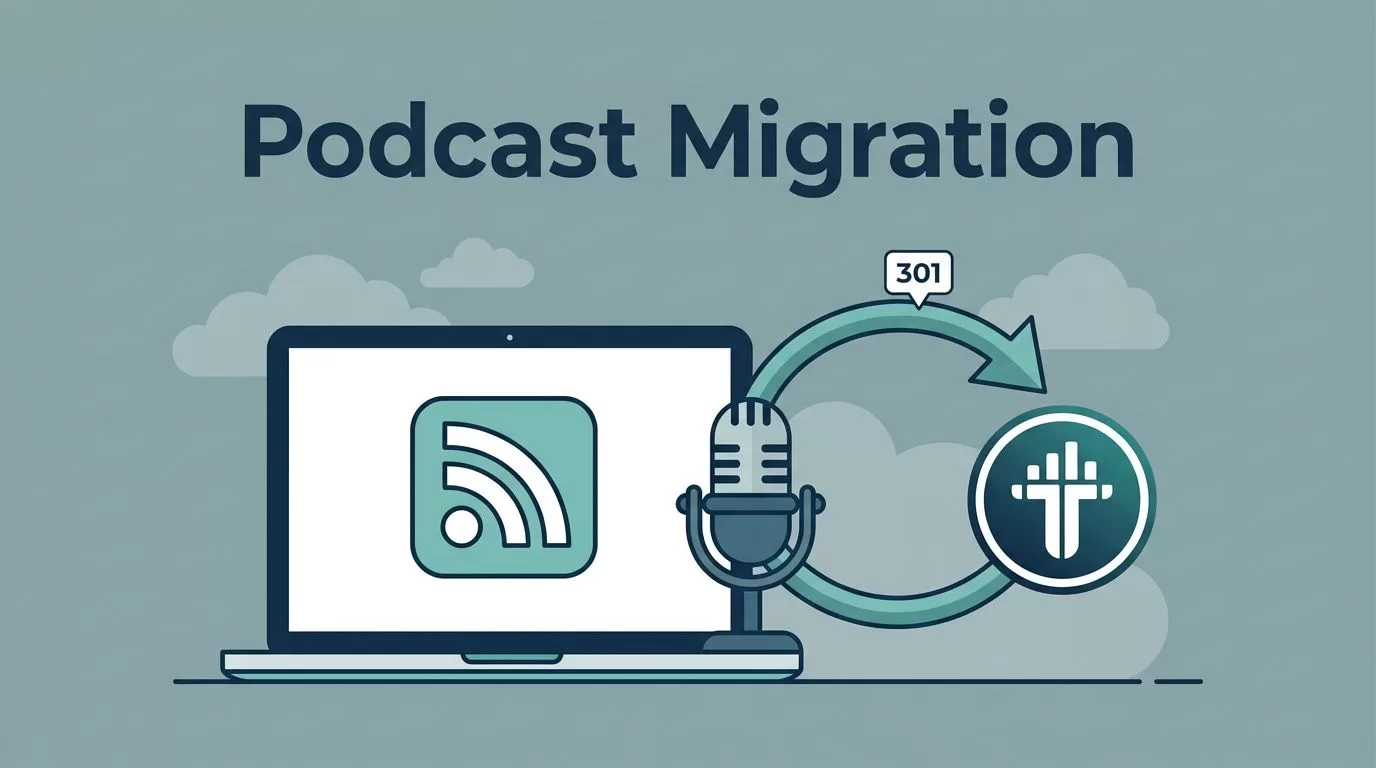
A podcast move can feel fragile. One wrong click, and listeners can drift off. When I migrate podcast to Transistor, I focus on the RSS feed first, because that feed carries subscribers from one host to the next.
The files matter too, but the redirect is what protects the audience I already built. Transistor makes the switch manageable if I follow the right order, so I import the show, redirect the old feed, then check the major podcast apps.
Why I start with the feed, not the dashboard
I treat the move like mail forwarding. The old address still needs to work for a while, because podcast apps keep checking it in the background. Transistor’s switching podcast hosting platforms without losing subscribers guide explains the same idea in plain language.
A 301 redirect is the key. It tells Apple Podcasts, Spotify, and other apps that the show moved, so they follow the new RSS feed automatically. If I skip that step, some listeners never make the jump. I do not want to rebuild an audience I already earned.

That is why I care more about the redirect than the pretty dashboard settings.
The prep work I finish before I import
Before I touch anything, I gather the small things that save time later. I also open the Transistor podcast hosting platform page to confirm plan limits and see whether my show fits the account I want to use.
- I confirm that the owner email is visible in the current RSS feed, because Transistor uses it to verify the import.
- I save access to my old host, Apple Podcasts Connect, and Spotify for Podcasters.
- I strip out dynamic ads or temp inserts, then I keep clean audio files ready.
- I note my artwork, episode titles, and any custom domain that points to the old host.
I also double-check the current docs before I start. Dashboard labels can change, and that is normal. The process stays the same, but the buttons may move.
If I can answer those four questions before I begin, the actual import feels calm instead of messy.
My step-by-step migration flow
Transistor’s importing your podcast from a different provider article is my starting point. I use it to confirm the current buttons, because platform names and layouts can shift over time.
- I log into Transistor and add the show through the import path.
- I paste my current RSS feed URL and let Transistor copy the episodes, artwork, and show notes.
- Once the import finishes, I go back to the old host and set a 301 redirect to the new Transistor feed. For the redirect itself, I follow the how to forward your old podcast RSS feed help page.
- I update Apple Podcasts and Spotify if I want a second layer of safety, then I check that the new feed shows the right episode data.
- I wait at least a week, often two, before I cancel the old account.
I never delete the old host on day one. I leave the redirect in place until the new feed proves itself.
The wait feels boring, but boring is good here. It gives podcast apps time to catch up and keeps my subscribers attached to the show.
The hiccups I watch for
Even a clean move can hit small snags. Most of them are easy to fix if I stay patient.
- If the import fails, I check whether the RSS feed email matches the ownership email in the old feed.
- If the redirect does not take, I look for settings names like “RSS Feed Redirect” or “Advanced settings” in the old host.
- If Apple Podcasts or Spotify lags, I wait and refresh later instead of changing three things at once.
- If episode counts or artwork look off, I compare the old feed and new feed line by line.

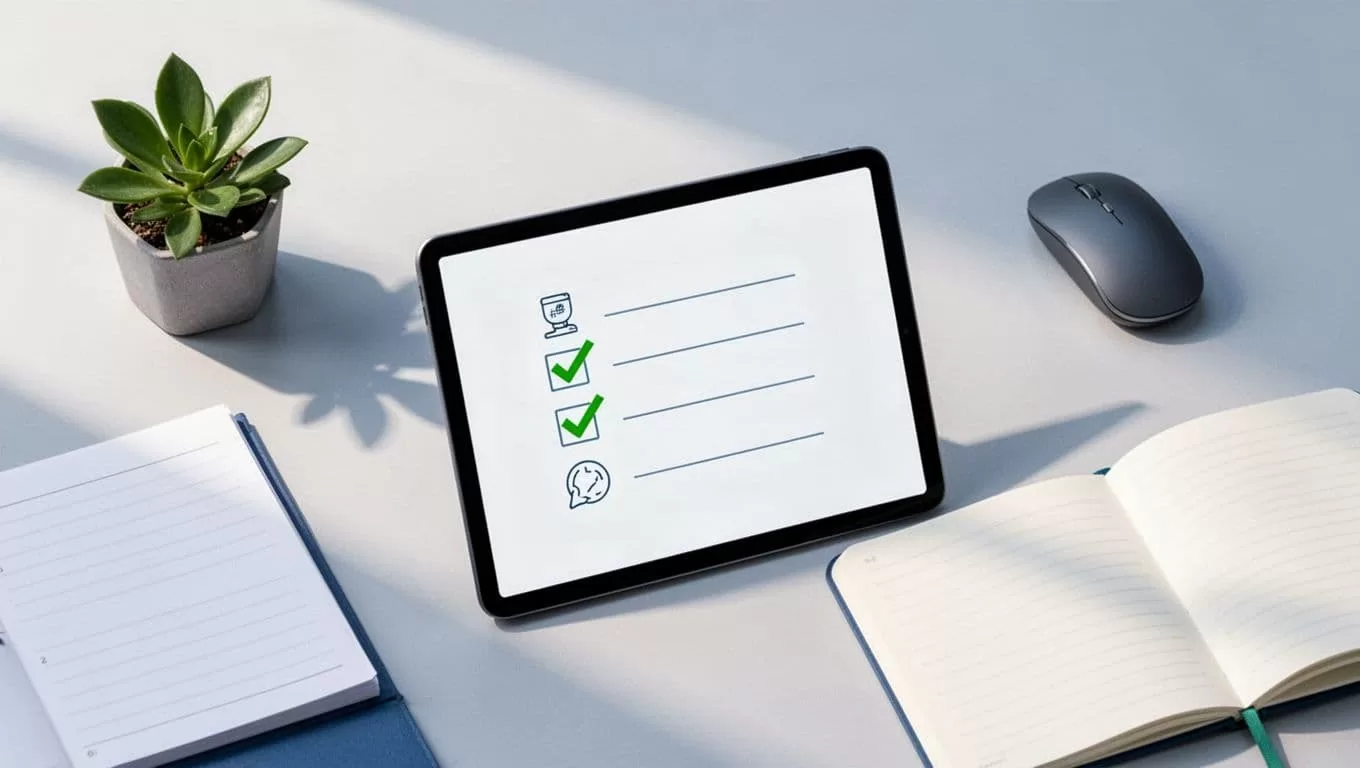
I keep the official docs open while I work, because the current instructions are the only ones that matter. If a button moved or the order changed, I follow the latest help page instead of guessing.
What I check after the switch settles
Once the feed has settled, I listen to a fresh episode in a podcast app and confirm it pulls from Transistor. I also watch the first few days of analytics for strange drops. That tells me the redirect is doing its job.
If I want a faster return on the move, I turn the new episodes into clips with my Transistor.fm Opus shorts workflow. That comes after the migration, though. First I want the show stable, then I can think about reach.
A clean migration is mostly about patience and order. I import the show, point the old feed to the new one, and give the redirect time to work. That keeps the subscribers I already have and makes the move feel much smaller than it looks.
If I take one lesson from the process, it’s this: the RSS feed matters more than the dashboard skin. Once that part is handled, Transistor.fm feels like a solid new home instead of a risky jump.

