Scale Mining Automation Workflows With Twin.so
Mining automation workflows often break at handoffs. A dispatch system holds one status, a maintenance platform holds another, and the shift team relies on messages that disappear after the next roster change. Twin.so can coordinate repeata...
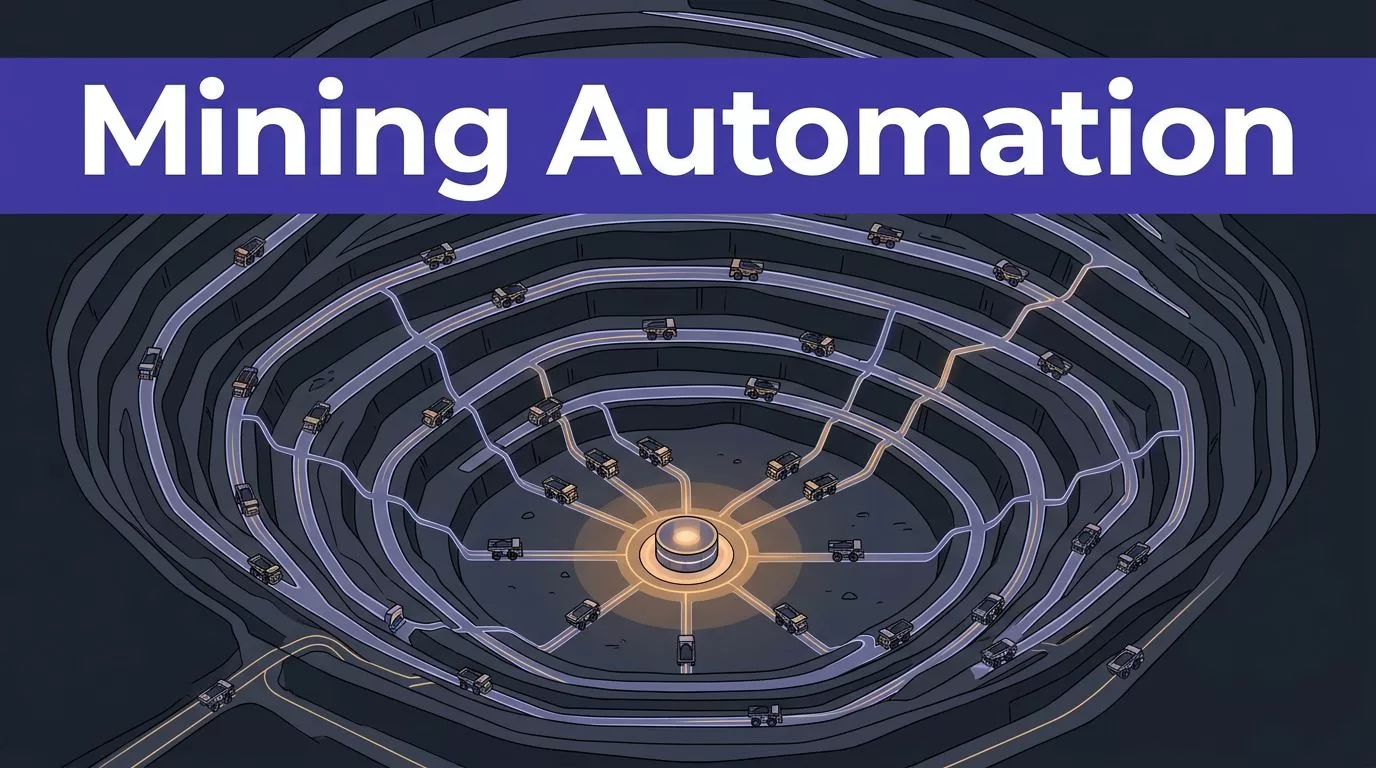
Mining automation workflows often break at handoffs. A dispatch system holds one status, a maintenance platform holds another, and the shift team relies on messages that disappear after the next roster change.
Twin.so can coordinate repeatable work across approved apps, websites, reports, and approval queues. It can connect systems through APIs, operate authorized browser-based tools, and route uncertain actions to people. It doesn’t replace a certified control system, safety procedure, or accountable supervisor.
The right approach is to automate coordination first. Start with a narrow workflow, define its evidence and failure rules, then scale the tested pattern across sites.
Start With the Operational Event
A useful workflow starts with a clear event. “Improve maintenance” isn’t an event. “A critical pump work order remains open two hours before the next shift” is an event with a source, deadline, and owner.
The recent review of mining automation shows how automation projects can span equipment, operations, safety, and workforce processes. That scope makes workflow boundaries important. If the first workflow tries to coordinate every part of a mine, nobody can test its output properly.
Map the event to a finished result
Write the workflow as a contract. Include:
- The trigger, such as a new work order, overdue inspection, missing report, or failed data validation.
- The source record and the fields the workflow may read.
- The permitted actions and systems it may update.
- The evidence required before an action can proceed.
- The human owner for approvals and exceptions.
- The exact condition that marks the workflow complete.
Illustrative example: A maintenance workflow receives an overdue work order from an approved system. Twin.so checks the asset ID, site code, work order status, and latest shift note. It checks whether the required part is available in an authorized inventory system. It prepares a status update, routes it to the maintenance planner, and records the decision.
The workflow doesn’t change a machine setting. It doesn’t bypass a permit. It doesn’t mark work complete without evidence.
Separate coordination from control
Use Twin.so for work that moves information and decisions between people and business systems. Good candidates include maintenance notifications, document collection, compliance reminders, shift reports, contractor records, purchase approvals, and reconciliation tasks.
Keep direct machine control inside the certified architecture that already manages it. That includes PLC logic, SCADA commands, autonomous haulage controls, emergency shutdowns, interlocks, and protective systems.
The CDC/NIOSH mining automation partnership focuses on controls that reduce worker exposure to hazards from automated equipment. A cloud workflow agent can support those controls with records and escalation. It shouldn’t become the control layer itself.
How mining automation workflows scale with Twin.so
Twin.so fits best as an orchestration layer above operational and business systems. Its public materials describe agents that plan steps, use connected tools, run on schedules or webhooks, and pause for approval when a sensitive step needs human review.
That makes it useful for cross-system work. It also creates a responsibility boundary. Twin.so can coordinate systems that expose APIs or authorized web interfaces, but it doesn’t turn an unsupported mining platform into a validated industrial control system.

Use APIs for stable, repeatable data
Use an API when it provides the required fields and actions. APIs are easier to validate than browser steps because the output structure is usually clearer. They also avoid failures caused by changed page layouts, hidden fields, pagination, or expired sessions.
A typical workflow might read a work order, retrieve an approved document, write a status field, update a reporting table, and send a notification. The workflow should retain the source record ID for every step.
Twin’s integration catalog describes connections that can read, write, and automate across business tools. Confirm that each connector supports the action you need. A connector that can read a record may not support the write operation required for production.
Use browser automation for last-mile tasks
Many mines still use supplier portals, contractor systems, legacy web applications, and internal tools without usable APIs. Twin’s browser agent can work with an authorized account and follow a defined sequence through a website.
The Twin browser-agent model describes this approach as cloud-based agent execution across web applications. Browser automation is useful, but it is usually more expensive and less predictable than an API call.
Start with a narrow page flow. Define the expected fields. Reject incomplete pages. Store the source URL, retrieval time, and raw value. A browser run that finishes successfully can still return incomplete data if a page hides records behind scrolling or pagination.
Build a Common Workflow Contract Across Sites
A multi-site rollout fails when every location interprets the same process differently. One site uses “equipment unavailable.” Another uses “down.” A third records the reason in free text. Reporting then becomes a translation exercise.
Standardize the data and allow local configuration where site conditions differ.
Define the fields that every site must provide
Use a shared event structure for all sites. A maintenance or compliance event might include:
- Site code and operating area.
- Equipment or asset ID.
- Source system and source record ID.
- Event type and current status.
- Shift identifier and local time zone.
- Event timestamp in a standard format.
- Assigned owner and escalation group.
- Evidence location.
- Retry count and workflow run ID.
Keep raw values beside normalized values. If a source says “down,” store that value. You can also map it to an approved internal status such as “unavailable.” This preserves evidence when someone questions the classification later.
Twin’s workflow guides promote definition-first planning for agents and browser automation. Apply the same rule to mining processes. Define the output schema before you write the instruction.
Put site-specific rules in configuration
The workflow logic should stay stable. Site rules should sit in a controlled configuration layer.
Configuration can contain local asset naming, approval owners, operating hours, time zones, document locations, escalation windows, and supported status values. Keep each site configuration versioned. Require approval before a site owner changes a rule that affects production reporting or compliance evidence.
A workflow that reads “Truck 14” at one location may need “HT-014” at another. The agent should use a controlled mapping table. It shouldn’t guess based on similar names.
Apply the same pattern to units, dates, currencies, contractor names, and department codes. Standardization reduces later reporting work without forcing every site to use identical tools.
Control Permissions, Approvals, and Exceptions
Automation increases the number of actions a system can take. Permissions determine the damage a bad action can cause.
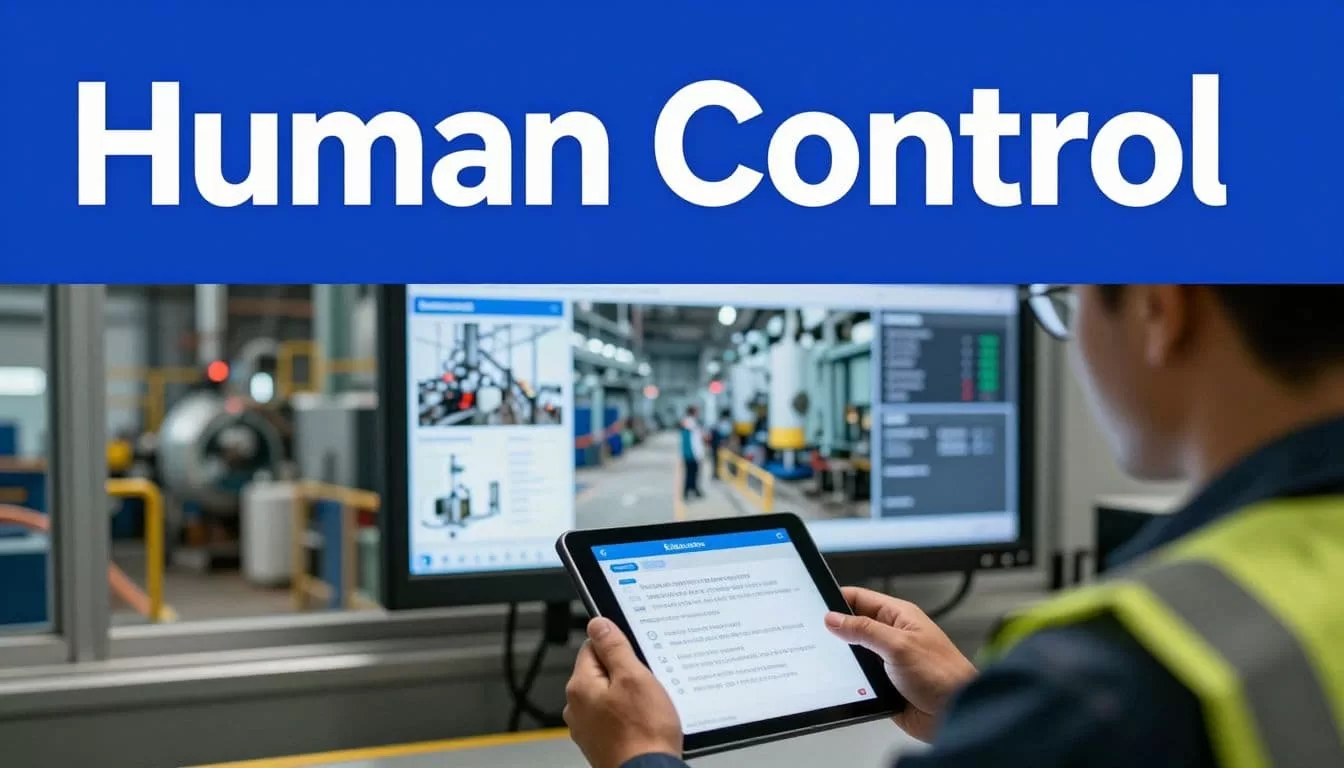
Start with the smallest access scope. Use separate credentials for each site or environment when possible. Separate read-only access from draft, write, and approval permissions. Don’t give a reporting workflow permission to edit maintenance history.
Twin’s public material states that agents run with the permissions assigned by the user. Sensitive browser actions can require approval before execution. Treat those controls as part of the workflow design, not as a substitute for access governance.
Use separate paths for normal and uncertain work
A successful path should handle repeatable cases. An exception path should capture everything that needs judgment.
For each exception, store the proposed action, confidence reason, source records, rule that failed, assigned reviewer, due time, and final decision. The reviewer should be able to approve, reject, correct, or return the case for more information.
Use deterministic matching before fuzzy matching. An exact work order ID or asset ID should take priority. If the ID is missing, compare stronger signals such as site, equipment class, timestamp, and source reference. Don’t merge records automatically because two equipment names look similar.
A confidence threshold can help route cases. For example, a mine may allow automatic routing only when all required identifiers match. A lower-confidence result goes to review. Any threshold is a site policy that needs testing. It isn’t a default Twin.so safety control.
If an automation can change a safety state, the action needs an authorized control path outside the agent and a named human owner.
Make approvals meaningful
An approval should show what will happen, why it will happen, and what evidence supports it. Avoid approval messages that say only “Approve update.”
A useful approval record includes the source values, proposed new values, affected site, asset or work order, workflow run ID, reviewer, decision time, and comments. If the reviewer rejects the action, return the reason to the workflow owner.
Twin’s public workflow descriptions include human approval and MFA handoffs that pause a run and allow it to resume later. Test those pauses under real shift conditions. An approval that expires during a night shift is an exception design problem, not a user training problem.
Make Every Run Auditable
Mining teams need to know what happened after a record changes. A dashboard showing “completed” isn’t enough.
For each run, capture the trigger, source, input, action, output, status, error, retry, approval, and timestamp. Keep a direct reference to the original system record. Store the workflow version and site configuration version as well.
Preserve source evidence
Data preparation workflows often normalize names, statuses, units, and dates. That improves consistency, but it can hide the original value if the workflow overwrites the source.
Use two fields when the data matters:
- The raw value returned by the source.
- The normalized value used for reporting or routing.
For example, keep the source status “awaiting supervisor sign-off” and map it to an internal status such as “pending approval.” The source text remains available for review.
The same rule applies to documents. Store the document name, source location, retrieval time, file date, and validation result. Reject old files, duplicate batch IDs, missing columns, or unexpected formats before they reach the reporting system.
Prevent duplicate actions
A retry can create a duplicate notification, duplicate work item, or duplicate record. Build idempotency into every write action.
Use a stable event ID, source record ID, batch ID, or action key. Before writing, check whether the same action already succeeded. If it did, return the existing result rather than creating another one.
Test the same batch twice. The second run shouldn’t send duplicate alerts or overwrite a newer update. Also test a partial failure, such as a notification succeeding while the destination record fails. The workflow should expose that state for correction.
For browser tasks, public Twin security material describes append-only audit records for agent activity. Confirm the available export, retention, and administrator controls before using those records as formal compliance evidence.
Design for Remote Operations and Shift Handover
Remote mine sites introduce a direct constraint: a cloud workflow needs a working connection to receive events and complete actions. A weak link can delay records, approvals, notifications, and status updates.
Don’t design the process as if connectivity is always available. Design for delayed delivery, duplicate events, expired credentials, and a site system that remains available while the orchestration layer is temporarily unreachable.
Define safe behavior during connection loss
Use a queue or source-system log when the originating platform supports one. Add event timestamps and expiration rules. A stale inspection event shouldn’t trigger a current escalation without review.
Apply controlled retries with backoff. Stop after a defined number of attempts. Route the failure to an incident queue. Don’t retry an action that may already have succeeded unless the workflow checks its result first.
Keep emergency communication, machine protection, and critical alarms on approved site infrastructure. Twin.so shouldn’t be the only channel for an urgent safety event.
The GMG autonomous systems guideline calls for safety verification, authority approval, audited controls, and emergency response planning. Use those requirements when an automation touches an autonomous operating area. A general workflow platform doesn’t provide mining authorization by itself.
Turn shift handover into a structured record
A handover workflow should produce a consistent state packet. Include the active shift, site, open events, equipment status, pending approvals, failed runs, unresolved exceptions, and next action.
Assign an owner for every open item. Include the last successful update and its source timestamp. If a workflow has failed, show the failure reason instead of presenting the previous status as current.
Send the handover record through an approved channel. Link back to source records rather than placing the only copy inside a generated summary. The incoming shift should be able to verify the important facts without asking the previous shift to reconstruct them.
Roll Out Site by Site
Scaling requires repetition with control. Copying an agent to every site before testing local differences creates a large exception queue.
Use a phased rollout. Keep the first workflow narrow enough to measure.
Phase 1: Run in report-only mode
Start with one site and one process. Let the workflow identify records, propose classifications, prepare updates, and create exception entries. Don’t allow production writes yet.
Compare the proposed output with known records. Measure missing fields, duplicate decisions, incorrect matches, page failures, and reviewer corrections. Test normal cases and bad cases. Include expired credentials, missing documents, duplicate events, unavailable portals, and delayed connectivity.
Define the acceptance criteria before the test begins. For example, require zero duplicate writes in the test batch and manual review of every uncertain asset match.
Phase 2: Enable a controlled production batch
Allow writes for a limited queue. Use read-only or draft permissions where possible. Require approval for changes to compliance records, maintenance history, financial values, and other sensitive data.
Review the first production runs daily. Track exceptions by cause. If most failures come from a site-specific naming rule, fix the configuration. If the workflow can’t reliably identify a source record, change the input contract instead of adding more guessing.
Twin’s plain-English automation guidance can help non-developers describe an initial process. The production version still needs engineering review, access review, and operational ownership.
Phase 3: Replicate the pattern
Add sites only after the workflow passes its acceptance criteria. Copy the core logic and load a separate site configuration. Don’t clone credentials, approvers, or asset mappings without review.
Create a rollout checklist covering system access, network assumptions, source fields, local exceptions, shift ownership, rollback, and support contacts. Version the workflow after each material change.
If the process spans several systems or needs a review of permissions and exception paths, Book A Call before committing to a broad deployment.
Track What the Workflow Changes
Measure operational outcomes, data quality, control quality, and adoption. A high run count isn’t proof of value. A workflow that creates inaccurate records can increase rework.
Use a baseline period before rollout. Compare the same site, process, shift type, and volume after automation starts.
Use operational and control KPIs
| KPI | Measurement | What it shows |
|---|---|---|
| Cycle time | Median time from trigger to completed outcome | Whether handoffs are faster |
| Downtime | Unplanned downtime minutes per operating period | Whether coordination delays are falling |
| Response time | Median time from exception to human acknowledgement | Whether owners see problems quickly |
| Compliance completion | Required records completed by deadline | Whether evidence is complete and timely |
| Exception resolution | Median time from exception creation to decision | Whether review queues are manageable |
| Duplicate action rate | Duplicate writes or notifications divided by total actions | Whether retries are safe |
| Adoption | Eligible shifts or users completing the workflow | Whether the process is used in practice |
Review tail values, not only averages. A workflow with a good median response time may still leave night-shift exceptions unanswered for hours.
Measure quality and cost per accepted result
Track validation failures, missing fields, incorrect classifications, browser retries, manual corrections, and records rejected after review. Measure cost per accepted record, not cost per run.
Twin.so uses a credit-based usage model. Public planning ranges describe simple API automations at roughly 15 to 30 credits and browser sessions of about 20 steps at roughly 100 to 200 credits. Actual usage depends on pages, actions, searches, retries, and output size. Benchmark a small approved batch before forecasting monthly cost.
Use this calculation:
Monthly benefit = eligible volume x minutes removed x loaded hourly rate / 60
Then subtract Twin.so usage, connected-system costs, monitoring time, correction time, and human review. Calculate ROI as (monthly benefit - monthly cost) / monthly cost.
Don’t count avoided manual clicks as savings if the workflow adds review work or creates corrections.
Check Product Fit Before Production
Twin.so has a clear fit for cross-system coordination, browser-based business processes, document handling, reporting, approvals, and data movement. It has no confirmed mining-specific capability in the reviewed public material for SCADA, PLCs, dispatch systems, fleet management, geology platforms, or plant-floor edge deployment.
That distinction should shape the evaluation. Use Twin.so around the operational systems first. Keep machine control, safety logic, and certified automation in their approved systems.
Confirm enterprise controls directly
Before production, ask for clear answers about:
- Role and permission granularity.
- Service accounts and credential rotation.
- Audit-log export and retention.
- Data residency and tenant isolation.
- Network requirements and failure behavior.
- On-premises, private cloud, or edge deployment options.
- API limits, browser-session limits, and retry behavior.
- Security certifications and independent assurance reports.
- Support response times and incident procedures.
Public information describes permissions, encrypted credential handling, tenant isolation, approval controls, and audit records. The reviewed material doesn’t confirm every enterprise requirement above. Treat each unanswered item as a procurement question.
Choose workflows that tolerate review
The strongest first use cases are important but reversible. Examples include shift-report preparation, document collection, exception routing, contractor status checks, maintenance backlog notifications, and compliance evidence assembly.
Avoid starting with irreversible actions, safety-critical commands, or workflows that depend on one unstable web page. Prove the data path first. Add controlled writes only after the team can explain every failure mode.
Conclusion
Mining automation workflows scale when the workflow contract stays stable while site rules remain configurable. Twin.so can coordinate approved systems, browser-based portals, reports, and human approvals, but it should sit beside certified mine control systems, not replace them.
Start with one event, one site, and one measurable outcome. Preserve source evidence, block duplicate actions, design for lost connectivity, and route uncertain decisions to people. The useful result is not an agent that acts everywhere. It is a controlled process that gives every shift the right status, owner, evidence, and next action.
