Cheap Money Transfer Hungary With Remitly
Cross-border transfers get expensive when you compare only the advertised fee. The real cost includes the exchange rate, funding method, delivery option, and amount the recipient receives. A money transfer Hungary route with Remitly needs a...
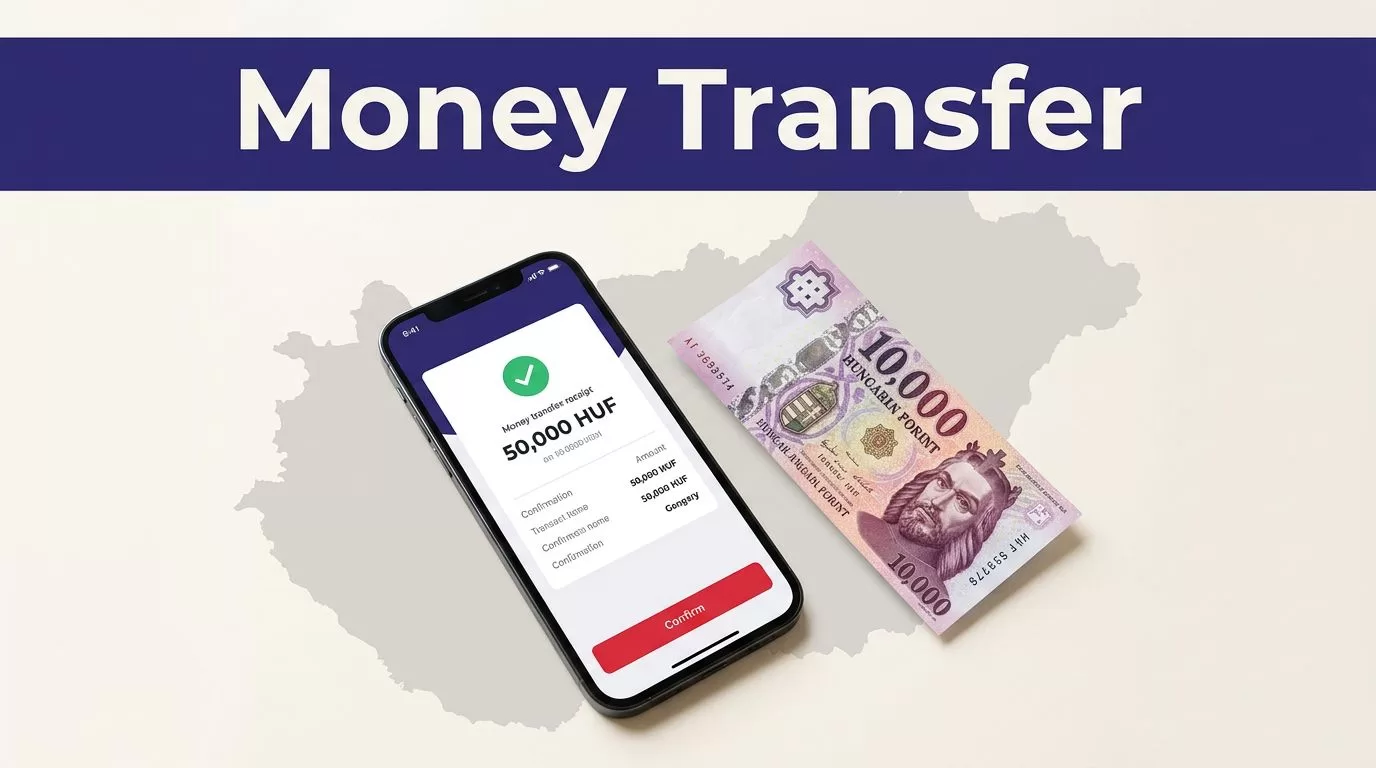
Cross-border transfers get expensive when you compare only the advertised fee. The real cost includes the exchange rate, funding method, delivery option, and amount the recipient receives. A money transfer Hungary route with Remitly needs a live quote before you approve payment.
Remitly can work well for family support, rent, tuition, and personal expenses. The process is simple, but the details control the result. Use the steps below to choose the route, verify the payout, and avoid preventable costs.
money transfer Hungary: Start With the Route
Remitly pricing is not fixed for every sender. Your sending country, transfer amount, payment method, delivery speed, recipient location, and current promotion can change the quote.
The examples in this guide use the United States-to-Hungary route. If you send from another country, enter your actual sending country and currency. Review the quote shown in your own Remitly account.
Start with Remitly’s official Hungary transfer page. It shows the route details and available delivery methods for the current corridor.
Choose bank deposit or cash pickup
Bank deposit is usually practical when the recipient has an eligible Hungarian account. You need the recipient’s correct bank details and legal name. A mistake can delay the transfer or create a correction request.
Cash pickup may suit someone who doesn’t use a bank account. The recipient normally needs matching identification and the transfer details at the selected pickup location.
Remitly’s general Hungary information may also show mobile money or home delivery in some locations. Don’t assume every option is available for every sender. Use the methods displayed after you enter the recipient’s location.
Select speed based on the actual need
Express delivery can cost more because it usually uses a card-funded transfer. Remitly currently describes Express transfers funded by debit or credit card as having 90% arrive within seven minutes or less on the U.S.-to-Hungary route.
Economy transfers funded through a bank account are typically slower. Remitly lists a usual delivery range of five to seven business days for this option.
These are estimates, not guarantees. Weekends, bank holidays, compliance checks, payment clearing, and payout-partner availability can affect timing.
Prepare the Transfer Before Checkout
A cheap transfer starts with accurate inputs. Collect the required details before you open the payment screen. This reduces the chance of selecting the wrong route or paying for a correction later.
Confirm your sending country and currency
Open the Remitly website or official mobile app. Select your real sending country. Then choose Hungary as the destination.
Enter the amount in the currency you will use to pay. For a U.S. sender, this will usually be USD. The recipient may receive Hungarian forints, or another currency if the selected route supports it.
Don’t use a saved quote from a previous transfer. Exchange rates change. Promotions can expire. Reopen the quote when you’re ready to send.
Remitly’s USD-to-HUF exchange-rate page can help you understand the current rate display. Your checkout quote is still the figure that matters because it reflects your amount, payment method, and delivery choice.
Collect the recipient’s exact details
Ask the recipient to send their information through a trusted channel. Don’t copy bank details from an old message without confirming them.
For a bank deposit, check the following:
- The recipient’s full legal name.
- The bank name.
- The account number or other required account details.
- The recipient’s address if Remitly requests it.
- The currency and amount expected.
For cash pickup, confirm the recipient’s full name exactly as it appears on their identification. Also check the selected pickup location and the recipient’s mobile number if notifications are available.
The sender also needs a valid payment source. Remitly may accept a bank account, debit card, or credit card on the U.S.-to-Hungary route. For card payments, the cardholder name must match the Remitly profile, and the card needs a valid expiration date and security code.
Execute the Transfer in Remitly
Once the route and recipient details are ready, the payment process follows a short sequence. Don’t rush the final review. Most avoidable errors happen before the transfer is submitted.
Create or sign in to your Remitly account
Use the official Remitly website or download the app through the Apple App Store or Google Play. Avoid APK files, unexpected login links, and unofficial pages that imitate the Remitly sign-in screen.
Create an account with your real contact details. Remitly may request identity verification before processing a transfer. Complete the checks through the official account process.
Never share your password, one-time verification code, card security code, or account access with the recipient. A person who asks for these details while claiming to provide support may be attempting fraud.
Enter the transfer and payout details
Enter the amount you want to send. Select Hungary and choose the available delivery method.
Add the recipient only after confirming the payout route. Bank deposit and cash pickup require different information. The available Hungarian banks or payout partners can also vary.
Remitly has provider pages for institutions such as K&H Bank. You can review an example on its K&H Bank transfer page. The recipient’s eligible bank and the options shown in your own quote take priority over a general provider page.
Check the recipient record before moving to payment. A name mismatch can delay a cash pickup. An incorrect account number can send the transfer into a longer support process.
Review the full quote before authorizing payment
The review screen should show the information needed to make a cost decision. Check each field before you pay:
| Review item | What to confirm |
|---|---|
| Amount sent | The payment amount and currency |
| Transfer fee | The fee for the selected method |
| Exchange rate | The rate applied to your transfer |
| Total charged | The amount deducted from your payment source |
| Recipient payout | The exact amount received in Hungary |
| Delivery estimate | The expected arrival time and method |
The fee alone doesn’t tell you whether the transfer is cheap. A lower fee can still produce a smaller payout if the exchange rate is less favorable.
U.S. remittance providers must disclose the fee, exchange rate, and recipient amount under the consumer protection framework described by the Consumer Financial Protection Bureau. Use those values to review the transaction before approval.
If the recipient amount, delivery method, or total charge doesn’t match your plan, stop. Change the transfer details or cancel the checkout before authorizing payment.
How to Check Whether the Transfer Is Actually Cheap
A money transfer Hungary request should be evaluated using the complete quote. Don’t select a provider because its banner shows a low fee or a welcome rate.
Compare total cost and recipient payout
Record four numbers from the Remitly review screen:
- The amount you send.
- The transfer fee.
- The total amount charged.
- The amount the recipient receives in HUF.
Then review the exchange rate. The recipient payout is the most useful result because it combines the fee and currency conversion into one outcome.
For each money transfer Hungary comparison, keep the variables identical. Use the same send amount, funding source, delivery method, recipient currency, and delivery speed when checking another provider.
Compare the displayed Remitly quote with alternatives such as Wise and Western Union. Don’t assume Remitly is always the lowest-cost option. Don’t assume another provider is cheaper either. Pricing can change between providers and between payment methods.
A bank-funded Economy transfer may cost less than a card-funded Express transfer. That doesn’t make it the right choice if the recipient needs the money today. Compare cost and timing together.
Treat promotions as temporary
Remitly may display a promotional exchange rate or fee for a first transfer. Current route pages can also limit a promotion to a defined amount, such as the first $500 sent.
A welcome offer may not apply to every customer. It may depend on account status, payment method, transfer size, or the destination route.
Check the eligibility wording in your account. Use the final quote, not a rate shown in a search result or an old screenshot. Remitly’s rate and promotion pages can change after you enter the transfer details.
Protect the Transfer Before and After Payment
Cost control matters, but account security matters more. Sending money to the wrong person can create a problem that a fast delivery method won’t solve.
Use official access and protect your credentials
Type the Remitly website address yourself or use the official app listing. Use a unique password and protect the email account connected to Remitly.
Don’t send your login details to anyone. Don’t share one-time codes with a recipient, agent, or person who contacts you unexpectedly. If a message asks you to move payment outside Remitly, stop and verify the request through official support.
Remitly describes its account and transaction protections in its official safety guidance. Follow the current security instructions on Remitly’s website.
Save the confirmation and check cancellation rules
After payment, save the confirmation number, receipt, amount, exchange rate, recipient payout, and delivery method in a secure location. Share the transfer reference only with the intended recipient.
A transfer may be cancellable before the money reaches the recipient’s bank account, mobile wallet, home delivery address, or pickup location. Once the recipient collects or receives the funds, cancellation may not be possible. Refund timing can also depend on bank processing.
Check the current Remitly terms before sending a large amount. Keep your transaction record until the recipient confirms receipt.
Common Errors That Make a Cheap Transfer Expensive
Using a headline rate without checking the payout
A rate shown on a public page may be promotional, time-limited, or tied to a different route. It may not apply to your amount or payment method.
Enter the transfer again when you’re ready to pay. Review the live HUF payout and total charge. This takes less time than resolving a bad quote after submission.
Selecting speed without checking the recipient’s situation
Express delivery is unnecessary when the recipient can wait several business days. Economy delivery is a poor choice when the recipient needs funds immediately.
Ask the recipient whether they prefer a bank deposit or cash pickup. Confirm their access to the selected bank or pickup location. Then compare the available quote for that method.
Conclusion
A cheap money transfer Hungary route depends on the final result, not the advertised fee. Select the correct delivery method, enter accurate recipient details, and compare the total charge with the exact HUF payout.
Remitly can be convenient for transfers to Hungary, but prices, rates, promotions, supported corridors, limits, and delivery times can change. Before every transfer, review the current quote on Remitly’s official website and confirm the latest fees, exchange rates, supported methods, and terms.
This article provides general information, not financial advice. Send money only to a verified recipient, protect your account credentials, and stop the transaction when any payment or recipient detail looks wrong.
