How I Monitor Video Rankings Automatically With Twin.so
Video rankings can change while I’m in a meeting, asleep, or halfway through a campaign report. By the time I check them by hand, the story is already old. That gets expensive when I’m watching multiple videos, keywords, and lan...

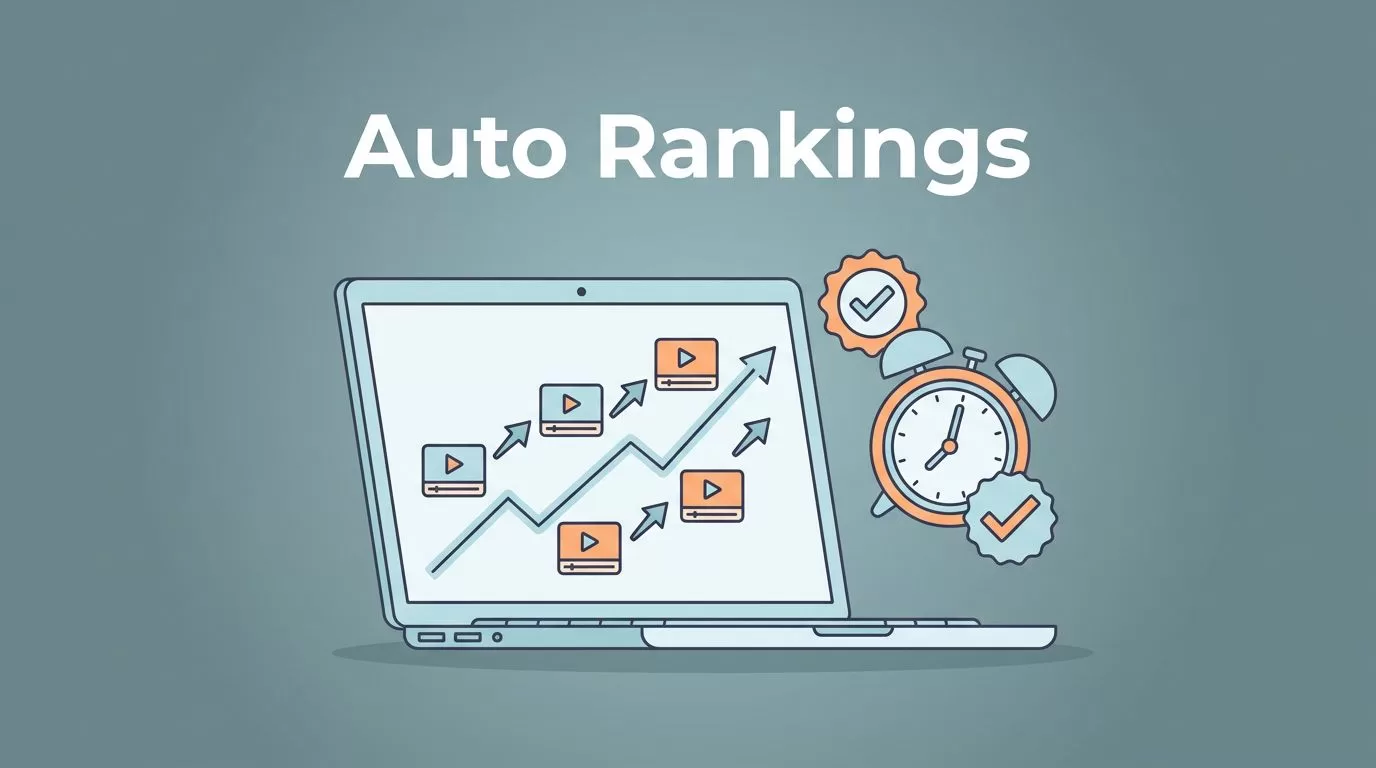
Video rankings can change while I’m in a meeting, asleep, or halfway through a campaign report. By the time I check them by hand, the story is already old.
That gets expensive when I’m watching multiple videos, keywords, and landing pages at once. Screenshots pile up, numbers don’t match from one check to the next, and it gets hard to explain what changed.
With Twin.so, I can monitor video rankings automatically and keep the data moving without babysitting it. I get trend lines, alerts, and reports that stay current, so I can spend more time making decisions and less time refreshing tabs.
Why manual video checks fall apart
Manual checks look simple at first. I search a keyword, spot the video, and write down the position. Then I repeat it tomorrow, next week, and after every update.
The problem is that rankings are not fixed. They shift by location, device, search history, and time of day. A result that looks stable in one check can wobble the next hour. That makes a spreadsheet feel confident when it should feel uncertain.
The bigger issue is scale. If I track 20 videos across 10 terms, I’m no longer “checking a few rankings.” I’m running a small routine that eats time and still misses context.
I also need data I can defend. When a founder asks why a video moved, or why a campaign didn’t perform as expected, a few scattered screenshots don’t tell a clear story. Tools built for keyword rank tracking are made for this kind of churn, because they turn those shifting positions into something I can compare over time.

That shift matters because a ranking check is only useful if it shows movement. A single snapshot can’t tell me whether a video is climbing, slipping, or bouncing around noise.
My Twin.so setup for automatic monitoring
I keep my setup simple. I don’t try to watch every video I’ve ever published. I start with the ones that matter to traffic, leads, or product interest.
The cleanest setup usually begins with a small list of target videos and the searches that should surface them. I group those terms by intent, because a how-to query behaves differently from a brand query or a comparison query. Then I give each set a purpose.
Here’s the workflow I use most often:
- I pick the videos tied to business goals.
- I group the keywords by intent and topic.
- I set the tracking cadence based on how fast I need the data.
- I decide who needs the reports and who needs alerts.
That sounds basic, but it keeps the signal clean. If I track too much at once, the data gets noisy. If I track too little, I miss the changes that matter.
I also keep the same discipline I use in my guide to automate keyword rank tracking. The logic is the same, even when the asset is a video instead of a page. Start small, watch the right terms, and let the tool do the repeat work.
A good setup also needs a baseline. I want to know where a video started before I judge whether a shift matters. Otherwise, a rise looks exciting when it may only be a bounce back from a recent dip.
I treat the first week as calibration. During that time, I check whether the tracked terms match the videos I care about. I also look for any odd gaps, because a messy tag list can hide the real trend.
Alerts and reports keep the team from chasing noise
Once the tracking runs on its own, the real value comes from alerts and reports. I don’t want a message for every tiny movement. I want a signal when the move matters.
That difference saves a lot of time. A one-position wobble might mean nothing. A steady drop over several checks can point to a real problem, like a title change, a weak thumbnail, or a stronger competing video.


I like to separate alerts into three buckets:
| Alert type | When I use it | What I do next |
|---|---|---|
| Sharp drop | A video loses ground fast | I check metadata, recent edits, and competing results |
| Slow slide | A ranking drifts down over time | I review the trend before making a change |
| Strong jump | A video climbs into better positions | I look for the pattern I can repeat |
That table keeps the response tied to the pattern. I don’t want to overreact to noise, and I don’t want to ignore a useful spike.
Reports matter just as much. A weekly summary gives me a clean view of progress without forcing me to rebuild it by hand. It also makes it easier to share results with people who don’t want to live inside a dashboard. Founders want the direction. Marketing teams want the pattern. Content teams want the next move.
I also use trend monitoring to spot long-term changes. A single ranking drop can be a bad day. A month-long slope tells a different story. That’s where automation earns its place, because it keeps the record intact while I focus on the cause.
How I turn ranking data into ROI proof
Rankings on their own are only part of the picture. I care about what those rankings do next.
When a video climbs, I look at traffic, clicks, and conversions tied to that piece. If a video ranks better but nothing changes downstream, I know I need a stronger call to action, better targeting, or a more useful page behind the video.
I also use ranking data to answer practical questions:
- Did the update help the video move?
- Did the move happen fast or slowly?
- Which topics keep gaining ground?
- Which videos deserve a refresh before the next publish cycle?
Those questions turn ranking data into decisions. Instead of saying a campaign “looked better,” I can show where it improved and where it stalled.
That helps when I need to prove value. A founder may not care about a position change by itself. They care about what it means for visibility, leads, and content spend. Automated tracking gives me a cleaner chain of evidence.
It also helps me avoid guesswork in content planning. If a video rises after a title update, I know the topic is still alive. If several related videos move together, I know the cluster has momentum. If a high-value video slips, I can act before the decline spreads.
I like that I can keep the history intact. Manual notes tend to forget what happened three weeks ago. Automated reports remember.
A steadier way to watch video rankings
The biggest change for me is simple. I no longer chase rankings by hand. Twin.so keeps the checks running, the alerts flowing, and the trend data easy to review.
That gives me a clearer view of what’s happening across videos and keywords. I can spot movement earlier, explain it better, and connect it back to business results without rebuilding the same report over and over.
If I’m serious about monitoring video rankings automatically, I want the system to do the watching. I want the signal in front of me, not a stack of old screenshots.

