Choose a Munch AI Alternative for Transistor.fm
Transistor.fm hosts your podcast, but it doesn’t turn every episode into social-ready video. You need a separate tool to find strong moments, create vertical clips, add captions, and prepare files for publication. The right Munch AI a...

Transistor.fm hosts your podcast, but it doesn’t turn every episode into social-ready video. You need a separate tool to find strong moments, create vertical clips, add captions, and prepare files for publication.
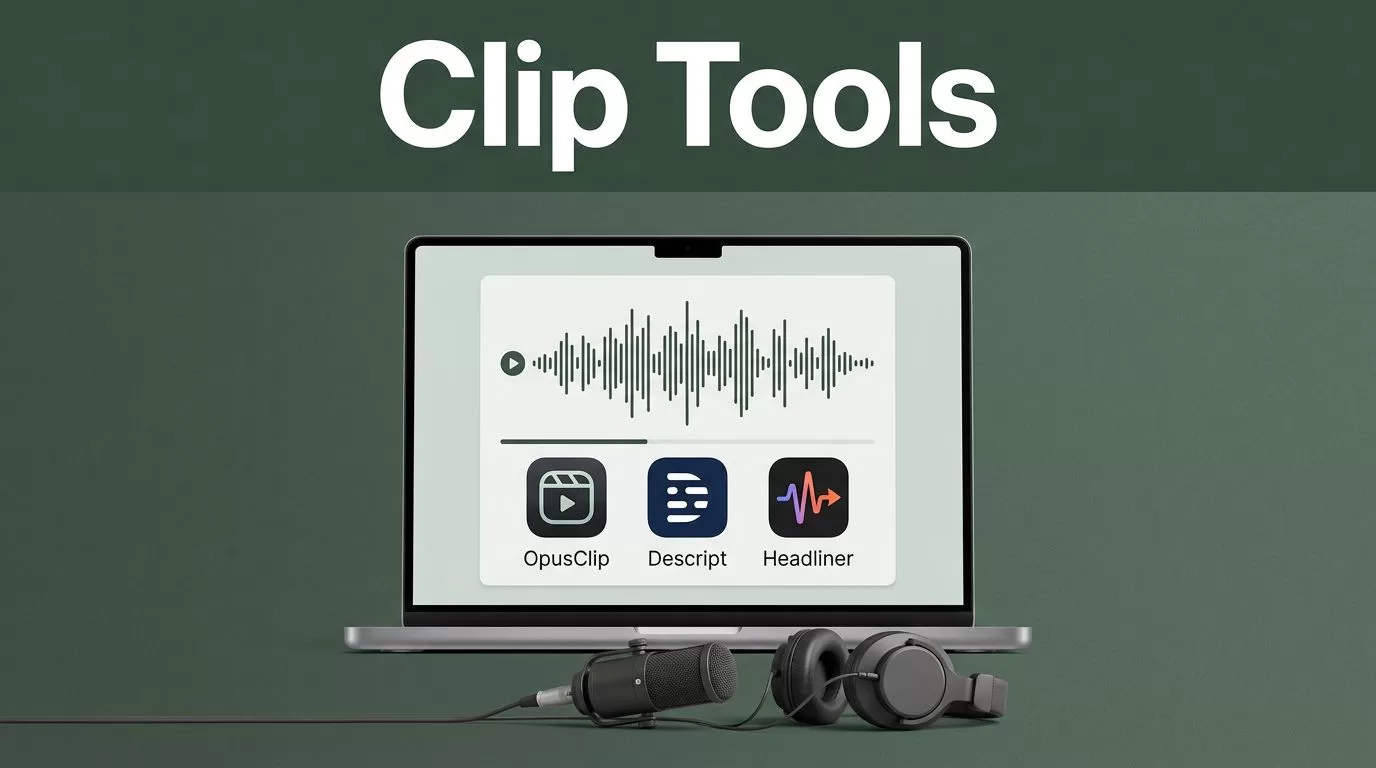
The right Munch AI alternative depends on your source format. Video podcasters need automatic clip selection. Audio-only shows need a tool that can build a visual layer around the recording. OpusClip is the strongest general choice, while Descript and Headliner fit teams that need more control.
Key Takeaways
- OpusClip is the best starting point when your Transistor episode includes video.
- Descript fits teams that want transcript-based editing and manual control.
- Headliner works well for audio-only podcasts that need waveforms, captions, and branded layouts.
- Transistor.fm should remain the hosting system. Your clip tool should receive a downloaded media file.
- Review every AI-selected clip before publishing. Context and speaker accuracy still need human approval.
WHAT A TRANSISTOR WORKFLOW ACTUALLY NEEDS
Transistor.fm is built for podcast hosting, distribution, analytics, and show management. Its podcast hosting features help you publish episodes to podcast apps and manage multiple shows from one account.
Short-form video requires a different production layer.
You need a tool that can process a full episode, identify useful sections, create a short clip, format it for platforms such as TikTok and Instagram, and add captions that viewers can read without sound. Some tools also create titles, descriptions, and social post suggestions.
The first decision is your source file.
If you record video, use the original video file whenever possible. A downloaded audio file from Transistor can provide the sound, but it won’t provide facial expressions, camera changes, or visual reactions. AI clipping tools perform better when they can assess both speech and video.
If your podcast is audio-only, you need a visual format. That can include a waveform, static cover art, animated captions, or a branded background. A tool that only finds interesting speech won’t solve the complete publishing task.
Keep Transistor as the source of record. Download the episode file, send it to your chosen clip platform, and publish the finished clips separately. Don’t assume a product has a native Transistor integration unless its current documentation confirms it.
The Transistor API documentation can help technical teams automate episode metadata and related workflows. It shouldn’t be treated as proof that a third-party video platform can automatically import or process your media.
OPUSCLIP IS THE BEST MUNCH ALTERNATIVE FOR VIDEO PODCASTS
OpusClip is the most direct replacement for Munch when your podcast starts as a video recording. Its main use case is simple: upload long-form video, let the system identify short segments, then review and export clips for social platforms.
The workflow is a good fit for interview shows, founder podcasts, and video discussions with clear speaker turns. The system can evaluate speech, pacing, and visual changes while creating shorter outputs. It also supports common vertical-video requirements, including automated captions and reframing.
OpusClip works best when the original video has these qualities:
- Clear speech with limited background noise
- One or two visible speakers
- A consistent camera angle
- Strong answers, opinions, or complete statements
- Enough resolution for vertical cropping
Start with the original MP4 or another high-quality video file. Avoid downloading a compressed social version and uploading it again. Each additional compression step reduces text clarity and facial detail.
A Transistor-hosted episode may be the final published audio, not the best editing source. Use the original recording stored by your production team when it exists. If you only have the Transistor file, confirm that your selected tool accepts the format before building an automated process.
OpusClip is not a replacement for a podcast host. It doesn’t manage your RSS feed, podcast distribution, or Transistor analytics. It handles the repurposing step after recording.
Pricing, clip limits, export restrictions, and AI credits change over time. Check the current OpusClip plans before selecting a paid tier. Free access can be useful for testing, but pay attention to watermarks, monthly processing limits, and export resolution.
Use OpusClip when the source is video and speed matters more than detailed manual editing.
DESCRIPT FITS TRANSCRIPT-LED PODCAST EDITING
Descript is a better Munch alternative when your marketing team wants to edit through text. The platform transcribes audio or video, then lets you remove words, pauses, and sections by changing the transcript.
That workflow fits podcasts with frequent corrections. You can search for a phrase, find every mention of a topic, and create a short clip without scrubbing through a two-hour timeline. You can also review the transcript before selecting content for social media.
Descript’s editing platform is useful when one person handles recording, editing, captions, and short-form production. It provides more control than a fully automatic clip generator, but it can take longer to operate.
Choose Descript when you need to:
- Remove filler words or long pauses
- Correct a transcript before creating clips
- Edit several speakers in the same episode
- Create audiograms and video clips from audio
- Keep the transcript and media connected during revisions
Descript is especially practical for audio-only podcasts that already have a clear visual identity. You can combine the transcript with captions, cover art, speaker images, or a simple video layout.
The tradeoff is review time. Descript may help you locate strong moments, but your team still needs to choose the best hook and structure the clip for a social audience. Automatic selection is not the same as editorial judgment.
Use the original source file when possible. Exporting a compressed episode from Transistor can work for basic repurposing, but it gives you less flexibility during cleanup.
HEADLINER WORKS WELL FOR AUDIO-ONLY SHOWS
Headliner is a practical choice when your Transistor podcast is audio-first. It specializes in audiograms, captioned videos, waveforms, and shareable podcast graphics.
An audiogram turns an audio file into a video. The viewer sees a waveform, cover art, captions, or a branded layout while the podcast plays. This solves the main problem for audio-only shows: social platforms expect a video file, even when the content begins as audio.
Headliner is a strong fit when you need a repeatable template. Create the design once, then reuse the same colors, logo placement, typography, and caption style for each episode.
Headliner makes more sense than a video-first clipping tool when:
- Your podcast has no camera recording
- Your team wants consistent branding
- You publish audio excerpts instead of interview footage
- You need simple exports for social media
- Your staff prefers templates over complex editing timelines
The limitation is visual variety. A waveform and static image won’t hold attention in the same way as a well-framed video conversation. Choose the strongest spoken moment, add an immediate caption hook, and keep the clip focused on one idea.
For a business podcast, a clean audiogram can still perform well when it answers a specific question or presents a useful opinion. Don’t publish a random 45-second excerpt because the software selected it. Give every clip a clear reason to exist.
COMPARE THE MAIN OPTIONS BEFORE YOU SWITCH
Each Munch alternative solves a different production problem. Use the comparison below to narrow the shortlist.
| Tool | Best source | Main strength | Main limitation |
|---|---|---|---|
| OpusClip | Video podcast | Automatic short-clip selection | Works best with strong visual footage |
| Descript | Audio or video | Transcript-based editing | Requires more manual review |
| Headliner | Audio podcast | Audiograms and reusable templates | Less visual variety |
| Riverside | Recorded audio or video | Recording and repurposing in one workflow | May duplicate tools you already use |
| VEED | Audio or video | Browser-based editing and captions | Automated clip selection may vary by source |
Riverside can fit teams that record interviews there and want recording plus repurposing in one workspace. It may not reduce software costs if Transistor already hosts the finished podcast and your team uses another recording platform.
VEED is useful for browser-based editing, captions, resizing, and branded exports. It gives you a flexible editor, but you should test its automatic selection against a real Transistor episode before committing.
Don’t choose based on the number of AI features listed on a pricing page. Upload one typical episode and measure the output. Check whether the clips start with a clear hook, preserve the speaker’s meaning, and require reasonable editing time.
BUILD THE WORKFLOW FROM TRANSISTOR TO SOCIAL CLIPS
A reliable process has five steps.
- Select the source file. Use the original video or high-quality audio recording. Use a Transistor-hosted file only when the original isn’t available.
- Upload the episode. Send the file to OpusClip, Descript, Headliner, or another selected platform. Keep the episode title and publication date in your project records.
- Create several candidates. Generate more clips than you plan to publish. A single episode may contain useful answers, strong opinions, customer examples, and short educational sections.
- Review the transcript and video. Check names, numbers, technical terms, sentence boundaries, captions, speaker identity, and removed context. AI tools can select a sentence that sounds strong but changes meaning when separated from the discussion.
- Export platform versions. Prepare a vertical version for short-form feeds. Check the first two seconds, caption placement, audio level, and safe space around the speaker’s face.
Use a consistent file naming system. A format such as show-episode-topic-clip-01 is easier to manage than files named final-final-2.mp4.
Store the approved clip beside its transcript and publication copy. This gives your marketing team a record of what was published and makes future edits easier.
Create a review rule before automation. For example, no clip ships until a team member verifies the hook, captions, claims, and speaker context. This adds a small manual step and prevents avoidable publishing errors.
WHAT TO CHECK BEFORE PAYING FOR A TOOL
Test the platform with at least three real episodes. Include one interview, one solo episode, and one recording with weaker audio. A tool that performs well on a polished demo may struggle with cross-talk or long pauses.
Review these areas:
- Input support: Confirm whether the platform accepts your Transistor download, original WAV, MP3, or MP4.
- Processing limits: Check monthly minutes, file size limits, queue priority, and unused-minute rules.
- Export quality: Look for resolution, watermark rules, caption styling, and aspect-ratio options.
- Brand controls: Verify whether you can save templates, fonts, colors, logos, and caption positions.
- Editing access: Make sure you can change the selected start point, transcript, crop, and caption text.
- Team access: Check seats, permissions, shared projects, and asset storage.
- Automation support: Confirm whether webhooks, APIs, Zapier, or Make integrations exist for the exact workflow you need.
Pricing should be measured against production time, not feature count. If a tool produces ten usable clips in 15 minutes, it may justify a paid plan. If every clip requires a full manual rebuild, a cheaper plan won’t solve the workload.
Don’t connect automation until the manual process works. First prove that the input file, output format, review process, and storage system are reliable. Then automate episode detection, metadata transfer, or notifications.
QUALITY CONTROL FOR AI-GENERATED PODCAST CLIPS
AI can find a promising moment. It can’t understand every business claim, private reference, or conversation detail.
Review the opening line first. A clip needs enough context to make sense to someone who hasn’t heard the full episode. Remove greetings, long setup, and references such as “as we discussed earlier.”
Check captions word by word. Names, company terms, product names, and numbers are common error points. Caption errors reduce trust faster than a basic visual design.
Keep one idea per clip. A 30-second answer with a clear point is easier to watch than a 60-second section containing three unrelated claims.
Use the same visual system across every export. Your cover art, captions, colors, and framing should identify the show without covering the speaker’s face or key content.
The goal isn’t to publish every clip an AI tool generates. The goal is to reduce the time required to find and prepare the few clips worth publishing.
Conclusion
For most video podcasts hosted on Transistor.fm, OpusClip is the first Munch alternative to test. It handles the long-video-to-short-clip workflow with less manual work.
Descript is the better choice when transcript editing matters. Headliner is the practical option for audio-only shows that need branded video exports. In every case, keep Transistor as the hosting system and pass a suitable source file into the repurposing tool.
Test the workflow on real episodes before paying for a larger plan. The right platform is the one that produces accurate, usable clips without creating a second editing job.

