How I Organize Business SOPs in Notion
My SOPs used to hide in docs, chats, and random bookmarks. That was fine until I needed one answer fast. Then I burned time hunting for the latest version. Now I keep my Notion SOPs in one system that tells me what exists, who owns it, and...
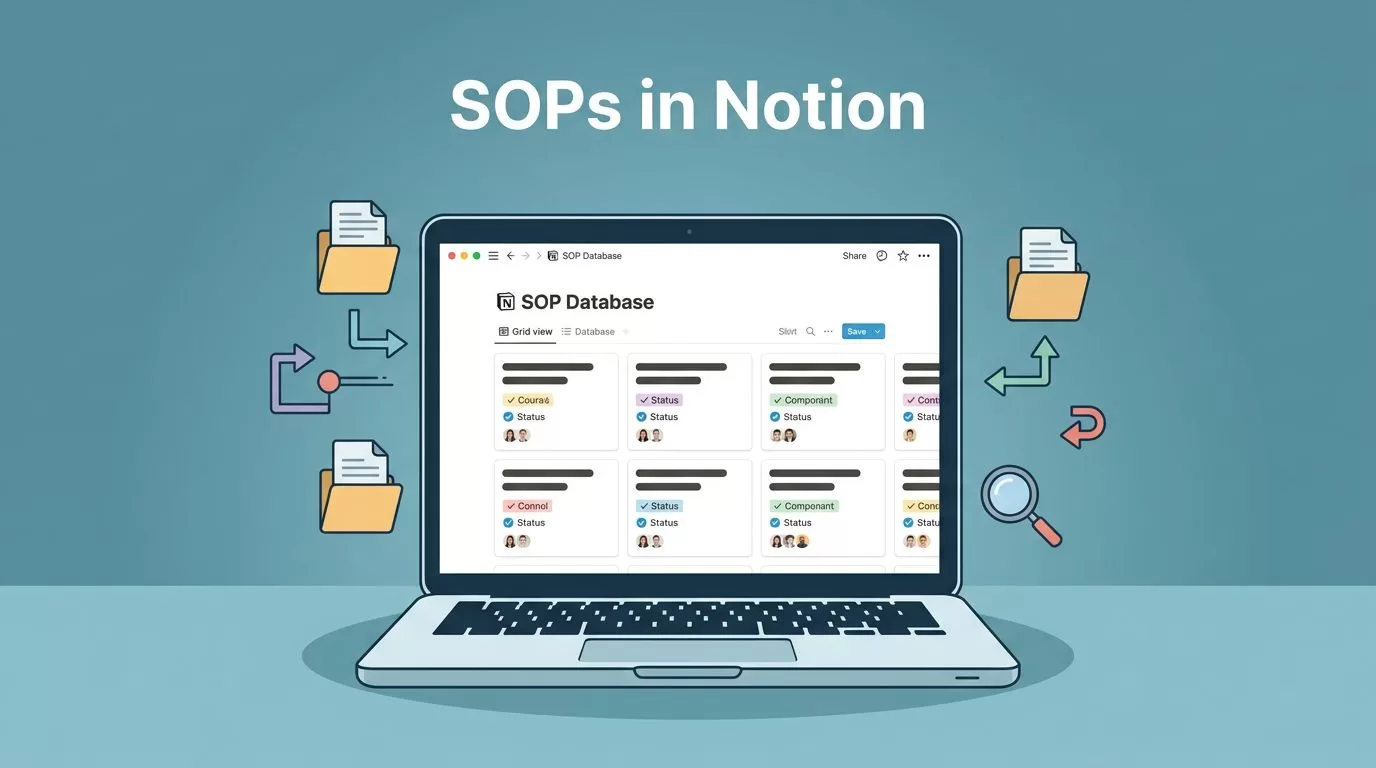
My SOPs used to hide in docs, chats, and random bookmarks. That was fine until I needed one answer fast. Then I burned time hunting for the latest version.
Now I keep my Notion SOPs in one system that tells me what exists, who owns it, and when it was last checked. That shift cut the noise, and it made onboarding much easier.
One SOP database beats a maze of pages
I start with a single SOP database, then I build pages around it. That gives me one source of truth. I can still create team pages, but the database holds the record.
Folders and loose pages feel tidy at first. The problem shows up later. You can’t sort them well, filter them cleanly, or see what needs review. A database fixes that.
| Setup | What it does well | Where it falls short |
|---|---|---|
| Folders and pages | Simple for a tiny team | Hard to filter, track, and audit |
| SOP database in Notion | Easy to search, sort, and update | Needs a bit more setup up front |
The database wins because it behaves like a control panel. I can scan the whole operation without opening ten files. If I need a starter layout, I look at Notion’s standard operating procedure template and adjust it for my own workflow.

The property setup I use for every SOP
I keep the property list simple, because simple systems get used. If the setup feels heavy, people stop updating it.
Here’s the core property set I trust:
| Property | Type | Why I use it |
|---|---|---|
| Status | Select | Shows whether the SOP is draft, active, needs review, or archived |
| Owner | Person | Makes one person responsible for updates |
| Department | Multi-select or select | Groups SOPs by team |
| Last reviewed | Date | Tells me if the doc is stale |
| Next review | Date | Helps me plan updates before things drift |
| Process type | Select | Separates onboarding, support, finance, sales, or ops |
| Related docs | Relation or URL | Connects the SOP to forms, templates, or source files |
I also use clear naming. I write “Refund request process” instead of a cute title. That saves time when someone searches later.
If a property doesn’t help me sort, filter, or review faster, I leave it out.
I like the SOP database template in Notion’s marketplace because it shows how far a database can go without getting messy. That kind of structure matters when a team grows.
My SOP page template keeps every page consistent
I want every SOP page to feel familiar. That way, anyone on the team knows where to look first. The page layout stays the same, even if the process changes.
My basic template looks like this:
- Purpose, one short sentence on why the SOP exists
- Trigger, when to use the process
- Steps, written in order with plain verbs
- Owner, backup owner, and department
- Tools or links, so the person can act without guessing
- Review notes, where I log changes and dates
That format keeps the page lean. It also forces me to explain the process in the right order. If I can’t write the steps cleanly, the process probably needs work.
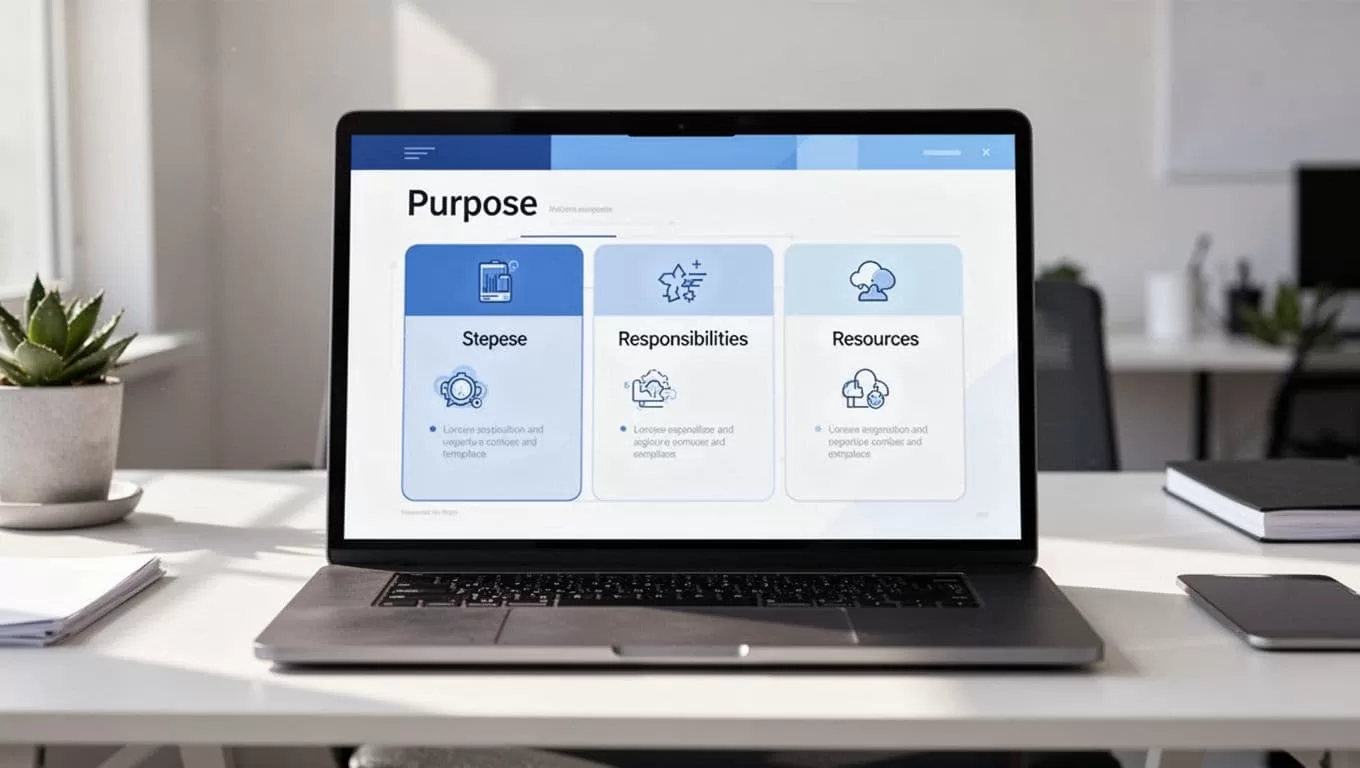
I usually add a short “how to use this SOP” note at the top. That helps new hires and part-time help move faster. For longer edits, I sometimes read the process aloud with hands-free reading with Speechify AI. Hearing a step out loud makes awkward wording stand out.
Linked views make the system useful every day
A single database is only half the job. The real magic comes from linked views. They let me show the same SOP data in different ways for different people.
I keep one master database, then place filtered views on team pages. Marketing sees marketing SOPs. Finance sees finance SOPs. My ops page shows the review queue. Nobody has to scroll through unrelated work.
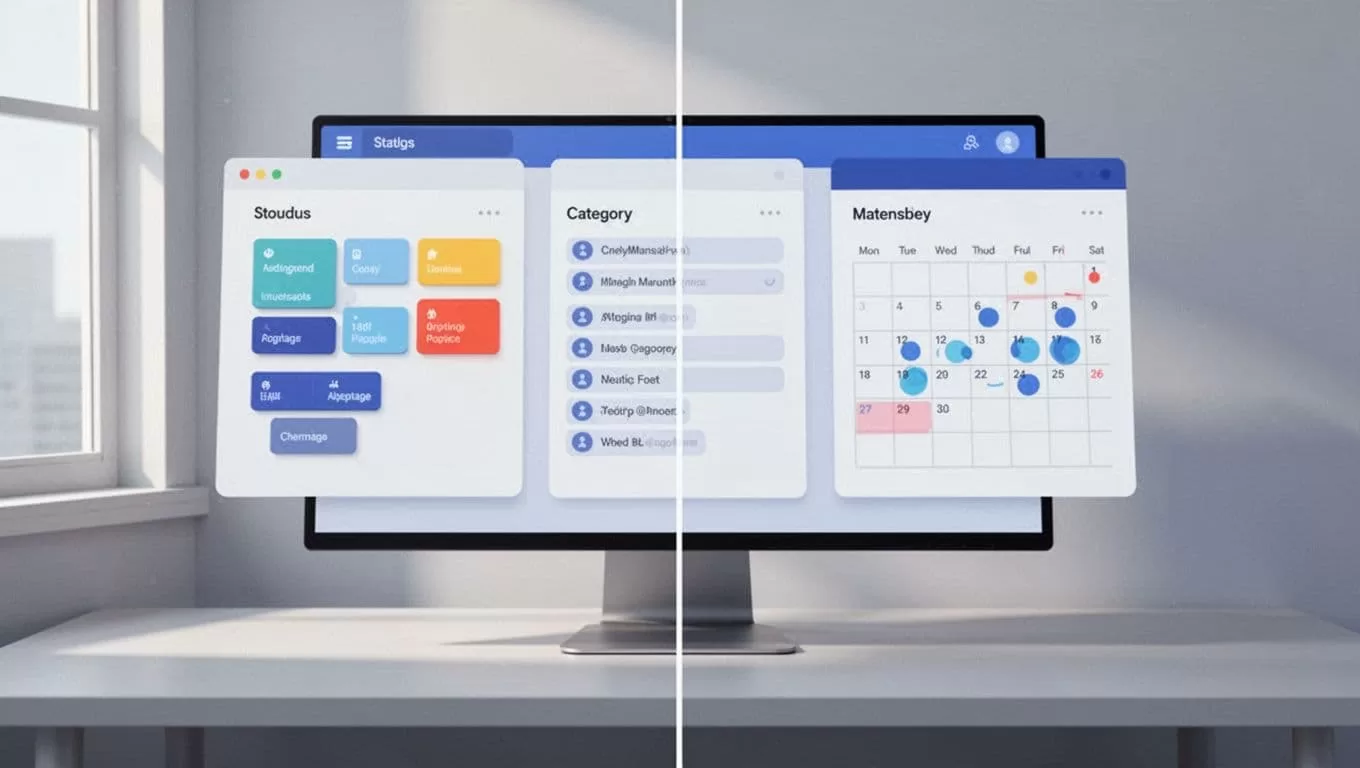
A few views do most of the work for me:
- Active SOPs for daily reference
- Review due soon for maintenance
- By department for team ownership
- Archived for old but useful history
Those views cut down on confusion. They also make it obvious when a process needs attention. If a board is full of drafts, I know I have cleanup to do.
When Notion works, and when I move on
Notion works well for me when the team is small to mid-sized, the processes change often, and I want fast editing. It’s strong for internal docs, onboarding, support flows, and repeatable work that doesn’t need a complex approval chain.
It starts to strain when I need strict version control, detailed audit logs, or deep permission layers. That’s when I look at a more robust documentation system or a dedicated knowledge base. If legal, compliance, or regulated workflows are involved, I want stronger controls than a normal workspace gives me.
For teams that want a fast starting point, Notion’s SOP database template is a solid reference. I still tailor it, because every business has its own rhythm.
The best setup is the one people keep using. If the system feels easy, SOPs stay current. If it feels clunky, the docs rot.
My goal is simple. I want every process to live in one place, have one owner, and carry a clear review date. When that works, SOPs stop feeling like paperwork and start acting like a map I can trust.
