Streamline Podcasts with Opus Clip and Transistor.fm
You host a podcast on Transistor.fm. You pour hours into episodes. But turning them into social clips feels endless. I faced that grind until I paired Transistor.fm with Opus Transistor.fm workflows using Opus Clip’s AI. This setup le...
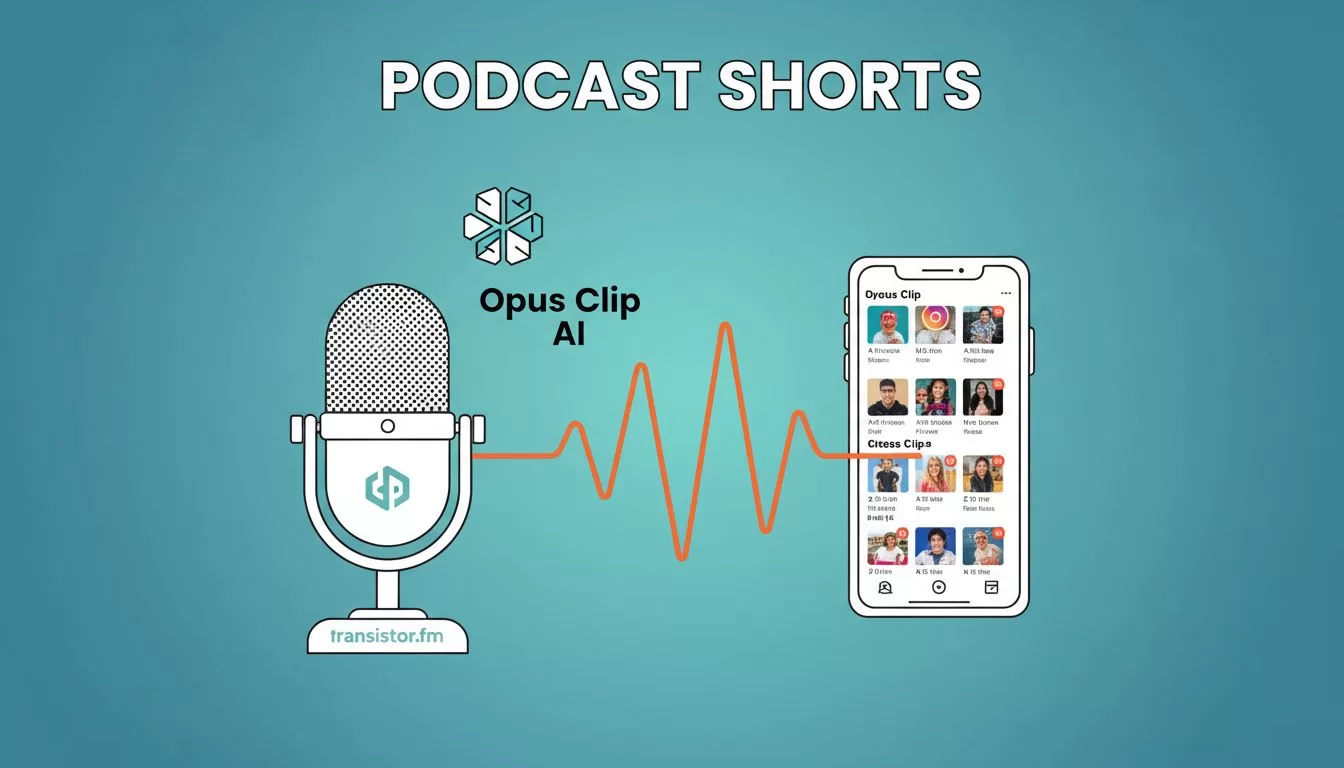
You host a podcast on Transistor.fm. You pour hours into episodes. But turning them into social clips feels endless. I faced that grind until I paired Transistor.fm with Opus Transistor.fm workflows using Opus Clip’s AI.
This setup lets me grab audio from new episodes and spin out viral shorts fast. No native link exists. Yet, the manual steps save days each month. Creators and teams gain steady clip flow for TikTok or Reels.
Watch this quick tutorial to see Opus in action.
Understand Transistor.fm for Podcast Hosts
Transistor.fm hosts your shows with ease. I upload episodes there because it handles unlimited storage and direct player embeds. Listeners access RSS feeds across platforms like Spotify.
The platform shines for teams. Multiple users edit shows without chaos. Analytics track downloads per episode. So, you spot hot topics quick.
Yet, Transistor.fm focuses on audio delivery. Video repurposing stays manual. That’s where AI steps in. I export MP3 or video files from episodes, then feed them elsewhere.
Discover Opus Clip’s AI Power
Opus Clip takes long videos or podcasts and births short clips. Its AI scans audio for hooks: high-energy talk, key phrases, speed shifts. Each clip gets a virality score from 1 to 100.
I love how it adds captions, B-roll footage, and phone-friendly reframing. Brand kits lock in my colors and fonts. No more tweaking every short.
For podcasts, it pulls 10 to 15 clips from a 30-minute episode. Each runs 30 to 90 seconds. Perfect for Instagram or YouTube Shorts. Check Opus Clip’s blog on AI podcast clipping for real creator stories.
Pricing fits solo hosts. Free gives 60 minutes monthly, with watermarks. Starter at $15 unlocks 150 minutes, no marks. Pro costs $29 for 300 minutes and scheduling.
When This Workflow Fits Your Needs
Use Opus Transistor.fm pairing if you publish weekly. Long-form talks convert best: interviews, solos, panels. Teams with consistent branding win big.
Skip it for music pods or heavy effects. AI thrives on clear speech. I skip if episodes run under 10 minutes; too few clips emerge.
In short, this boosts reach without a video team. One episode fuels a month’s posts.
Build Your Opus Transistor.fm Workflow
Start in Transistor.fm. Publish your episode. Download the video or MP4 export. I grab webcam-recorded versions for visuals.
Next, log into Opus Clip. Upload the file. AI processes in minutes. Review scores, reorder clips, apply brand kit.
Export packs ready for Buffer or direct posts. Schedule via Pro plan. Repeat weekly.

This flow turns my desk setup into a clip factory. Audio waveforms morph into floating shorts, much like magic.
Step-by-Step Guide to Opus Transistor.fm Integration
Follow these steps. I run them post-publish.
- In Transistor.fm, select episode. Hit download for MP4.
- Open Opus Clip dashboard. Drag file to upload.
- Wait for AI b-roll and captions. Scores appear.
- Edit top clips. Swap order or trim ends.
- Export batch. Post to three platforms.
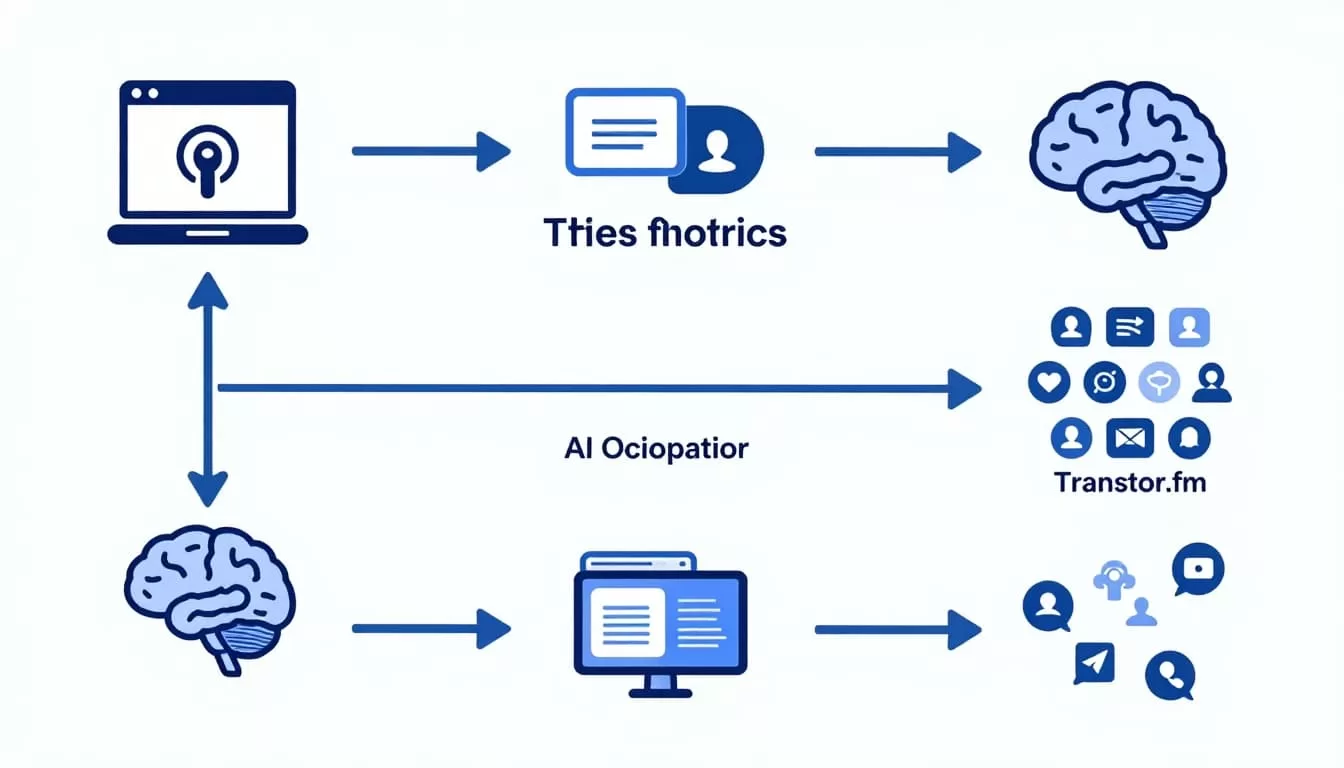
For example, my sales pod episode on leads. Opus pulled a hook: “Cold emails flop 90%.” Clip hit 5K views on TikTok. Manual? I’d spend two hours.
See a full guide at Opus Clip’s video workflow tips.
Real Examples from My Podcast Routine
Take my weekly tech chat. 45 minutes recorded via webcam on Transistor.fm. I download, upload to Opus. Out come 12 clips.
One shines: guest tip on automation. AI adds stock footage of gears turning. Virality score 92. I post it; engagement triples.
Another pod on AI ethics. Clips cover dilemmas with bold captions. Scheduled posts run autopilot.
Results? Followers grew 25% in three months. Listens rose too, as shorts drive traffic back.
Spot Limitations and Dodge Mistakes
No direct integration hurts. Manual uploads eat five minutes per episode. Credits cap output; I track monthly burn.
AI misses sarcasm sometimes. Clear speech helps. Common slip: skipping review. Always check context.
Free plan watermarks kill polish. Upgrade early. Don’t overload with noisy audio; quality dips.
For deeper limits, read Opus on AI tools that deliver.
Manual Clipping versus AI Speed
Manual means I scrub timelines, add text, cut B-roll. A 30-minute episode? Four hours total.
With Opus Transistor.fm, same yields 10 clips in 20 minutes. AI handles 80% work. I tweak rest.
Savings stack. Manual suits one-offs. Scale demands AI. My views prove it: shorts pull 10x traffic.
| Method | Time per Episode | Clips Output | Cost |
|---|---|---|---|
| Manual | 4 hours | 3-5 | Free |
| Opus AI | 20 minutes | 10-15 | $0.10/min |
AI wins for volume. Manual fits custom needs.
Wrap with Your First Run
Pairing Opus Clip and Transistor.fm transformed my output. From one episode, clips feed channels for weeks. You gain time, reach, growth.
Try a free Opus upload today. Watch one podcast bloom into shorts. What episode will you clip first?
